Code Intelligence
Available to workspaces on the Business and Enterprise plans.
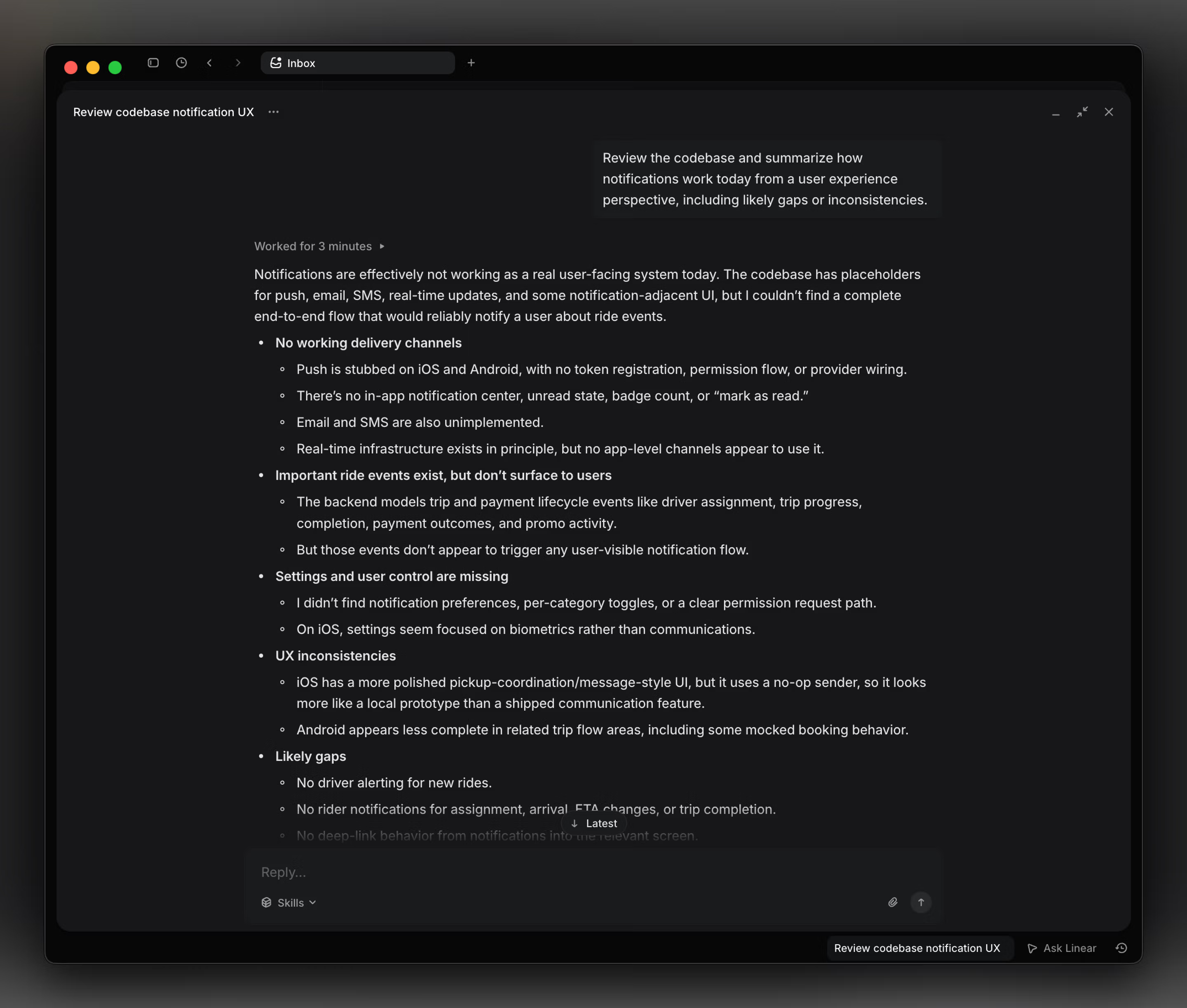
Code Intelligence lets Linear Agent answer questions about your codebase. PMs can use ask questions about current implementations to inform specs, Support and Sales can answer more technical customer questions, and engineers can more easily investigate bugs in unfamiliar product areas. Workspace admins can extend availability of this feature to all workspace users, or restrict it to users with GitHub access.
Once you’ve completed setup, try pressing ⌘/Ctrl + J to ask Linear questions like:
How does the authentication system work?
Who wrote the payment processing logic?
What PR last touched search indexing last touched?
Setup
To set up Code Intelligence, a Linear workspace owner or admin should:
- Connect the GitHub integration: If not already enabled, install the GitHub integration for your workspace, with code access enabled to allow Linear to read your repositories.
- Enable Code Intelligence: To configure Code Intelligence, go to Settings > AI & Agents > Code Intelligence.
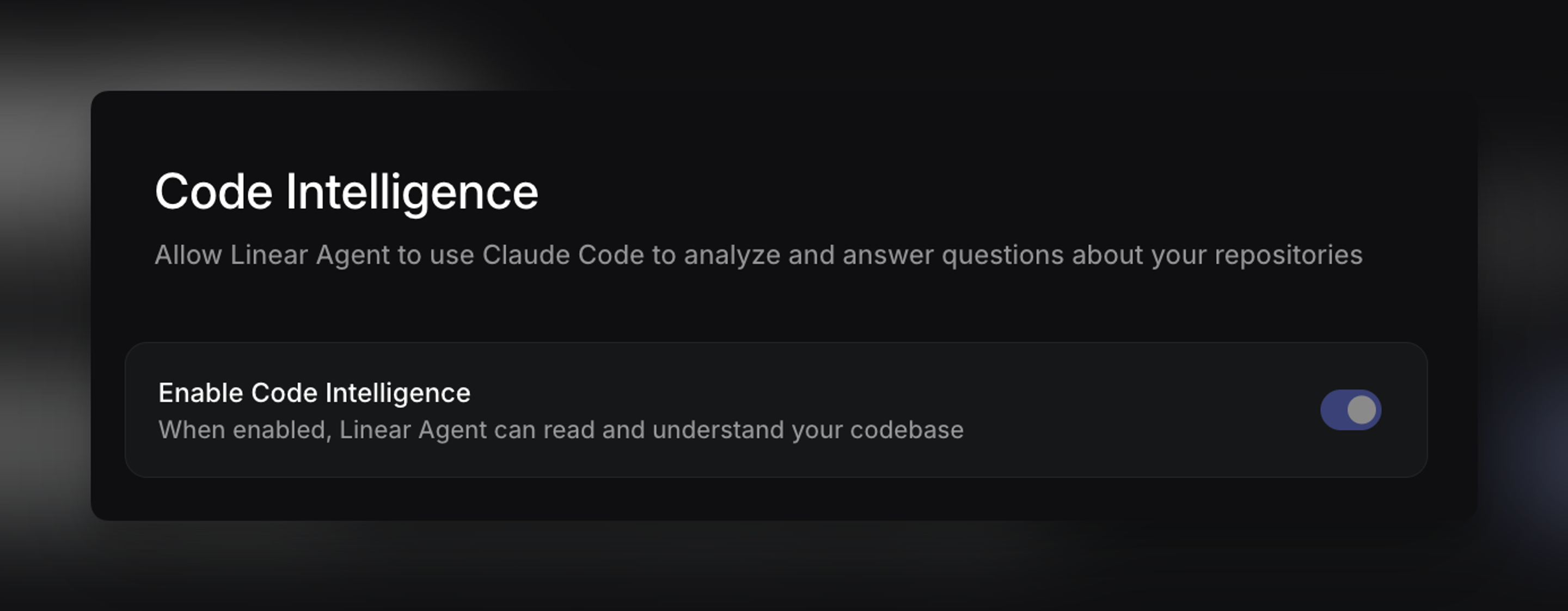
Once enabled, teams can use Code Intelligence to understand implementation details, find where functionality lives, identify architectural patterns, trace when something was added, see who contributed to specific parts of the codebase, and assess what constraints or dependencies might affect a plan or customer request.
Code Intelligence is not available to guest users. Only members, admins, and workspace owners can use Code Intelligence.
Repository access
By default, Code Intelligence only searches repositories that are:
- connected through your GitHub integration, and
- accessible to the member
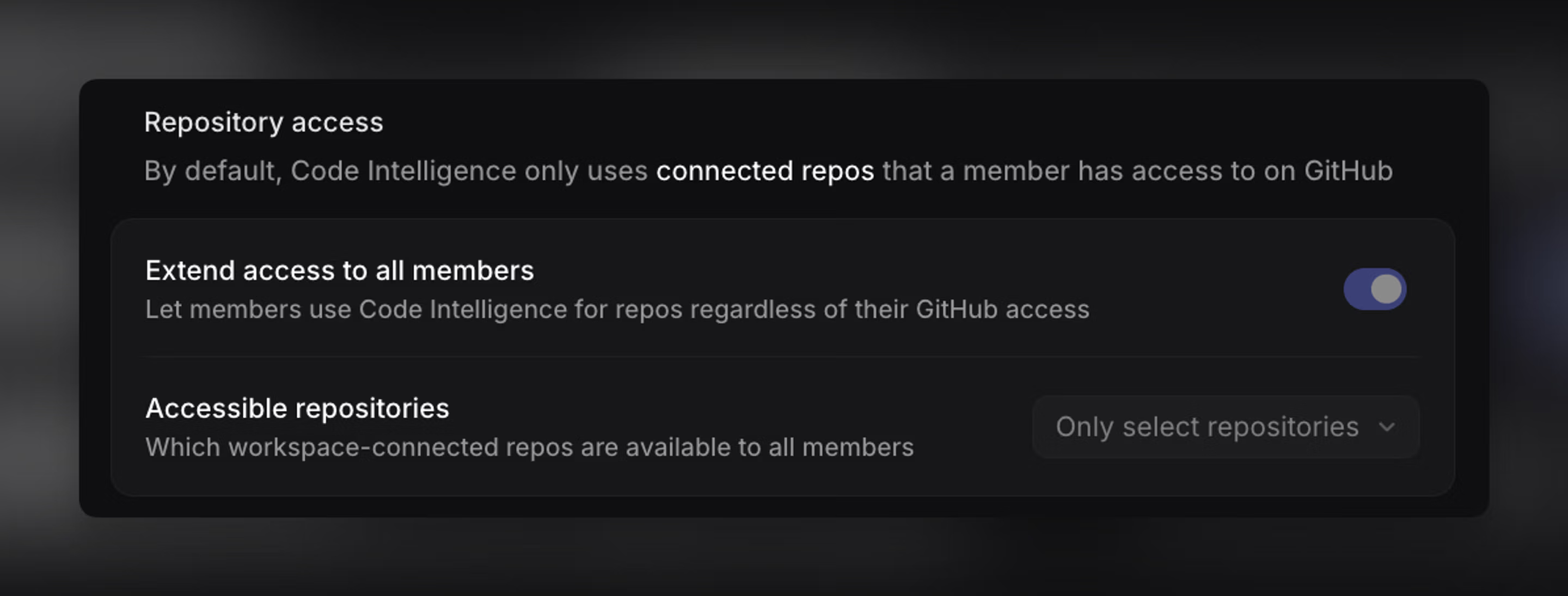
Workspace admins or owners can also choose which repositories are available for Code Intelligence. This lets you expose only the repositories you want Linear Agent to analyze, rather than making all connected repositories available.
Repository access is permission-aware by default. If someone can’t access a repository in GitHub, Code Intelligence won’t use it for them.
Extending access to all members
Admins can enable Extend access to all members to let anyone in the workspace use Code Intelligence, even if they don’t have direct GitHub access. Once enabled, admins can scope that access to all repositories or only selected repositories.
This makes technical product context available to teams like Support, Sales, and Product without requiring direct repository access or pulling an engineer in for every question.
Agent guidance
You can provide Linear Agent guidance to shape how this analysis works in your workspace.
This is useful for specifying repository conventions, architectural context, or preferences for how Linear should interpret and explain your codebase when answering code-related questions.