- Integrations
- TalkThrough
Voice and drawing-driven notation tool
Overview
TalkThrough lets QA engineers and product managers document bugs and feedback by talking through issues while testing, then automatically creates Linear issues with AI-generated descriptions and annotated screenshots. Instead of context-switching to write tickets, users narrate their observations, draw annotations to highlight problems, and export directly to Linear in seconds.
How it works
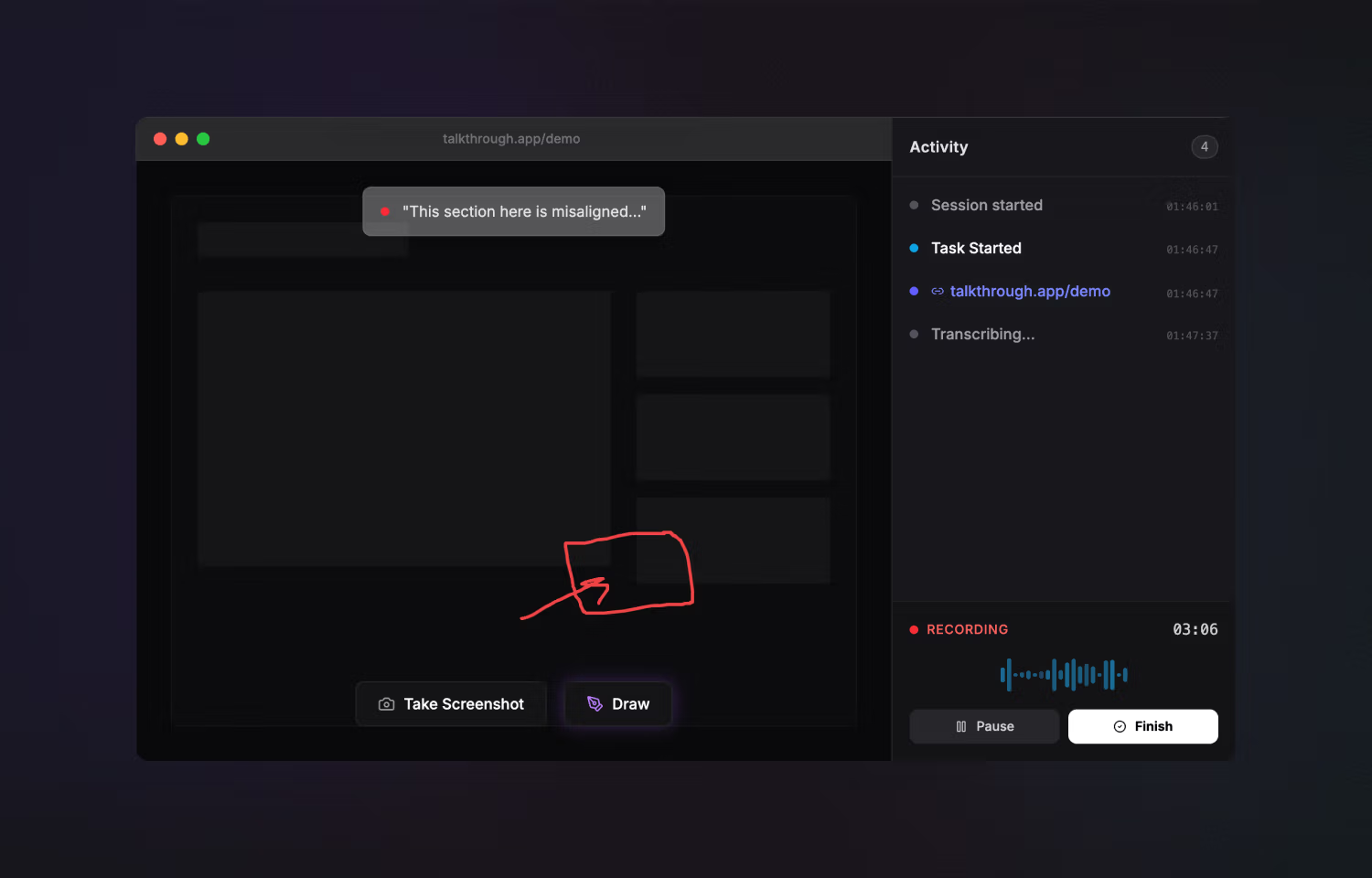
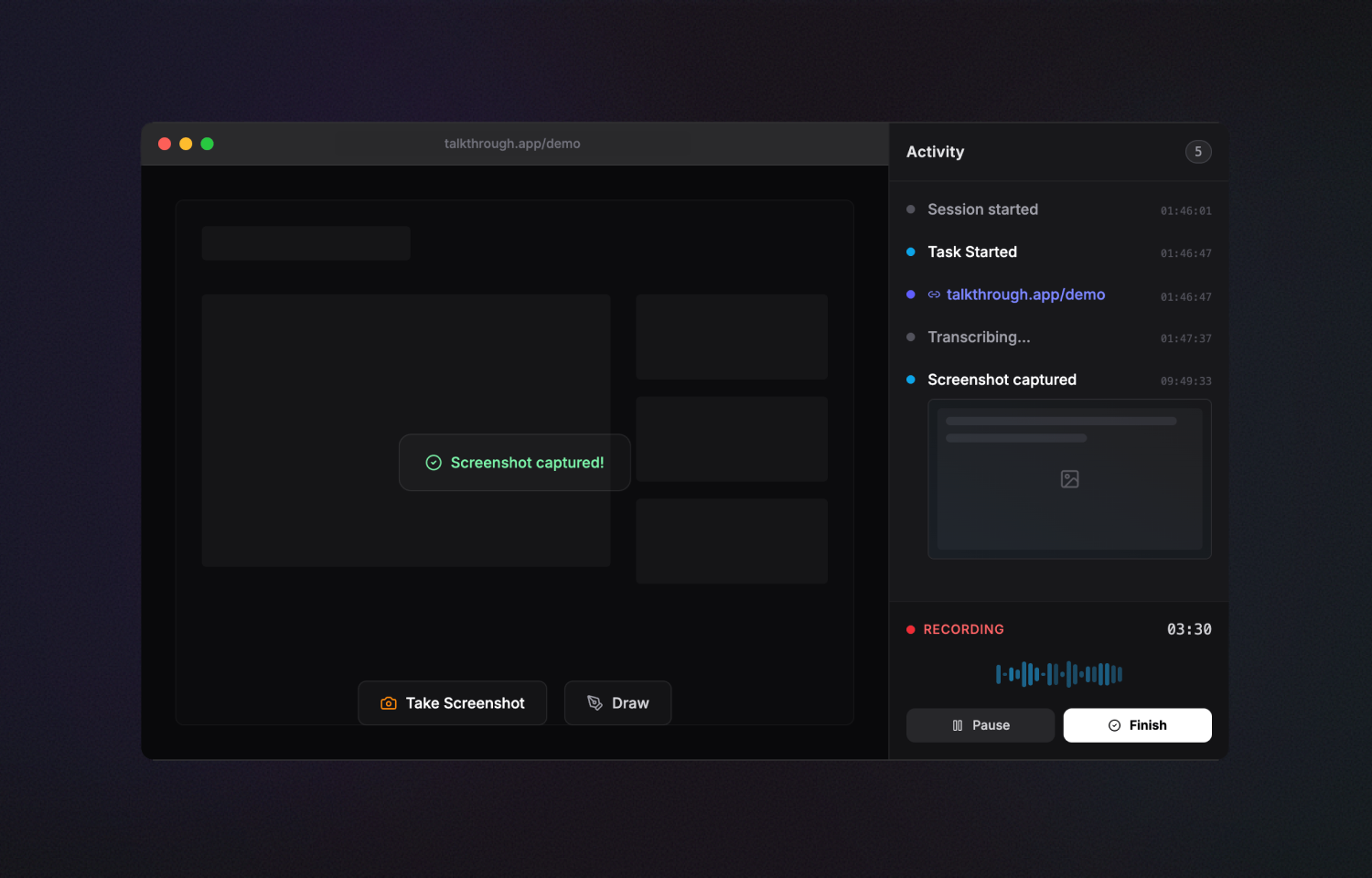
TalkThrough is a macOS menu bar app that overlays your Chrome browser during testing sessions. Start a session, then begin recording individual tasks as you encounter bugs or have feedback. While a task is recording, speak your observations naturally and draw directly on the screen to circle buttons, underline text, or highlight any element you’re describing. Navigate through multi-step flows while the app automatically tracks URLs and captures screenshots with your annotations preserved.
When you end a task, TalkThrough transcribes your voice recording using OpenAI Whisper, then sends both the transcription and your annotated screenshots to GPT-4 or Claude. The AI analyzes what you said alongside what you drew to generate accurate, actionable issue descriptions. You can record multiple tasks in a single session, reviewing and editing the AI summaries before export.
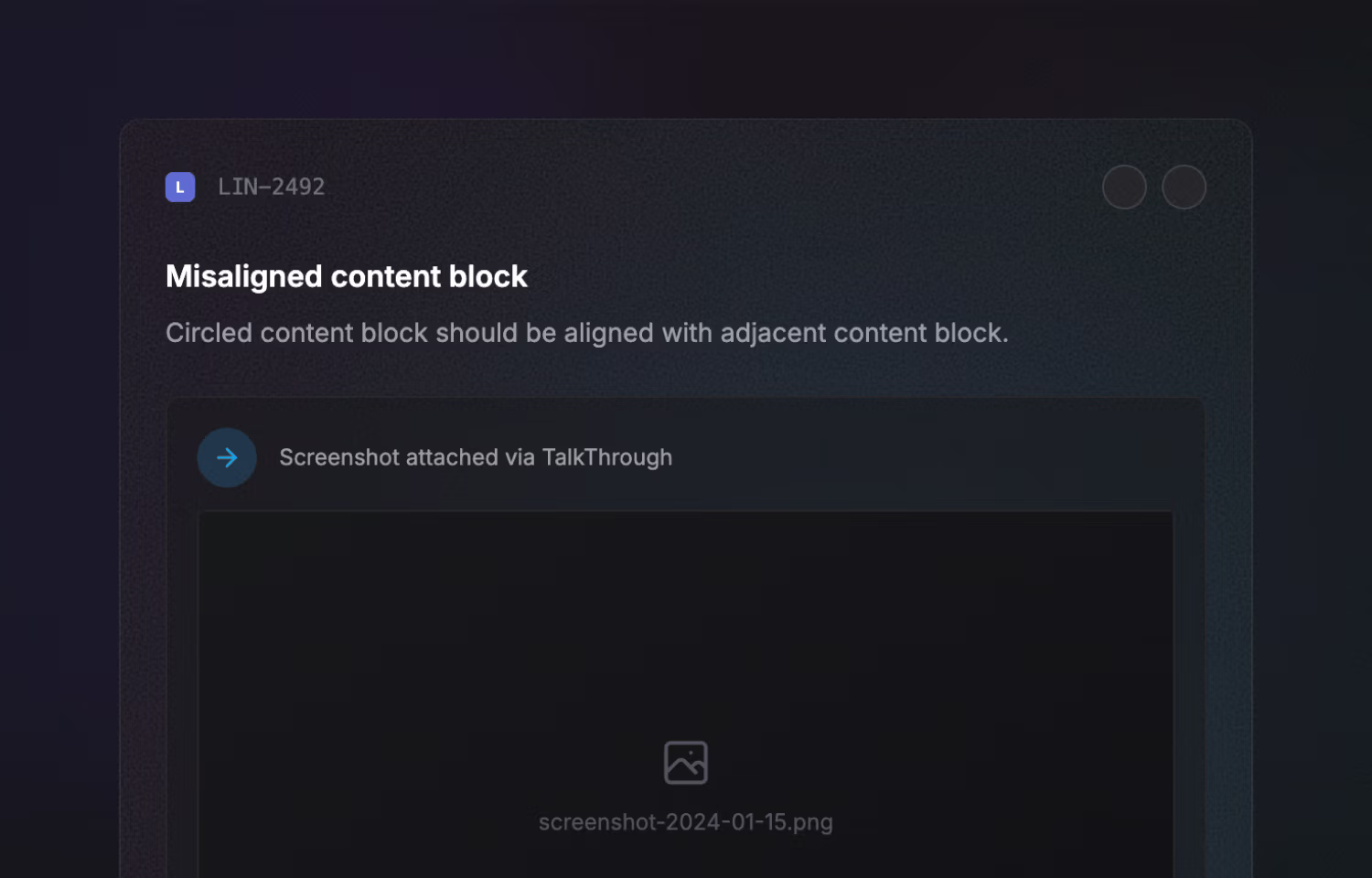
When exporting to Linear, select your target team and project, and TalkThrough creates issues with AI-generated titles, detailed descriptions including all URLs visited, and screenshots uploaded as attachments. Links to the created issues appear immediately so you can share them with your team.
Configure
To connect TalkThrough to Linear, open the app settings and click “Connect to Linear” under Linear Integration. This opens an OAuth authorization flow in your browser where you grant TalkThrough permission to create issues and upload attachments.
Once connected, you can set a default team and project for faster exports. You’ll need a Linear account with permission to create issues in your target workspace. Configuration is available at TalkThrough > Settings > Linear Integration.