- Integrations
- Swarmia
Improve developer productivity with insights from Linear and GitHub
Overview
Linear shows you what your team is working on. Swarmia shows you how it’s going — and whether the AI tools you’re paying for are actually helping. It gives engineering leaders and teams the metrics and feedback loops to find what’s slowing them down and fix it.
How it works
When you connect Linear to Swarmia, your issues and projects join the data from your code hosting and AI coding tools in one place. Swarmia reads your existing Linear setup, so teams that work in different ways still get consistent, comparable metrics without changing how they work.
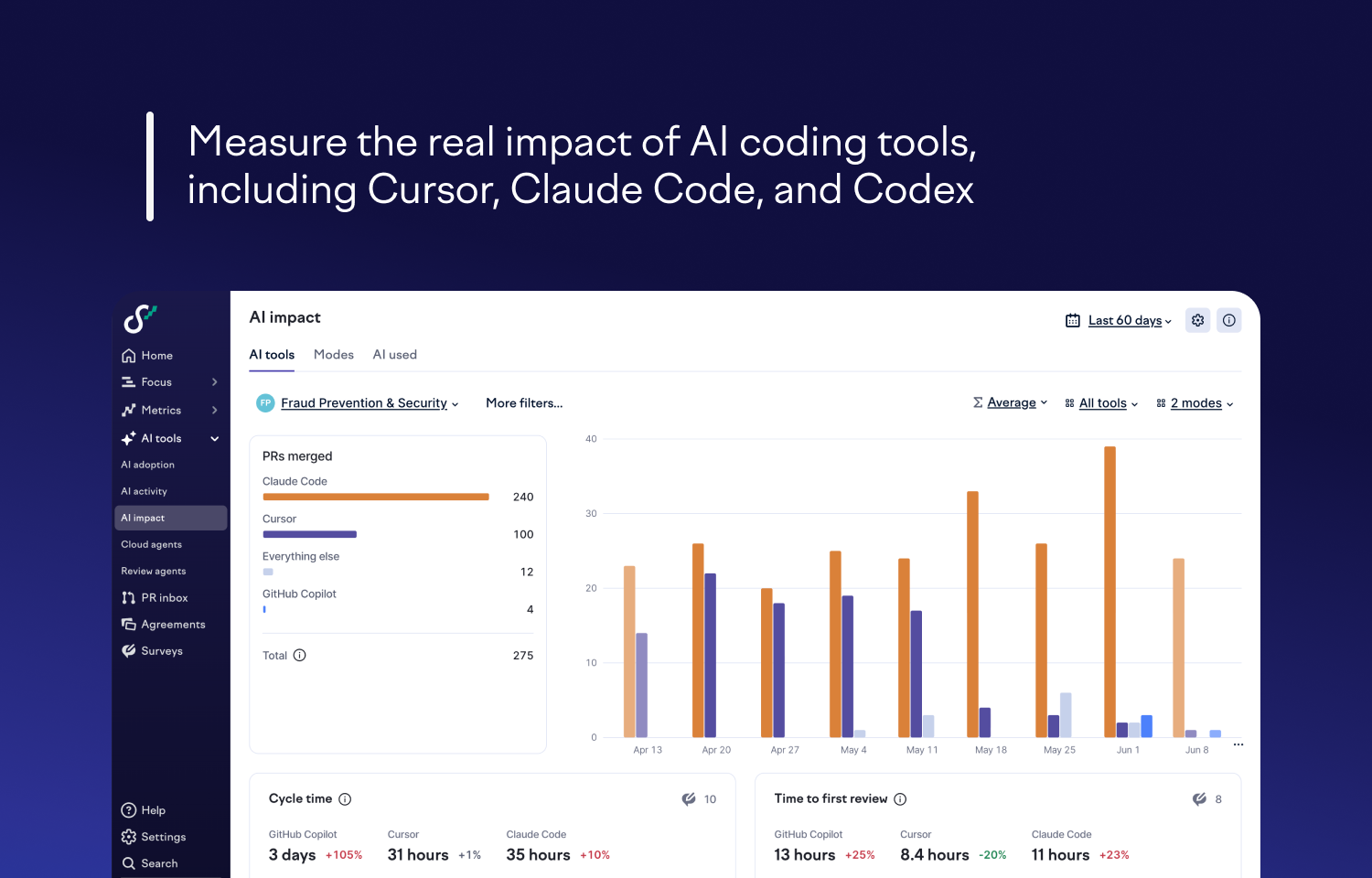
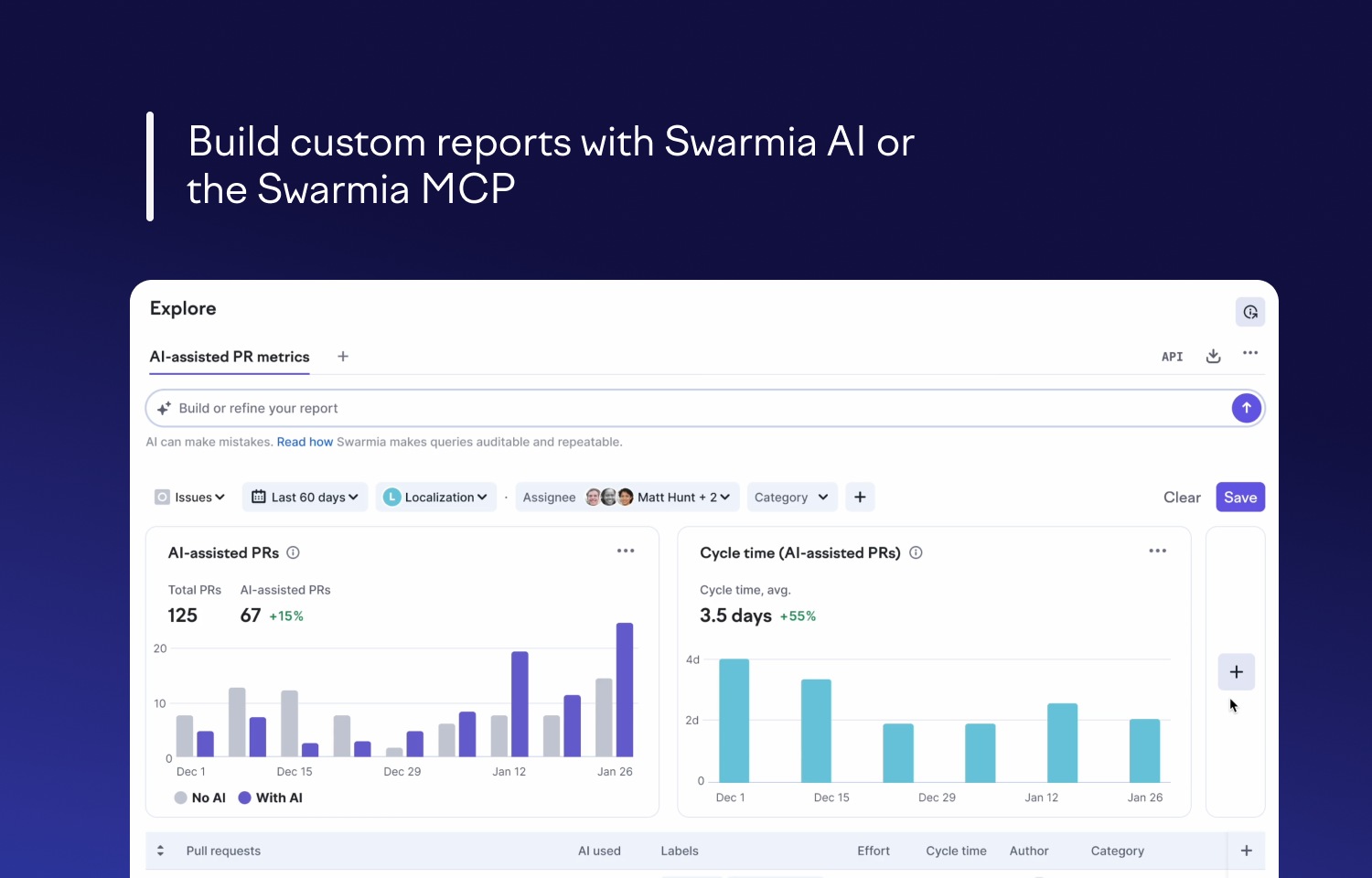
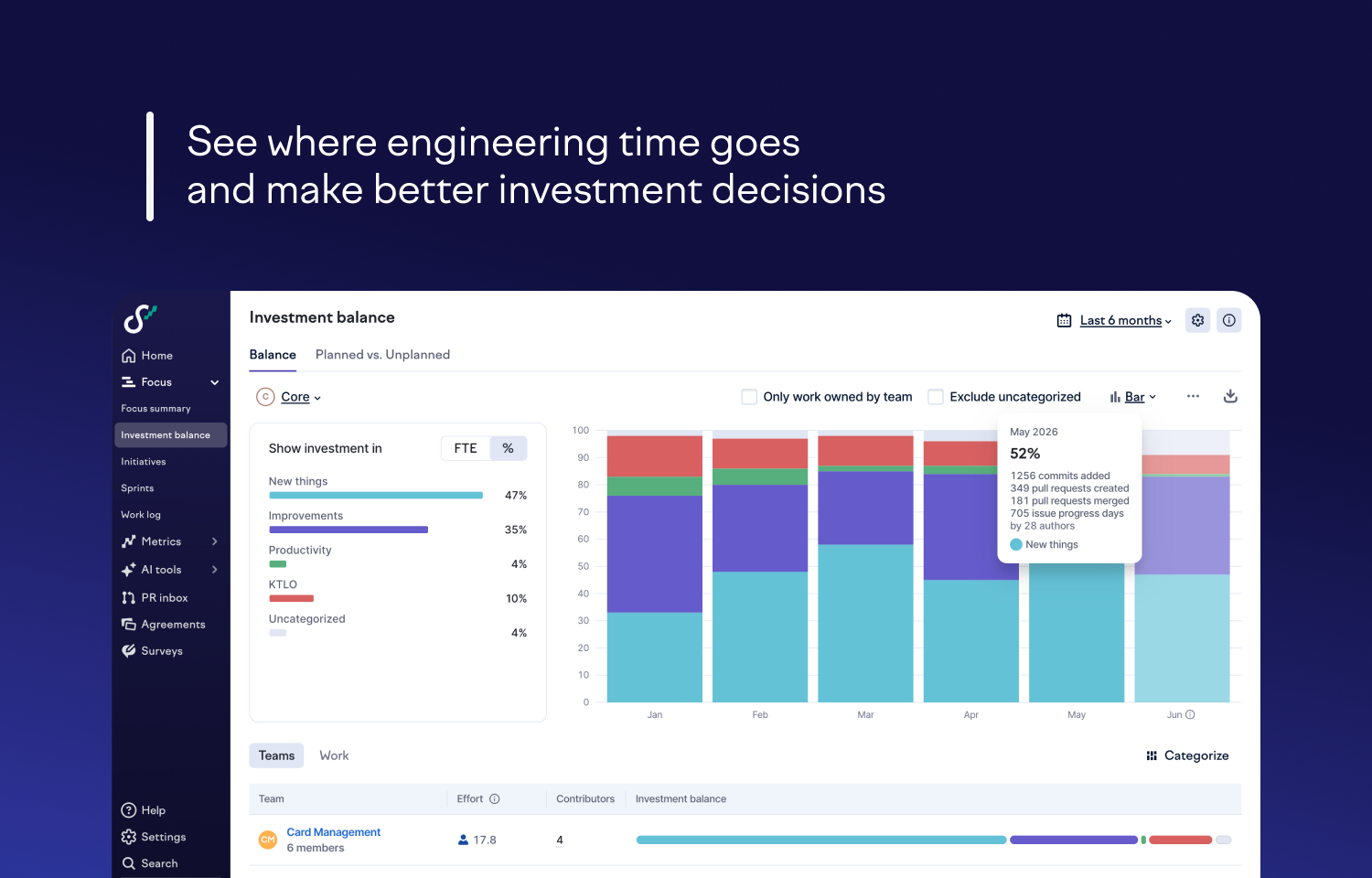
Most teams have rolled out Copilot, Cursor, Codex, and/or Claude Code, but far fewer can say what they’re getting for it. Swarmia brings every AI tool into one view — who’s using what, what it costs, and whether it’s actually helping you ship faster. From there, you get engineering metrics like DORA, cycle time, and throughput, broken down by team, and the explore view lets you build and save custom reports. Working agreements, automated signals, and Slack and Teams notifications turn those metrics into real change, instead of dashboards nobody checks.
Because Swarmia is transparent by design, everyone sees the same data, from individual engineers to the CTO. Engineers use it to improve their own work, and managers use it to run better one-on-ones and set goals their teams follow. Leaders can query everything in plain language through Swarmia AI or pull it straight into their own workflow with the Swarmia MCP server, then decide where to invest.
Configure
Get started by following these instructions.