- Integrations
- Notion Custom Agents
Connect Notion Custom Agents to the Linear MCP Server
Overview
Custom Agents are shared AI teammates in Notion. By connecting Custom Agents to Linear’s MCP server, you can automate tasks like turning your Notion docs into well-structured Linear issues or reporting on Linear project updates in Notion.
How it works
This app bridges Notion and Linear to turn scattered docs and ideas into clear, actionable work. It helps teams summarize project progress, generate weekly updates with milestones and blockers, and instantly create Linear issues directly from Notion documents. Whether you’re working from rough notes or polished specs, it keeps your projects aligned and your execution moving forward.
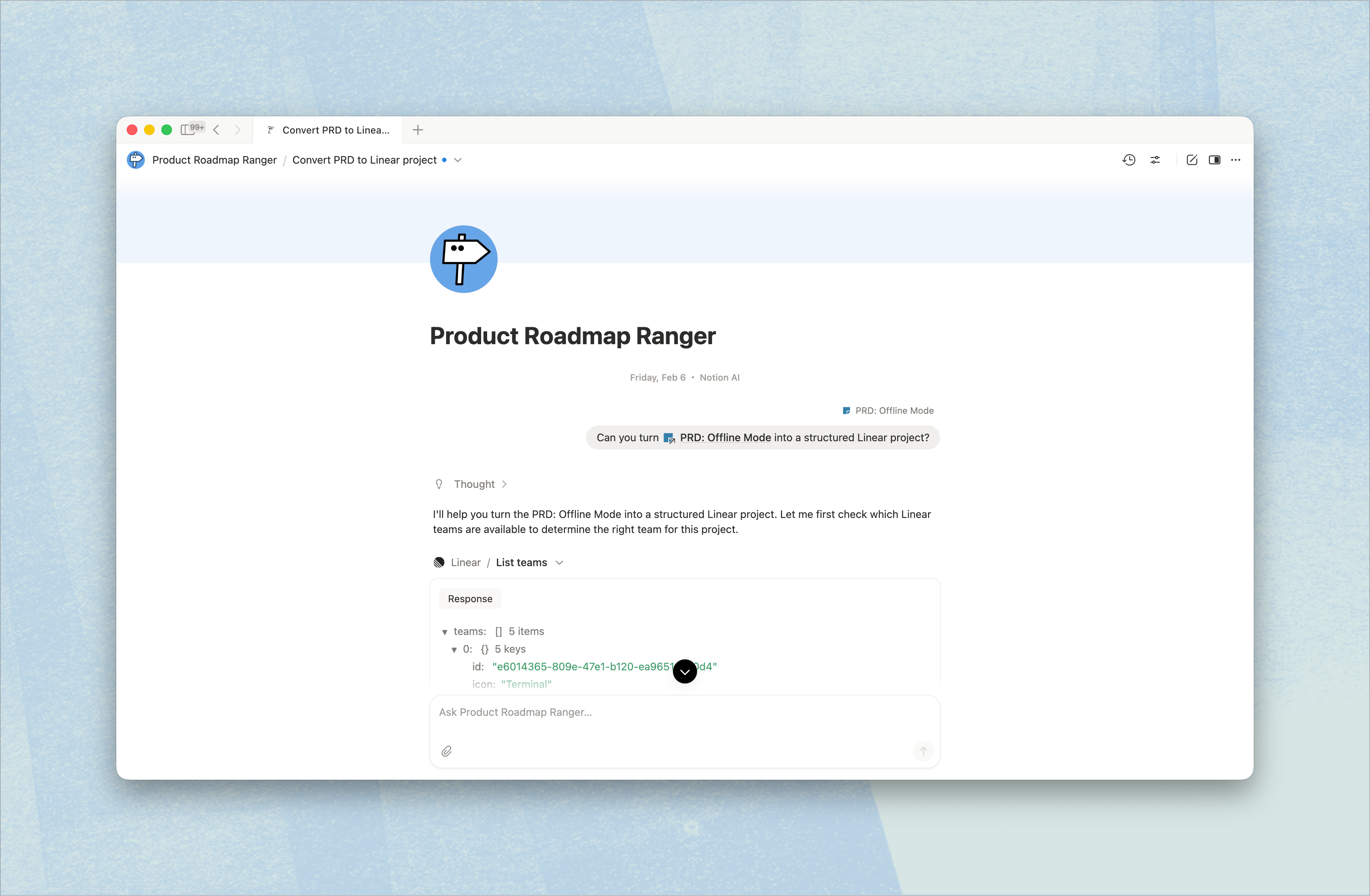
With simple, natural-language prompts, you can transform Notion PRDs into fully structured Linear projects, pull all Linear tasks that need documentation, or spin up a new project straight from a mobile app PRD. Just ask—“Use my PRD for the mobile app to create a Linear project” or “Give me a summary of this week’s milestones and blockers”—and let the app handle the busywork so your team can focus on shipping.
Configure
1. In the sidebar of your Notion workspace, go to Agents section. You can either create a new agent, or select one of the templates.
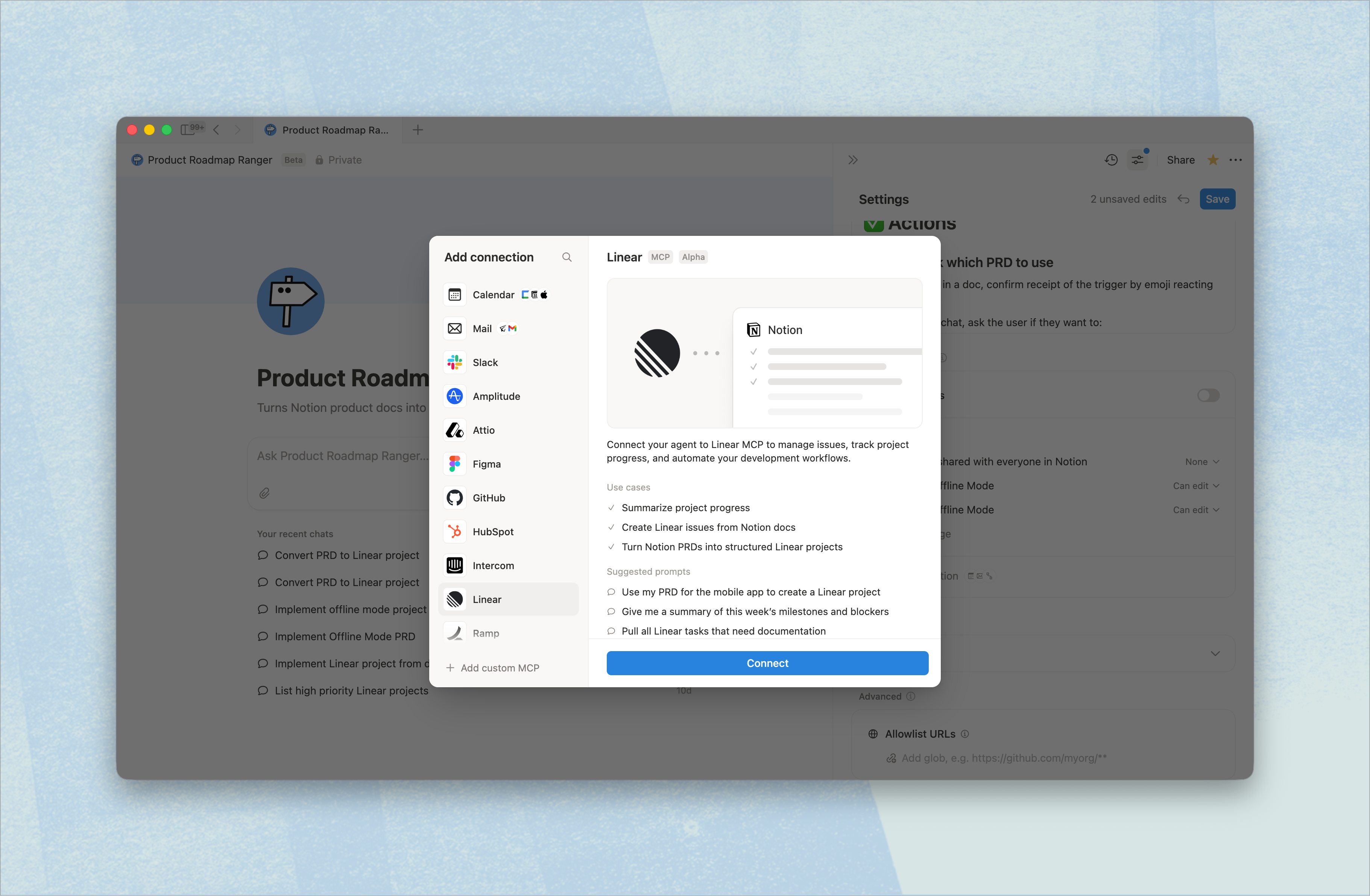
2. In the Agent’s Settings, go to Tools and access and select + Add connection. You’ll see a list of MCP servers - select Linear and click Connect.
3. You will be redirected to Linear’s website to complete authentication.