- Integrations
- Tembo
Delegate work to any coding agent with Tembo
Overview
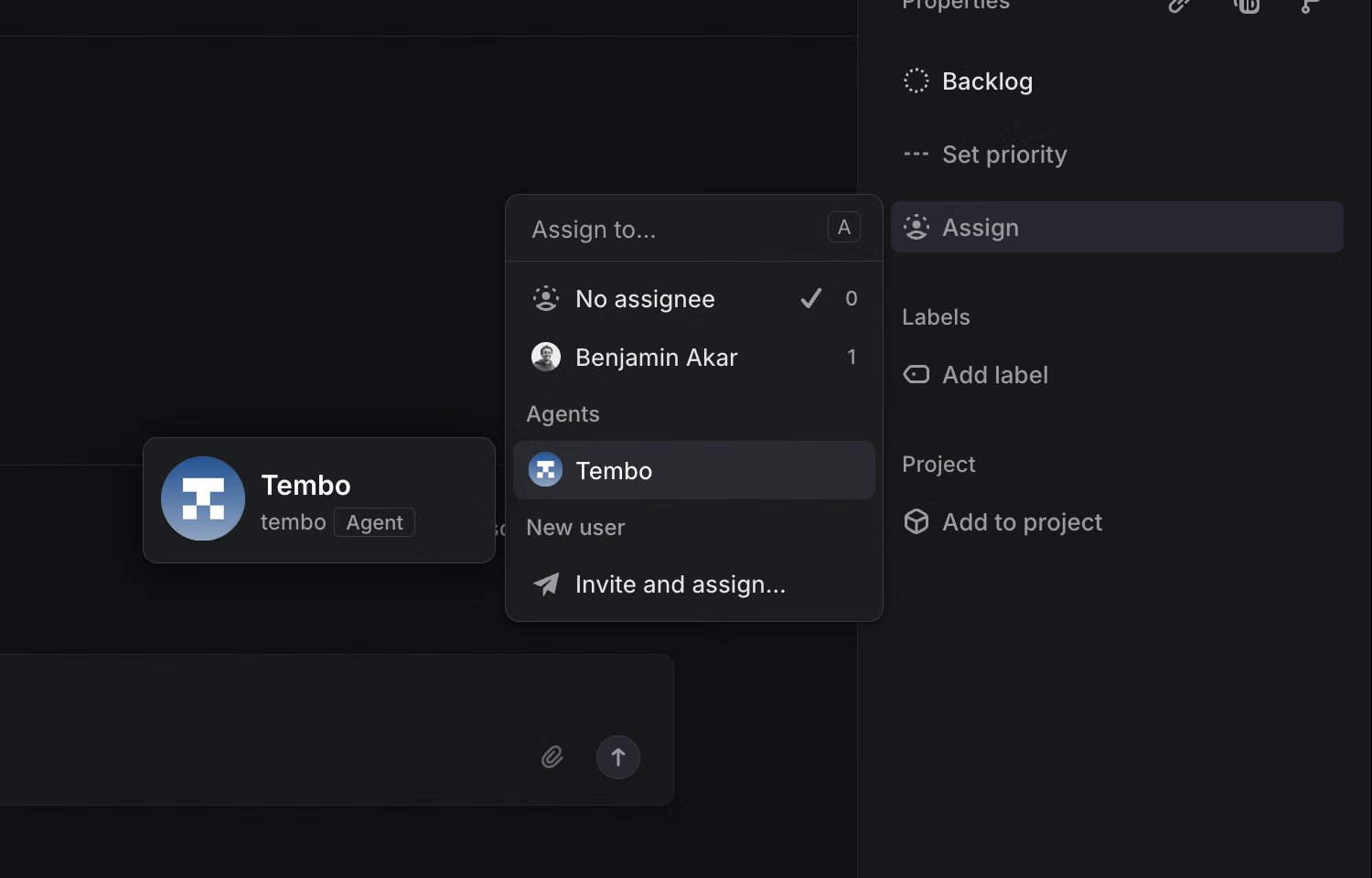
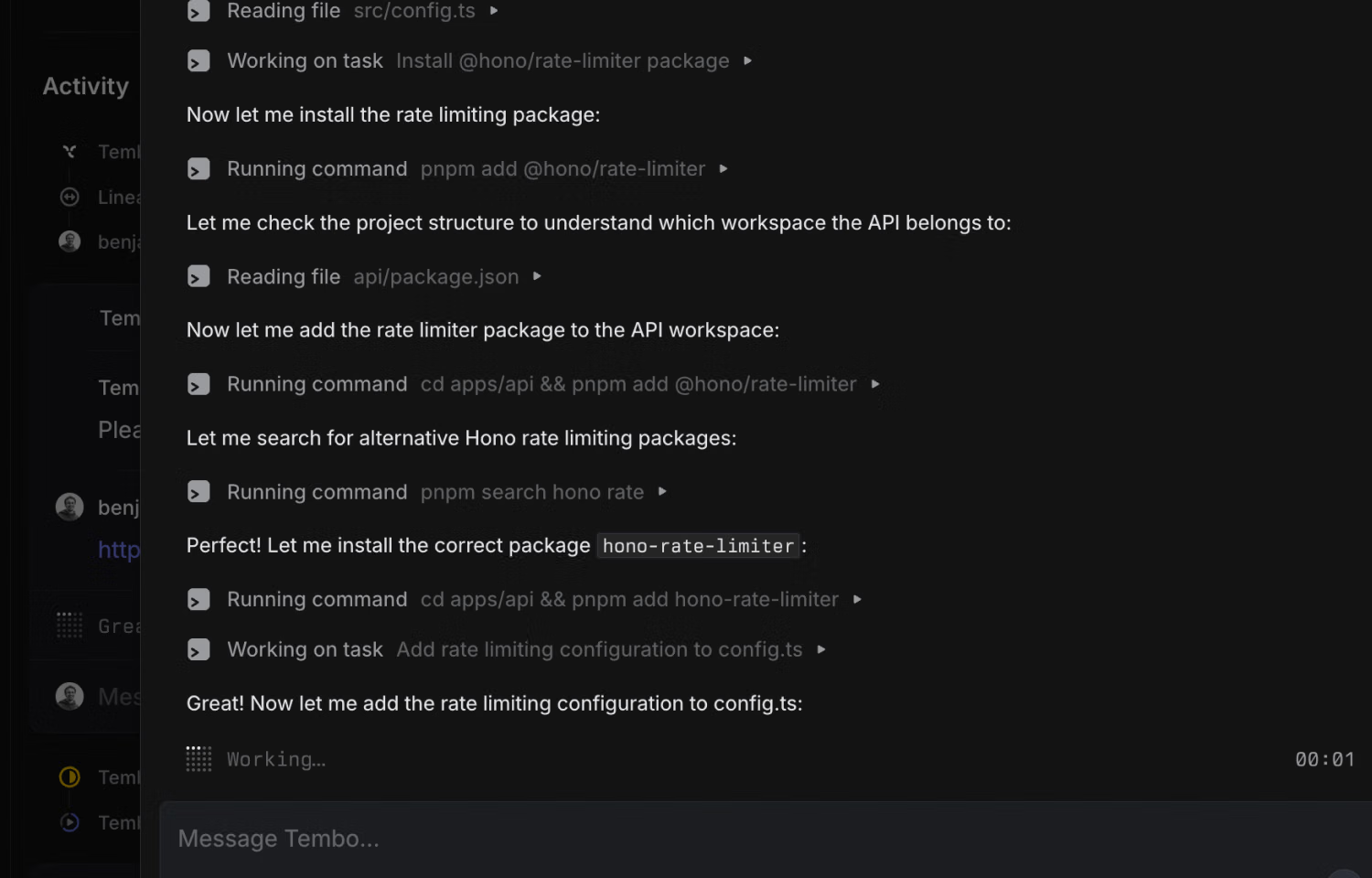
Assign any Linear issue to Tembo, and a cloud coding agent will get to work. You can track progress directly in Linear, the Tembo web app, or your even via your local terminal. Once the task is started, the Tembo agent will update the issue automatically to the In progress state and will also notify you in linear when its done with a PR.
How it works
When you connect Linear with Tembo, you can assign any issue directly to a coding agent of your choice—Claude Code, Cursor, Amp, Gemini, OpenCode, or Codex. Once assigned, Tembo automatically spins up a cloud agent that works in context of the issue, pulling in the relevant details from Linear so progress stays aligned with the original request.
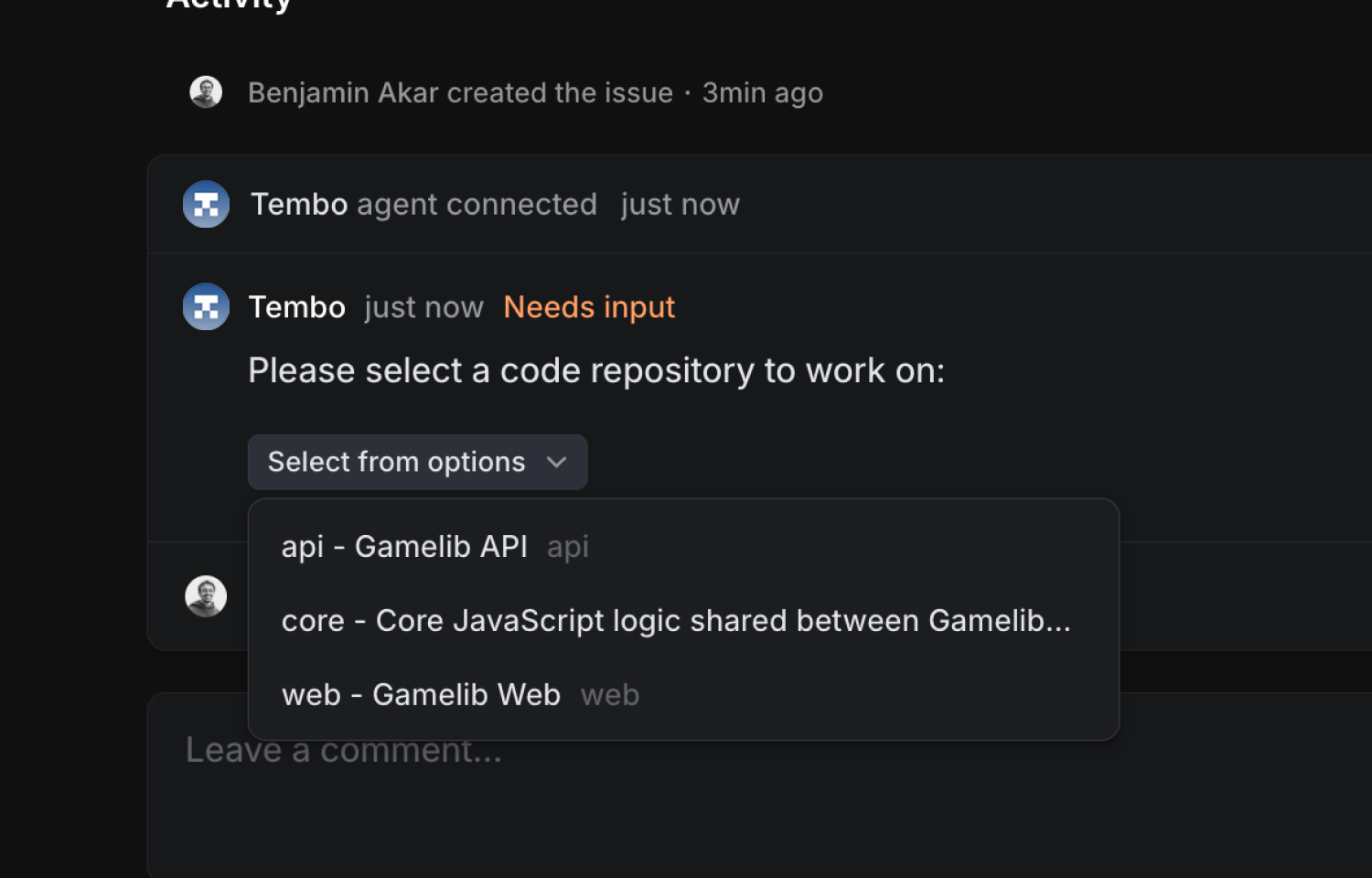
Tembo also provides an library of MCP servers that lets your coding agent interact directly with Linear. Ask questions about issues, projects, or team data without leaving your editor. The integration auto-detects your repository, so agents understand your codebase structure and can get to work immediately—no manual configuration required.
As the agent works, updates flow back into Linear so you can track progress without switching tools. When the task is complete, results are recorded on the issue and a pull request is ready for review. Assignments, status updates, and deliverables stay synchronized between Linear and your code, making it seamless to move from planning to execution.
Configure
Tembo’s Linear integration is available on all plans—Free, Pro, and Pro+. An admin can connect Linear to your Tembo workspace from the integrations page. Once connected, you can assign work to Tembo by mentioning it in an issue comment, selecting it from the assignee menu, or applying a designated label. Detailed setup steps can be found in Tembo’s documentation.