- Integrations
- Codex
Delegate issues to Codex directly from Linear

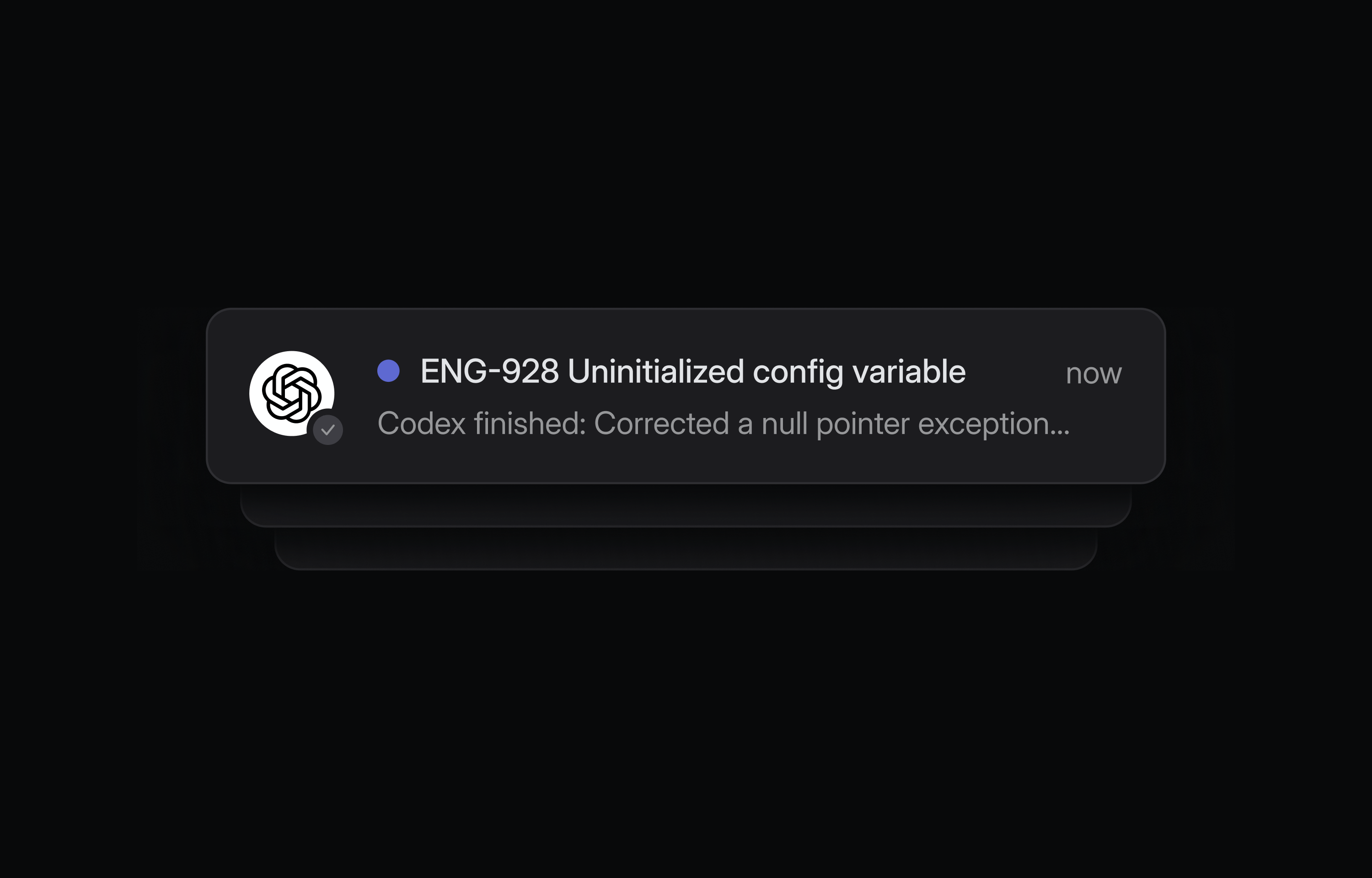
Overview
Codex is a coding agent that can take on entire tasks on your behalf, straight from Linear. When you assign or mention @Codex in an issue, Codex spins up a cloud agent to start working, posting updates back to Linear as it makes progress. It posts a link to the completed task in Codex cloud for you to review, create a PR, or continue working.
Availability
Codex in Linear is available to ChatGPT users on Plus, Pro Business, Enterprise, or Edu plans.
How it works
Codex looks at the context in the issue to decide which Codex Cloud Environment to use, or you can also mention the name of the environment you intend, such as by writing “@Codex fix the above in openai/codex”. Codex will update the issues with suggested solutions for you to approve and finalize.
Configure
- Set up Codex Cloud Tasks –
- If you don’t have one yet, sign up for a Plus, Pro, Business, Enterprise, or Edu plan. (Pricing). Then enable Cloud Tasks by connecting GitHub, and finally set up an environment. If you’re on an Enterprise plan, you may first need to ask your ChatGPT workspace admin to enable both Codex Cloud Tasks in workspace settings, and the “Codex for Linear” Connector in connector settings.
- Install the Codex agent in your Linear workspace – Do this from Codex settings.
- Add @Codex to your issues - Try mentioning @Codex in an issue or assigning them one to kick off the agent session.