- Integrations
- NEXUPIRA
Connect Linear so NEXUPIRA's AI agents can create, update, search, and comment on issues
Overview
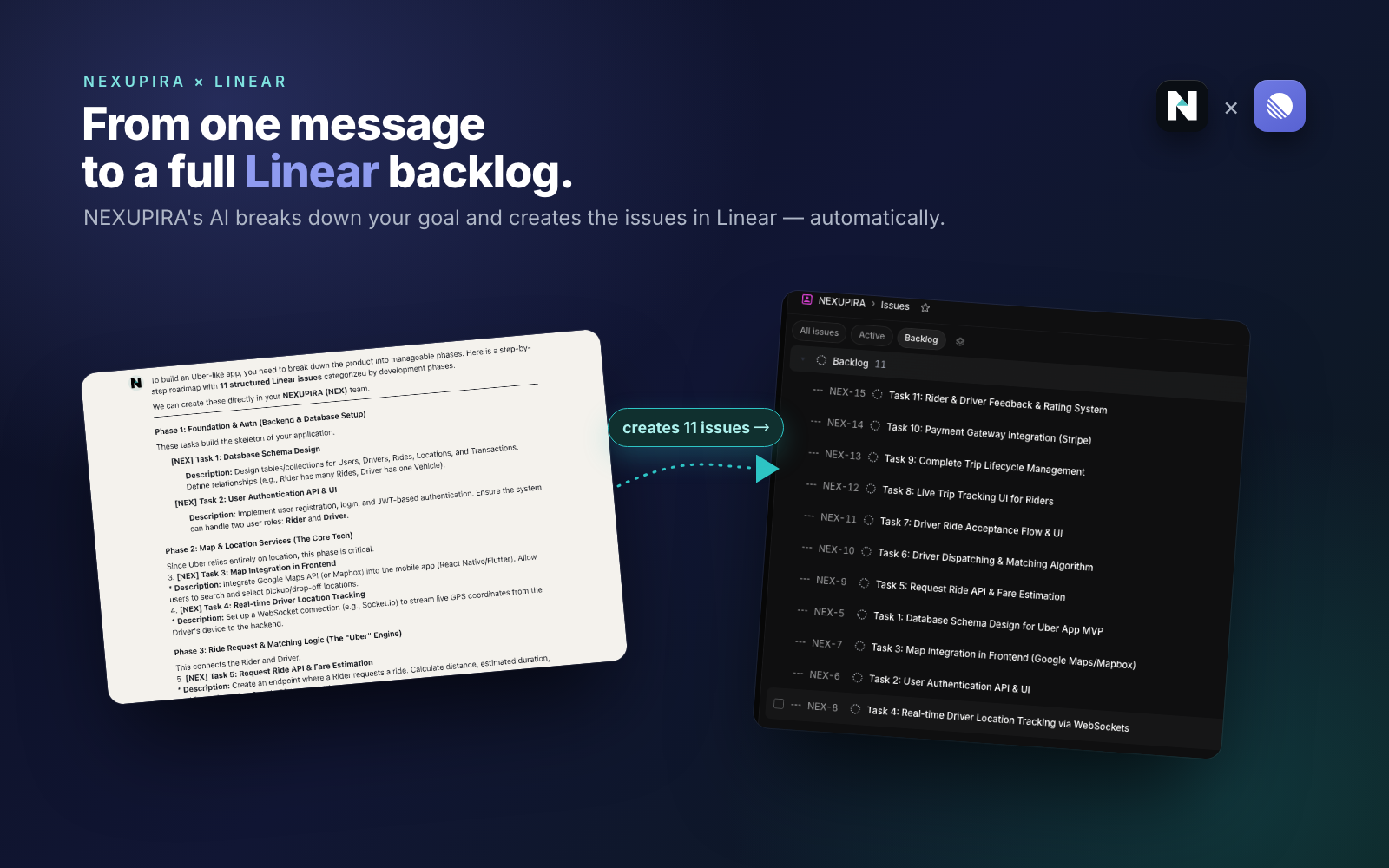
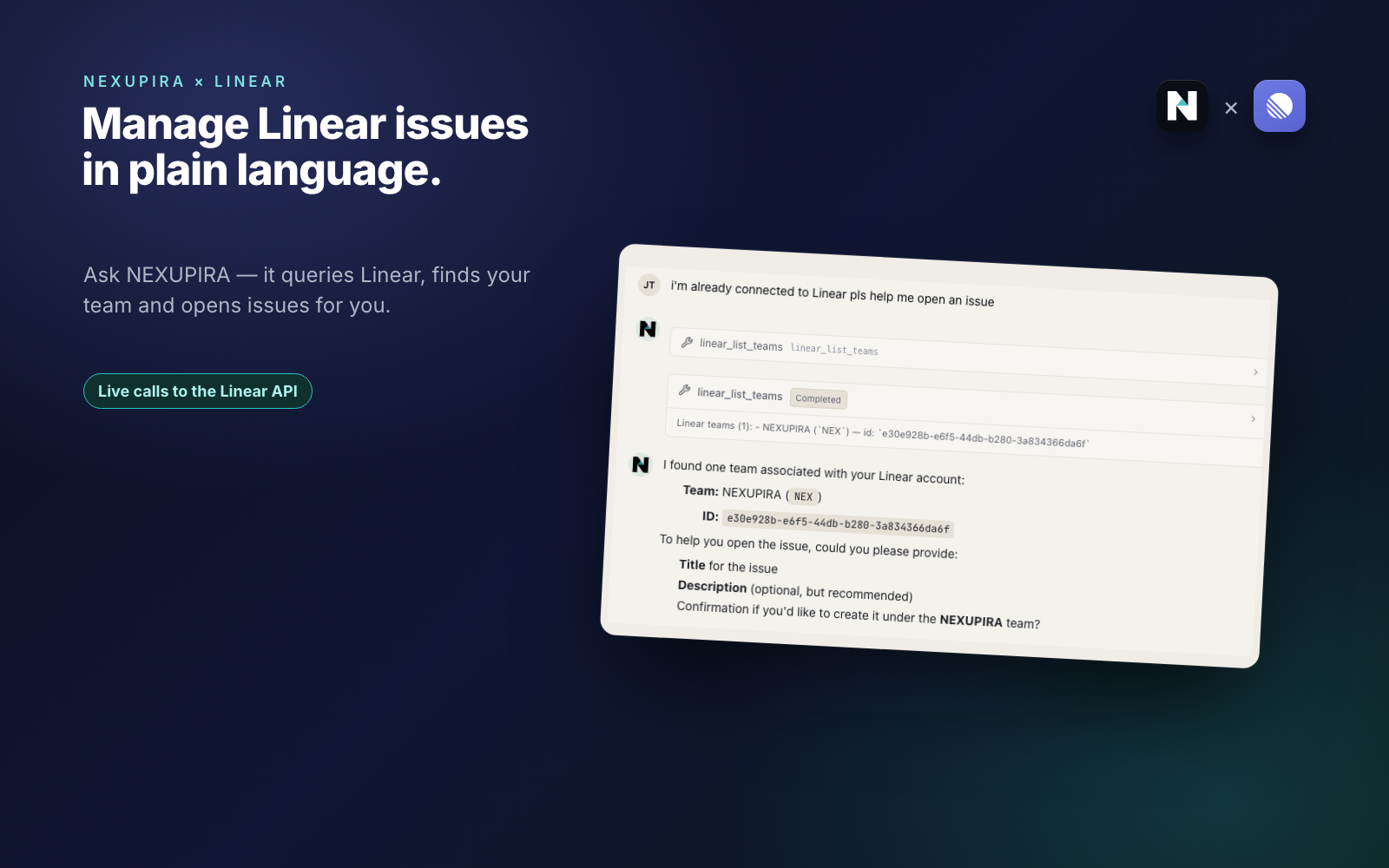
NEXUPIRA is an AI orchestration platform where you describe work in plain language and AI agents carry it out across your connected tools. The Linear integration lets those agents read and act on your Linear workspace, opening issues, updating their status, searching existing work, and posting comments as steps inside event-triggered automations rather than one-off manual clicks.
How it works
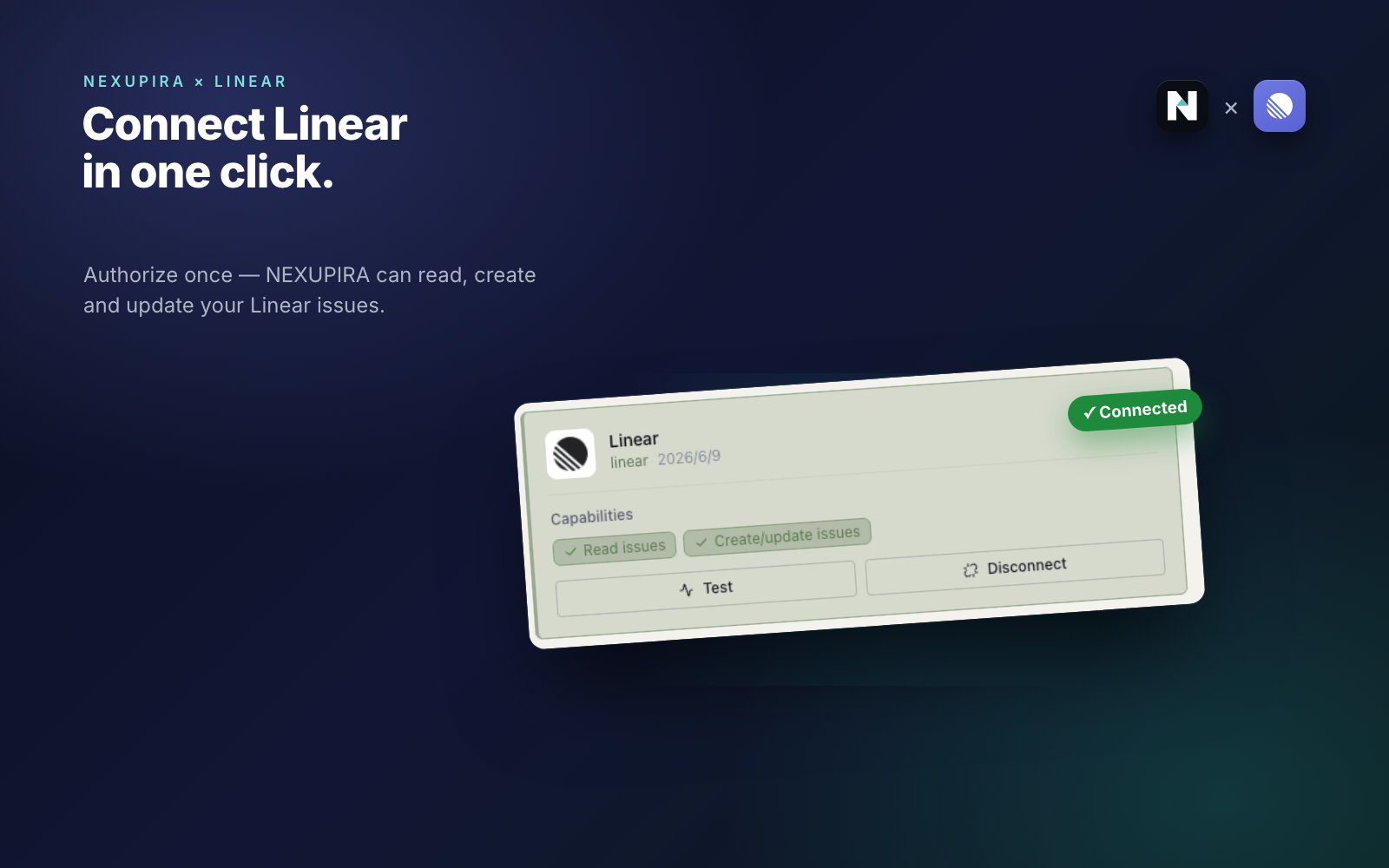
Connect Linear to NEXUPIRA through a standard OAuth 2.0 authorization flow with refresh-token support, granting NEXUPIRA scoped access to your Linear workspace. Linear then appears on the Connections page with capability indicators and a no-side-effect test probe. NEXUPIRA’s AI agents can use Linear’s GraphQL API in chats and automated workflows to create and update issues, search work across teams and projects, and add comments. Cross-tool events can trigger these Linear actions automatically. The connection is per-user and can be disconnected at any time.
Configure
Go to Connections in NEXUPIRA and click Connect on the Linear card. Approve the requested scopes on Linear’s OAuth consent screen. The connecting user needs sufficient Linear workspace permissions for the actions they intend to automate. After authorizing, click Test on the Linear card to verify the connection. Access is per-user and can be revoked from the same page.