- Integrations
- Lightfield
Create issues from customer conversations in Lightfield
Overview
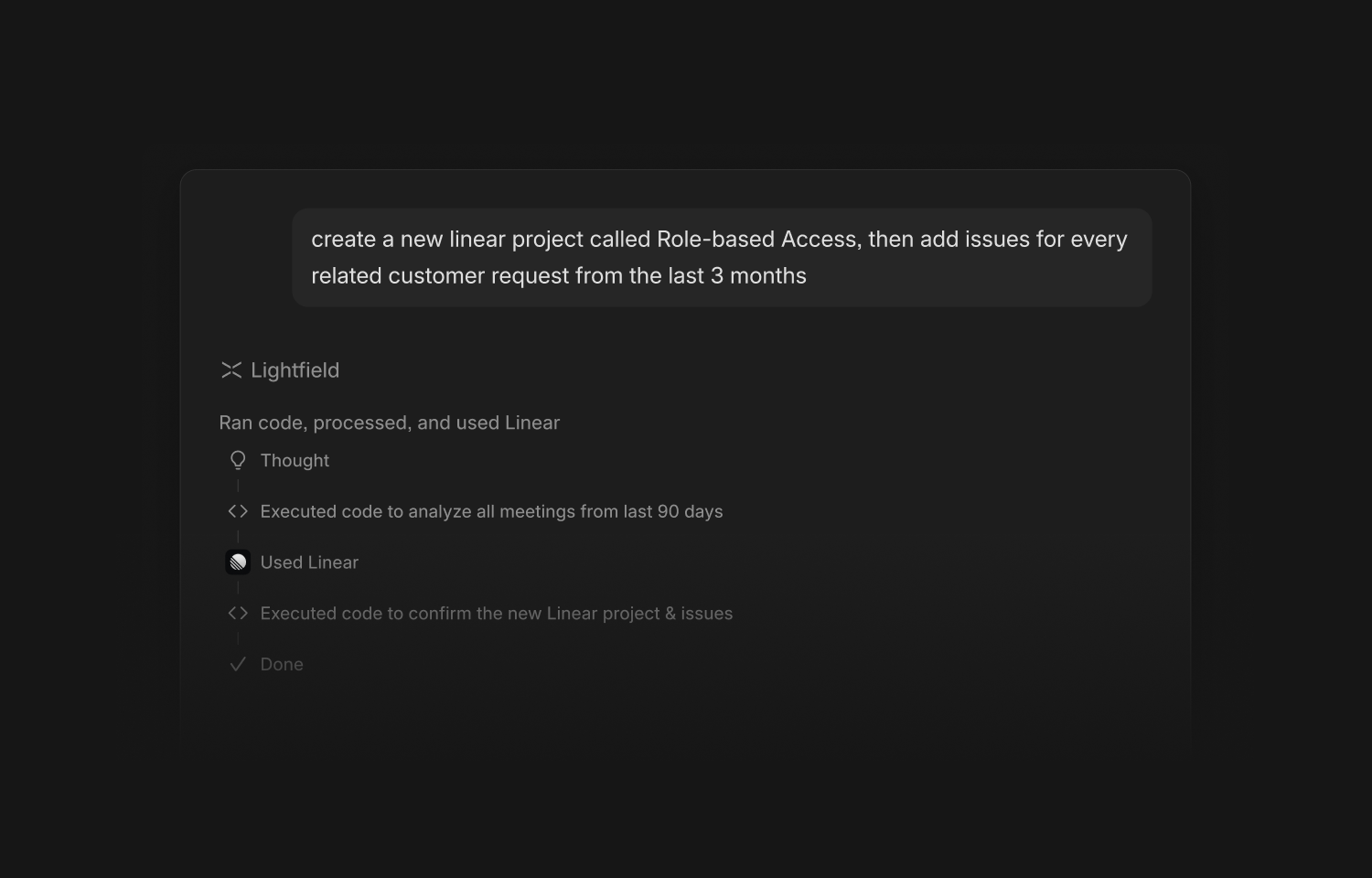
Lightfield is an agent-driven CRM platform that can create and manage tasks synced with Linear issues. Use this to auto-create tasks coming out of customer calls, emails, or slack messages and track their work in Linear. You’ll also be able to close the loop in Lightfield when these are marked done.
How it works
The Linear integration connects your Linear workspace to Lightfield. After you connect it, the Lightfield agent can find, create, and manage Linear issues, projects, and comments for you, all from a chat message without leaving Lightfield.
The integration uses Linear’s official MCP connector. Lightfield connects to it with OAuth. Lightfield does not store your Linear password.
Configure
To configure the Linear MCP connector:
- Go to Settings.
- Open the Connectors tab.
- Find Linear in the list.
- Select Connect. Lightfield opens the Linear sign-in page.
- Sign in to Linear if you are not already signed in.
- Review the access request, then select Authorize.
Linear returns you to Lightfield. The Linear connector now shows the status Connected. Lightfield also shows the list of Linear tools that the agent can use.
To use Linear in agent requests and automations:
- Go to Settings → Connectors.
- Find the connected Linear connector.
- Turn on Use in workflows and automations.
When this setting is on, automations and workflows in your organization can create and update Linear issues automatically.