- Integrations
- initdesk
Create and link Linear issues directly from initdesk tickets
Overview
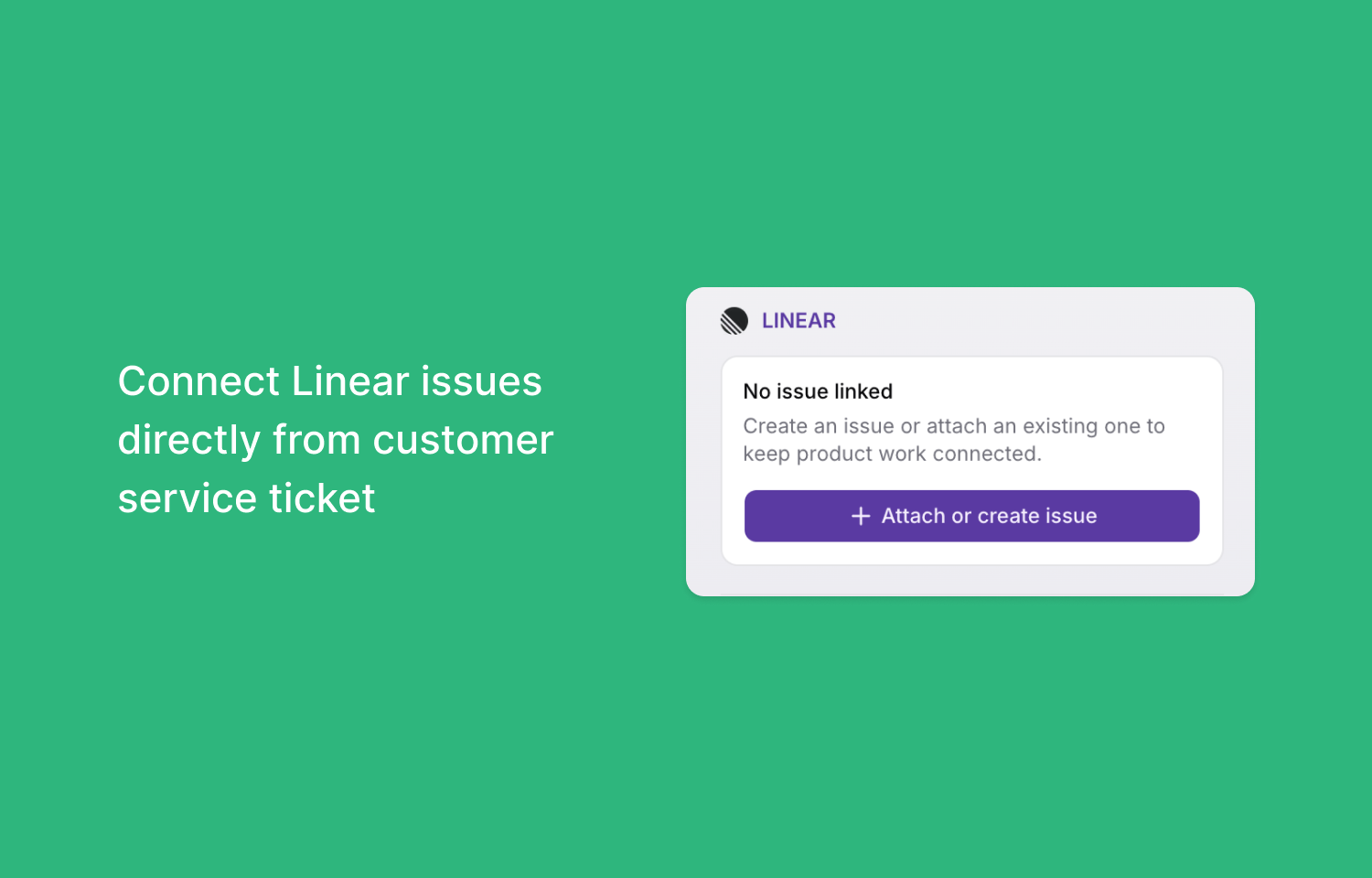
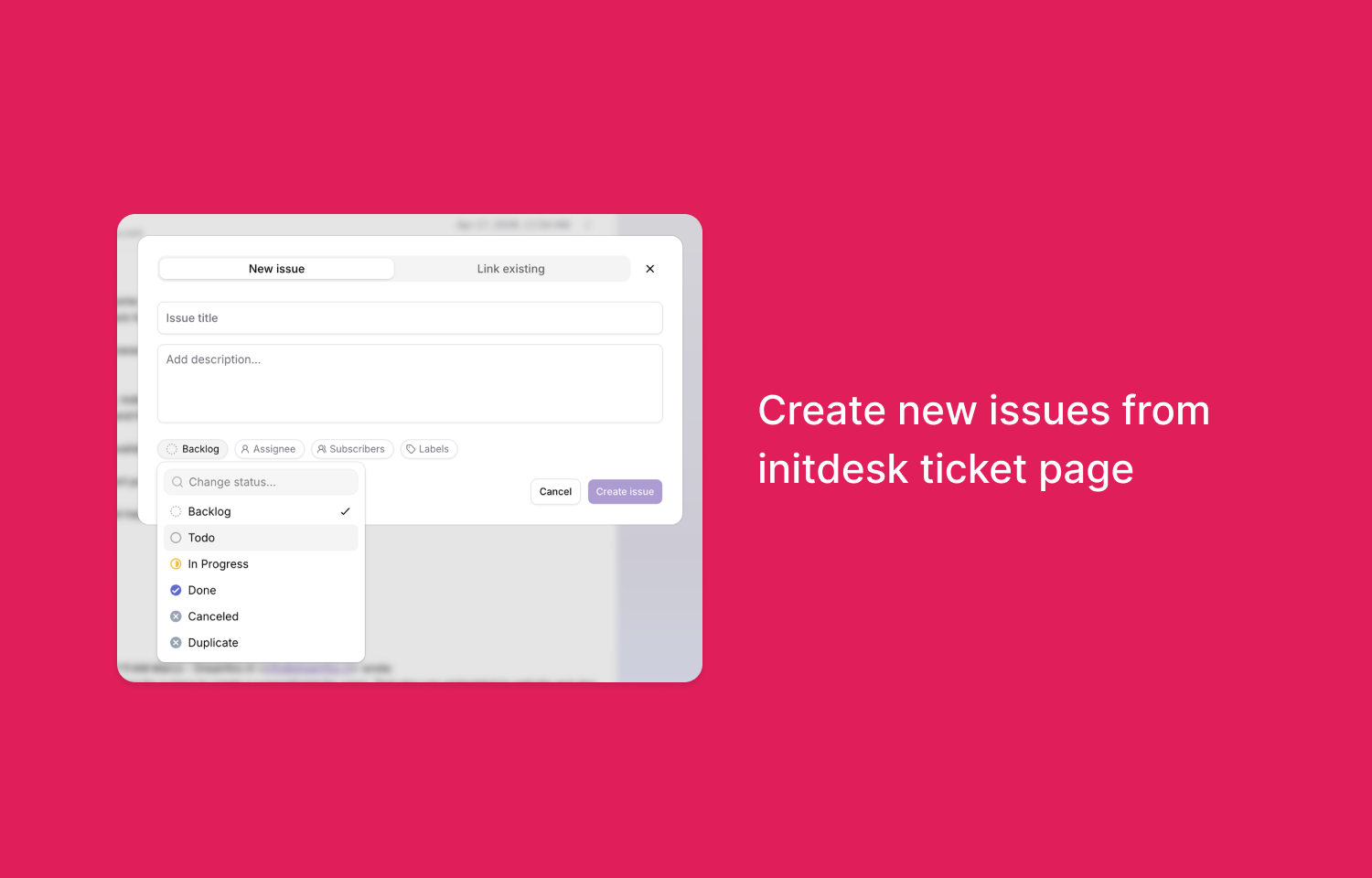
The initdesk integration for Linear connects support tickets to product workflows. Agents can create new Linear issues or link support tickets to existing issues directly from the initdesk ticket sidebar. When creating a new issue, initdesk includes the ticket context in the Linear issue description, along with a reference link back to the original support ticket.
How it works
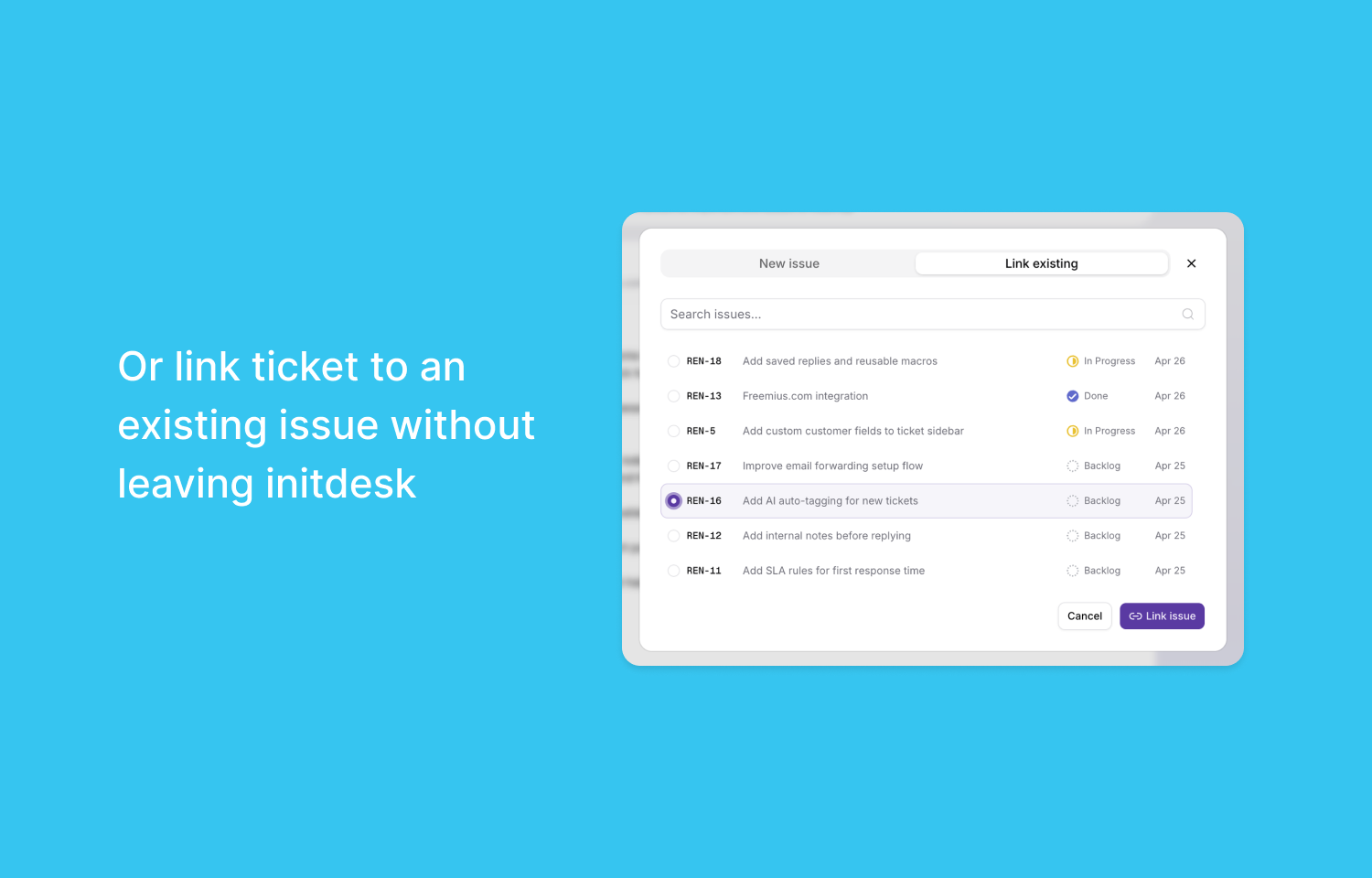
When creating issues, agents can specify the target team, status, assignee, subscribers, labels, title, and description. Administrators can configure a default Linear team and apply a title prefix to help product teams identify issues originating from support. If an item already exists in Linear, agents can search for the issue and attach it to the current ticket.
Once an issue is linked, the initdesk ticket sidebar displays the connection, allowing agents to open the issue directly in Linear. This maintains a direct reference back to the customer conversation. If an issue is attached by mistake, agents can unlink it from the ticket without deleting the issue in Linear.
Configure
To install the integration, navigate to Settings > Plugins in initdesk and select Linear. Clicking the connection button starts the authorization flow, which authenticates the account and redirects the user back to the initdesk application. An account owner or admin permission is required to perform the setup.