- Integrations
- InfraNest
Turn incidents and warnings from your whole infrastructure into Linear issues
Overview
InfraNest brings everything a company runs online into one place: domains, DNS, SSL certificates, cloud servers, and uptime monitoring, from more than 30 registrars, DNS hosts, and cloud providers. It links them together, so it knows which certificate protects a website, which server it runs on, and where its domain is registered, and it puts whatever needs attention at the top of one list.
The Linear integration turns that list into work your team can plan. An outage, a domain about to expire, or a server warning becomes a Linear issue with the context attached, and InfraNest keeps the issue in sync until the problem is fixed.
How it works
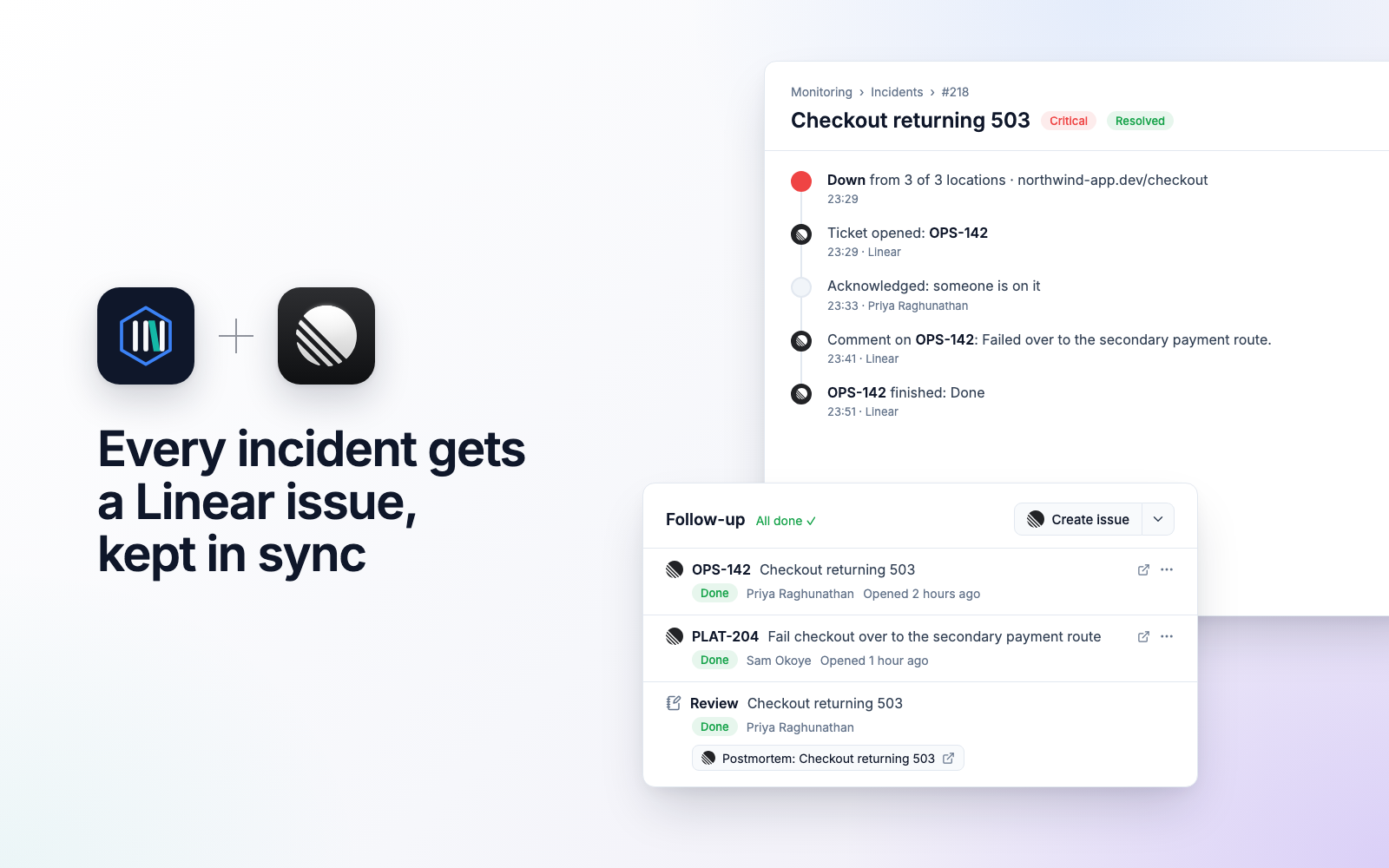
Say your checkout page stops responding at 3 a.m. InfraNest opens an incident and creates an issue on the Linear team you chose, titled after the problem, with a link back and a priority that matches how serious it is: Urgent for critical, High for major, Medium for the rest. When the page works again and the incident is resolved, the issue moves to Done. If someone finishes the issue in Linear first, InfraNest notes it on the incident and resolves it too, but only once the page is actually back. Comments travel both ways, and if the same problem returns while the issue is still open, it gets a comment instead of a duplicate. You choose which incidents get an issue (all of them, only critical ones, or specific monitors), and Send a test issue checks the whole loop before you rely on it.
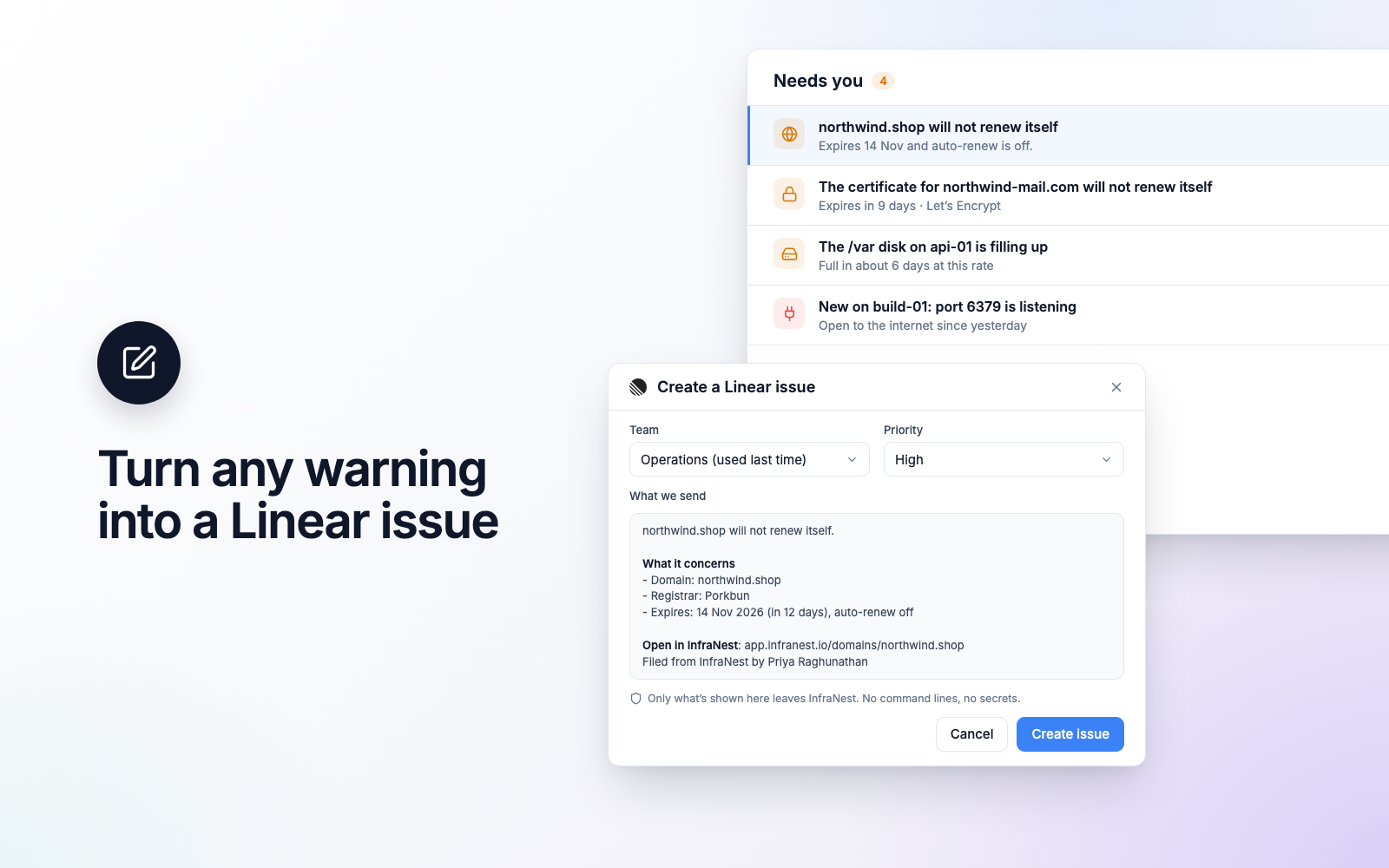
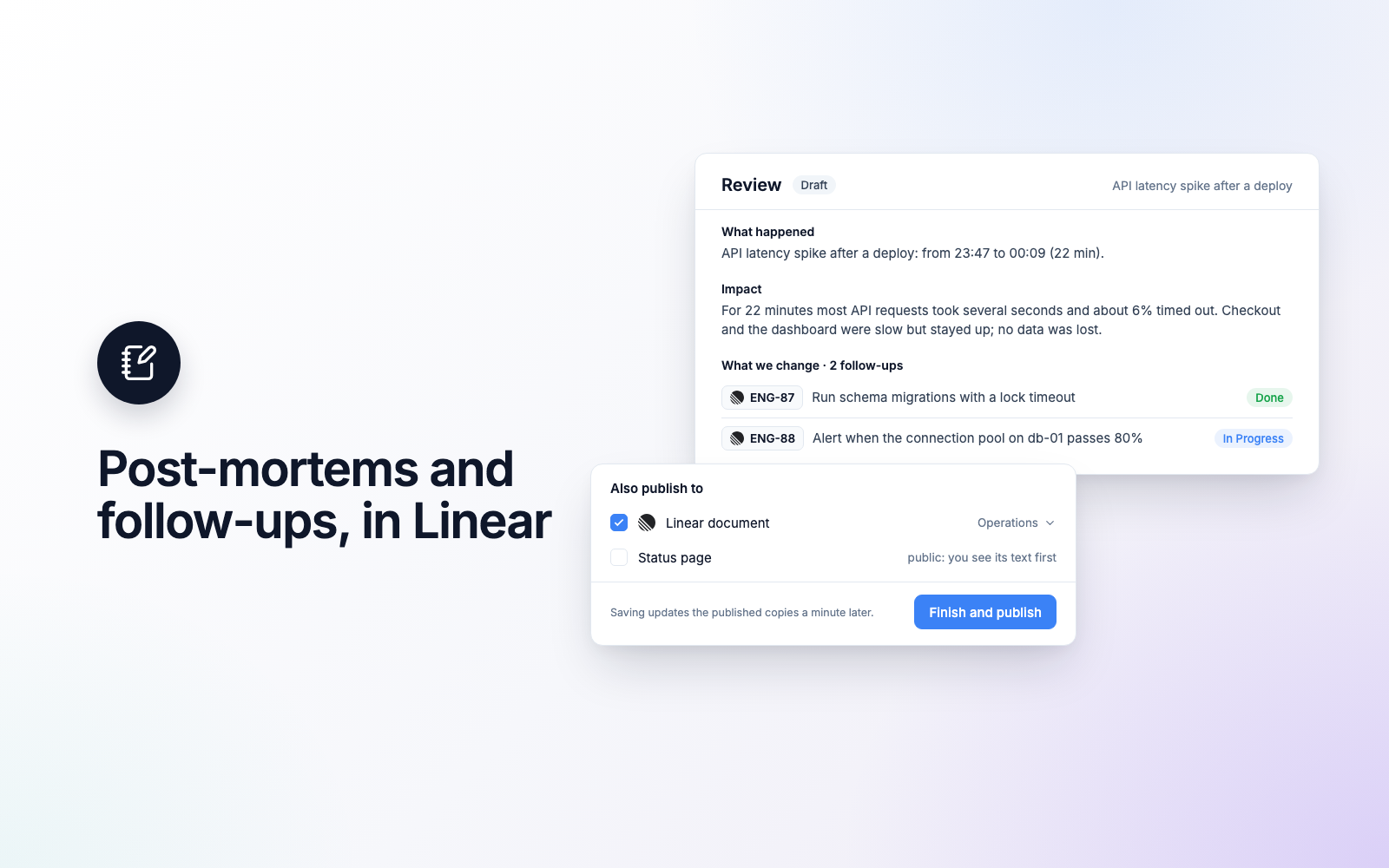
Because InfraNest also manages your domains, DNS, certificates, and servers, many issues start before anything breaks. A domain due for renewal, a certificate that failed to renew, a port on a server left open to the internet, or a DNS record someone changed directly at the provider can each become a Linear issue in two clicks. The issue explains what is wrong, which server, domain, or record it concerns, how InfraNest knows, and what to do about it; for an incident, what failed, what changed just before it, and what has been tried so far. Passwords and keys are removed before anything is sent, and InfraNest first checks Linear for an open issue about the same thing, so you can link that one instead of filing a second. After an incident, the follow-ups from your team’s review become Linear issues, and the review can be published as a Linear document.
For everything else, InfraNest automations can create, comment on, and move Linear issues from any event, and can start when an issue is created, changes status, or gets a comment in Linear. And when InfraNest is connected to Claude or ChatGPT, you can simply ask it to file an incident in Linear.
Configuration
In InfraNest, go to Integrations → Linear and select Connect with Linear. Approve access to your workspace in Linear and you are taken back to InfraNest, connected. There is nothing to copy and no webhook to set up.
Then open Connections & settings, turn on Issues for Incidents, pick a team, and save. Anyone who can manage integrations in InfraNest can do this; you don’t need to be a Linear admin.