- Integrations
- Huddlekit
Turn client comments on your live website into Linear issues, with status synced both ways
Overview
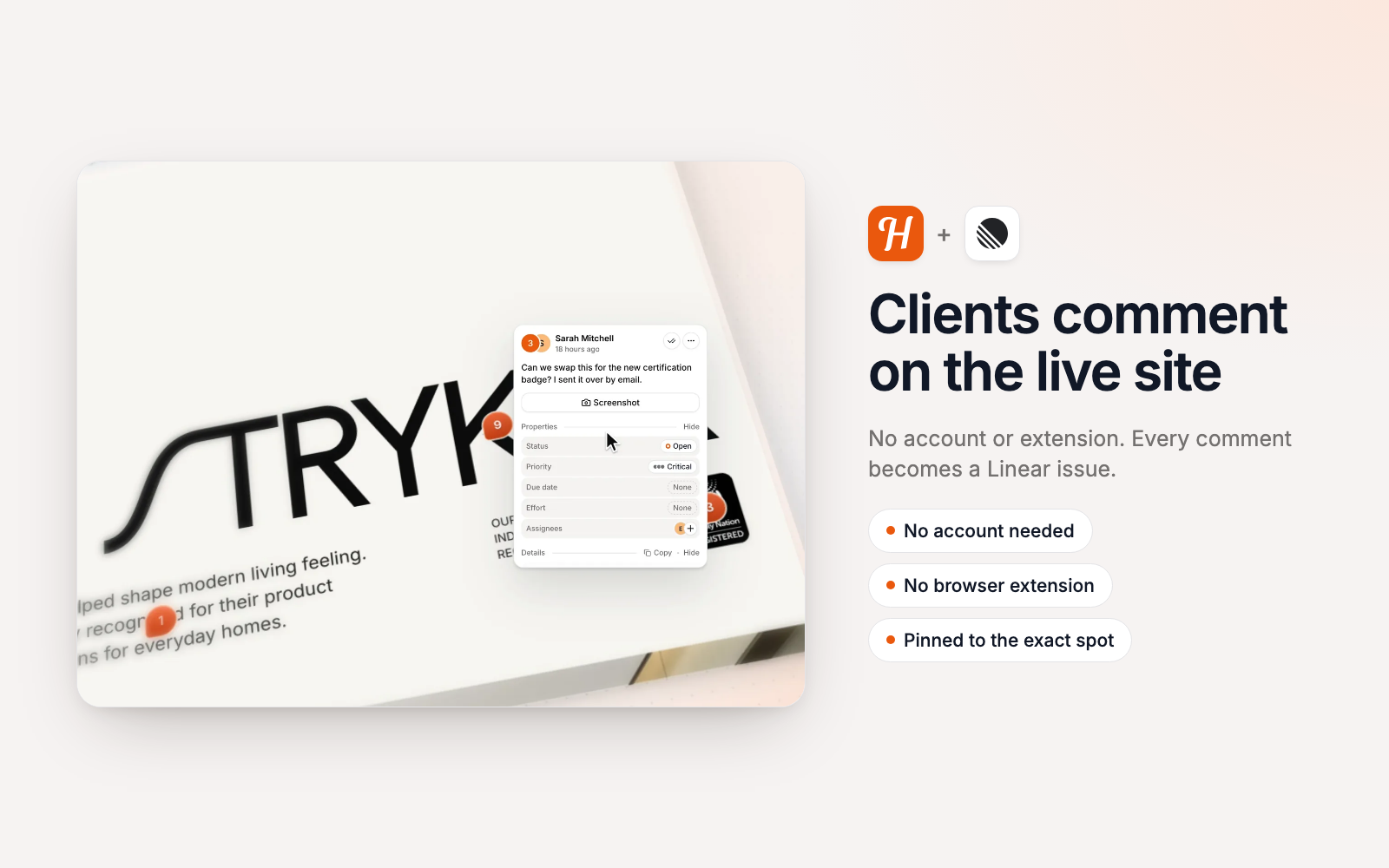
Huddlekit lets clients leave feedback directly on a live website or web app, with no account or browser extension. This integration turns each comment into a Linear issue with its screenshot, page and browser details, and keeps its status in sync both ways, so developers get everything they need to fix it without chasing the client.
How it works
Share a Huddlekit link with your client and they pin comments on the exact spot they mean, on the live site. Every new comment on a project you send to Linear becomes an issue in the team you choose, usually within a minute. You can set a default team for the whole workspace, send each project to its own team, or keep a project out of Linear entirely.
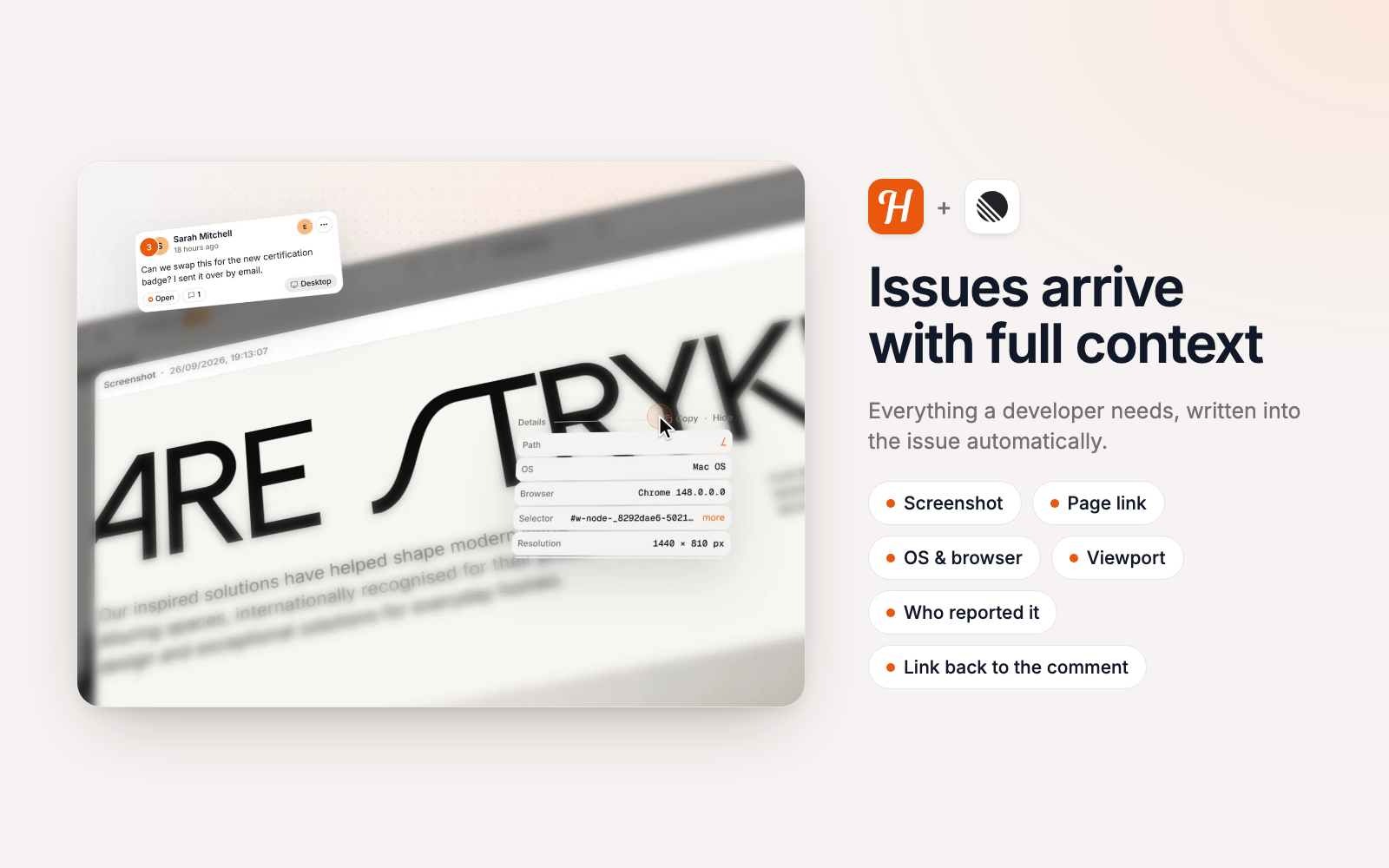
Each issue is titled with the comment number and its first line. The description holds the full comment, who left it and on which page, the screenshot, and the OS, browser, viewport and pixel ratio it was left in, plus a link back to the comment in Huddlekit. Private comments are sent too, since they’re only hidden from guests.
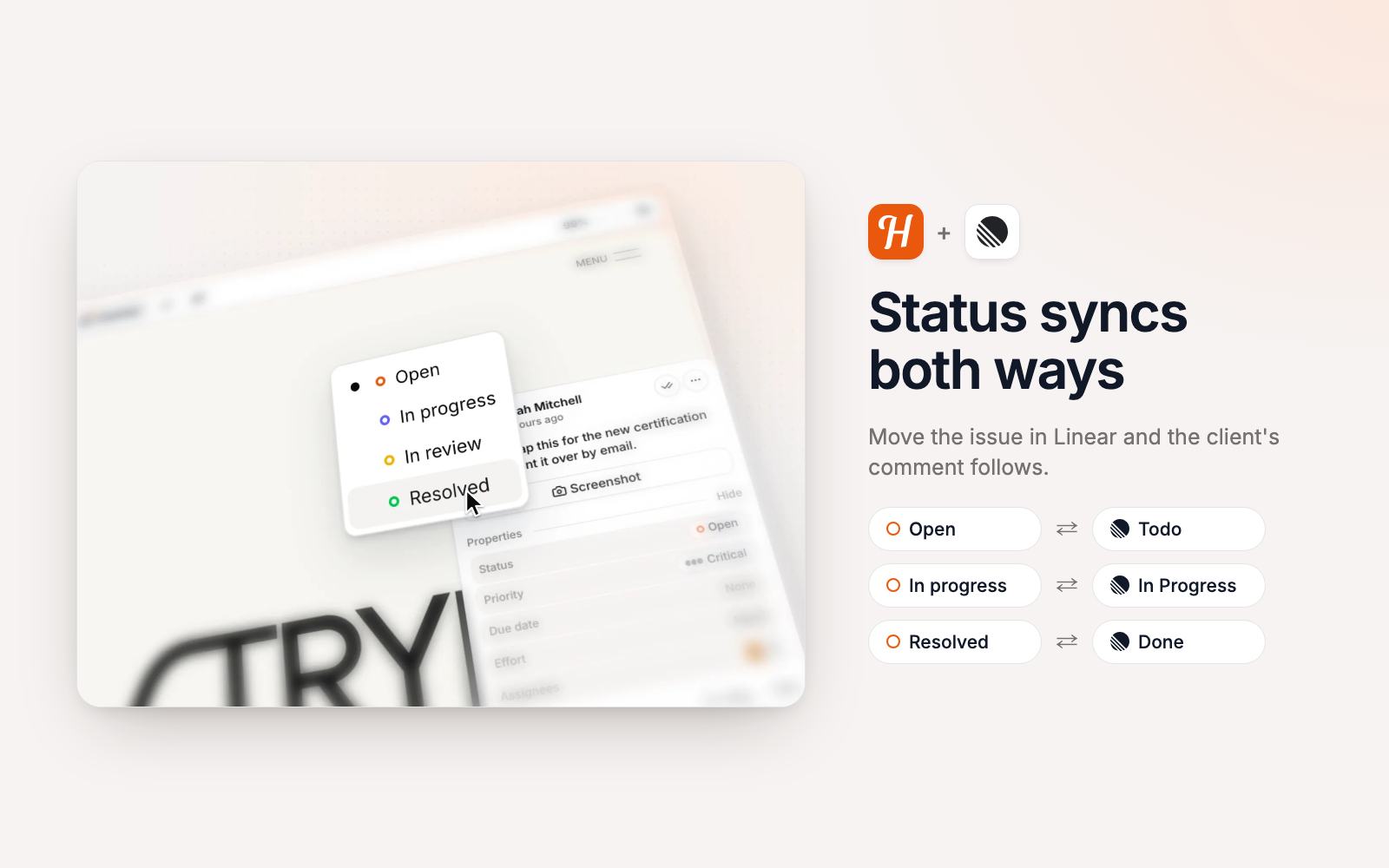
Status syncs both ways. Move the issue in Linear and the client’s comment follows, and change it in Huddlekit and the issue moves. Each team has its own status map. Canceled states start unmapped, so declining an issue doesn’t tell the client their feedback was resolved. A nightly check repairs any status that didn’t sync at the time.
Configure
The Linear integration is on Huddlekit’s Team plan, and only workspace owners and admins can connect it. Open Integrations in your Huddlekit workspace sidebar, click Connect on Linear and approve access. Then choose a default team or pick a team for each project, and open Status mapping to map In review, which is left for you to set. Nothing is sent to Linear until a project has a team. The full setup guide is at https://huddlekit.com/support/connecting-linear