- Integrations
- Helium Rooms
Share Linear boards with clients
Overview
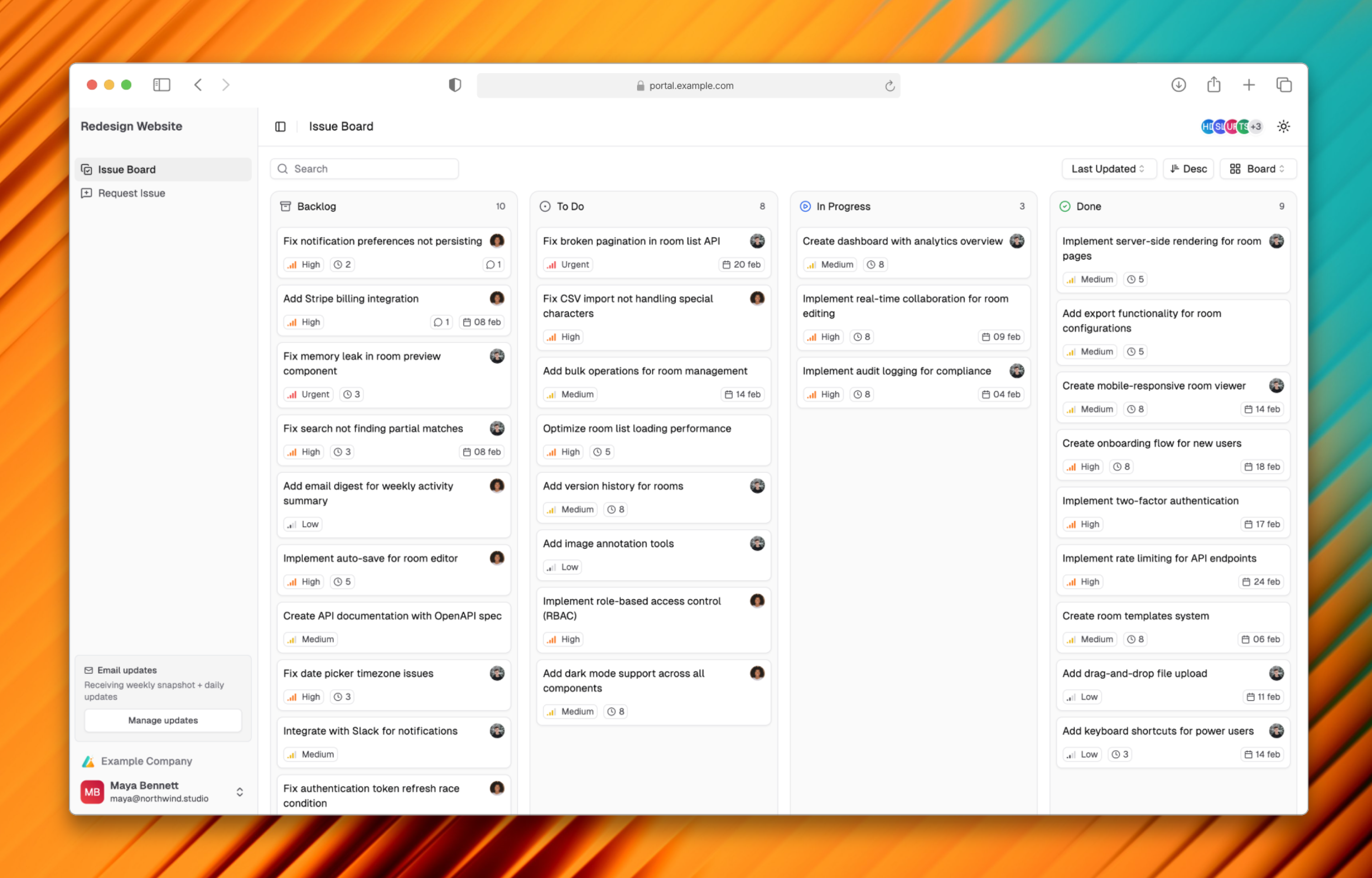
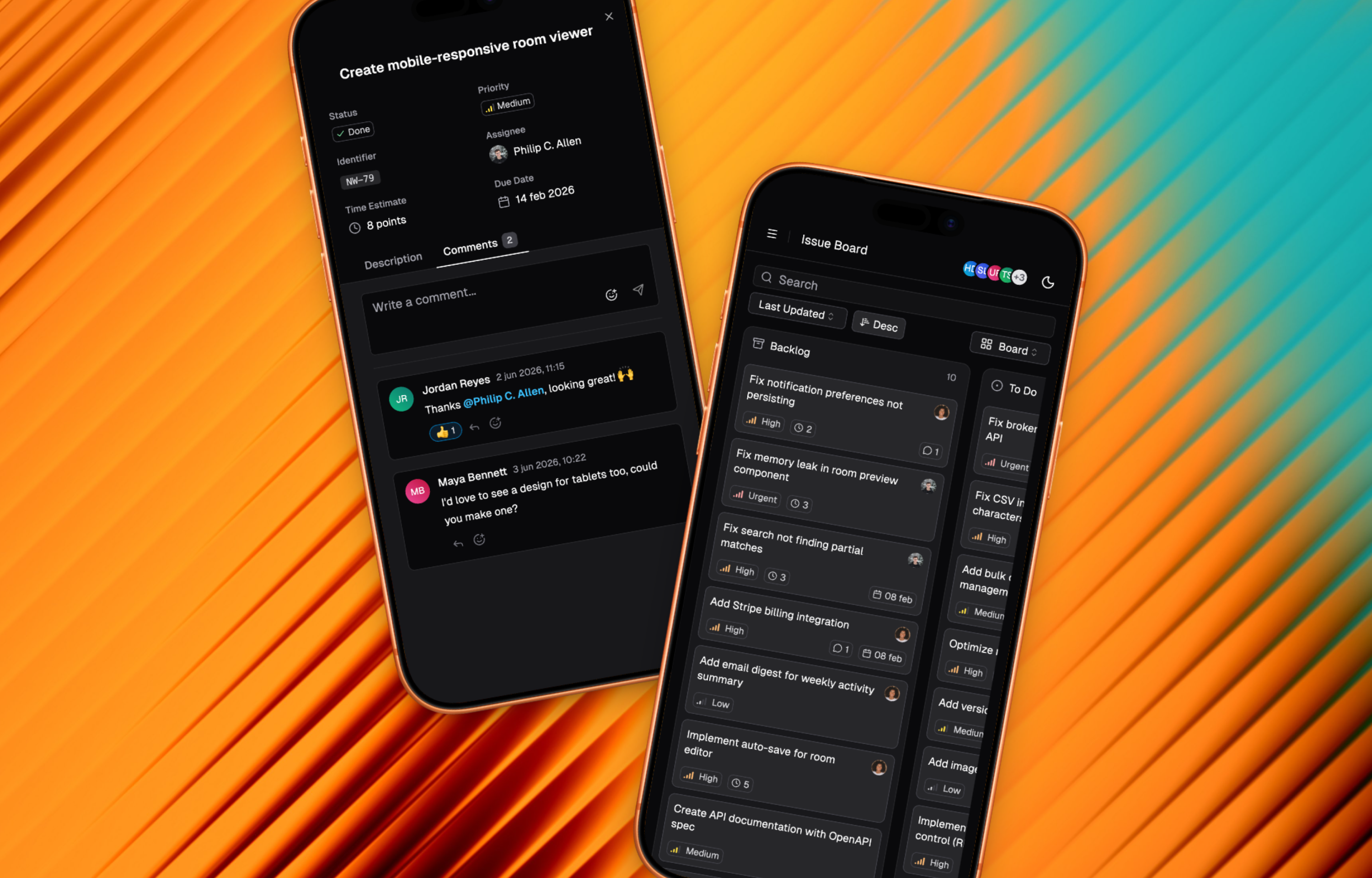
Helium Rooms lets you share Linear issues with external stakeholders through a flexible, branded portal. Clients get visibility into progress without needing Linear access, while your internal workflow stays private.
How it works
Create a room and connect it to your Linear workspace. Choose which issues to share by selecting a team or project, then optionally filter by labels to control exactly what’s visible. Clients see a read-only board that stays in sync with Linear. When you update an issue, they see the change. Linear remains your source of truth.
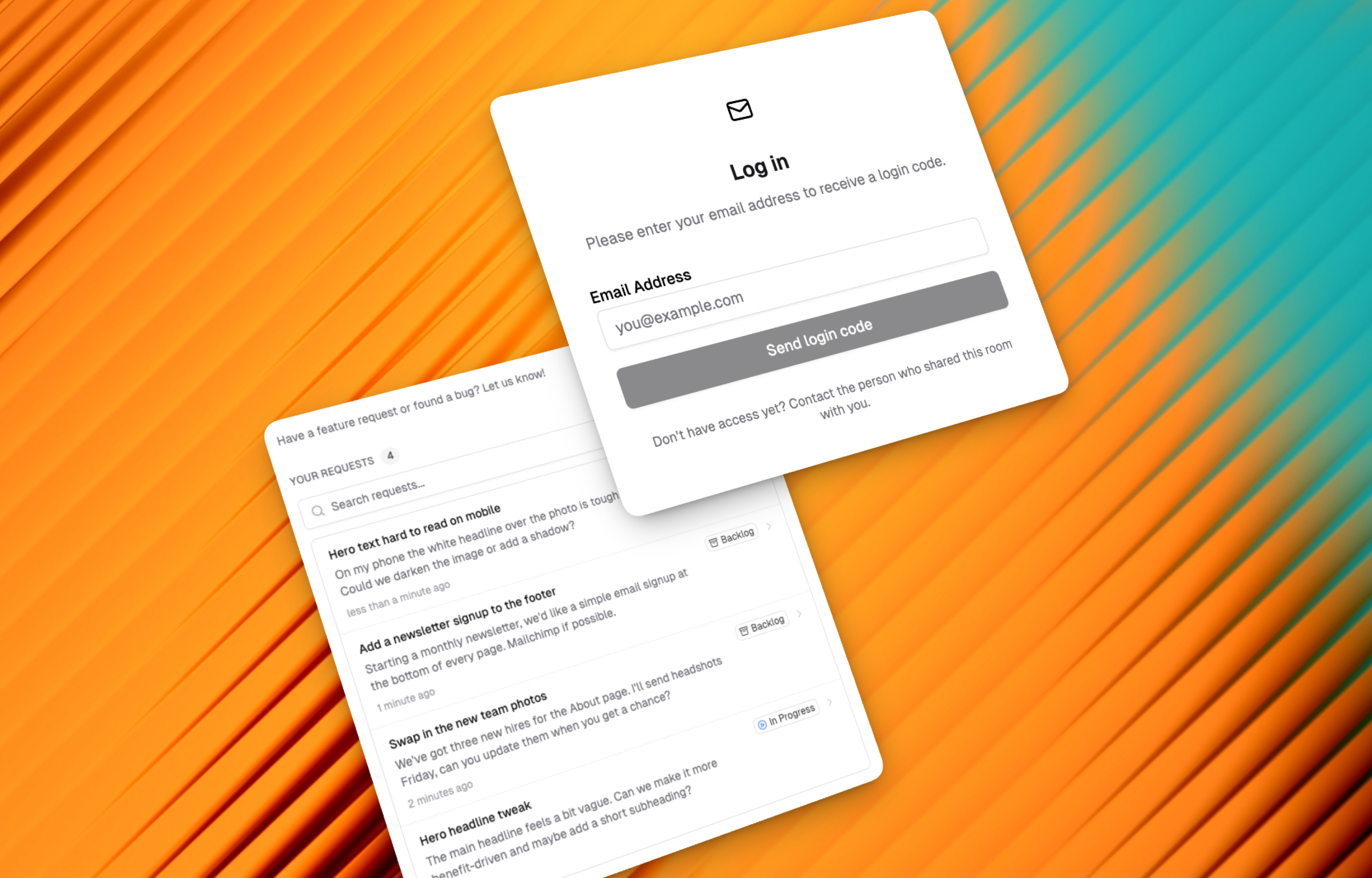
Clients can submit new requests directly from the room, which appear in Linear for your team to triage. They can also view their own submitted requests and track status, reducing duplicate submissions and “any update?” messages.
Rooms can be public or you can invite clients with their own accounts for added security. Add your logo to make each room feel like part of your client experience rather than a third-party tool.
Configure
Sign up here and connect your Linear workspace. Create a room, select which team or project to share, and optionally filter by labels. Share the room link with your clients.