- Integrations
- Fencer
Create and link issues directly from Fencer
Overview
Fencer’s Linear integration enables security teams to create and track Linear issues directly from security findings, including vulnerabilities, detections, and exposed secrets. When issues are resolved or canceled in Linear, linked findings are automatically updated in Fencer, keeping security workflows in sync without manual status tracking.
How it works
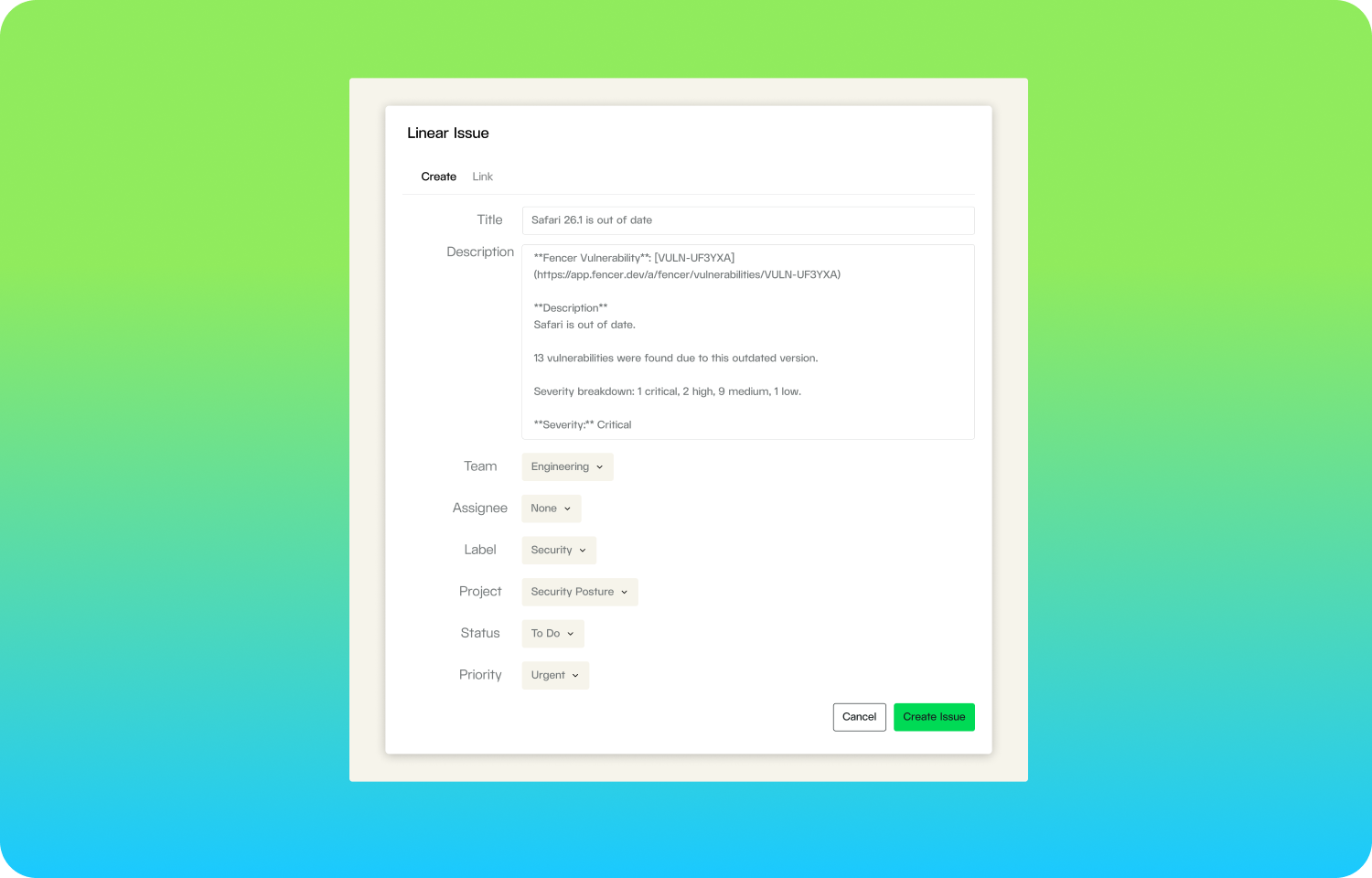
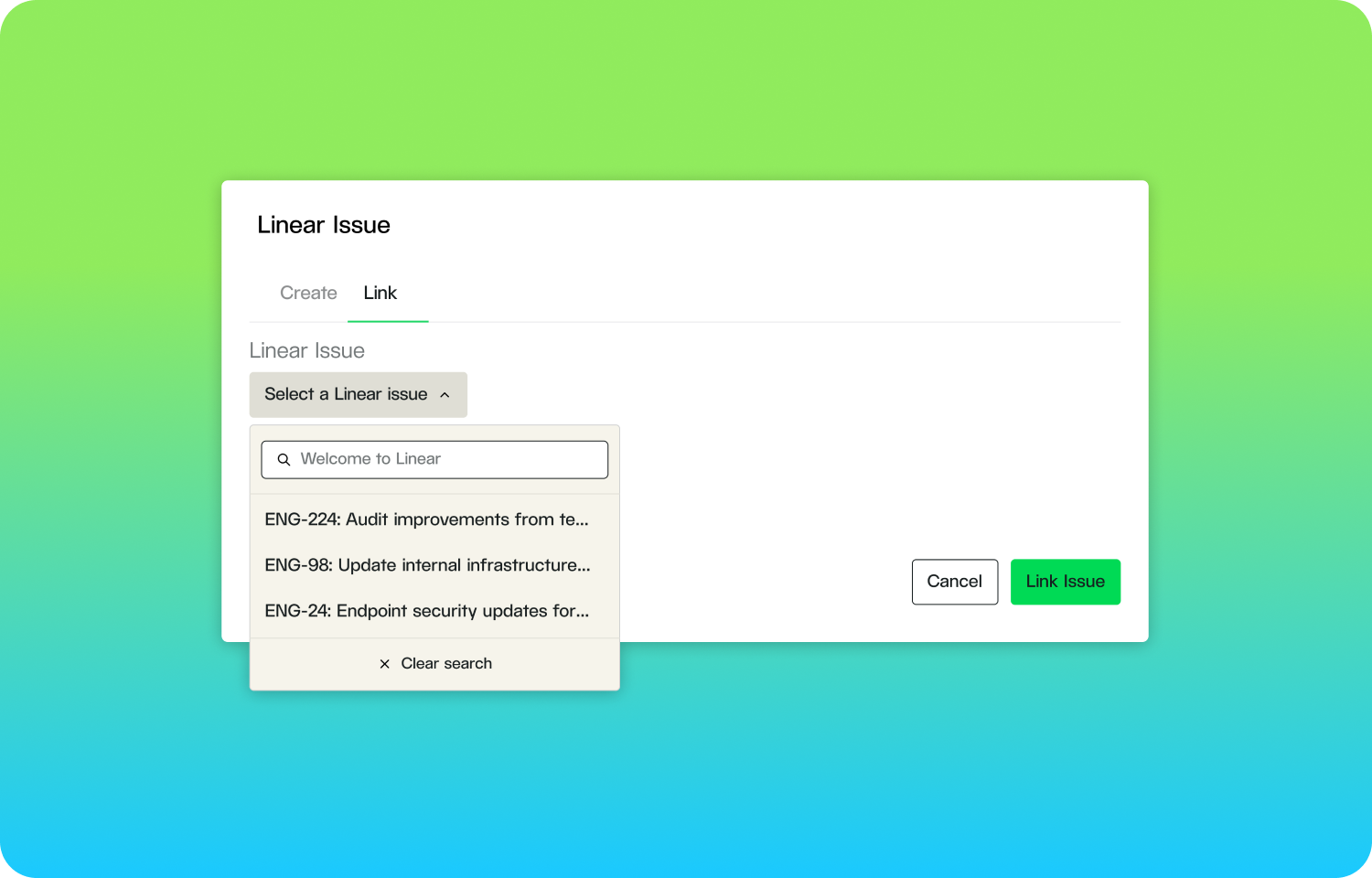
Fencer integrates with Linear to streamline security remediation workflows. Security engineers can create Linear issues directly from vulnerabilities discovered in code scans, cloud infrastructure assessments, and SIEM detections. When creating an issue, Fencer automatically populates the description with relevant context including severity, affected assets, remediation guidance, and links to industry standards like CWE, OWASP, and CVE references. Teams can also link existing Linear issues to findings or perform bulk operations to create multiple issues at once.
The integration maintains bidirectional synchronization through webhooks. When a linked Linear issue transitions to a “Done” state, Fencer automatically marks the associated vulnerability as ready for verification or the detection as a resolved true positive. Similarly, when an issue is canceled, the finding is marked as ignored or a false positive. This ensures security status stays current without requiring manual updates in both systems.
Issue creation supports full customization including team assignment, labels, projects, workflow states, and priority levels. Fencer automatically maps security severity (Critical, High, Medium, Low) to Linear’s priority system. Each created issue includes an attachment linking back to the original finding in Fencer, making it easy for developers to access full vulnerability details and remediation steps.
Configure
To connect Fencer to Linear, navigate to your Fencer’s integration settings and select Linear. You must be an organization admin in Fencer and have permission to install OAuth applications in your Linear workspace.
Click “Connect to Linear” to begin the OAuth authorization flow. You will be redirected to Linear where you can review the requested permissions (read and write access to create issues, manage labels, and assign team members) and select which workspace to connect. After authorizing, you will be returned to Fencer where the connection is automatically configured.
Once connected, you can create Linear issues from any vulnerability, detection, or secret detail page, or use bulk actions to create issues for multiple findings at once. To disconnect, return to the integration settings page and click “Disconnect.”