- Integrations
- Feedvote
Turn Linear into a client portal and public roadmap
Overview
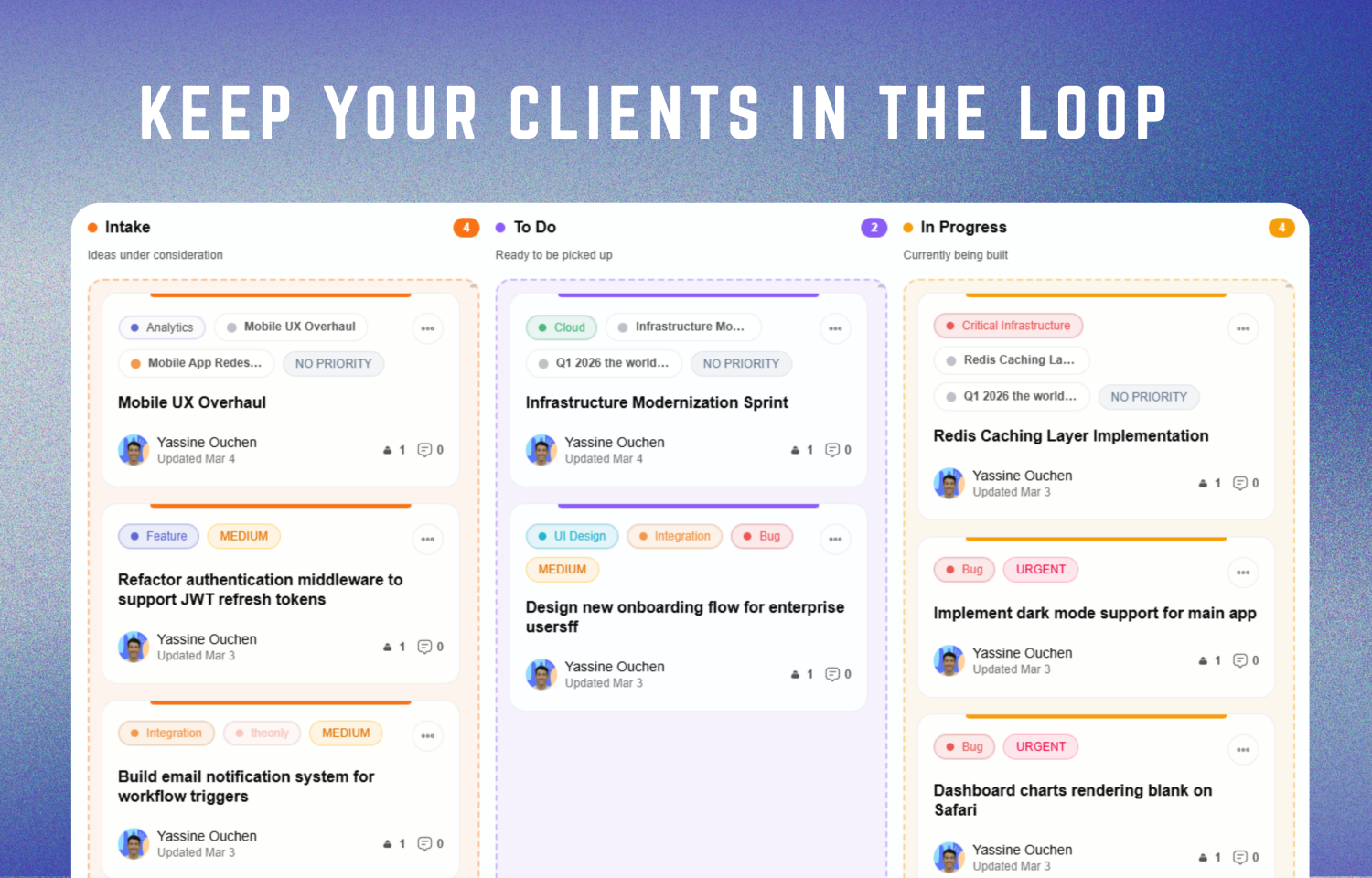
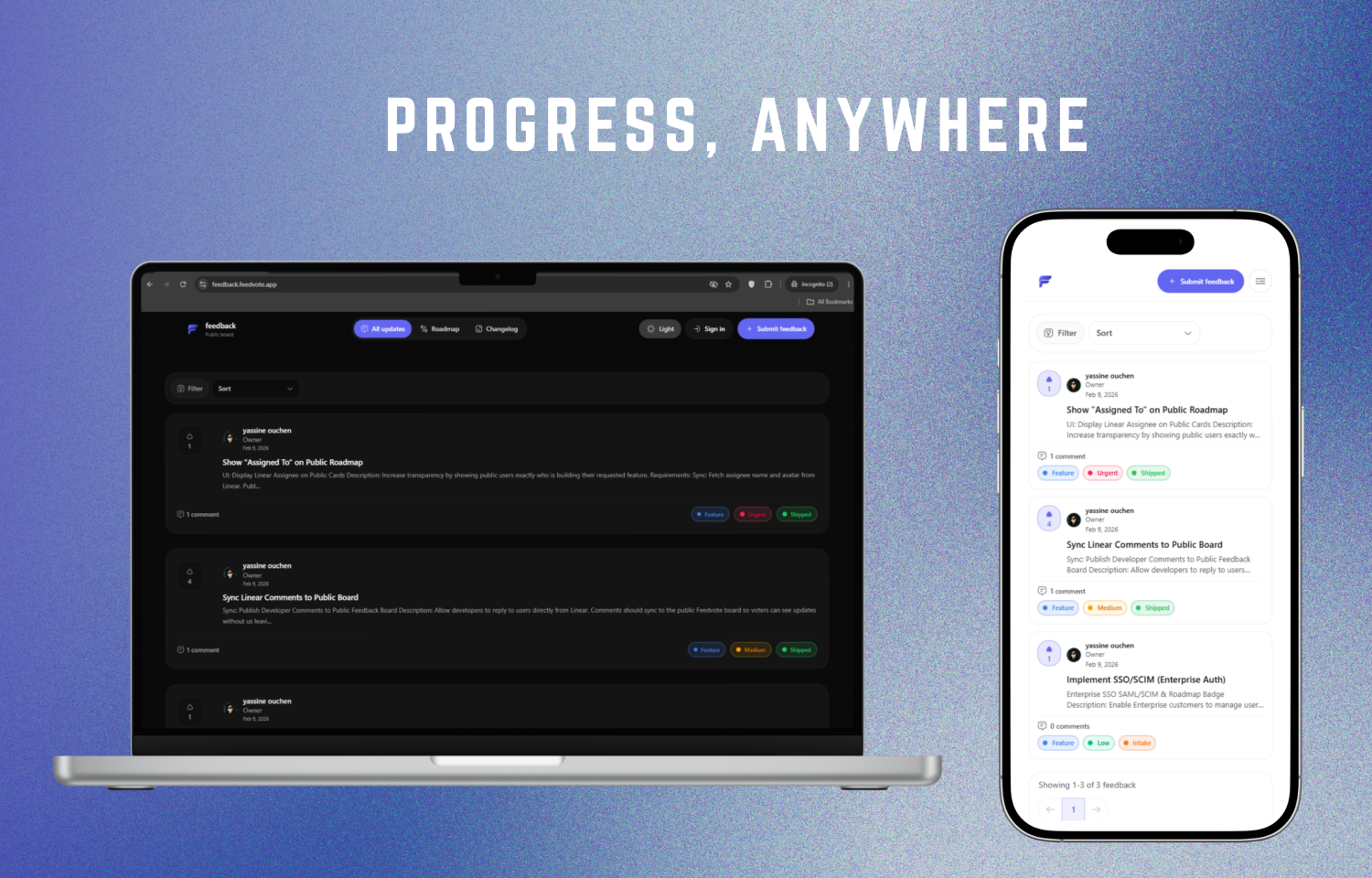
Feedvote gives clients and other external stakeholders a clear view of the Linear work relevant to them without adding them to your workspace.Create public or private boards, collect feedback and votes, and share roadmap progress while Linear remains your team’s source of truth.
How it works
Connect Feedvote to Linear through OAuth, choose which teams to sync, and select whether to sync issues, projects, or both. Narrow the imported work using project, label, and date filters.Share work publicly, keep it team-only, or make it visible to selected customer groups. Customer access can be assigned manually or automated using Linear labels. Only imported work that your team makes public or customer-visible appears externally.
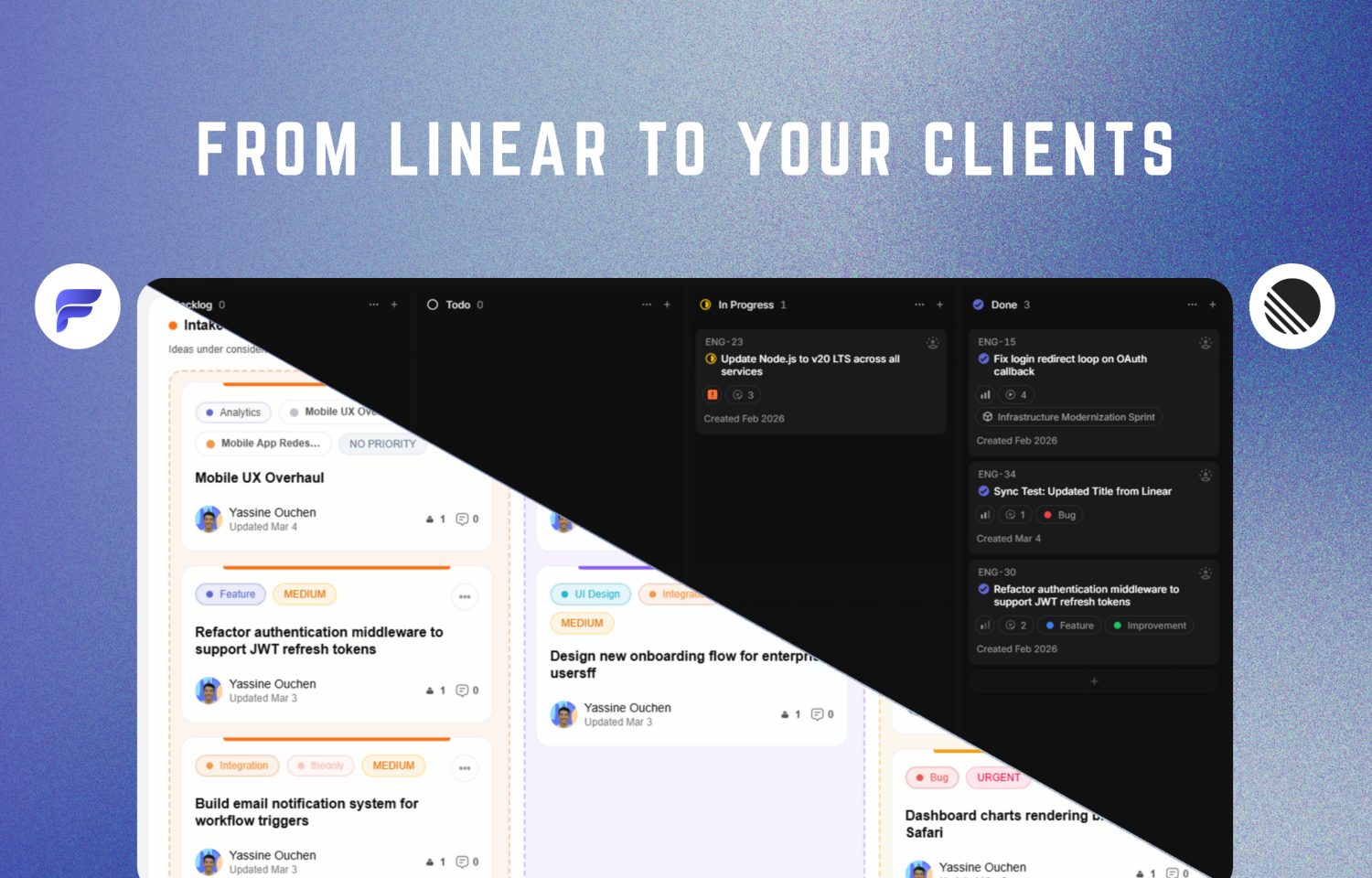
With two-way sync enabled, mapped status changes and other supported updates to linked Linear issues and projects stay synchronized between Feedvote and Linear. Customers can follow what is planned, in progress, and shipped while your team continues working in Linear.
Customers can also submit feedback and vote in Feedvote. Your team can moderate requests and create Linear issues from approved feedback, keeping customer context connected to delivery.
Configure
Create a Feedvote board and have a Linear workspace admin authorize the OAuth connection. Select the source teams and content types to sync, then configure filters, status mappings, customer visibility, feedback moderation, and branding.
Publish the board for anyone to view or restrict it to invited customers. Customize the board with your logo and colors; eligible plans also support custom domains and removal of Feedvote branding.