- Integrations
- ContextQA
Turn Linear issues into application tests and report test failures back to Linear
Overview
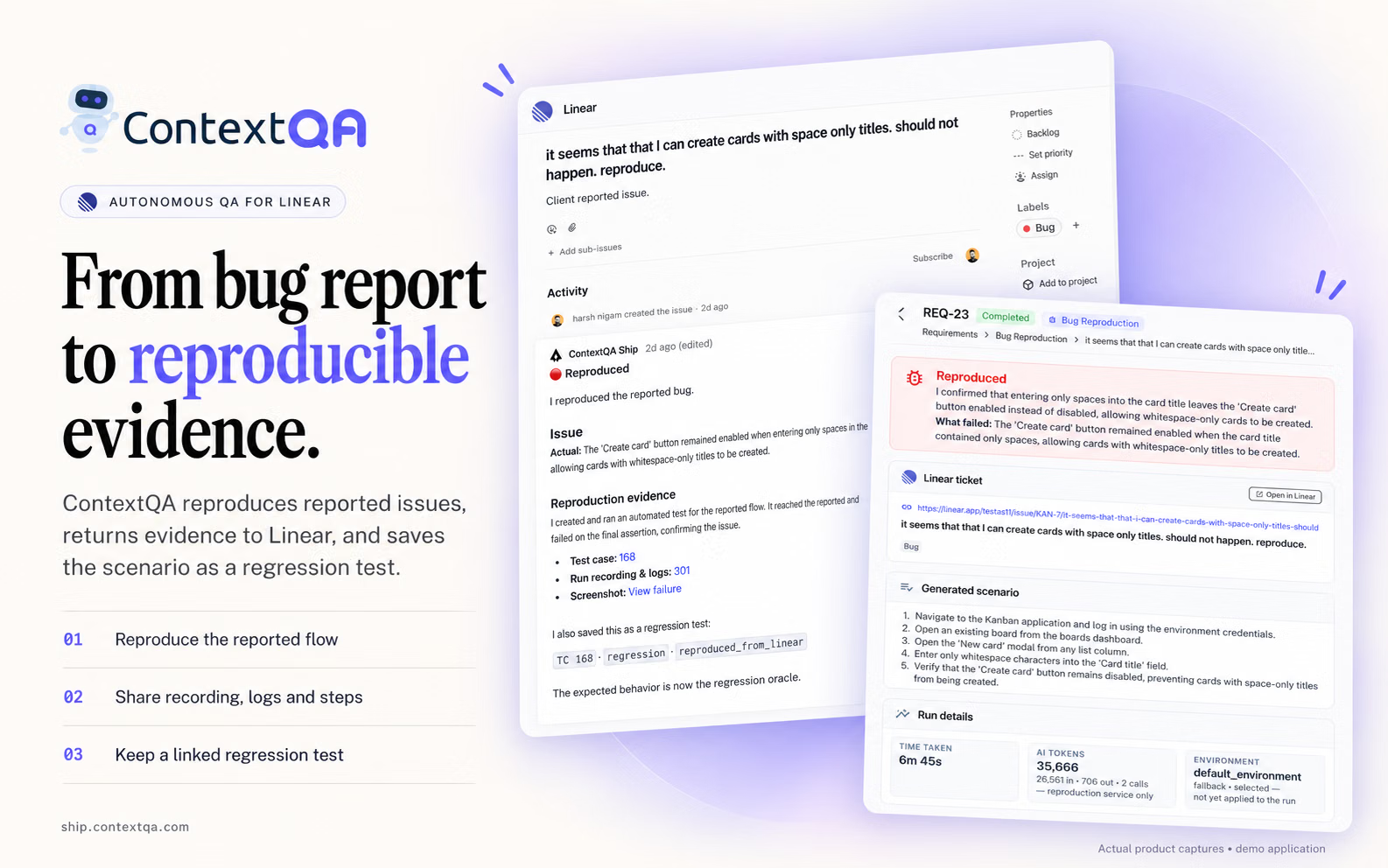
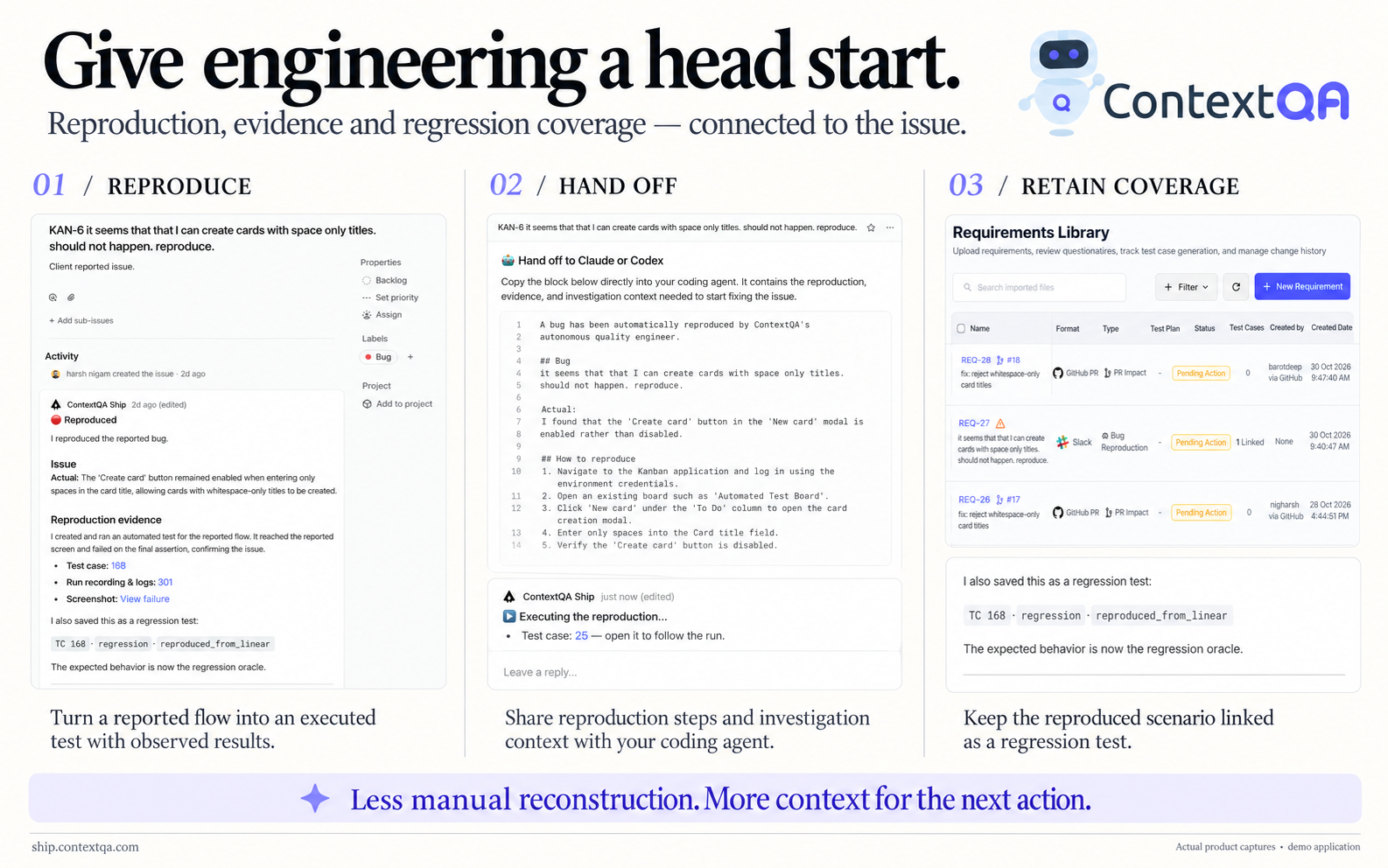
ContextQA connects application testing with the issues your team tracks in Linear. Generate test cases from an issue and create a Linear issue when a test fails, so the requirement and the result stay connected.
How it works
Connect the intended Linear account in ContextQA and use an issue as the starting point for a test case. Review the generated coverage against the expected behavior before running it against your application.
When a test fails, create a Linear issue from the result and use the available execution evidence to investigate. Available capabilities depend on your workspace and plan.
Configuration
Before you start, you need access to the relevant ContextQA workspace and to the Linear resources you want to connect.
In ContextQA, open Integrations & Plugins, find Linear, select View Details, and open Config. Complete the account authorization and confirm the intended Linear workspace. Check connection health before using it, then try one controlled issue-to-test or failed-test-to-issue workflow.
Setup and connection checks are described in the ContextQA integrations documentation. New users can start at ship.contextqa.com.
ContextQA also offers a separate MCP server for use with compatible AI assistants, which can support test authoring and investigation alongside your existing workflow.