- Integrations
- Align
Turn standups and planning calls into Linear issues automatically
Overview
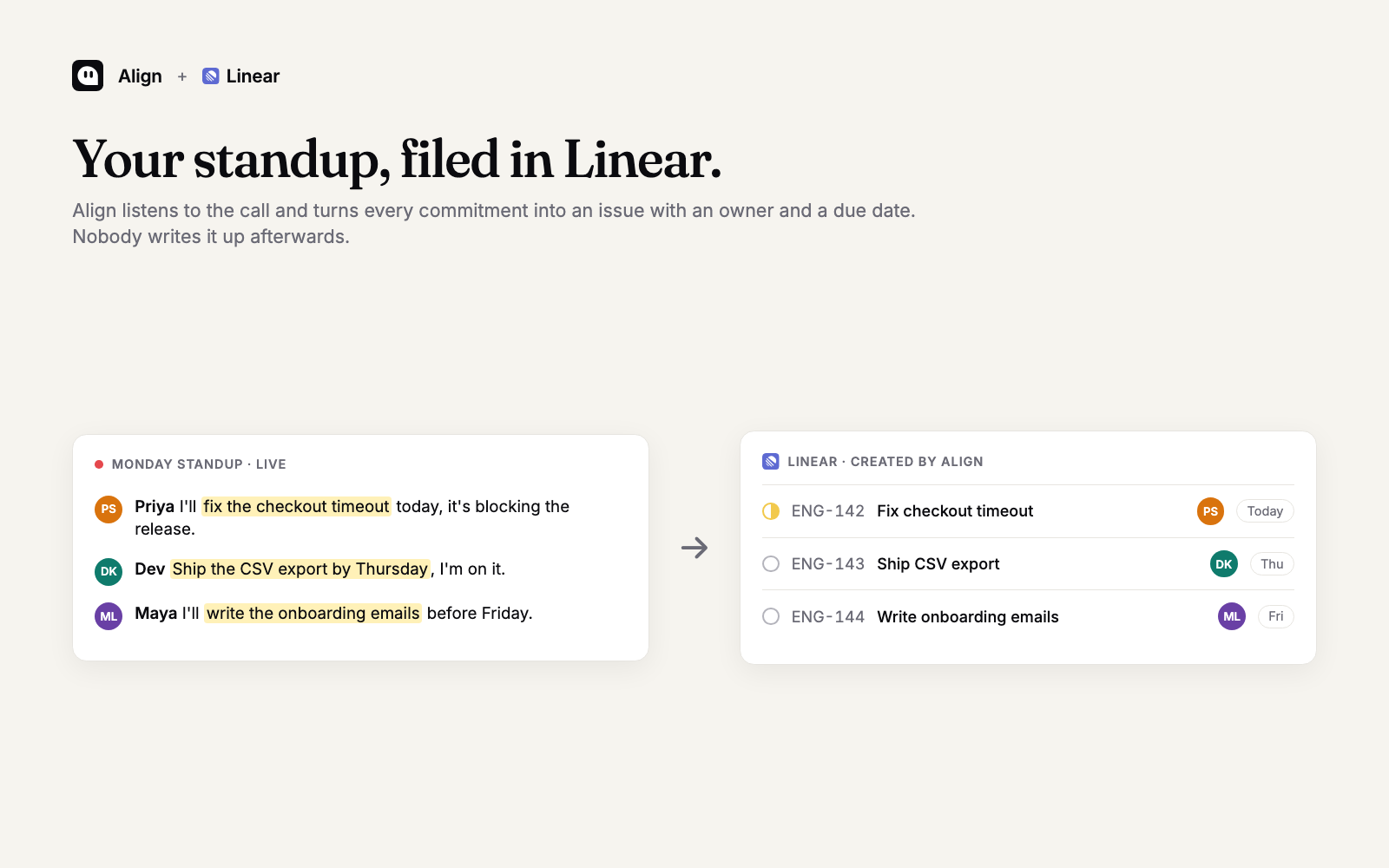
Align listens to your team’s standups and planning calls and turns every commitment into a Linear issue with an owner and a due date. Nobody has to write things up after the call, and the board matches what was actually said.
How it works
Run your call in Google Meet (with the Align extension or notetaker) or in an Align room. As people commit to work, such as “I’ll fix the checkout timeout today”, Align drafts an issue with the right assignee, due date, and context from the conversation, and files it in the Linear team you chose.
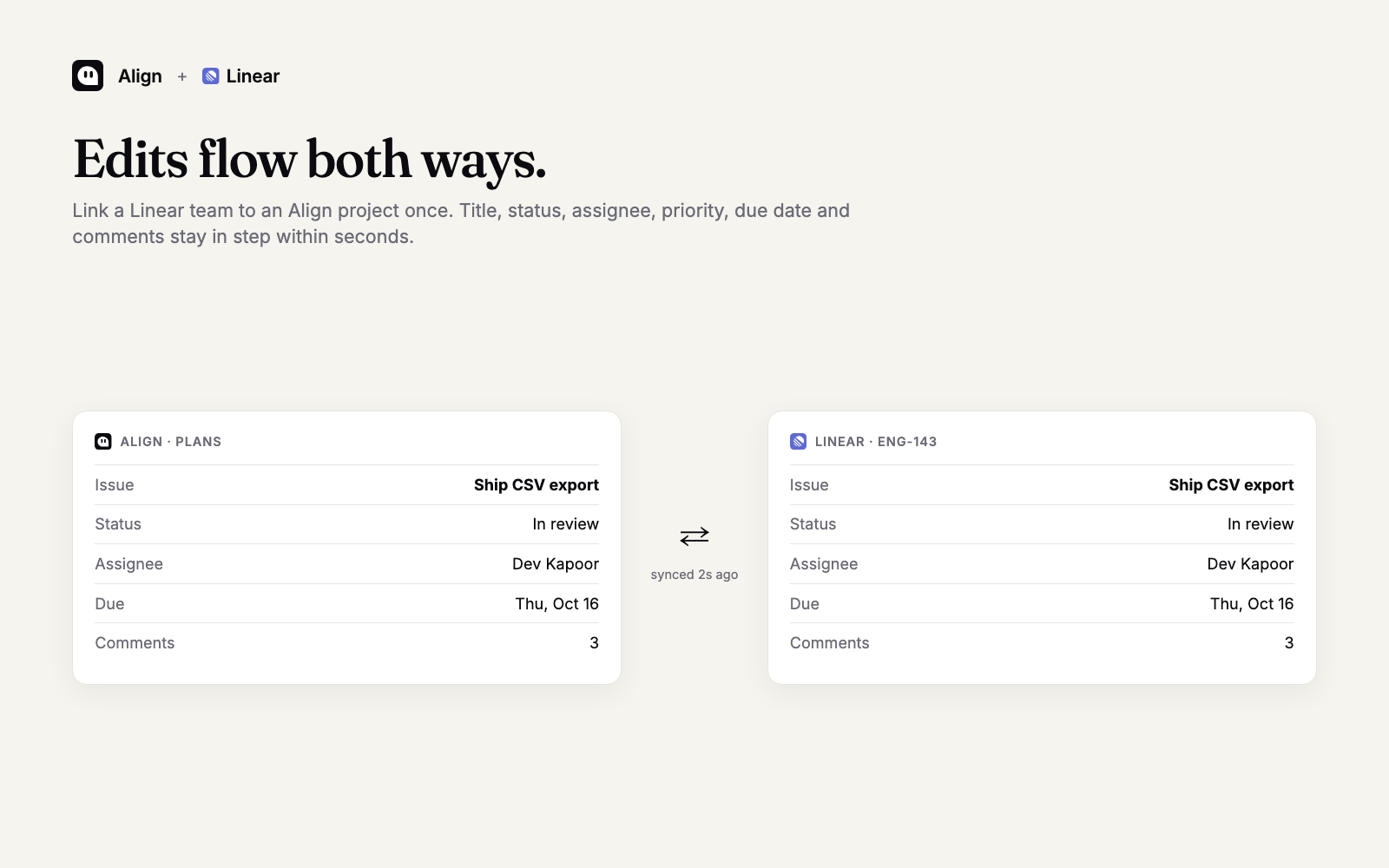
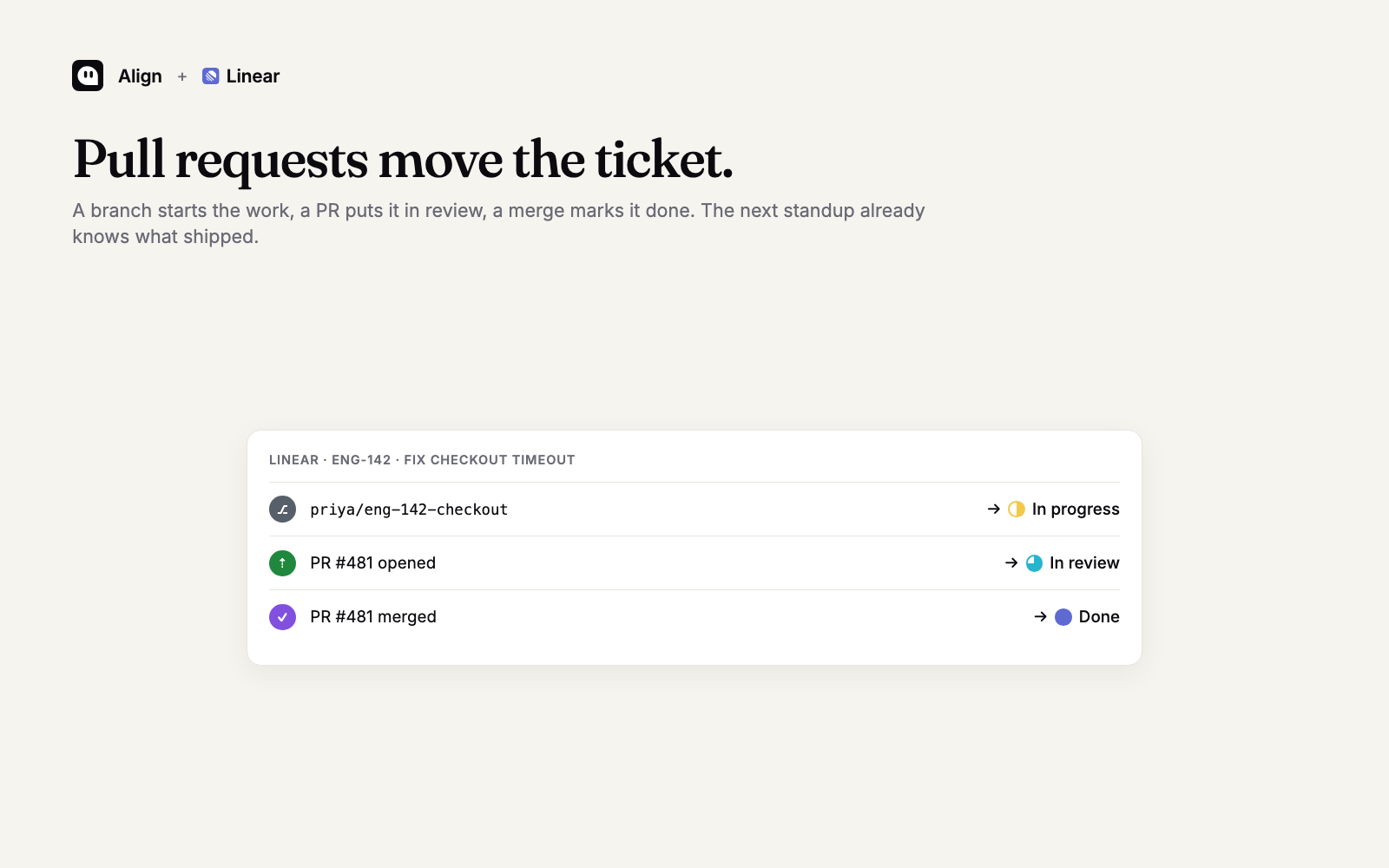
Once a Linear team is linked to an Align project, edits flow both ways within seconds: title, description, status, assignee, priority, due date, and comments. Connect GitHub too and pull requests move the issue: a branch starts it, a pull request puts it in review, and a merge marks it done.
Configuration
In Align, open Settings, then Integrations, and connect Linear. Sign in and authorize your workspace. Then open a Plans project, choose “Sync with Jira or Linear”, and pick the Linear team. Status mapping between your Align workflow and the Linear team is set automatically and can be adjusted. See the setup guide for details.