- Integrations
- v0 by Vercel MCP connector
Connect v0 and Linear through MCP
Overview
Connect the Linear MCP server to v0 so that you can pull issues, projects, and specs directly from Linear into v0 and start building. No more copy-pasting issues or switching between tabs - your Linear workspace becomes part of your development workflow in v0.
How it works
v0 is an AI agent that helps anyone create real code and full-stack apps. Ship features, refine designs, update copy, and create live prototypes — all with a prompt. Deploy to production immediately, or open a pull request for review.
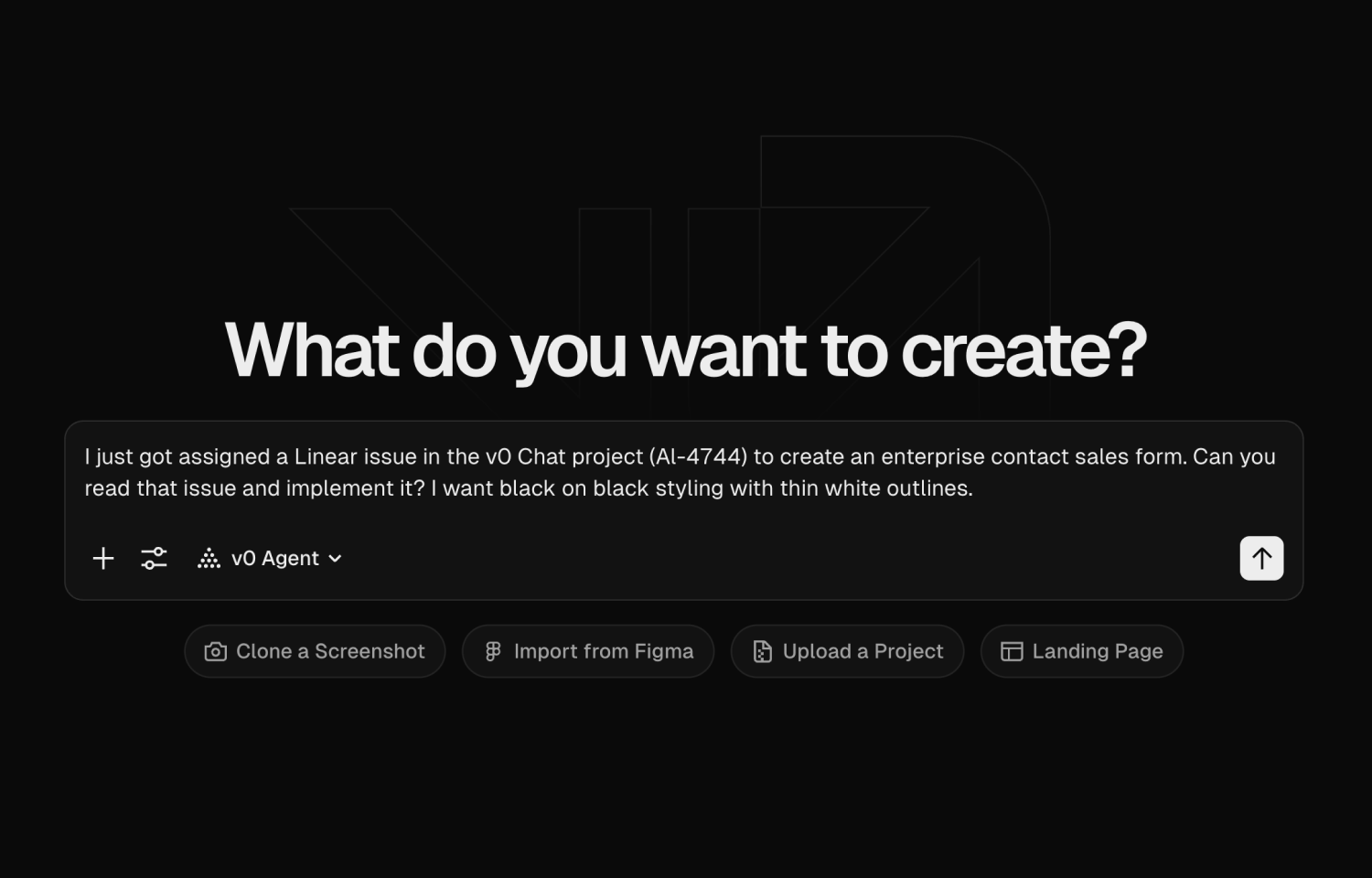
The integration connects your issue tracking directly to your development environment in v0. Pull any Linear issue, project brief, or feature spec into v0 and use it as context while you build. Whether you’re working on a bug fix, new feature, or technical task, you can reference the original Linear issue without leaving v0.
Once you’ve pulled an issue into v0, you can build the feature, iterate on it, and push to production. This integration is built for teams that live in Linear and want to close the gap between issue tracking and shipping code. Instead of managing context in multiple tools, you can go from Linear issue to deployed feature in one workflow. Your specs, bug reports, and feature requests become immediately actionable.
Configure
To enable access to the Linear MCP server from v0, open your v0 settings and connect your Linear workspace here. Once connected, you can toggle on the connection from the main v0 input page.