- Integrations
- Shipam
Turn completed Linear projects and cycles into launch-page drafts
Overview
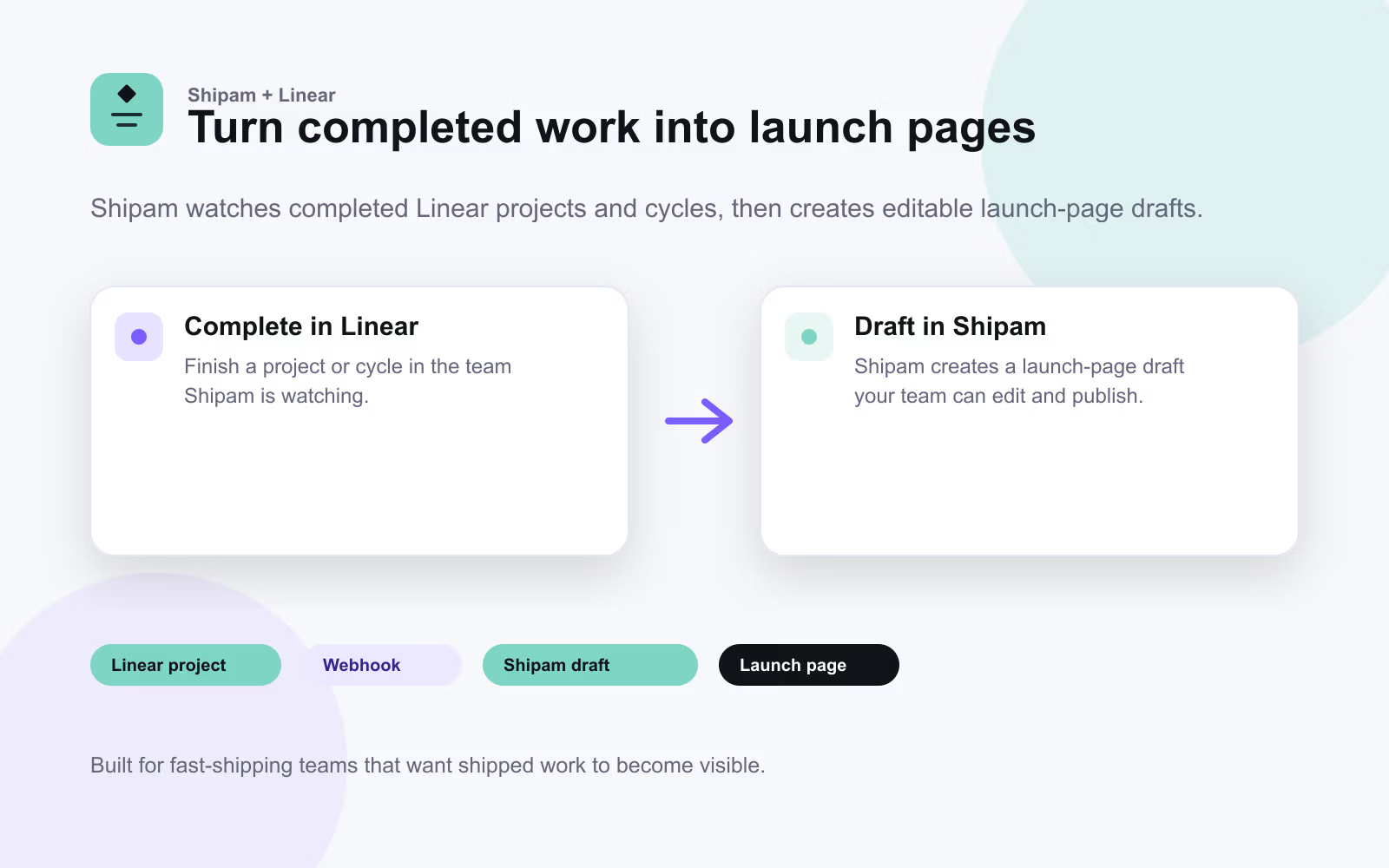
Shipam turns completed Linear projects and cycles into polished launch-page drafts, helping teams announce shipped work without starting from a blank page.
How it works
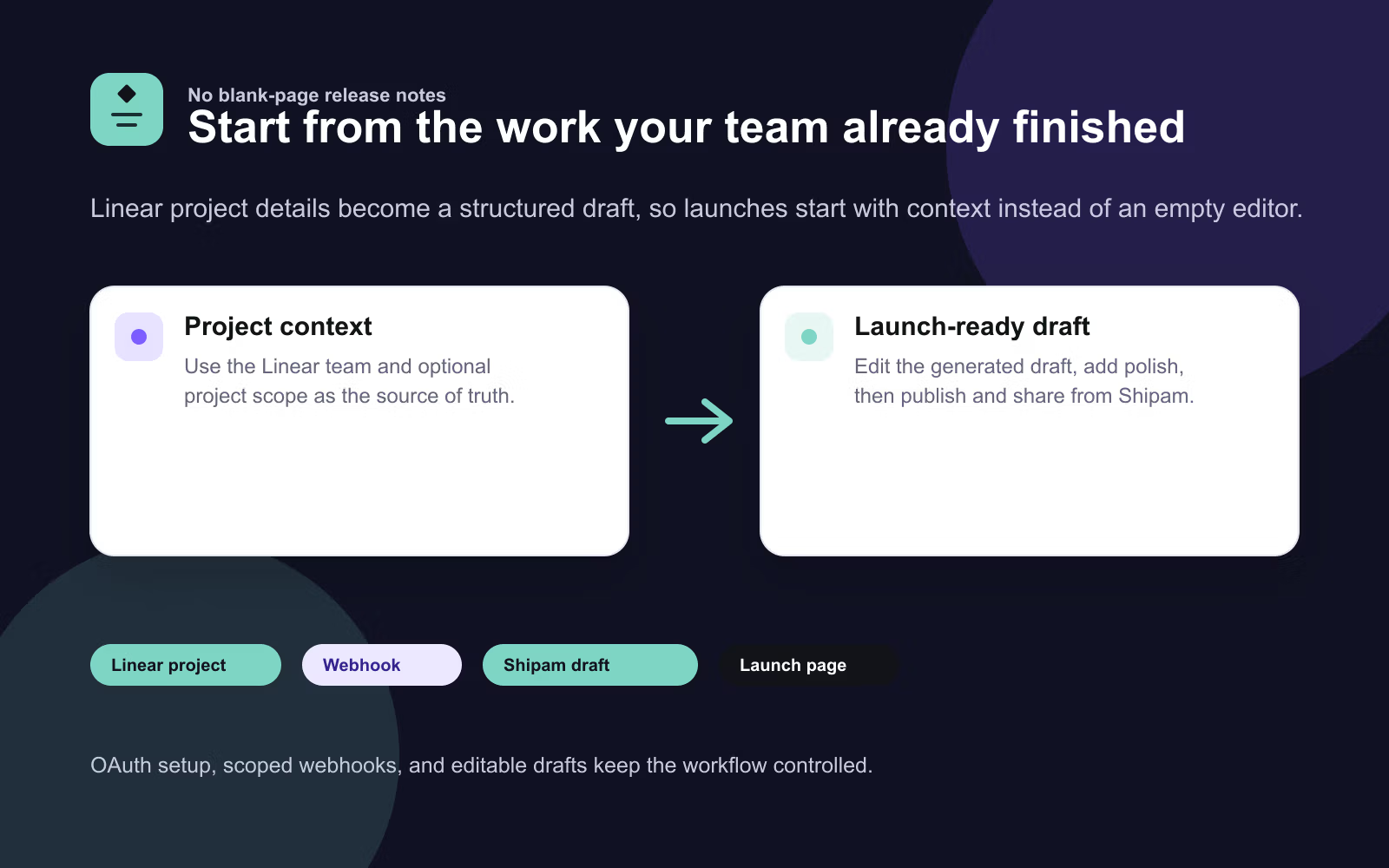
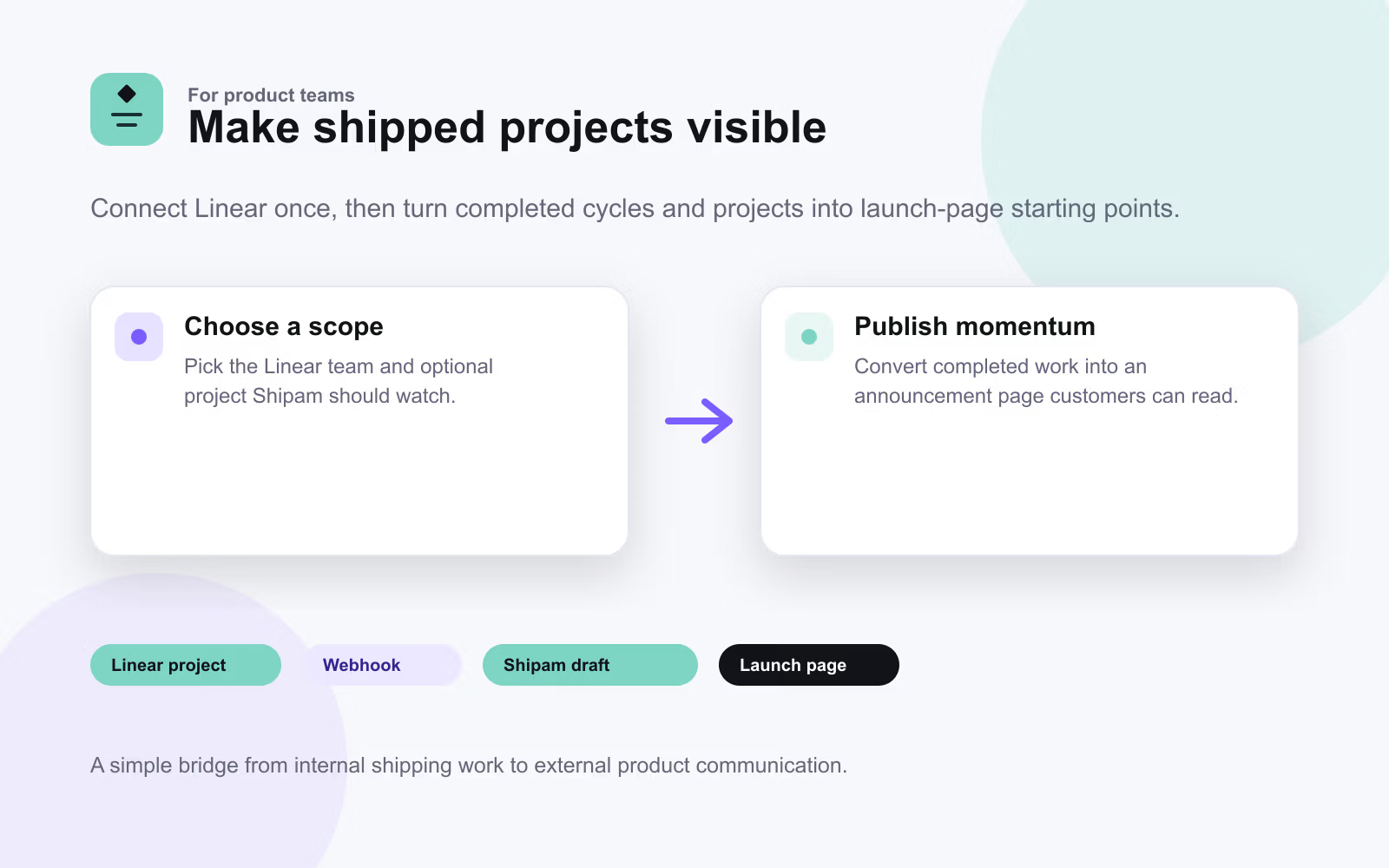
Connect Shipam to Linear with OAuth, choose the Linear team and optional project scope to watch, then complete a matching project or cycle in Linear. Shipam receives the Linear event, creates a draft launch page from the project or cycle details, and lets your team edit, publish, and share it from Shipam.
Configure
The Linear integration requires the pro version of Shipam. A Linear workspace admin connects Shipam from the Shipam settings page. After authorizing the app, choose the Linear team and optional project scope Shipam should watch. Shipam automatically registers the webhook and starts creating drafts when matching projects or cycles are completed.