- Integrations
- Otter.ai
Bring meeting insights into Linear Agent to turn discussions into actionable work
Overview
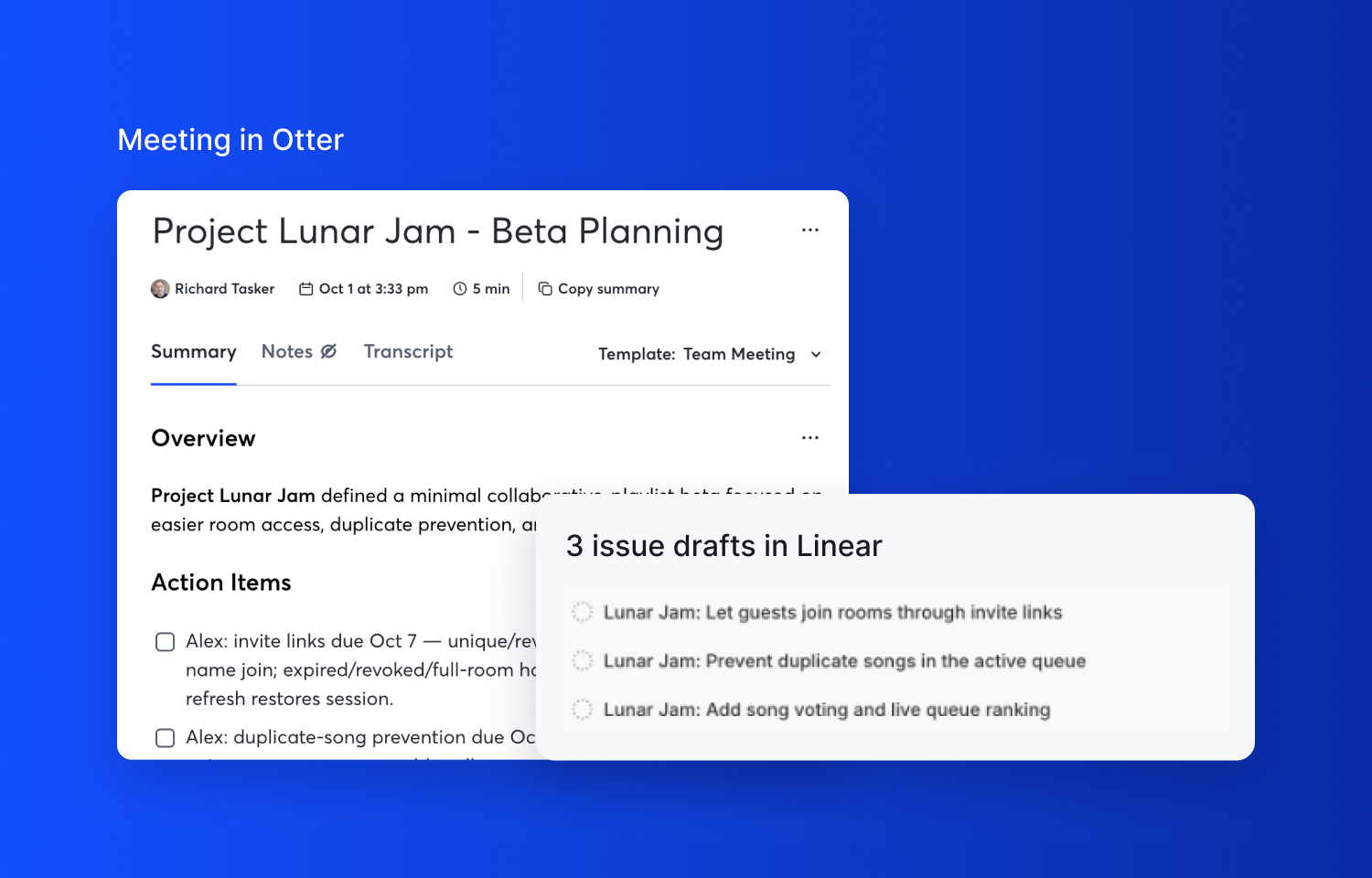
Connect Otter.ai to Linear Agent to bring meeting knowledge into your product and engineering workflow. Find customer feedback, recover decisions, and use meeting context to draft issues and project updates without copying transcripts between tools.
How it works
Linear Agent connects to Otter’s hosted MCP server to search meetings and retrieve transcripts, summaries, action items, and attendees. Search by topic, date, or participant, then explore the relevant conversations in more detail.
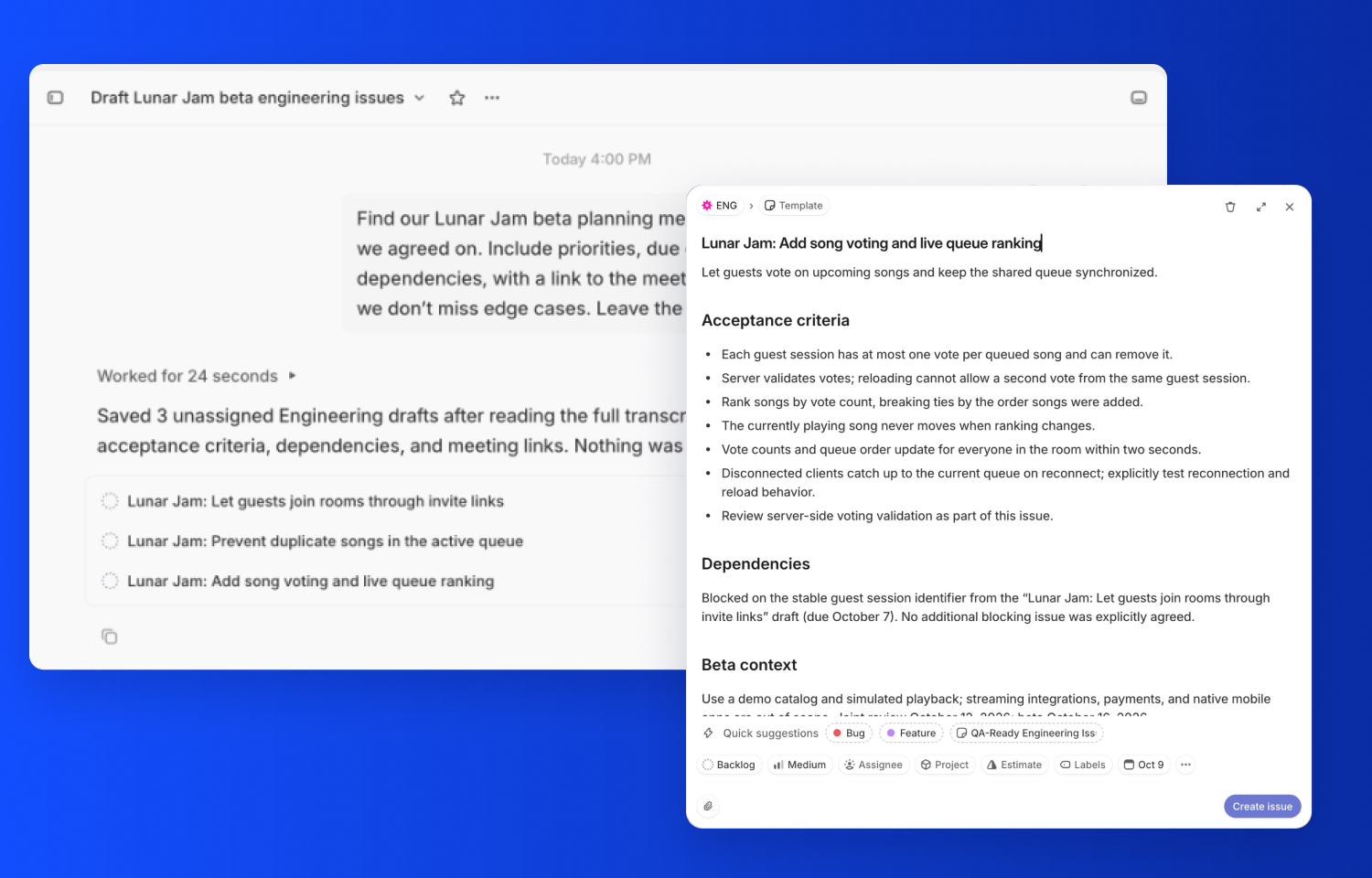
Ask Linear Agent to summarize customer requests, identify commitments from planning meetings, or draft an issue from a discussion. Otter supplies the meeting context; Linear Agent uses it to help you work in Linear.
The connection uses OAuth and respects your Otter access permissions, including meetings shared with you. Access is authenticated to your Otter account, with no local MCP server to install.
Configure
In Linear Agent’s connector settings, add the MCP URL: https://mcp.otter.ai/mcp and sign in to your Otter.ai account. Once connected, ask Linear Agent to search your meetings and use that context in your work.