- Integrations
- LinCal
Plan your work on a calendar with LinCal

Overview
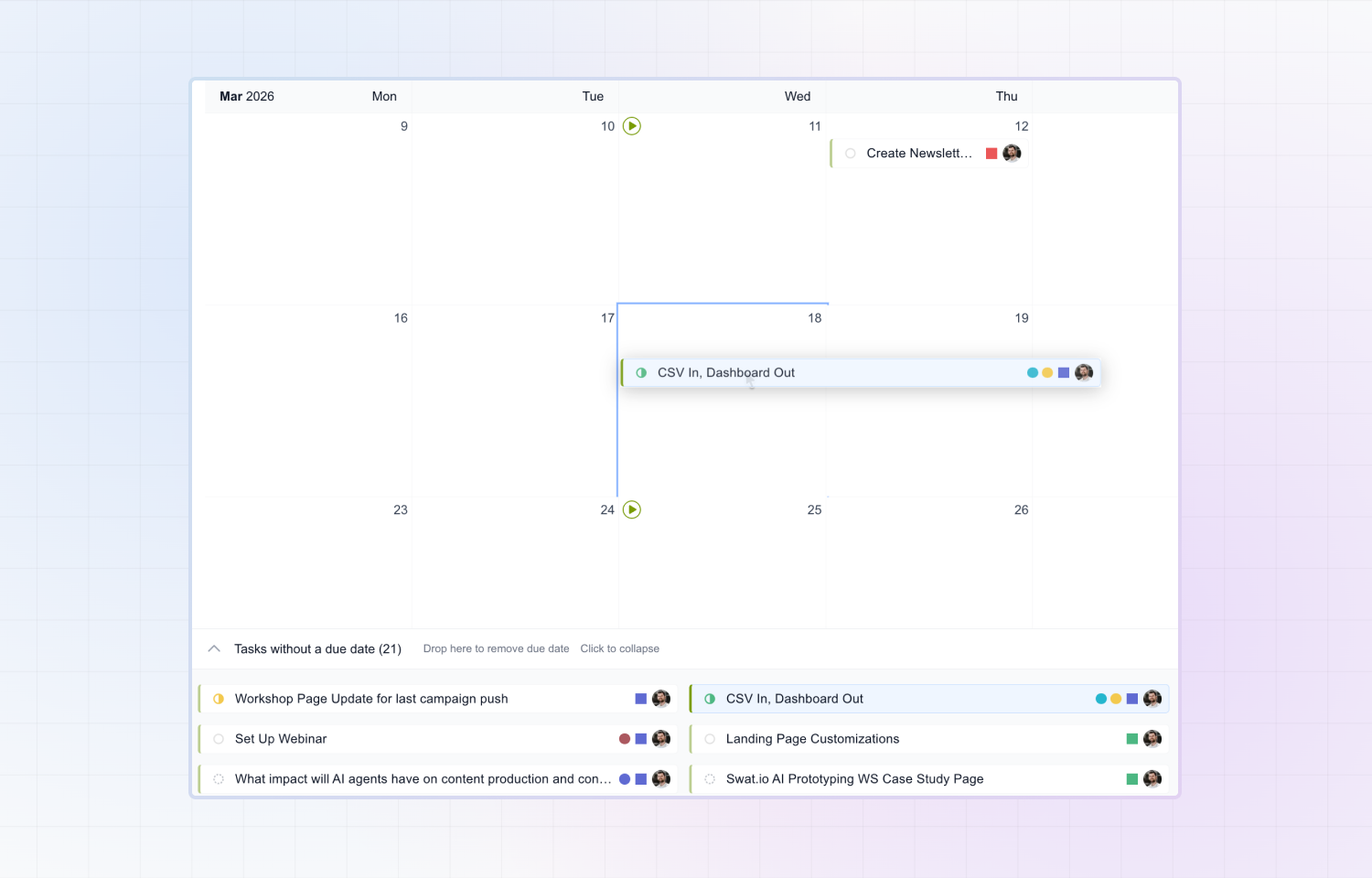
LinCal brings your Linear issues into a visual, scrolling calendar. See your team’s work laid out by due date, drag tasks to reschedule them, and share filtered views with anyone all without leaving your workflow.
How it works
Sign in with your Linear account and LinCal pulls in your issues instantly. Filter by team, project, assignee, or cycle to focus on what matters to you. Drag and drop tasks to change due dates, create new issues directly on the calendar, and share a customized view with your team via a shareable link. Overdue and unplanned issues are visually flagged, so you always know what needs attention. Every change syncs back to Linear in real time.
Configure
Visit lincal.app and log in with your Linear account — no separate signup needed. Customize your filters, and you’re ready to start planning.