- Integrations
- Laravel Nightwatch
Create and link Linear issues directly from Nightwatch
Overview
Create or link Linear issues directly from Nightwatch-observed issues, keeping investigation context and debugging details right where you track your work.
How it works
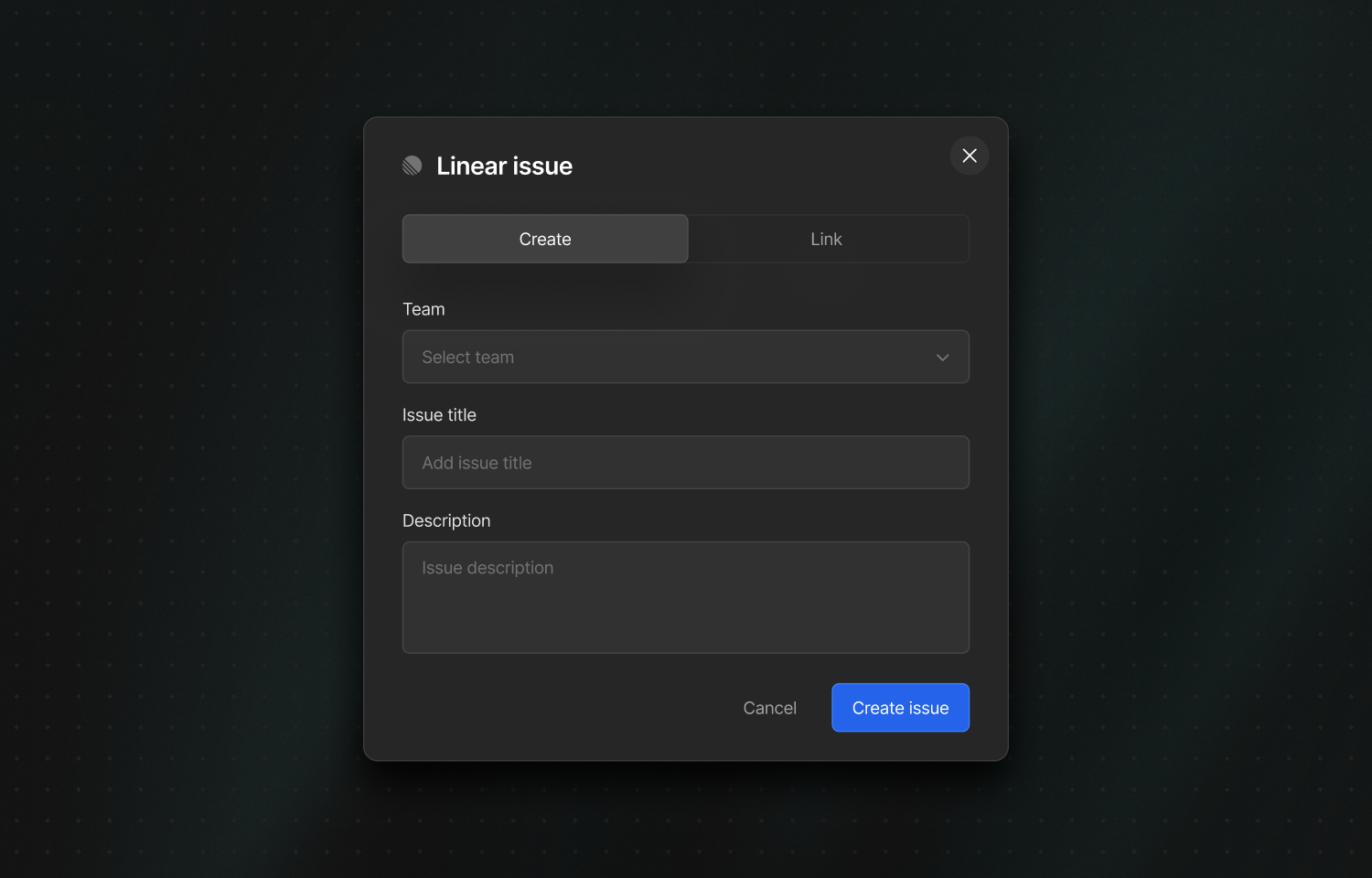
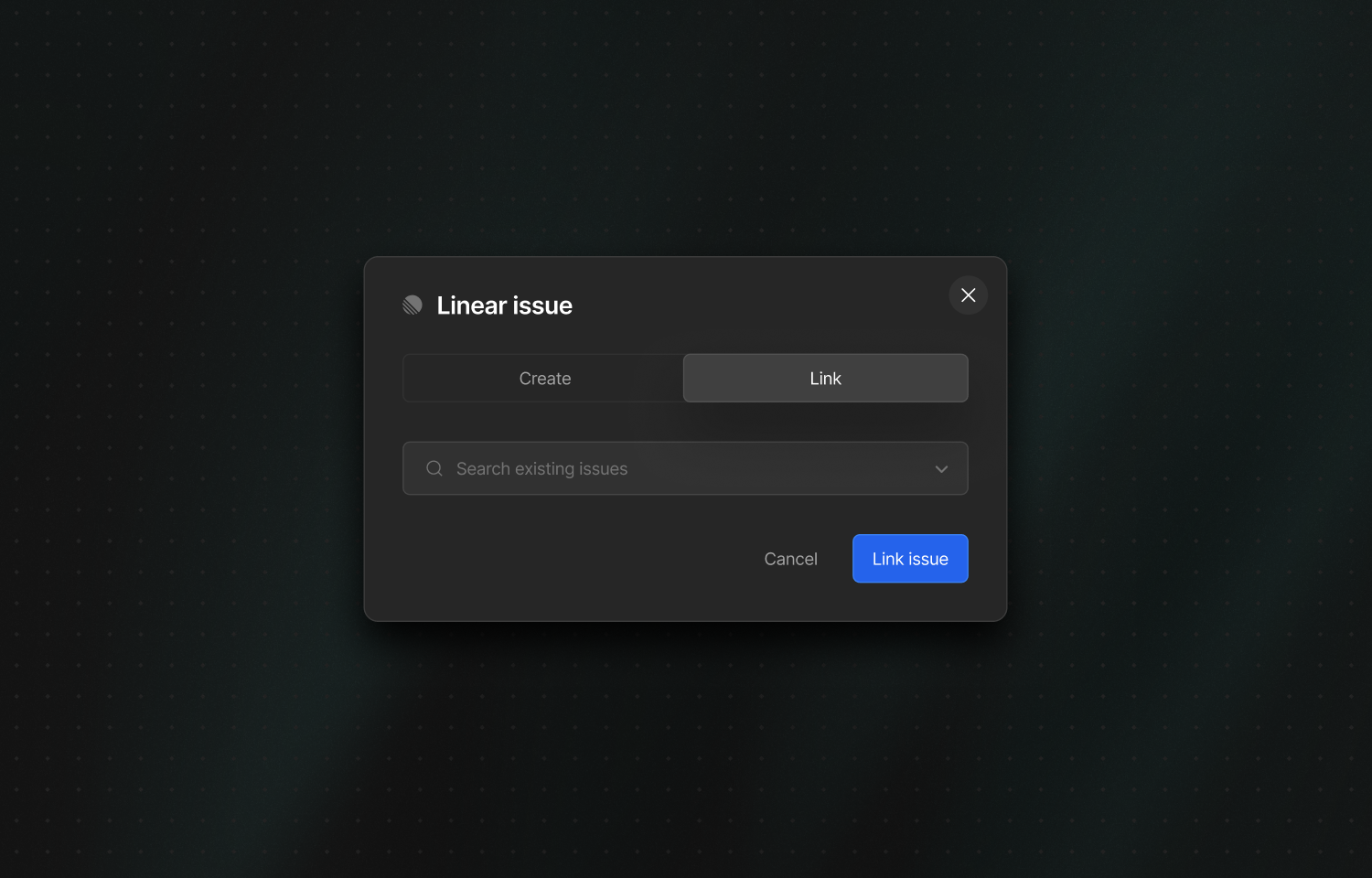
After enabling the integration, Linear actions appear in the right-hand sidebar when viewing an issue in Nightwatch. From there, you can create a new Linear issue or link to an existing Linear issue to keep them connected.
When creating a new Linear issue, Nightwatch populates the Linear issue with the description from the Nightwatch issue. This pairs well with Nightwatch’s AI-assisted issue description generator, helping teams push high-quality investigation details into Linear without manual copy and pasting.
The integration also supports mapping Nightwatch applications to Linear teams. This allows Nightwatch to preselect the right Linear team when creating issues, based on the application the issue belongs to, which reduces triage overhead for organisations with multiple teams.
Configure
You must be an organisation admin in Nightwatch to configure the integration. In Nightwatch, go to your organisation settings and select Connect to Linear, then choose the Linear workspace you want to link.
Once connected, optionally configure application-to-team mappings so issues created from specific Nightwatch applications are routed to the correct Linear team by default.