- Integrations
- Hill Charts by Routific
Slick Hill Charts synced with your Linear issues for your Shape Up workflow
Overview
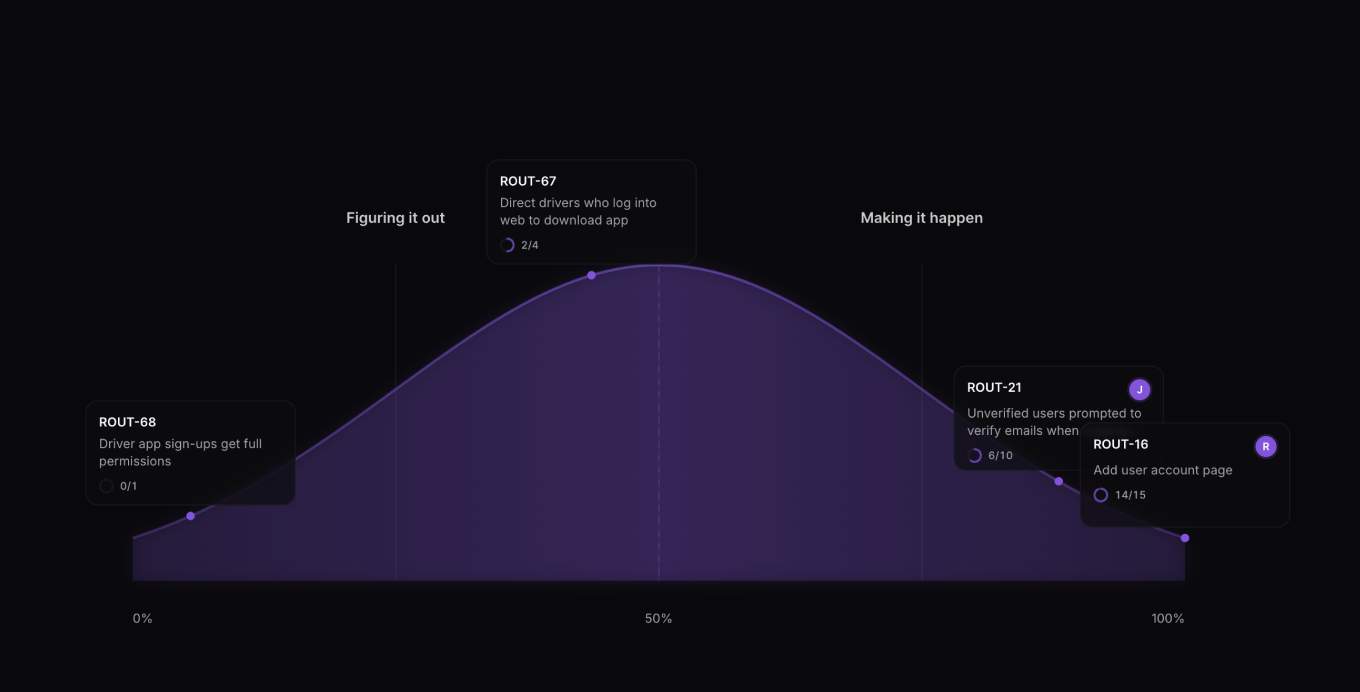
This app brings Shape Up Hill Charts to Linear, where a Shape Up pitch is a Linear project, and a Shape Up slice is a Linear issue with a label (e.g. Slice). Pulls assignee and subtask information from Linear so your hillcharts are always up to date.
How it works
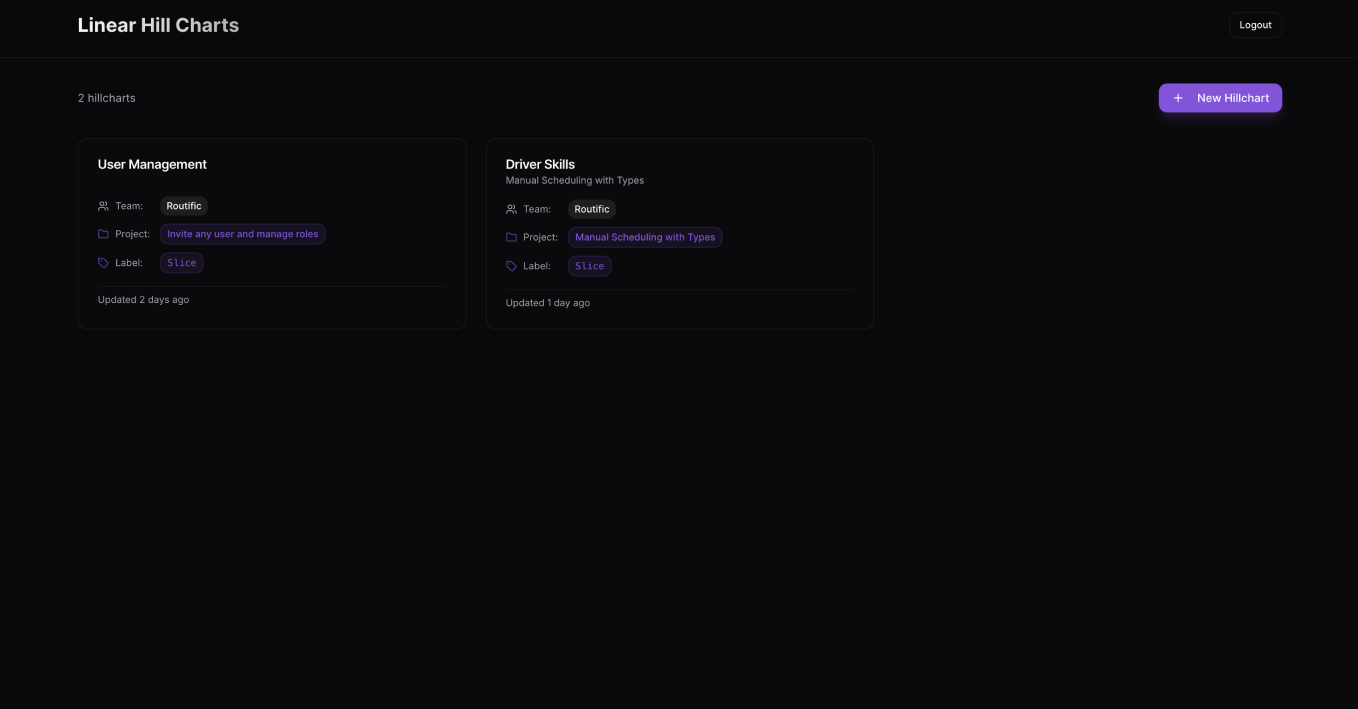
Connect your Linear account securely using OAuth, then choose a project and the label you’d like to use for syncing issues. Any issues marked as In Progress will automatically appear on your hill chart, where you can drag and drop items to reflect their current state. Once your chart is up to date, share it with your team and enjoy a clear, visual sense of progress.
At the moment, the app supports single-player mode only, as hill chart state is stored locally in your browser. Multiplayer support is coming soon.
Configure
Go to https://linear-hills.routific.com and connect your Linear account to get started.