- Integrations
- Eodly
Check your team's daily updates against Linear activity
Overview
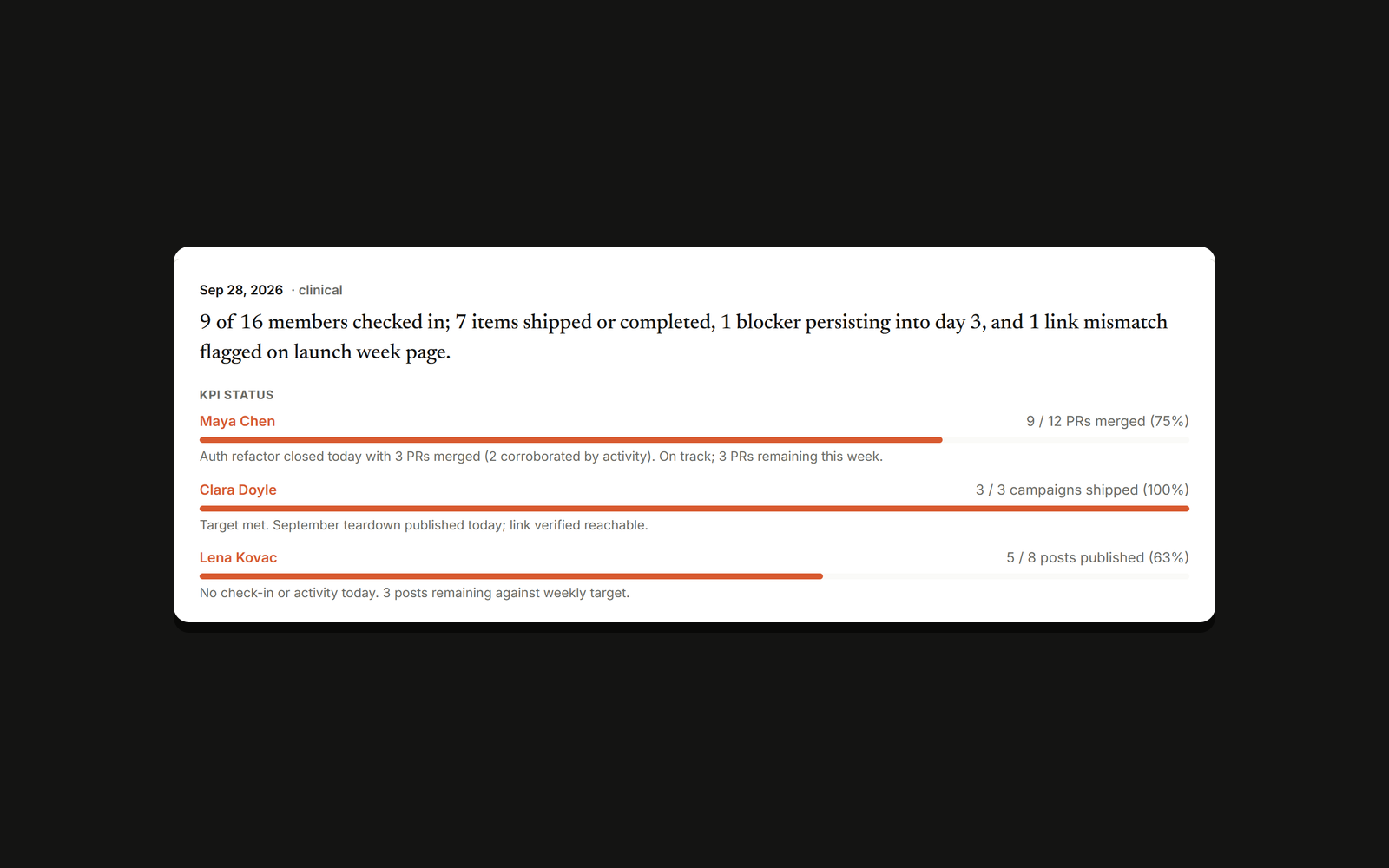
Eodly asks each person on your team for a short daily check-in in Slack, Telegram or Discord, then compares what they wrote with what actually moved in Linear and GitHub. Each evening the team lead gets one report showing who shipped, who is blocked and who has gone quiet.
How it works
Once connected, Eodly reads your Linear workspace with read-only access. It receives issue updates through Linear webhooks and backfills roughly the last 10 days of issues when you connect, so the first report already has history to work with. It never creates, edits or comments on issues.
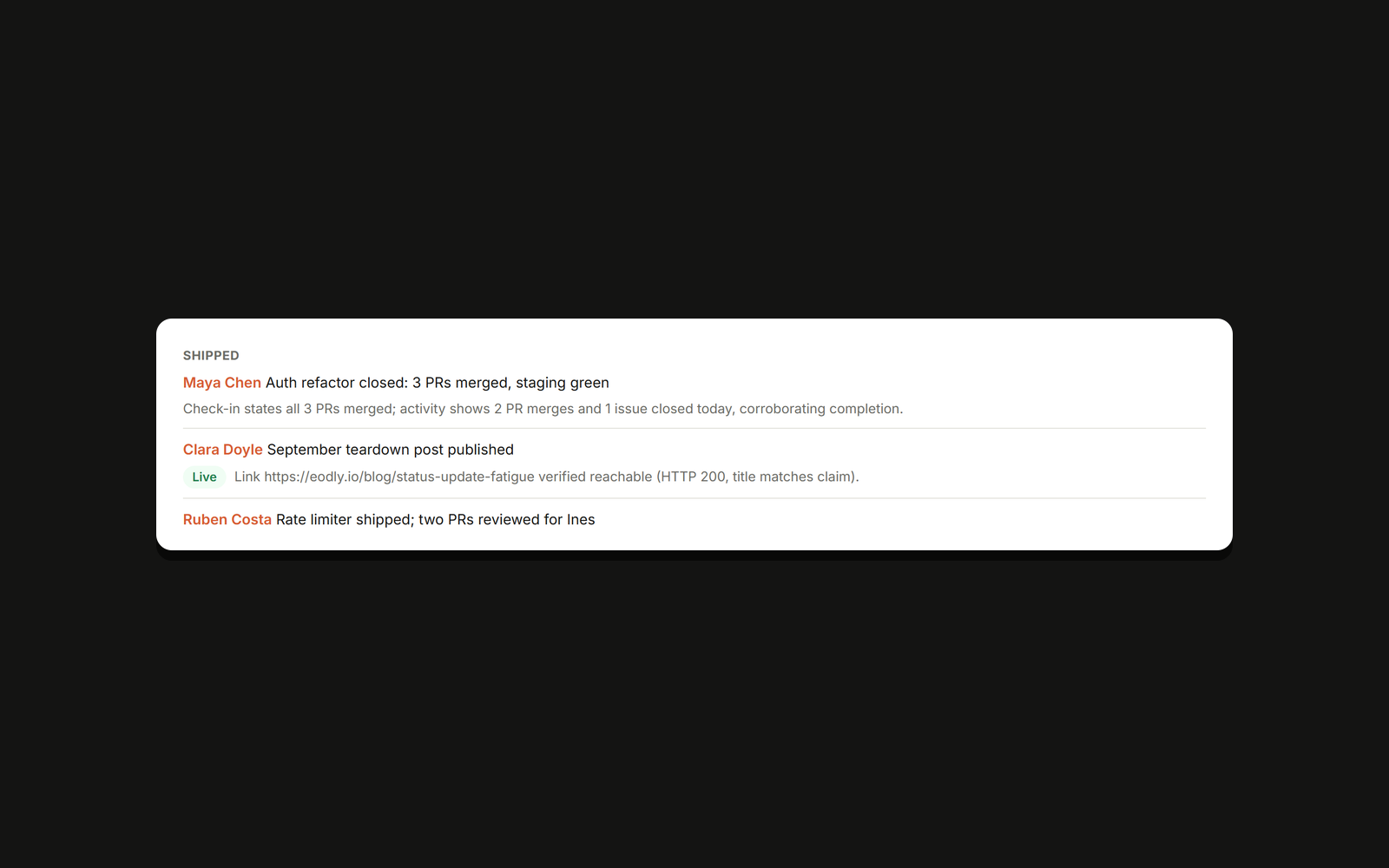
Each evening Eodly matches every teammate’s check-in against their Linear activity. When someone reports an issue as done and it has moved to a completed or in-review state, the claim is corroborated and nothing is flagged. When the same item has been reported as almost done for several days and the issue has not moved, the report shows the claim and the issue history side by side so the lead can judge for themselves.
Linear evidence sits alongside GitHub pull requests and commits, live links and screenshots. The report arrives at the time and timezone the workspace chooses, 7 PM local by default, on the Eodly dashboard and as a direct message in the team’s chat tool. Eodly is free for teams of up to 5 people.
Configure
On your Eodly dashboard, click Connect Linear and authorize your workspace; Eodly requests read access only. Then open the Team page and match each teammate to their Linear user, so issue activity is credited to the right person. If your Linear workspace requires admin approval for third-party apps, a workspace admin completes the authorization step.