- Integrations
- ContextStream
Persistent project memory for AI coding agents
Overview
ContextStream is persistent project memory for AI coding agents. When a workspace connects Linear, those issues become searchable from the agent alongside the rest of the project’s memory, so a team can ask about issue state without leaving the editor.
How it works
Connect Linear from the ContextStream dashboard. Each workspace uses its own Linear account, and access follows that account’s permissions. Connected issues can be filtered by team, status, priority, assignee, and whether a due date exists.
AI coding agents reach this data through the ContextStream hosted MCP server at https://mcp.contextstream.io/mcp. The MCP integration tool can check Linear connection status, search issues, list issues with those filters, and pull activity, stats, knowledge, and summaries from the connected workspace.
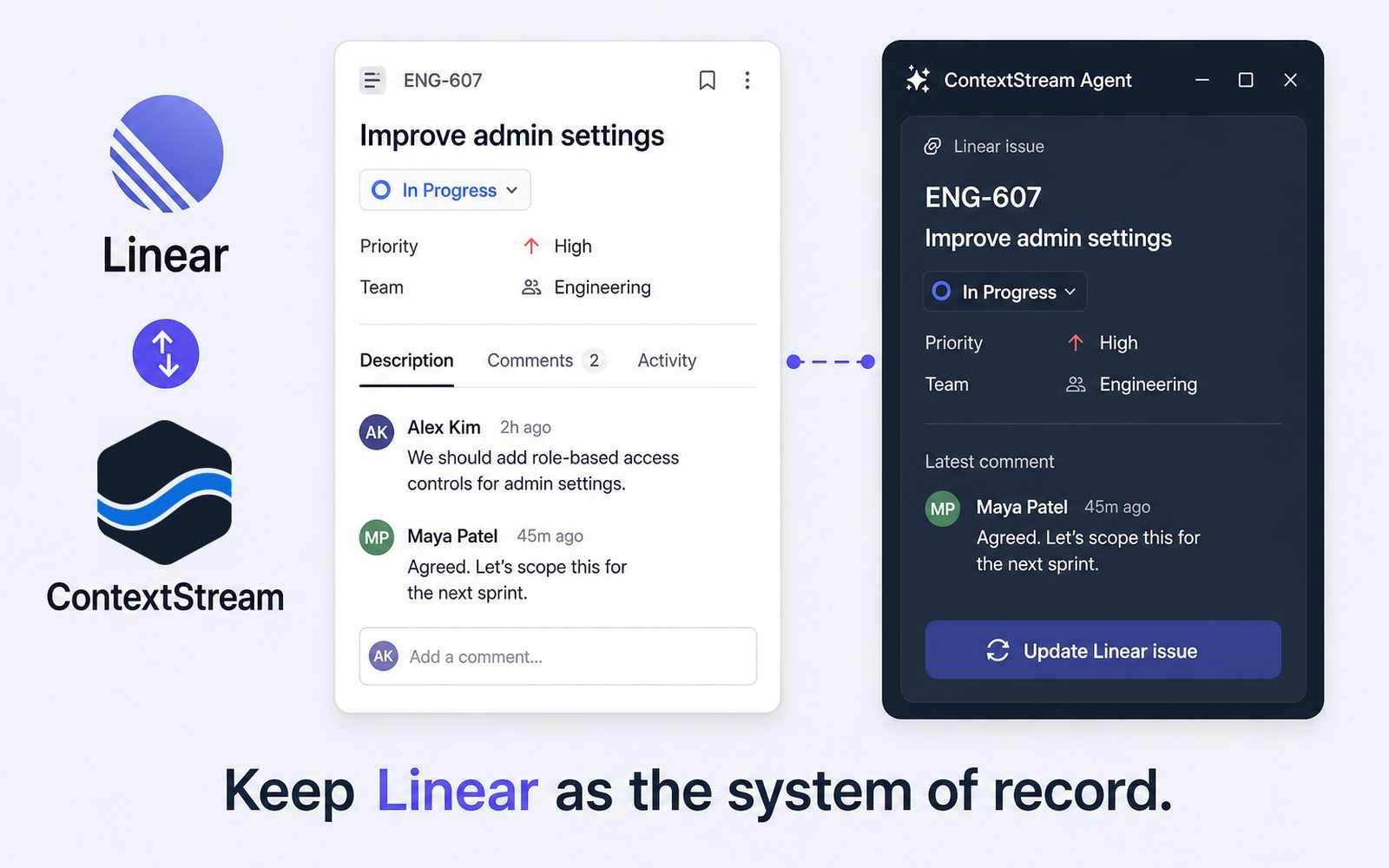
Linear remains the system of record. ContextStream does not replace Linear. It makes connected issue context available next to decisions, lessons, and code search so the next session starts with what the project already knows.
Configure
1. In the ContextStream dashboard, connect Linear for the workspace. Each workspace connects its own Linear account.
2. Point the AI coding tool at the hosted MCP server (https://mcp.contextstream.io/mcp), or follow the install steps at https://contextstream.io/product/mcp-server.
3. Confirm the Linear connection from the dashboard or via the integration status action. More details can be found here.