- Integrations
- Bond
Turn your assigned issues into prioritized to-dos and close them from Bond
Overview
Bond is an AI chief of staff that lives in Slack and iMessage and keeps one prioritized to-do list that updates itself. With Linear connected, the issues assigned to you sit next to everything you promised in Slack, email, and meetings, so you always know what to work on next.
How it works
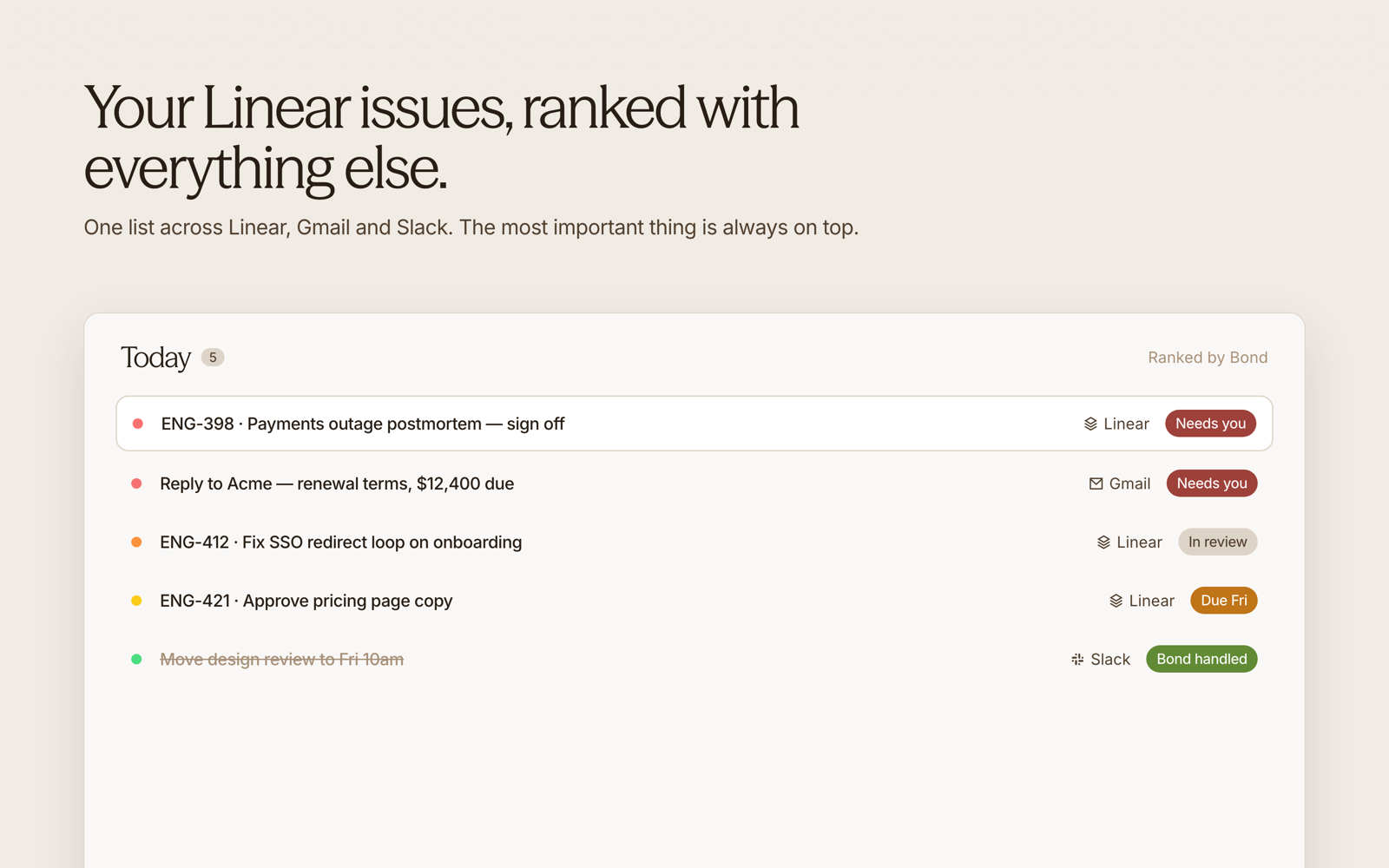
Every Linear issue assigned to you becomes a to-do in Bond. Bond ranks it from P0 to P3 alongside the rest of your work, from Slack threads to emails and meeting follow-ups, so your Linear work and everything else live in one list.
The sync goes both ways. When you complete or reopen a to-do in Bond, Bond updates the issue in Linear. Issue changes also show up in your daily brief, so you see what moved without opening Linear.
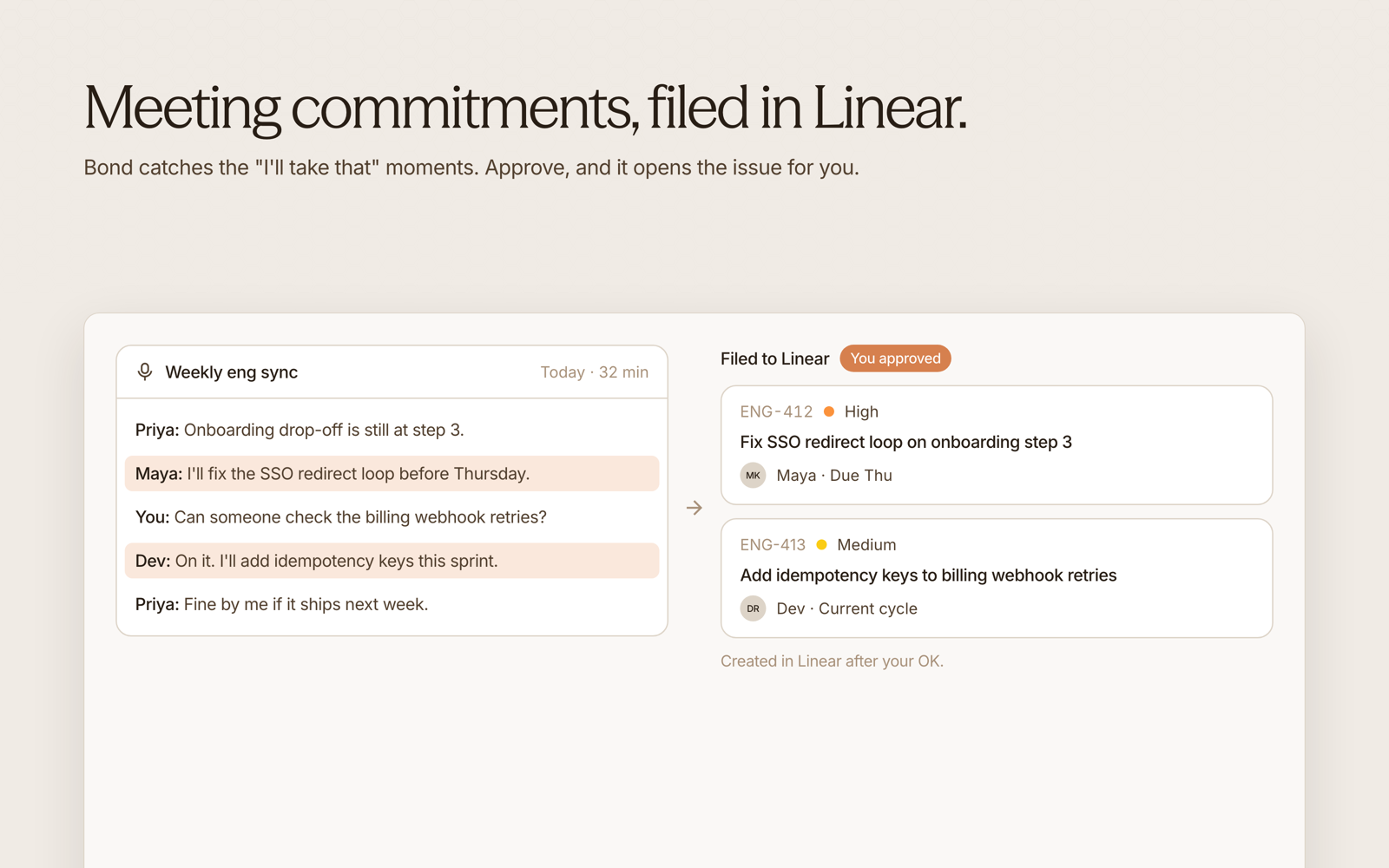
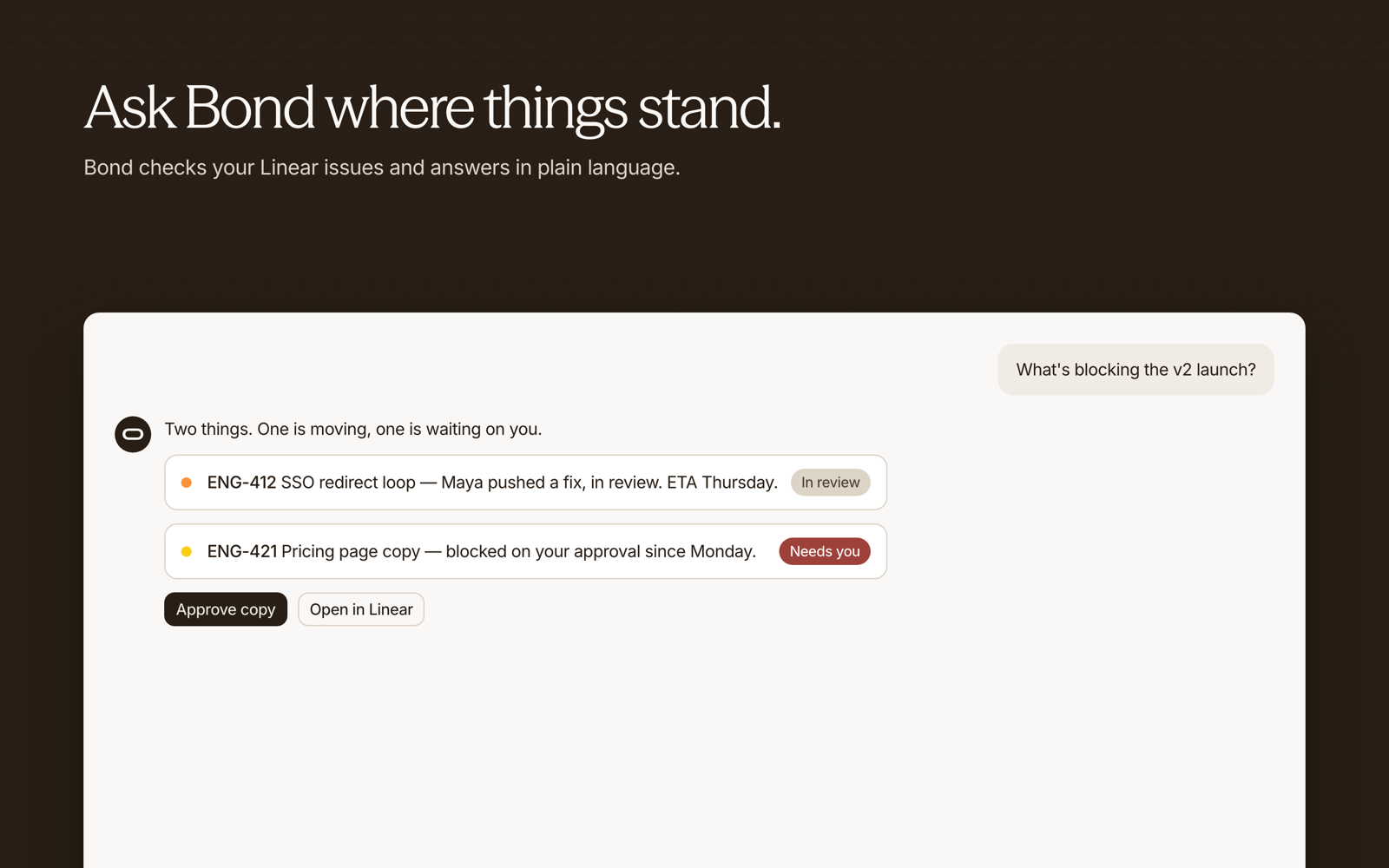
You can also work with Linear from chat. Ask Bond to create an issue, update one, or add a comment, and Bond shows you the change and makes it once you approve. You can connect more than one Linear workspace.
Configure
Start a free trial at bondapp.io and finish onboarding. Then open Settings → Integrations in Bond, select Linear, and approve access with your Linear account. To add another workspace, connect it the same way.