- Integrations
- Better Stack
Create Linear issues from incidents, errors and AI SRE investigations
Overview
Create Linear issues from Better Stack incidents and errors, and keep them in sync. You can also use your Better Stack on-call schedules for triage responsibility in Linear, and let Better Stack’s AI SRE find and create issues during investigations.
How it works
Better Stack is an observability and incident management platform. Connect it to Linear to:
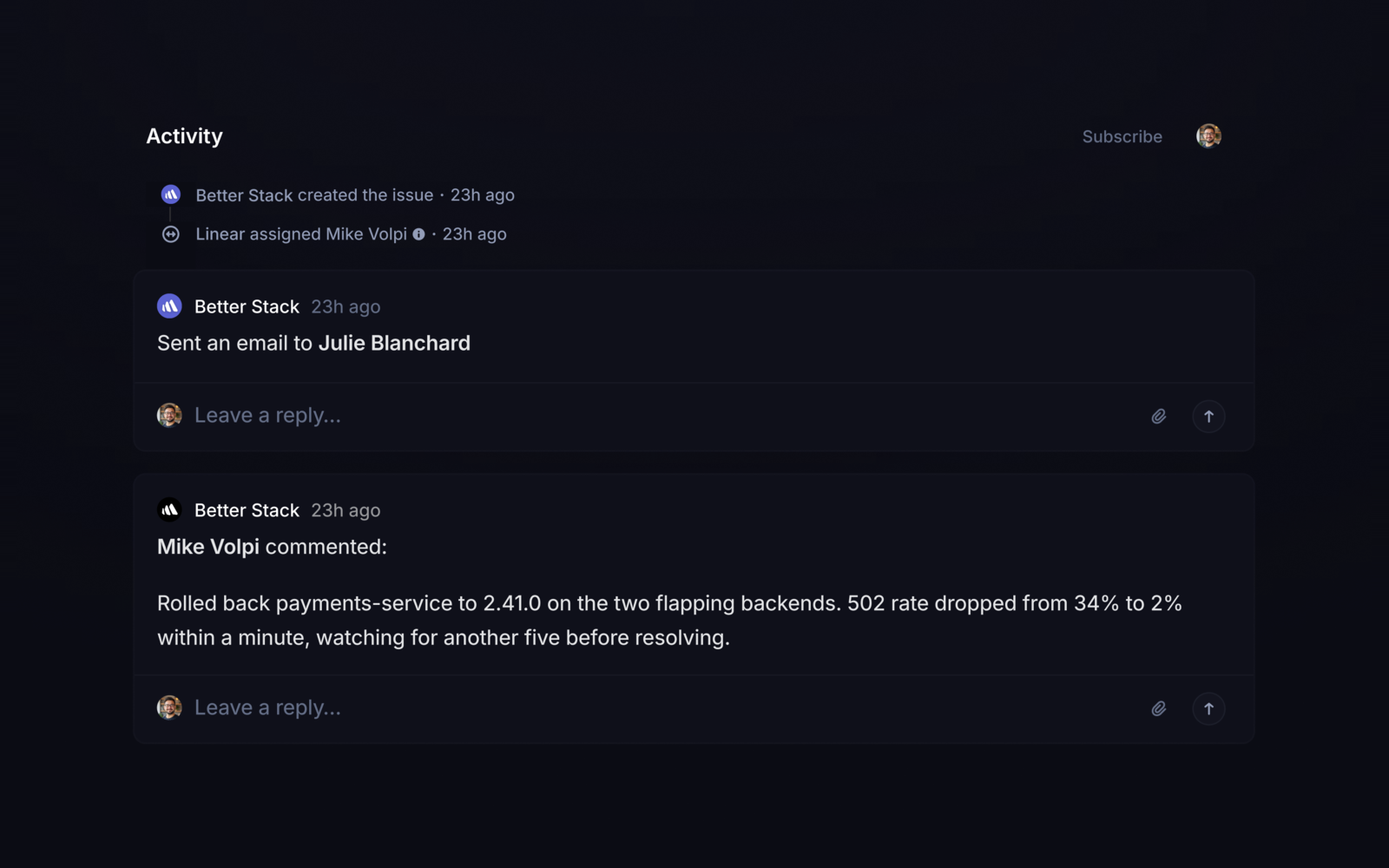
- Automatically create a Linear issue from an incident with all its context and bi-directional syncing of updates, comments, and statuses.
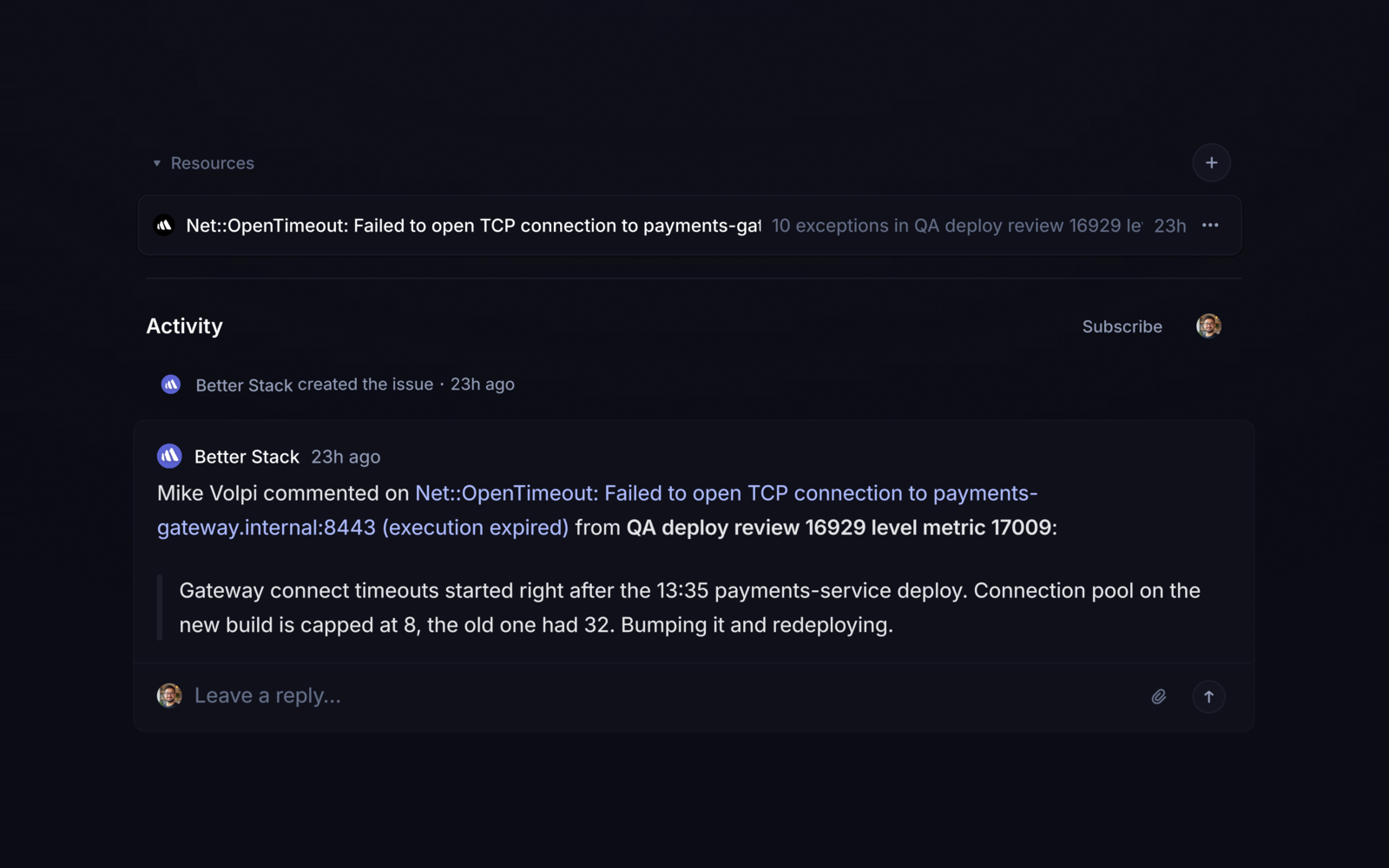
- Create an issue from any error, by hand or automatically, with a live count of how often it occurs.
- Resolve an error in Better Stack or close an issue in Linear and the other side stays in sync.
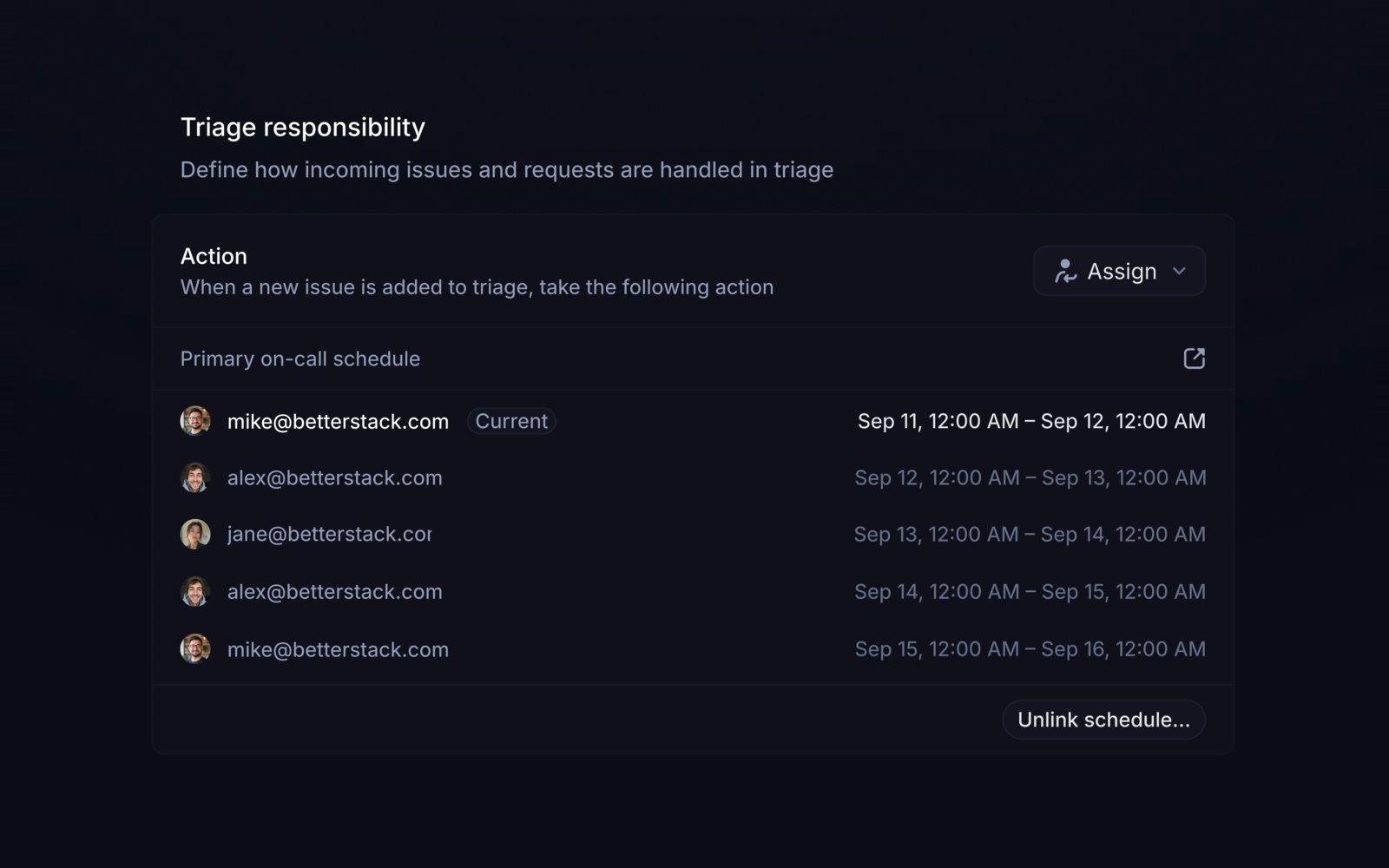
- Assign new triage issues to whoever is on call, using your Better Stack on-call schedules.
- Let the AI SRE search your issues during an investigation and create follow-ups with its findings.
Configure
Each part connects separately, so set up only what you need:
- Incidents: in Incidents, open Integrations, add Linear, and choose the team and defaults for new issues.
- Errors: in Error tracking, open Integrations and add Linear. A Linear workspace admin needs to authorize it.
- On-call schedules: in Incidents, add Linear triage responsibility, then select the schedule in your Linear team’s Triage settings.
- AI SRE: in AI SRE, open Integrations and add Linear.