- Integrations
- AppReviewBot
Get Apple App Store and Google Play reviews in Linear as issues
Overview
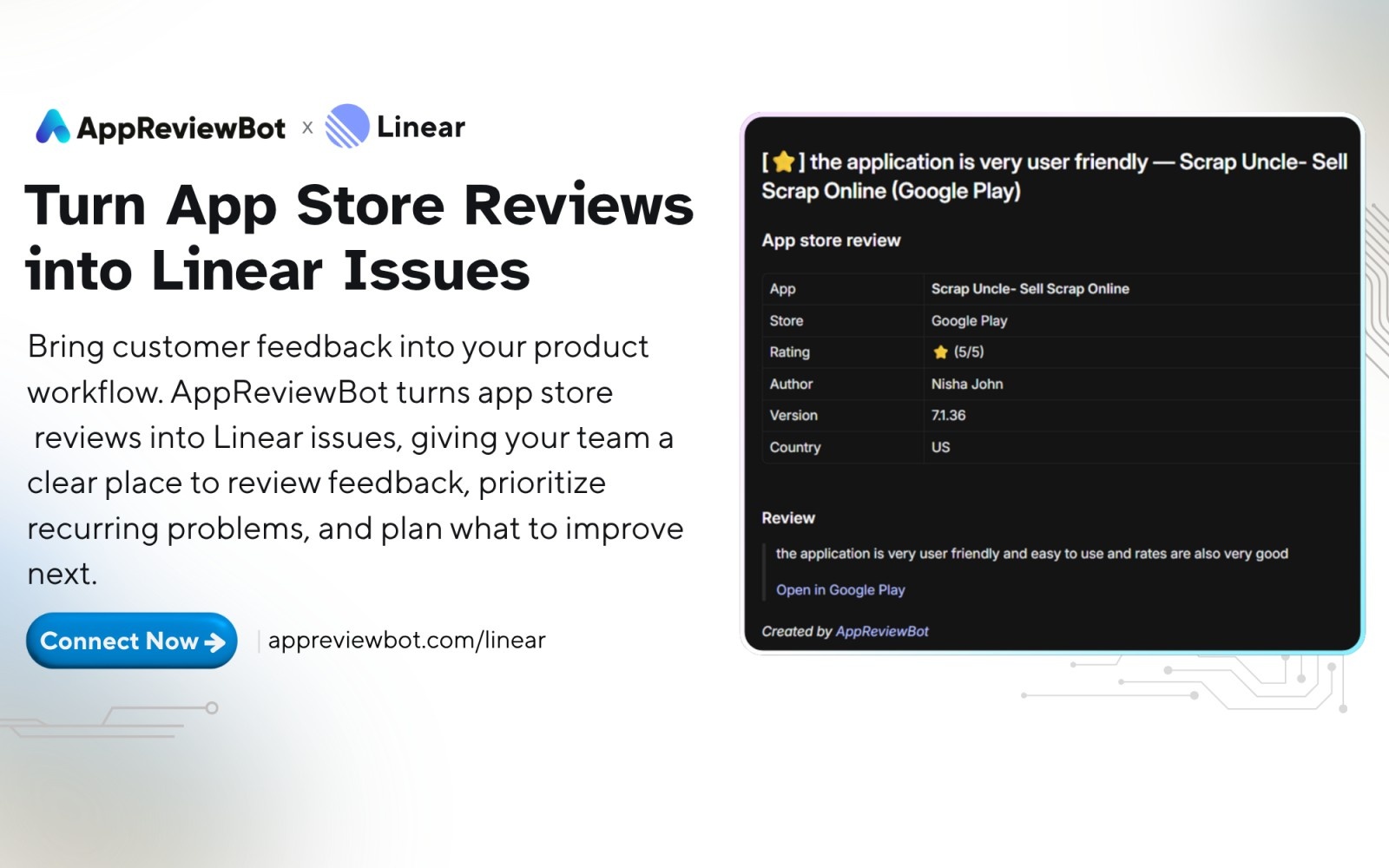
AppReviewBot brings Apple App Store and Google Play reviews into Linear automatically. Each new review becomes an issue in the Linear team you choose, with a priority that reflects the star rating, so your team can surface and act on critical feedback sooner.
How it works
Connect your Linear workspace, choose a team, and select it as a destination for the apps you want to monitor. The same connected team destination can be reused across as many apps as you track.
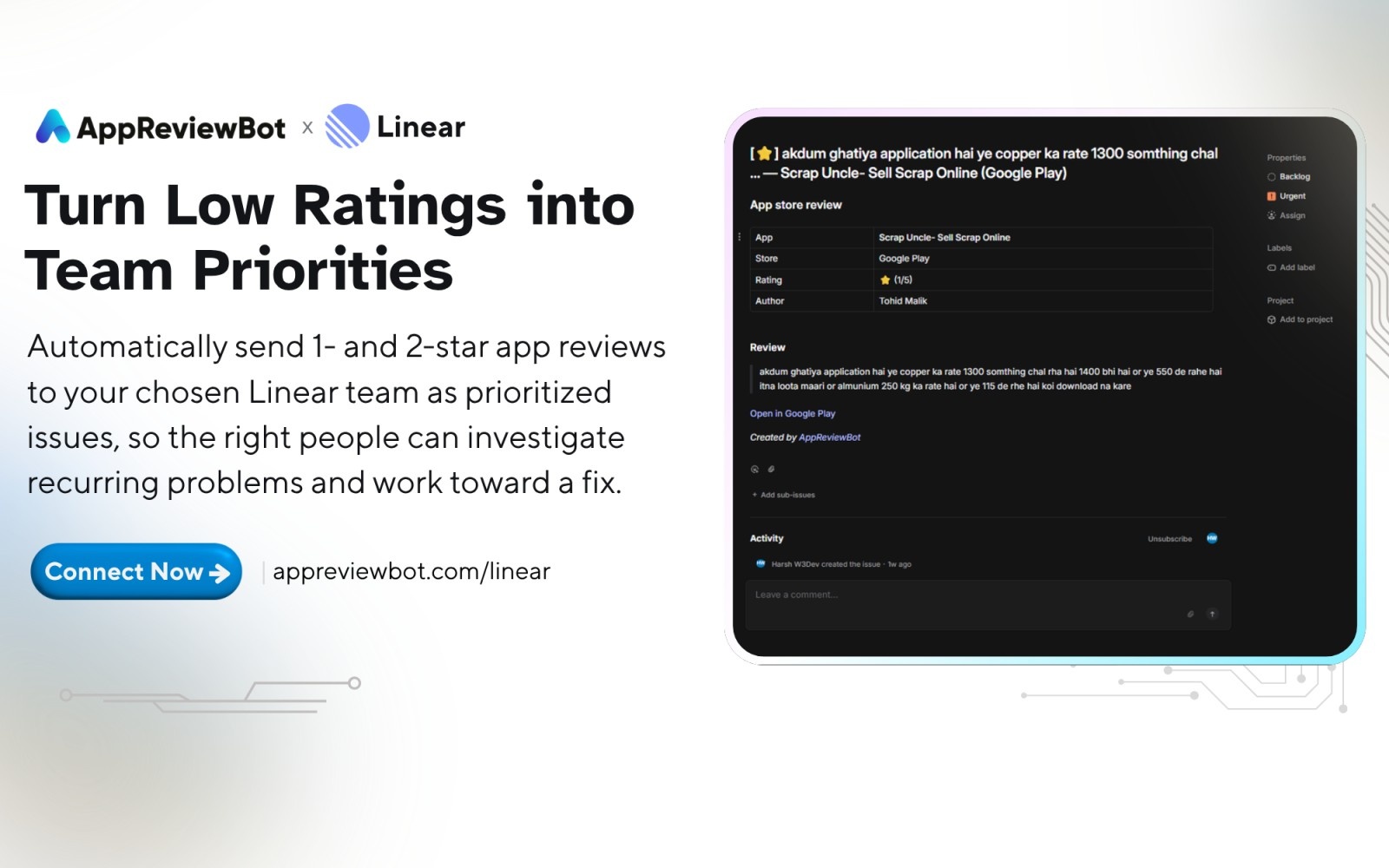
When AppReviewBot picks up a matching review from the Apple App Store or Google Play, it creates a Linear issue in that team. The issue priority follows the rating: 1-star reviews are marked urgent, 2-star high, 3-star normal, and 4- or 5-star low.
Each issue includes the app and store, the star rating, and the review text, along with available details such as the author, app version, country, and a link to the original review. Your team gets the context it needs to triage feedback and work on a resolution directly in Linear.
Configure
In AppReviewBot, search for the app you want to monitor and select it. Choose Linear as the destination, connect your Linear workspace through OAuth, and pick the team that should receive the issues. Complete the app setup, and matching Apple App Store and Google Play reviews will start flowing into Linear as issues.