- Integrations
- AppDeploy
Publish real web apps directly from Linear
Overview
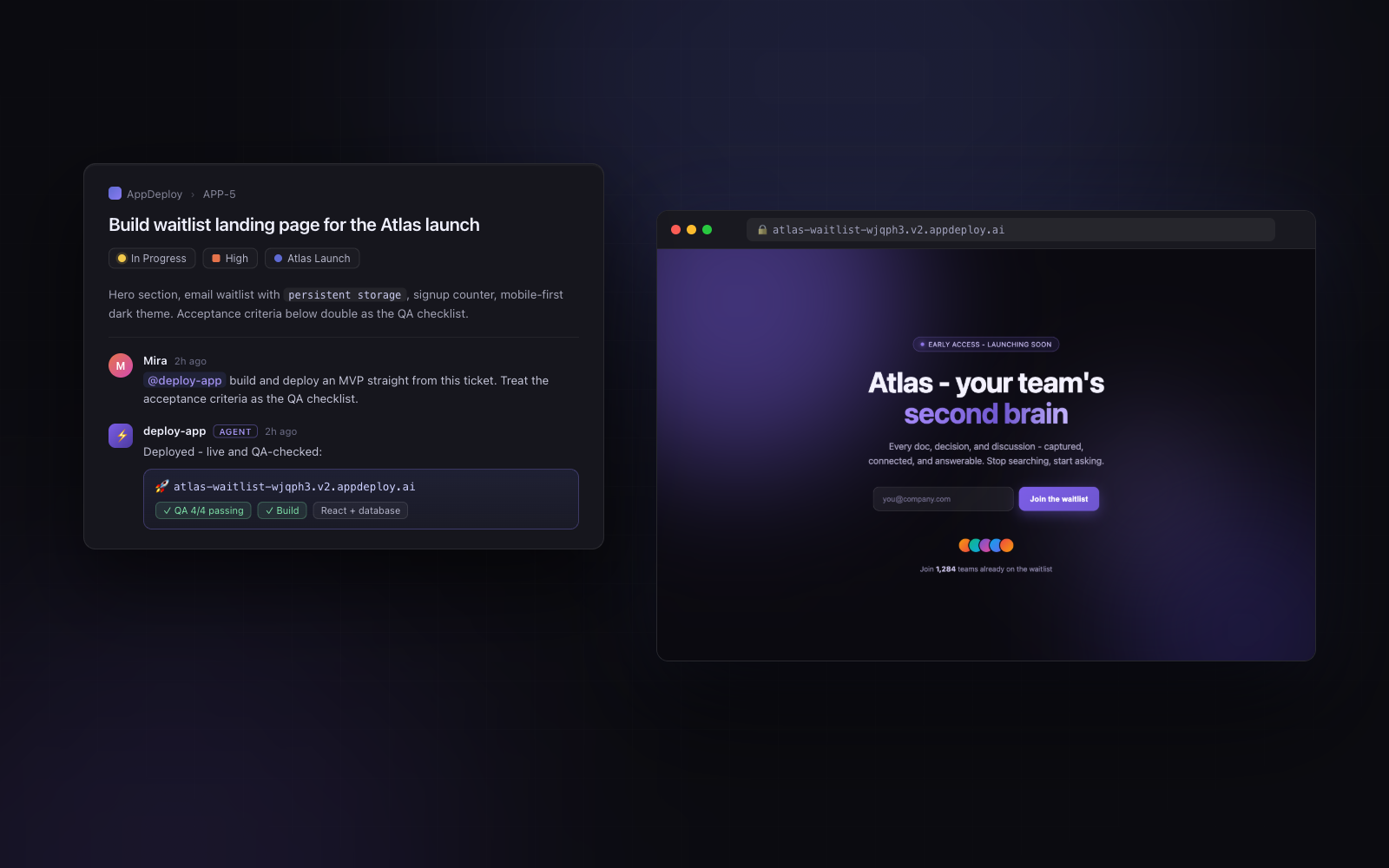
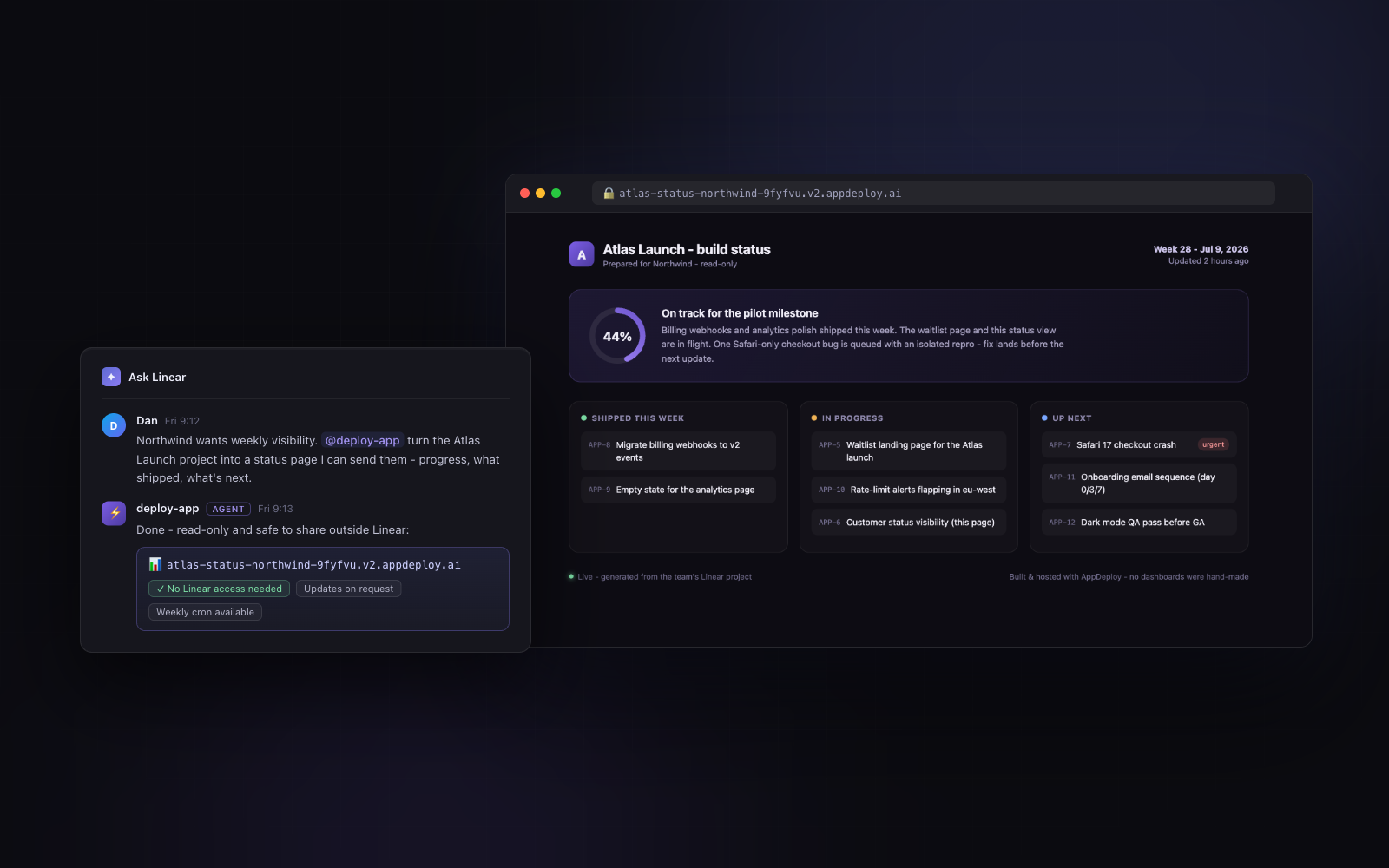
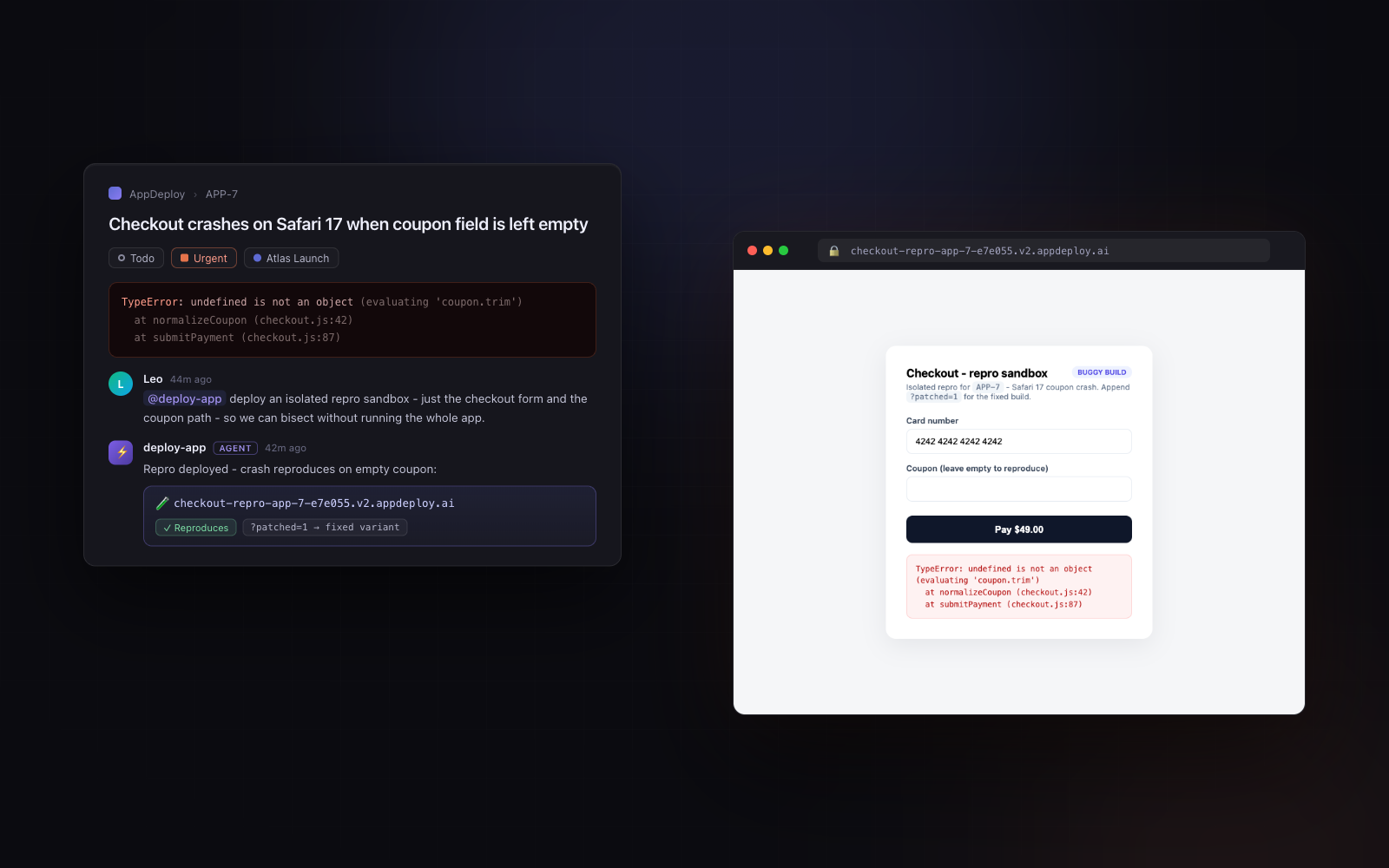
AppDeploy lets you create and publish real web apps directly from Linear — mention it on an issue or in “Ask Linear”, describe what you want, and it comes back as a live public app. Turn tickets into deployed, QA-tested MVPs, publish project status pages that customers can view without Linear access, and spin up isolated live repros for bug reports — with hosting, auth, databases, automated QA, and rollbacks built in. Zero setup required: no Git, command line, or hosting provider. Just chat and publish.
How it works
AppDeploy turns Linear issues into live web apps without leaving Linear. Mention it in an issue or “Ask Linear,” describe what you need, and get back a production-ready app at a public URL.
These are real apps, not mockups. Backend, database, auth, file uploads, real-time updates, scheduled jobs, AI capabilities, custom domains, and more are all built in - no Git, command line, hosting account, or cloud setup required, and every deployment is automatically QA-tested.
Teams use AppDeploy to turn feature requests into deployed MVPs, share live project progress dashboards with customers outside Linear, generate internal tools directly from planning discussions, attach working reproductions to bug reports, and more. To make changes, simply reply in the same thread - AppDeploy redeploys the app, reruns QA, and keeps every version so you can roll back at any time.
Configure
In Linear, open Settings → Agent personalization, click the + icon under MCP servers, choose Custom URL, and enter https://api-v2.appdeploy.ai/mcp. A browser window opens to sign in — use Google, Apple, X, or continue as a guest; no AppDeploy account is needed beforehand. After refreshing the page, AppDeploy appears in your MCP servers list as “deploy-app”, ready to mention in Ask Linear or on any issue.
Available MCP servers are managed by workspace admins in security settings, so if the option isn’t visible, ask an admin to enable it. A full setup guide is available at installation instructions, and documentation at documentation.