Advanced filters and share issues in private teams

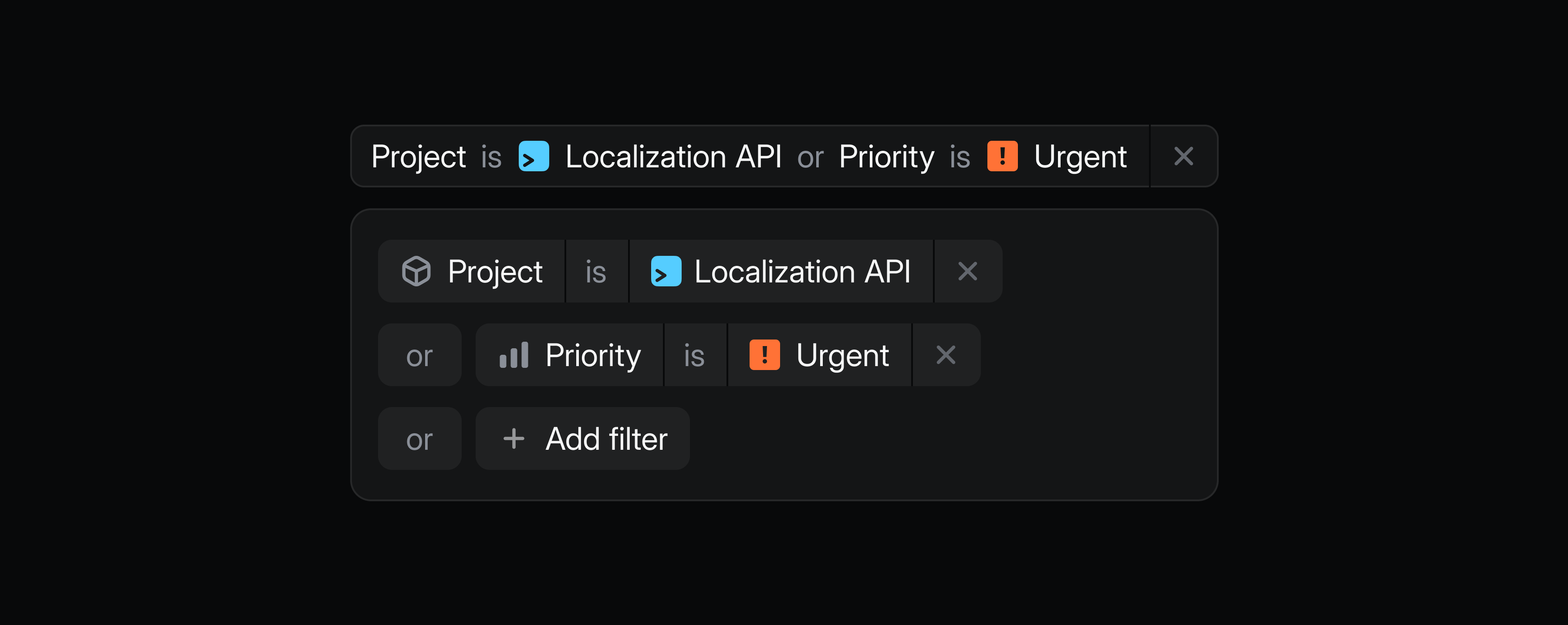
Refine your searches, views, and dashboards with advanced filters. Combine multiple AND/OR conditions to define exactly what you want to see.
For example, track high-priority bugs for prospective customers in a single view by combining Priority, Label, and Customer status filters.
Subscribe to a view to get notified when issues match your conditions, or use advanced filters to power targeted dashboards.
Get started by choosing advanced filter from the filter menu, or use AI filter to describe what you’re looking for in natural language.
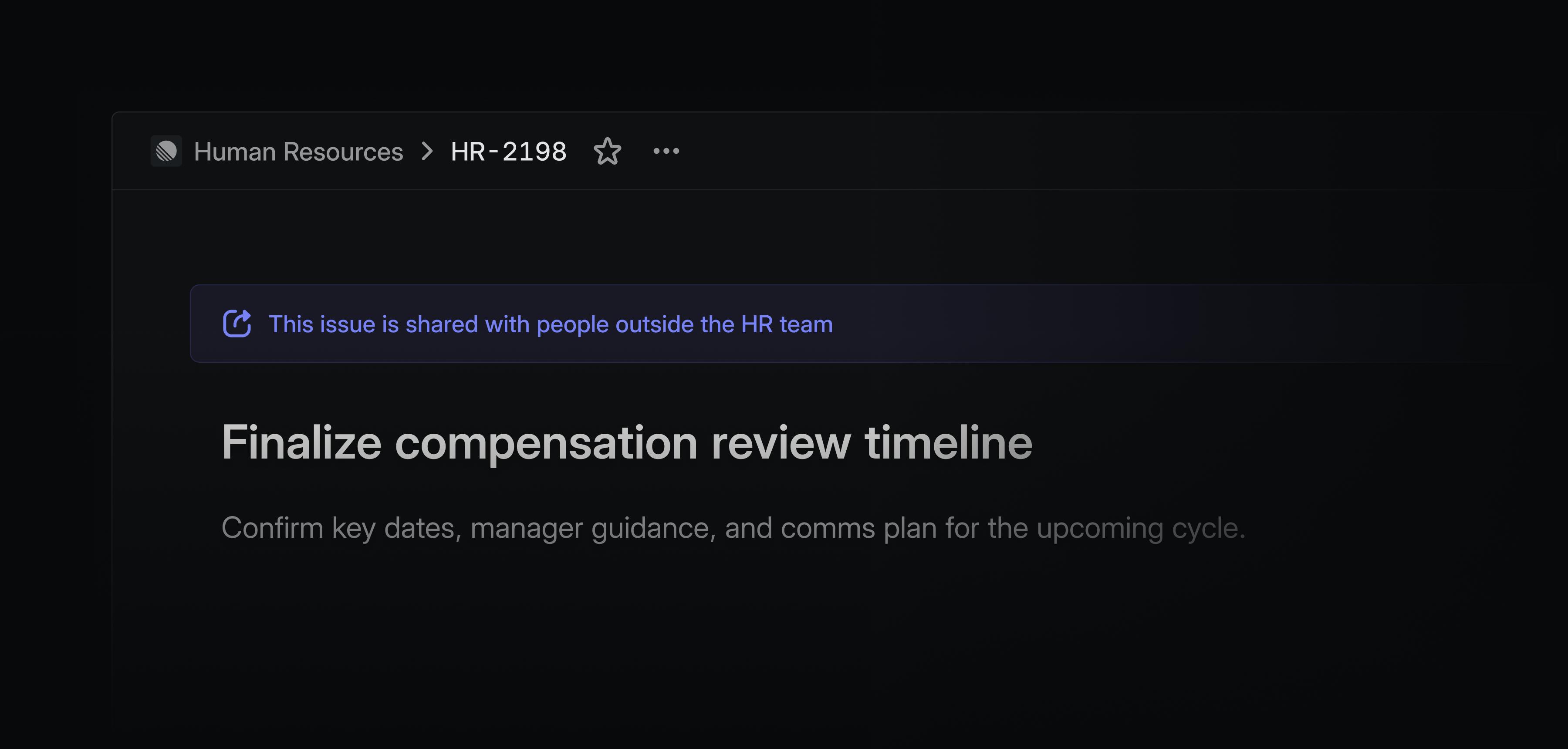
You can now share individual issues from private teams with specific users outside of the team. This is especially useful when bringing collaborators on to solve individual problems for highly sensitive teams, like security or HR. You can assign them a specific issue from your team without giving them access to the rest of the team’s data.
Shared issues will have a banner prominently displayed to indicate who that issue is visible to.
Private issue sharing is available on Enterprise plans. Learn more in our docs.
Create projects and initiatives on Android and iOS
Capture ideas on the go by creating new projects and initiatives on Linear’s mobile apps. Write project summaries and properties to express your intent, then build out full descriptions and milestones later.
Gemini Enterprise connector
Gemini Enterprise users can now create issues from Gemini, and access data from their existing issues and projects. Learn more in our docs.
- AgentLinear Agent for Slack can now add images from a conversation to existing entities
- AndroidAdded ability to copy, edit, and remove issue link attachments via long-press menu
- DesktopAdded option to show notification count in app dock
- ImportersImproved handling of importing closed or done issues; we will now no longer import issues as archived if active parent/sub-issues exist
- InsightsTables on insights using a slice related to a date (like slice by “Created at”) will be sorted from the most recent date to the oldest date top to bottom
- IOSUsers can now add link attachments to issues directly from the issue screen
- PerformanceImproved performance when using certain browser security extensions
- Triage IntelligenceIssue suggestions popover now shows created/completed timestamps to help identify older issues that may be less relevant
- Customers
CustomerNeed.url, deprecated in December 2024 in favor of theattachmentUrlfield, is now removed - MarkdownVideos from websites like YouTube and Loom will automatically be turned into embeds if added as

- Added project resources to MCP responses
- Added the ability to list project members
- AttachmentsFixed Jira link attachments overriding custom link titles
- Customer RequestsFixed customer requests being hidden after restoring an issue from an archived project
- EditorYou will now be prompted to save or discard unsaved editor changes when closing or refreshing Linear
- EditorCode blocks are now visible when printing
- GitHubFixed GitHub sync not updating the issue body when the description was updated via the API
- GitHubFixed GitHub integration configuration page that was redirecting users to a desktop app
- TriageFixed alignment of spacing in triage inbox with notification inbox
- UpdatesFixed project update drafts that will no longer be lost when opening Linear in another tab
- SlackFixed Slack notifications toggle that could get stuck in an indefinite loading state