- Integrations
- TierZero Agent
Debug and fix issues with TierZero
Overview
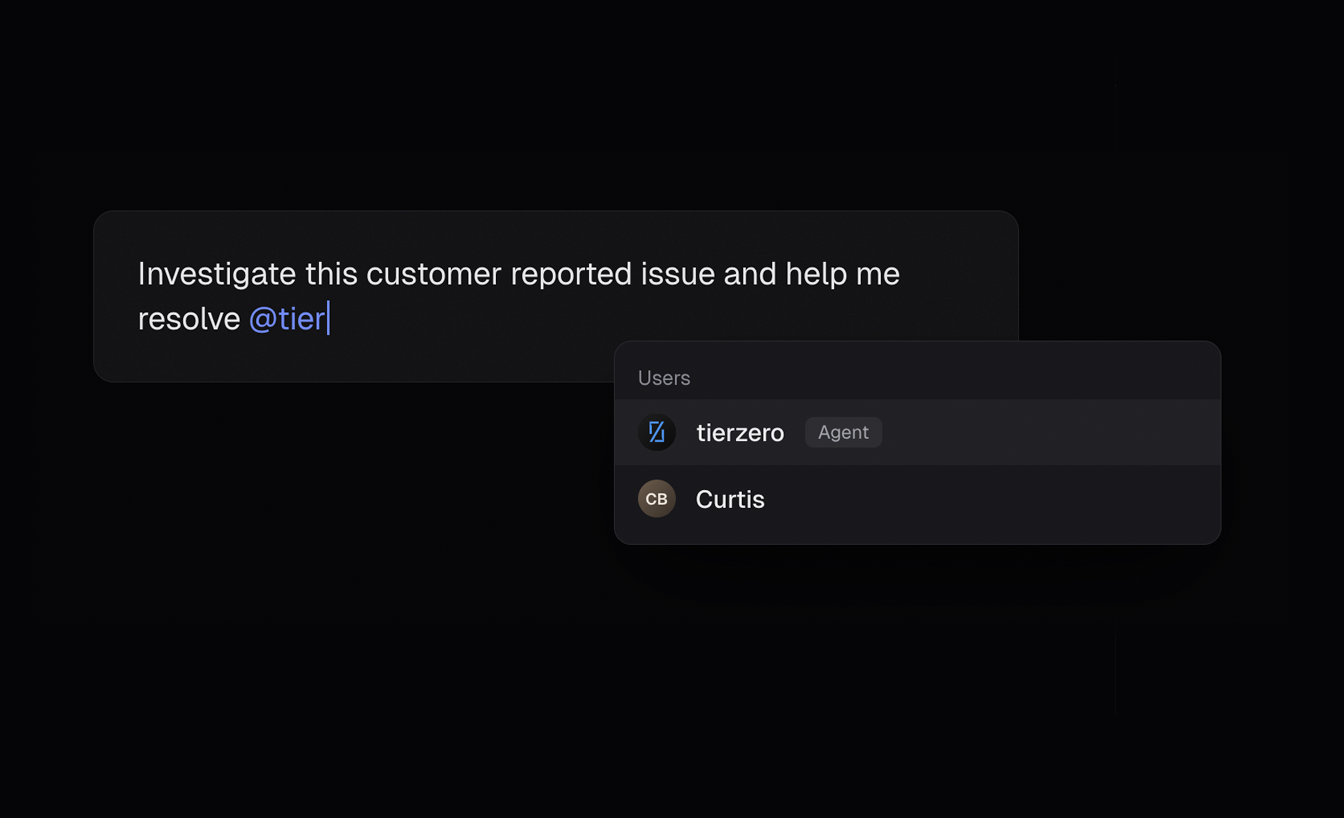
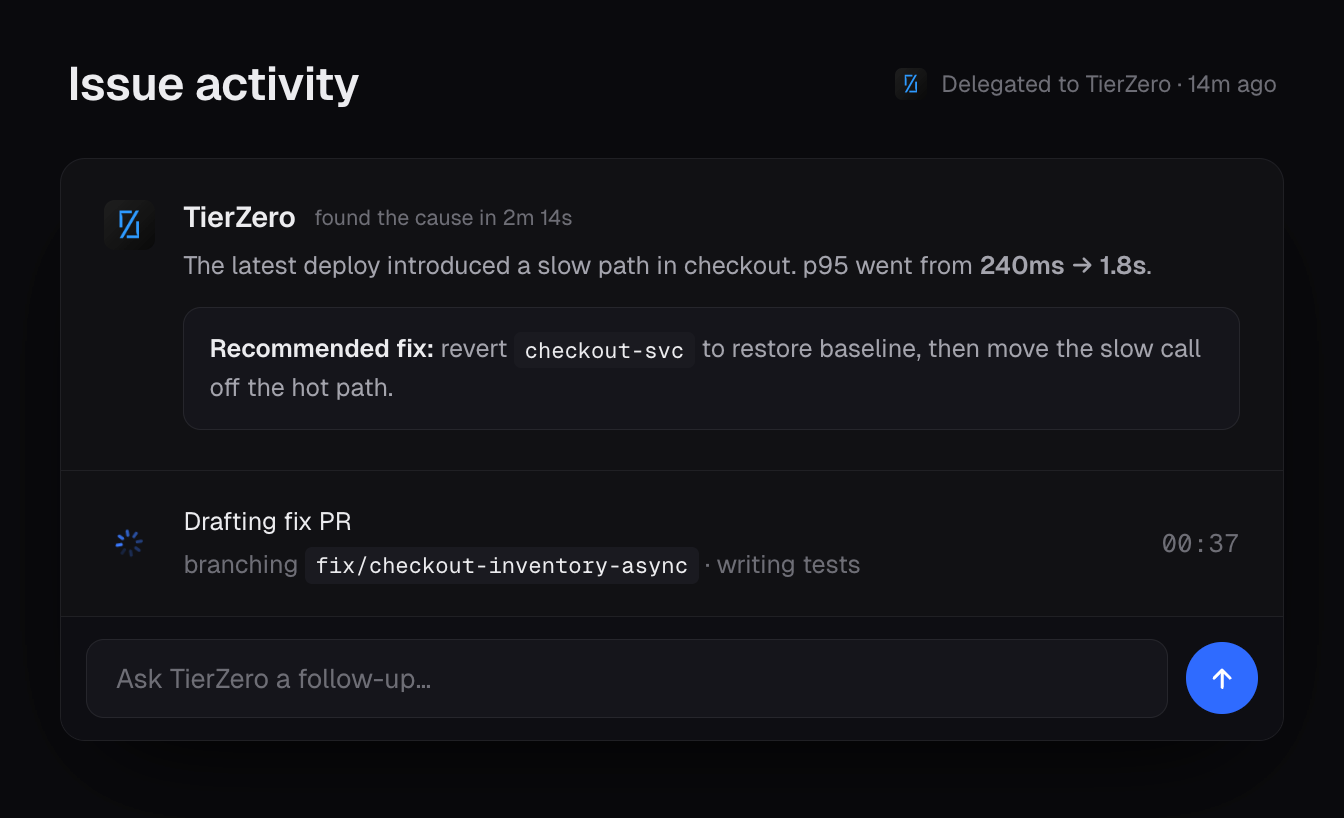
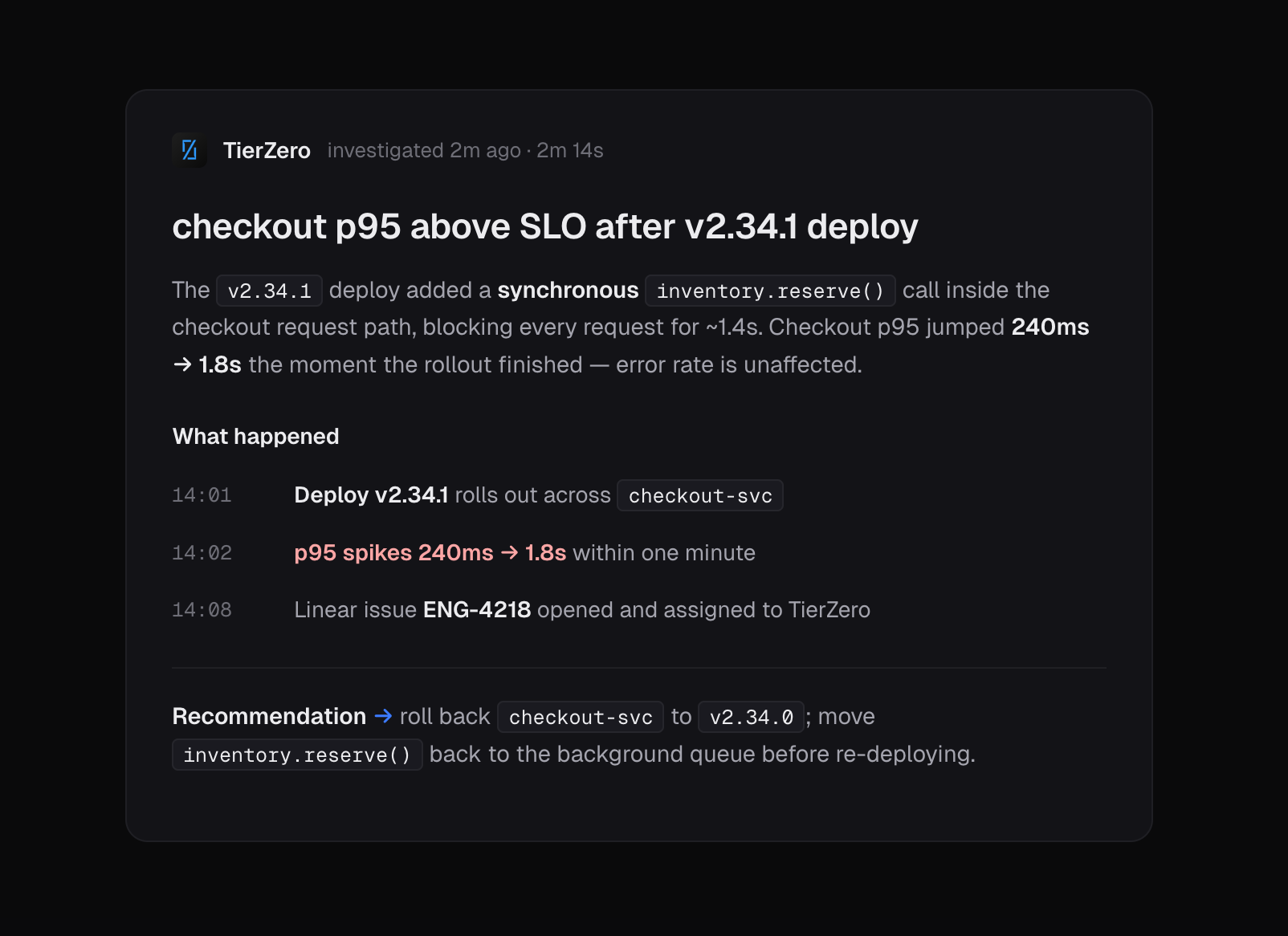
TierZero is an AI Production Agent that runs the operational work after code merges — investigating incidents, triaging alerts, answering engineering questions, and automating code fixes and enhancements. As a Linear agent, it brings all of that into the issue tracker: assign a ticket or @mention TierZero in a comment and it investigates using your live telemetry, code, and runbooks, then posts findings, recommendations, or a patch back into the agent session.
How it works
The TierZero agent integration connects production investigation and code automation with Linear’s issue tracking so engineering teams can resolve incidents, alerts, and questions without leaving their workflow.
Setup runs over OAuth and Linear’s standard agent webhooks. From there, tickets can be routed to specific runbooks by Linear team, label, or project — so an incident in the Payments team runs a different investigation flow than a general support question — and anything that doesn’t match falls through to a generic chat session with full tool access.
Each run is auditable end-to-end: an external URL on the agent session links to the full TierZero conversation page where every tool call, query result, and source citation is persisted. Multiple Linear workspaces can connect to the same TierZero org.
Configure
Installation takes about a minute and requires a Linear workspace admin (to authorize the agent on the Linear side) and a TierZero admin with the write:integrations permission.
1. In TierZero, open Settings → Integrations → Project Management → Linear (direct link) and switch to the Agent tab.
2. Click Install Agent. You will be redirected to Linear to authorize the installation.
3. Approve the requested permissions (assignable, mentionable, post agent activities). Linear will redirect you back to TierZero and the workspace will appear in the Agent tab.
Once installed, TierZero is available in Linear as a workspace member — assignable, mentionable, and addable to teams like any human user. From the TierZero dashboard, admins can optionally configure custom runbooks for tickets matching specific Linear teams, labels, or projects; tickets that don’t match any configured runbook are still handled with a generic chat session and full tool access.