- Integrations
- Supercut
Turn Supercut recordings into Linear issues
Overview
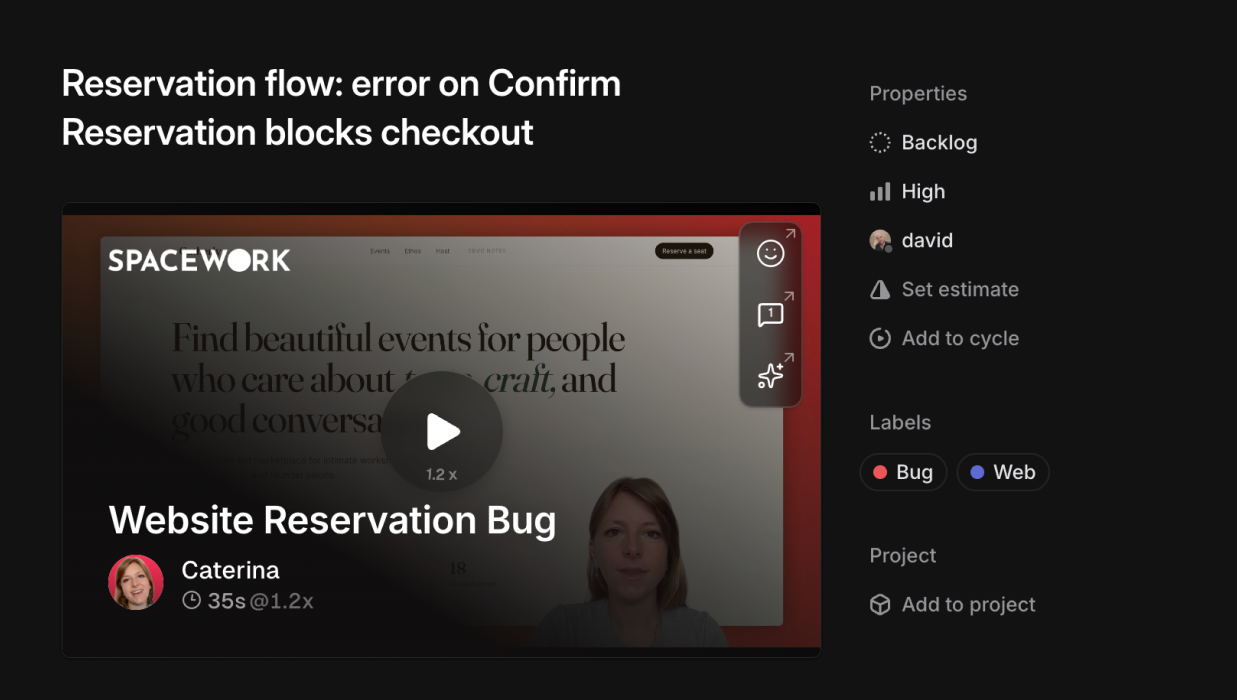
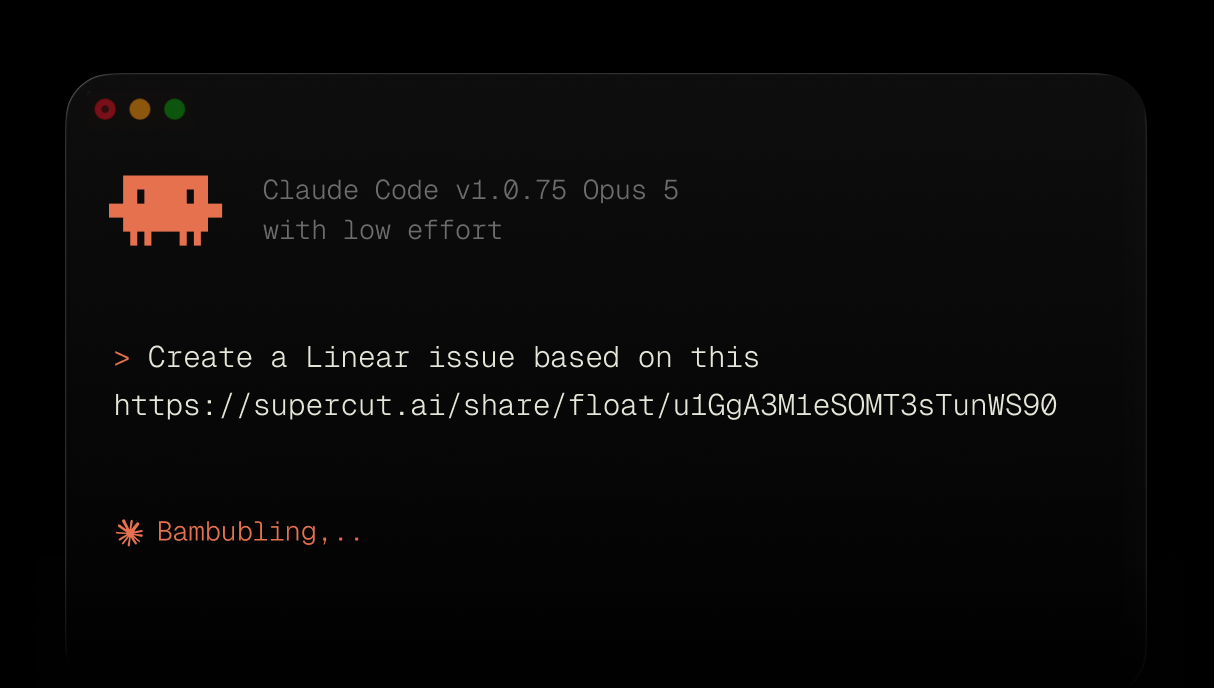
Record a Supercut showing the bug, then ask your agent to find that recording and create the Linear issue. The Supercut MCP server hands the agent the transcript, the frames and the comments, and the agent writes the ticket from them: title, description, a screenshot of the moment it happens, and a link back to the Supercut. Additionally pasting Supercut links will show an embed directly in Linear you can use to preview your recordings.
How it works
Supercut exposes an MCP server, so a supported agent can search your recordings and pull what is inside them: get-recording for the metadata, get-transcript for what was said and when, get-frame for a still at any timestamp, list-comments and list-reactions for the feedback left on the timeline. You record once and the agent does the reading.
Run it in the same session as the Linear MCP server and a single prompt covers the handoff. Paste a Supercut link or describe the recording, and the agent reads the transcript to write the title and description, pulls the frame from the moment the problem appears and attaches it as a screenshot, then checks your Linear workspace for the team, labels, project and status before it saves the issue. The Supercut link goes on the issue, so whoever picks it up can watch the part that matters.
The comments on a recording carry context as well, so the agent can use them. It can assign the issue to the teammate who flagged the problem in a timeline comment, or add a new recording to an issue that already exists instead of filing a duplicate. Each recording keeps the permissions it has in Supercut wherever the link travels, so issue visibility and video visibility stay independent.
Supercut recordings will also preview directly in Linear when you paste a link inside your issues directly.
Configure
You can add Supercut MCP from Claude Directory, or follow these steps: Supercut API docs.