- Integrations
- PagerDuty Incident Sync
Keep Linear issues and PagerDuty incidents in sync
Overview
The PagerDuty Linear Integration automatically creates PagerDuty incidents from Linear issues based on configurable rules — no manual escalation needed. Teams can define criteria (team, project, priority, and workflow state) to trigger incidents, and keep both systems in sync as incidents are acknowledged and resolved.
How it works
Automatically create PagerDuty incidents from Linear Issues and keep them synchronized. When Issues match your configured rules, incidents are created in PagerDuty. Status changes and notes stay in sync between both systems, ensuring your on-call team and product team have consistent information.
Configure
To set up the integration, you must have Admin permissions in your Linear workspace and be a PagerDuty account admin.
- Navigate to the Linear Integration page and click “Connect Linear Account” to authorize PagerDuty via OAuth.
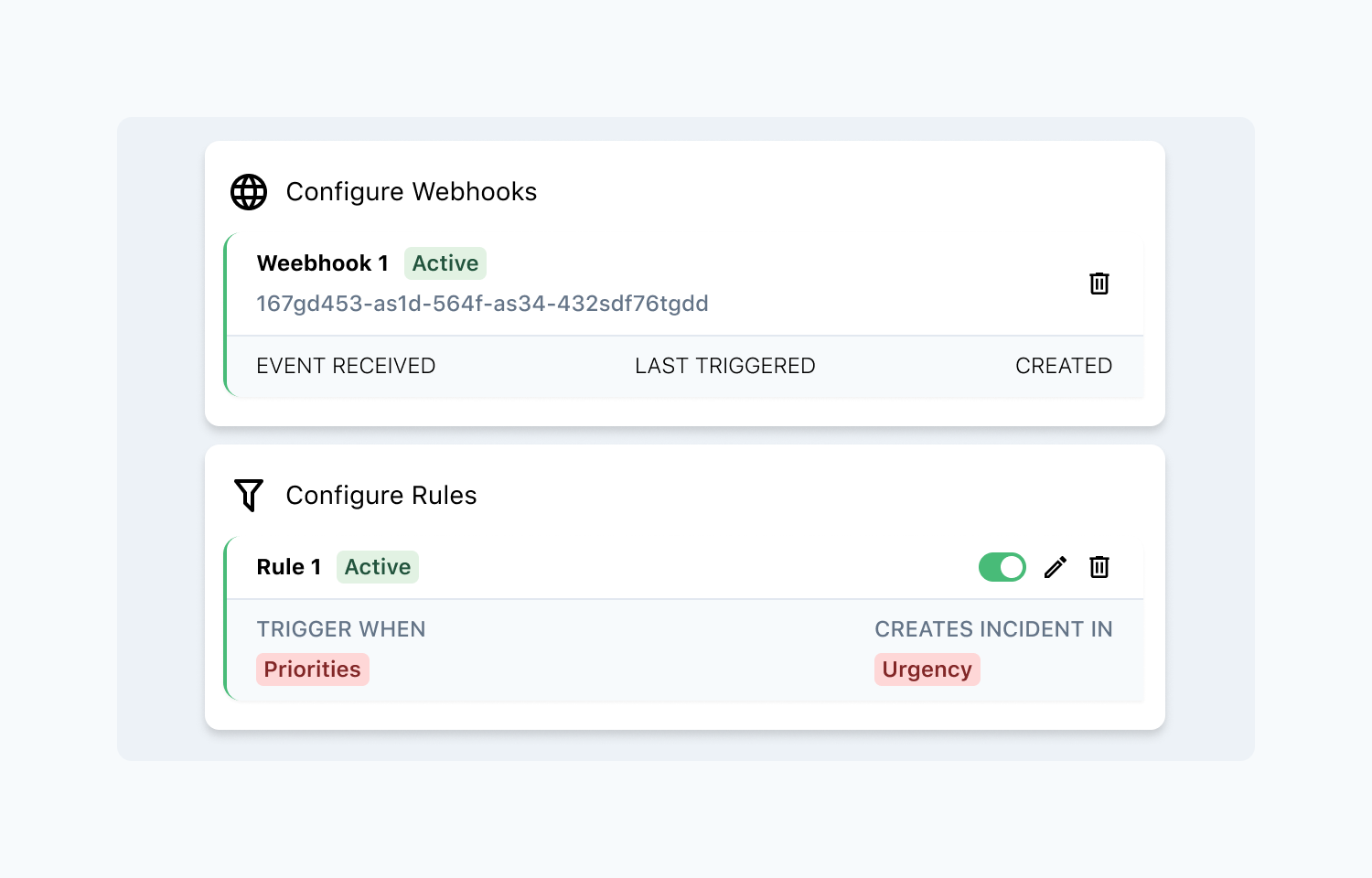
- Go to Configure Webhooks and add a webhook for each Linear team you want to monitor.
- Go to Configure Rules and create rules that define when a PagerDuty incident should be created. Select a team, optional project, issue priorities, and workflow states, then choose the target PagerDuty service and incident urgency.
- Optionally, configure Bidirectional Sync to automatically update Linear issue statuses when PagerDuty incidents are acknowledged or resolved.
You might be interested in
- Automate the rotation of triage responsibility with PagerDuty schedules
 PagerDuty Triage ResponsibilityBy Linear
 - Developer productivity intelligence — from what shipped, to code quality and AI costs
 LarridinBy Larridin
 - Manage incidents and triage responsibility directly in Linear
 incident.ioBy incident.io