- Integrations
- Mixpanel MCP
Bring Mixpanel's product intelligence into Linear
Overview
Use Mixpanel’s product intelligence in Linear Agent to understand user behavior, prioritize what to build next, and measure the impact of what you ship. Ask questions and take action on insights without leaving Linear.
How it works
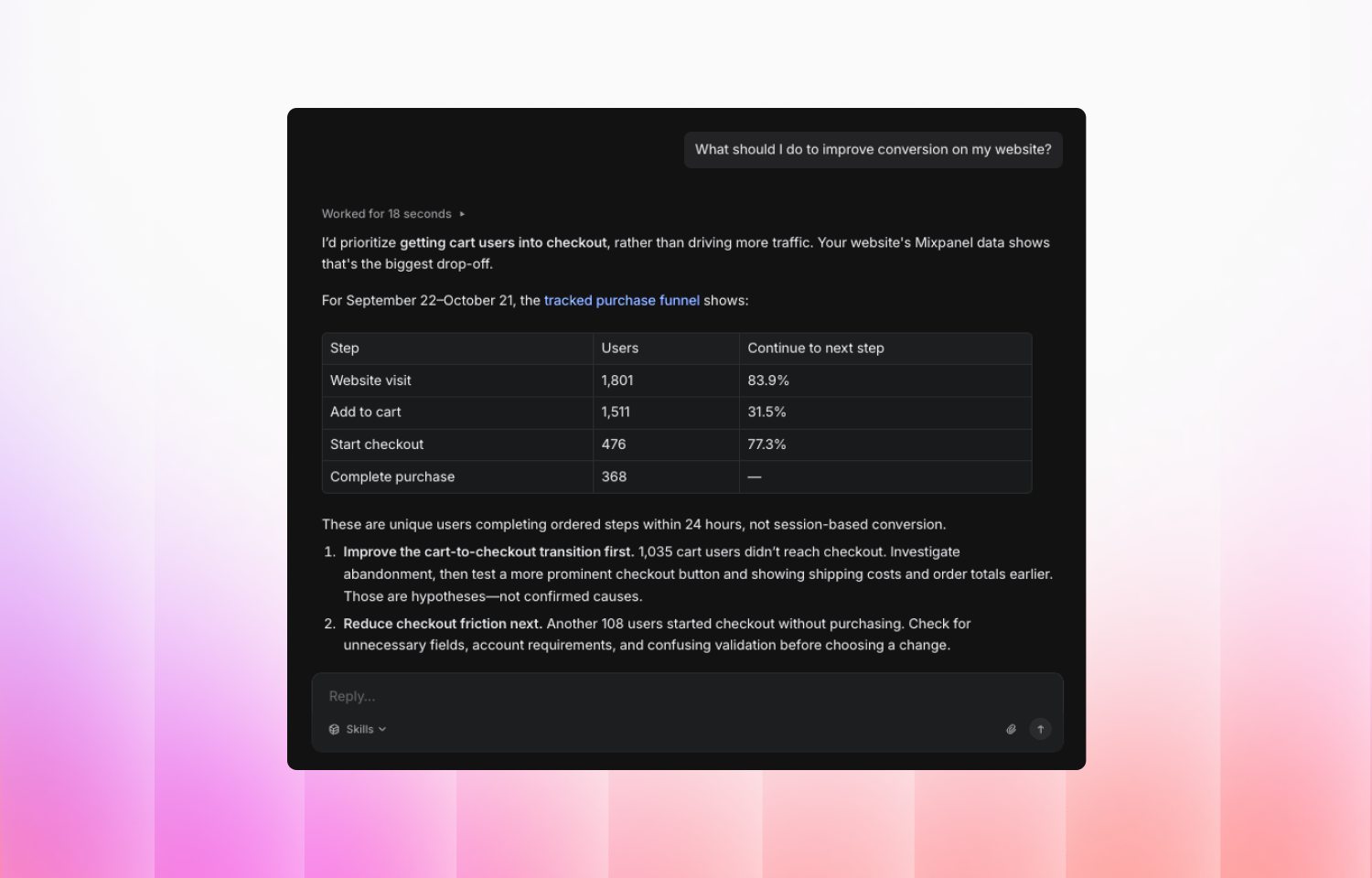
Ask Linear Agent which features customers use, where they drop off, or how retention changed after a release. Explore funnels and user journeys, and analyze Session Replays alongside event data to investigate the behavior behind those trends.
From the same conversation, create and manage Mixpanel dashboards, reports, and cohorts to track what matters, and use experiments and feature flags to test improvements and measure results. You can also update event and property definitions in Lexicon, address data quality issues, and maintain business context so analyses reflect your team’s terminology and metrics.
Configure
You’ll need a Mixpanel account with access to the projects you want to use. Your existing Mixpanel roles and permissions apply.
Ensure MCP is enabled in Mixpanel under Settings → Org → Overview. If it isn’t, a Mixpanel organization admin must enable it.
In Linear, a workspace owner or admin must ensure MCP servers are enabled under Workspace settings → Security and that your Mixpanel server URL is permitted.
Open Linear Settings → Agent personalization → MCP servers, click +, and choose Custom URL. Enter the endpoint for your Mixpanel project’s data region:
- US: https://mcp.mixpanel.com/mcp
- EU: https://mcp-eu.mixpanel.com/mcp
- India: https://mcp-in.mixpanel.com/mcp
Sign in to Mixpanel and authorize the connection. Return to Linear, confirm the server is connected, and start asking Linear Agent questions about your product.
For more information, see the Mixpanel MCP documentation and the Linear MCP setup guide.