- Integrations
- Lovable
Build apps from your Linear issues
Overview
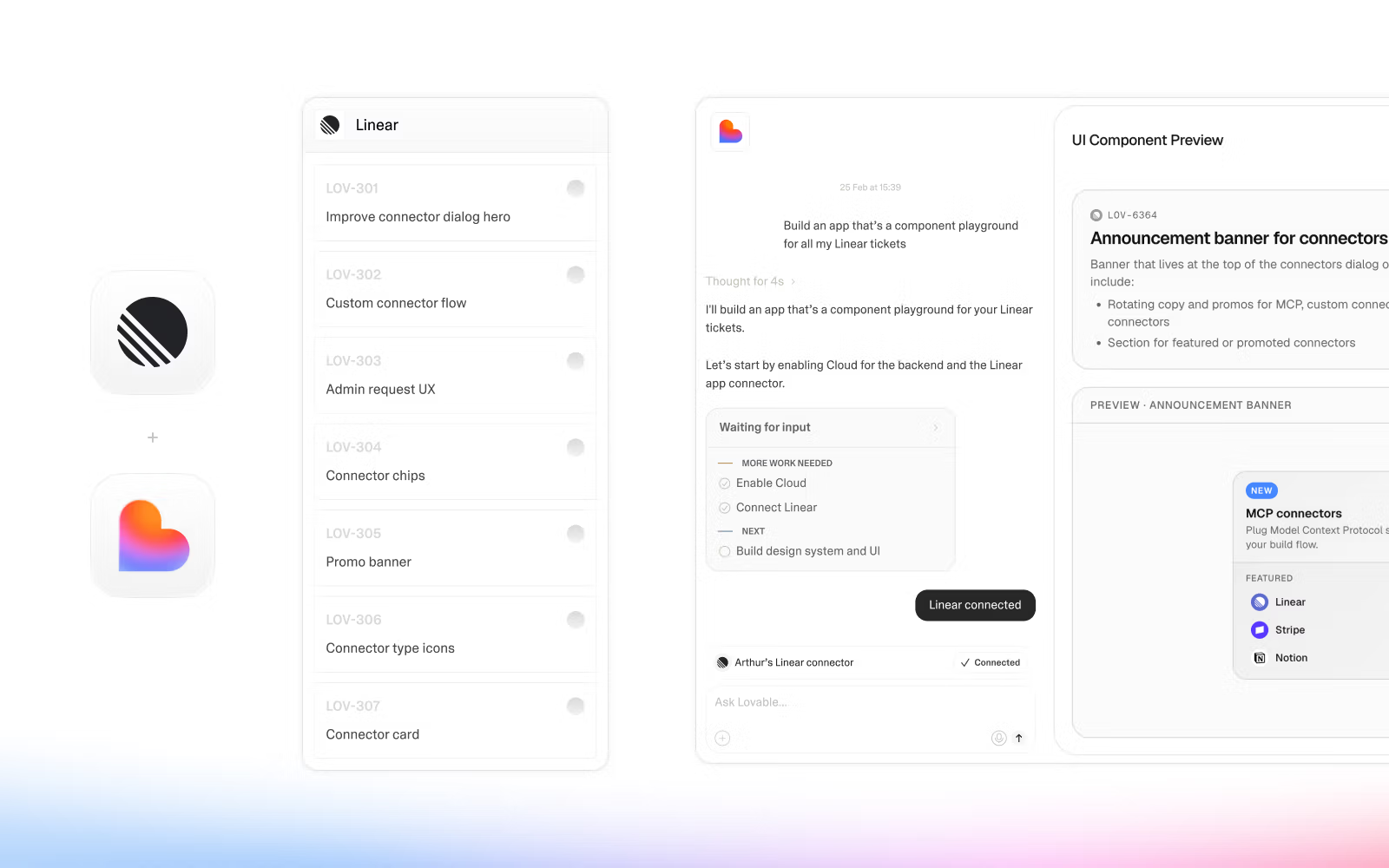
Access Linear issues, projects, and cycles from Lovable to turn specs into working prototypes. As you build, create and update Linear issues right from the Lovable agent, so product ideas and planned work stay in sync.
How it works
Lovable connects to the Linear MCP server, letting its agent read and write Linear data directly during a build session.
Pull issues from your current cycle into Lovable and the agent builds working prototypes and sprint views from the specs. Product managers can demo a real prototype to stakeholders before engineering starts, then push updates back to Linear to keep everything aligned.
While chatting with Lovable, bring in Linear issues to build functional apps, and write changes back to Linear without leaving the conversation.
Configure
Each user connects their Linear workspace to Lovable through OAuth.
- In Lovable, open the connectors panel.
- Click Add next to Linear.
- Follow the prompts to authenticate through the OAuth flow.
- Select which teams and projects Lovable can access.
- Start querying issues and surfacing cycle data in your build.