- Integrations
- Jotform
Turn Jotform submissions, signed documents, and workflow activity into Linear issues
Overview
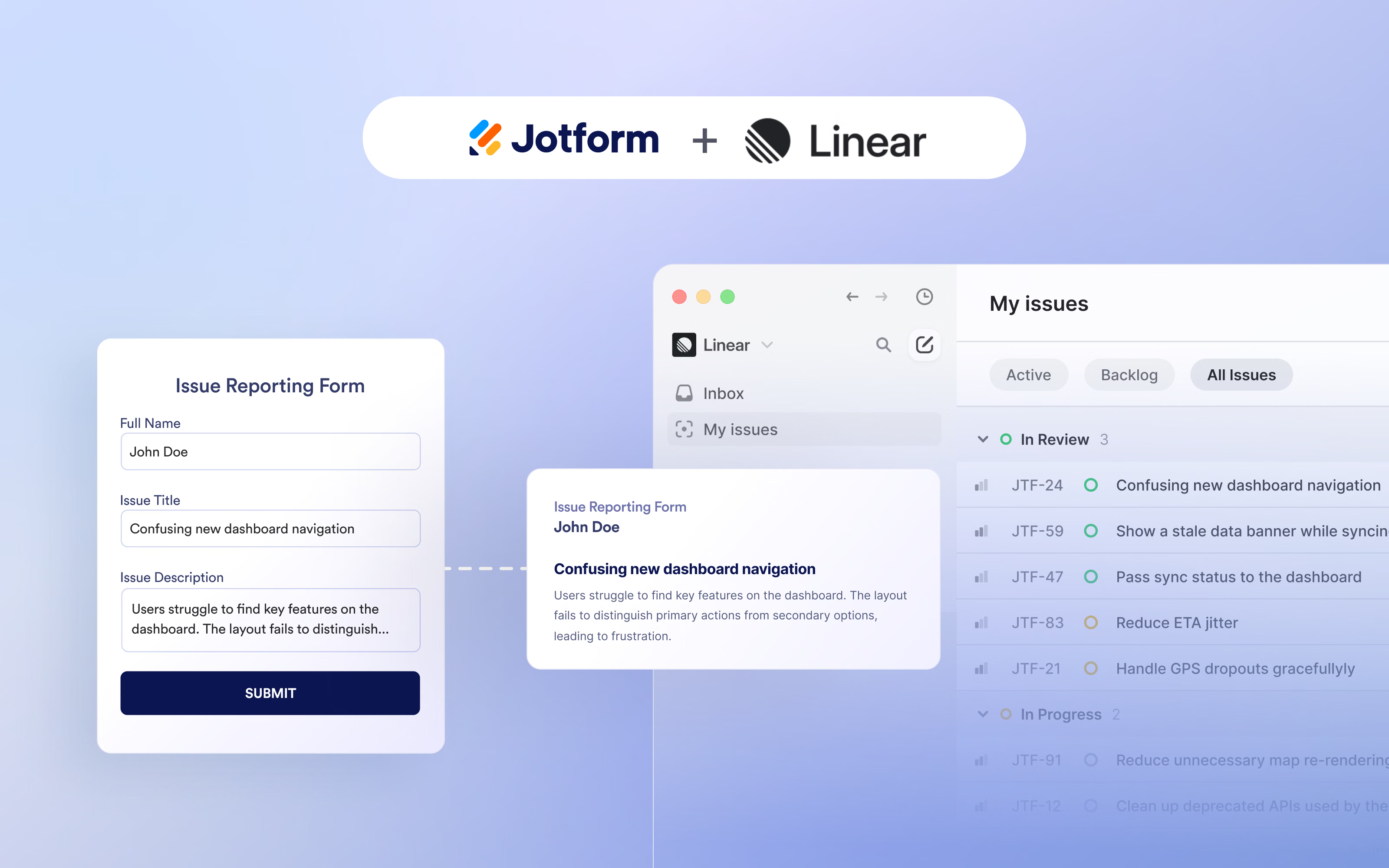
Turn form submissions into trackable Linear issues. The integration sends mapped request details to a selected Linear team, helping product, engineering, and operations teams capture bugs, feature requests, support needs, and internal tasks without manual copy-pasting.
How it works
Collect requests through a form and automatically turn each submission into a Linear issue. This gives teams a consistent way to capture bug reports, feature requests, support needs, and internal tasks, while ensuring the information lands in the team’s existing planning and issue-tracking system.
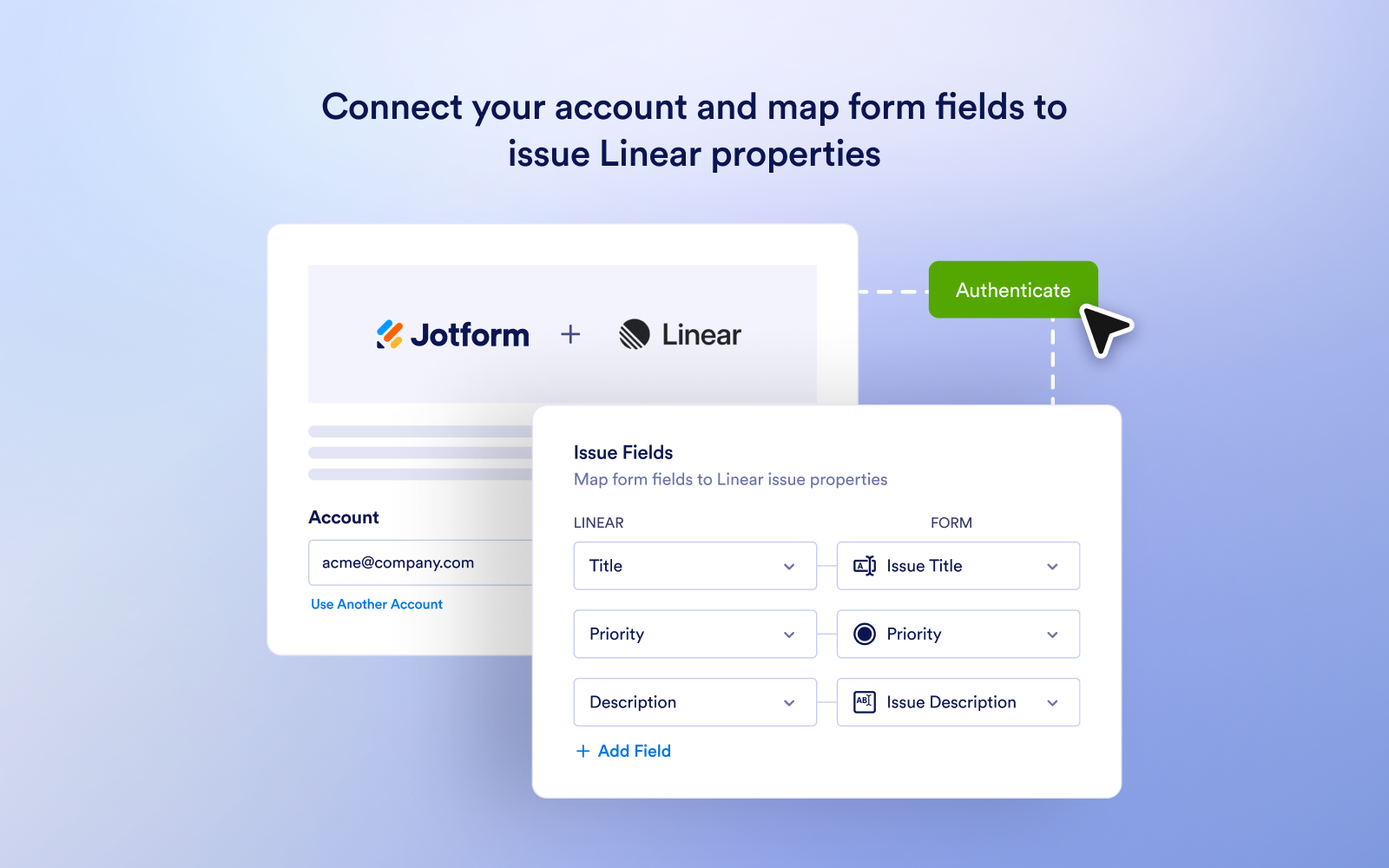
Choose the Linear team where issues should be created, then map form reponses to the relevant Linear issue fields. Submission details such as a request title, description, priority, assignee, and due date can be passed to Linear, helping issues arrive with the contect needed for triage and follow-up.
Configure
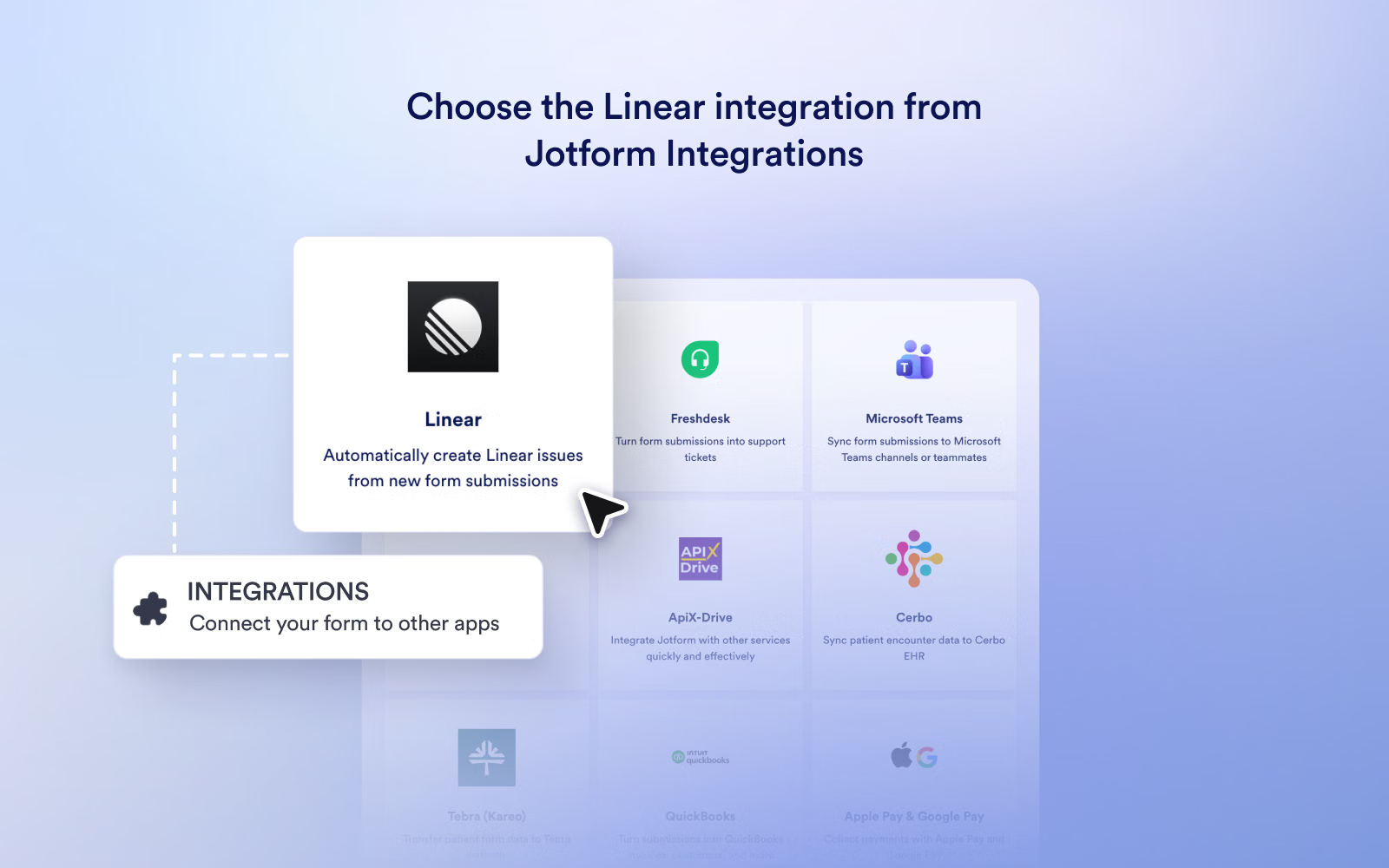
In Jotform, add the Linear integration from the integration settings for the Form, Sign, or Workflow you want to connect. Authenticate your Linear account, select the Linear team where new issues should be created, and map your Jotform fields to the corresponding Linear issue fields. Save the integration, then test it with a submission, signed document, or workflow run.
You’ll need a Jotform account and permission to create issues in the target Linear team. If your Linear workspace restricts third-party integrations, ask a workspace admin to approve the connection. For Forms, users can follow Jotform’s Linear integration guide.