- Integrations
- Inspect
From issue to pull request with Inspect
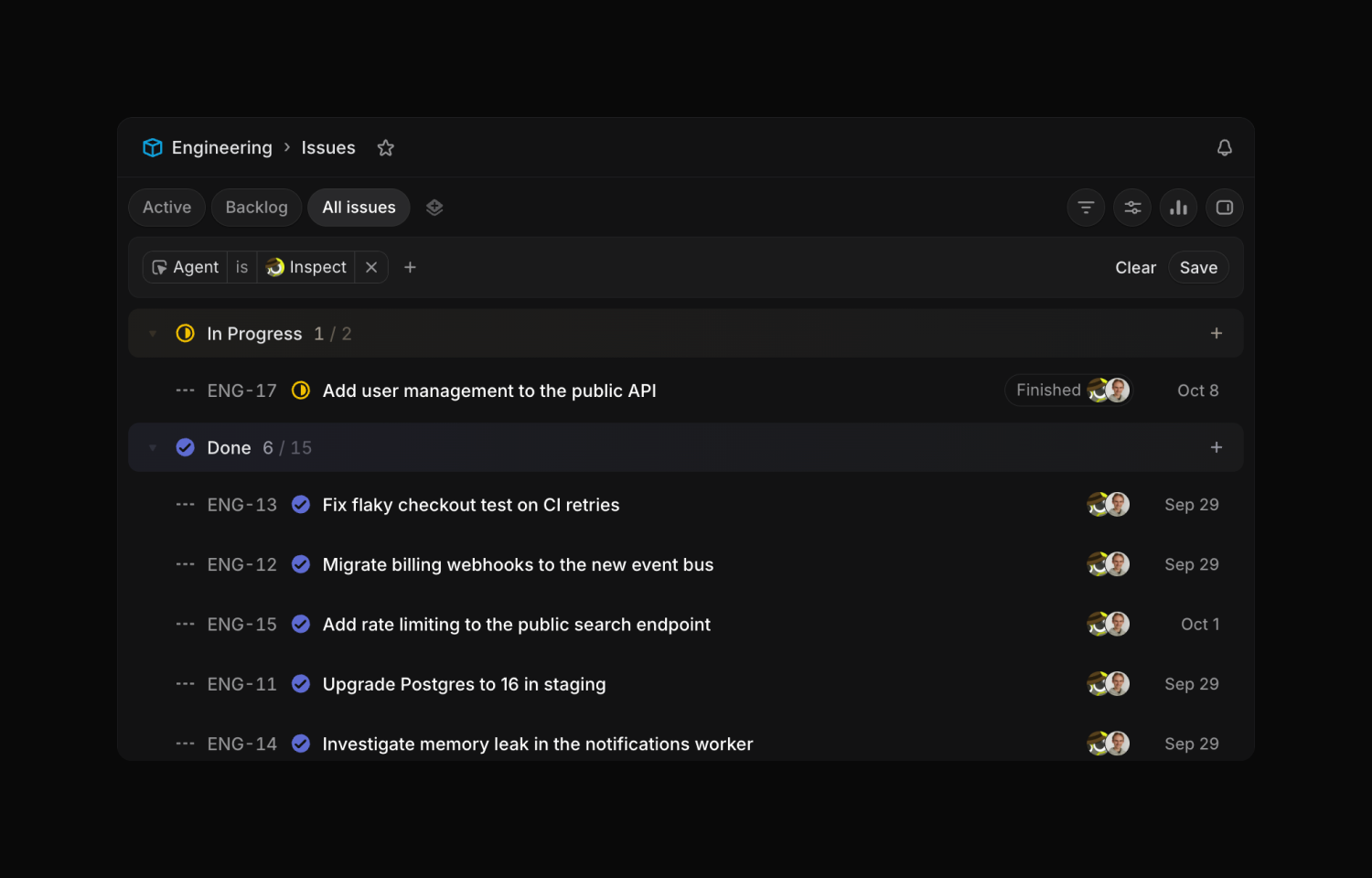
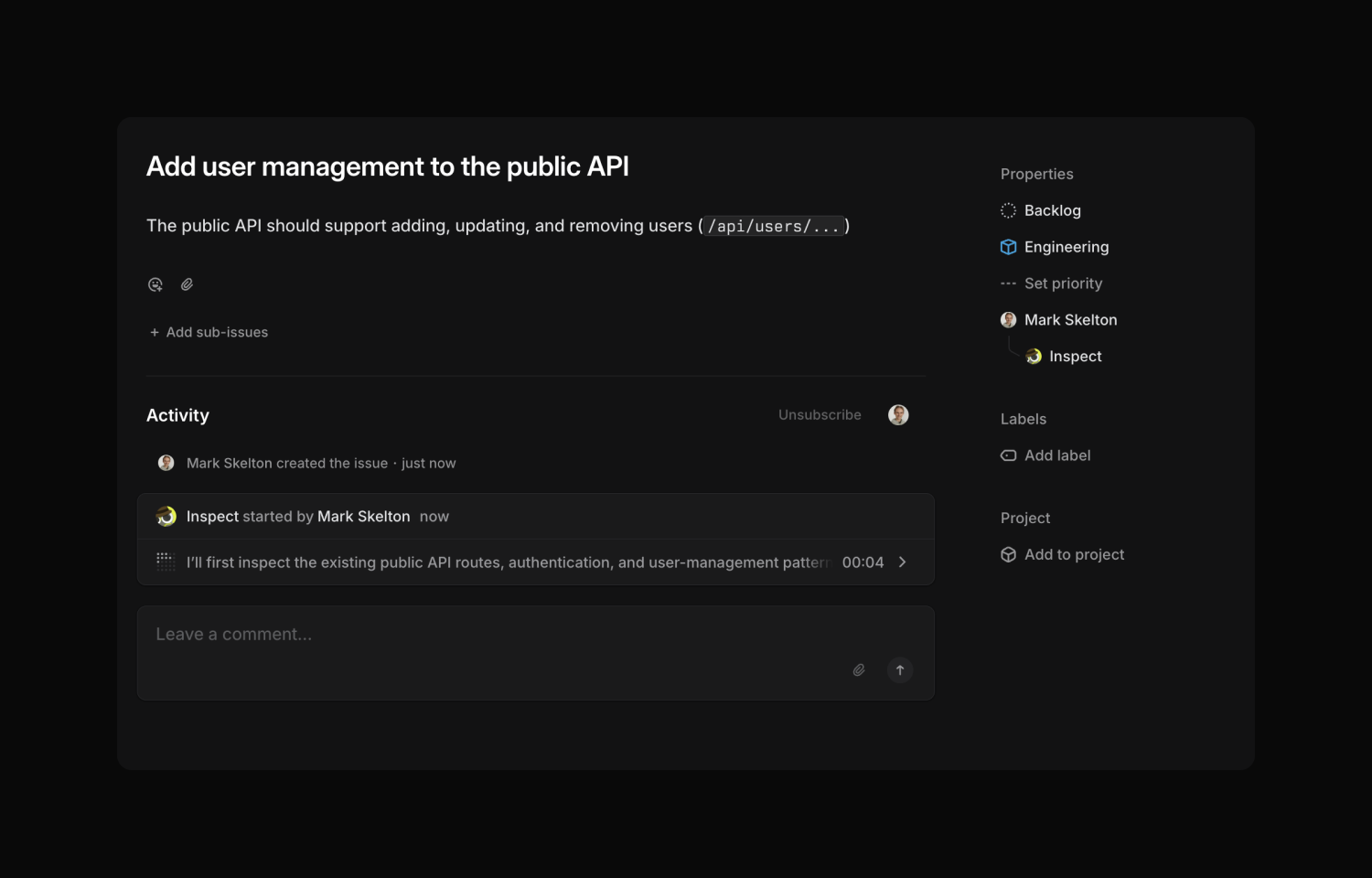
Overview
Inspect turns Linear issues into pull requests. Assign an issue to Inspect or tag @Inspect, and Inspect launches a cloud agent to build, test, review, and open a pull request.
How it works
Go from Linear issue to merged pull request with Inspect. Assign it an issue or tag @Inspect in a comment, and Inspect will launch a cloud agent to work on it. The agent uses context from the issue as it builds, tests, and reviews its changes. When it is finished, Inspect opens a pull request for you to review and merge.
Inspect keeps watching your pull requests to help you ship faster. It can automatically address feedback from human and agent reviewers and fix failing CI checks. You can also set up approval rules so low-risk changes are approved based on your team and org policies.
You can steer the work from Linear at every step. Reply to Inspect to request changes, answer questions, or ask for another pass, and the agent picks up where it left off. Once the work wraps up, Inspect posts a summary of what changed back on the issue. Open the Inspect session to dig into the changes, bring in teammates, and merge when you are ready.
Configure
To get started, you need an Inspect workspace with your GitHub repositories connected, and you must be an Inspect admin to install the app.
In Inspect, go to Settings > Integrations > Linear, click Connect, then choose your Linear workspace and approve the requested permissions. Once connected, anyone on your team can assign an issue to Inspect or tag @Inspect in a comment. Linear will prompt users to connect their Inspect account if they have not yet.