- Integrations
- HappyFox Help Desk
Create and link issues directly from HappyFox Help Desk
Overview
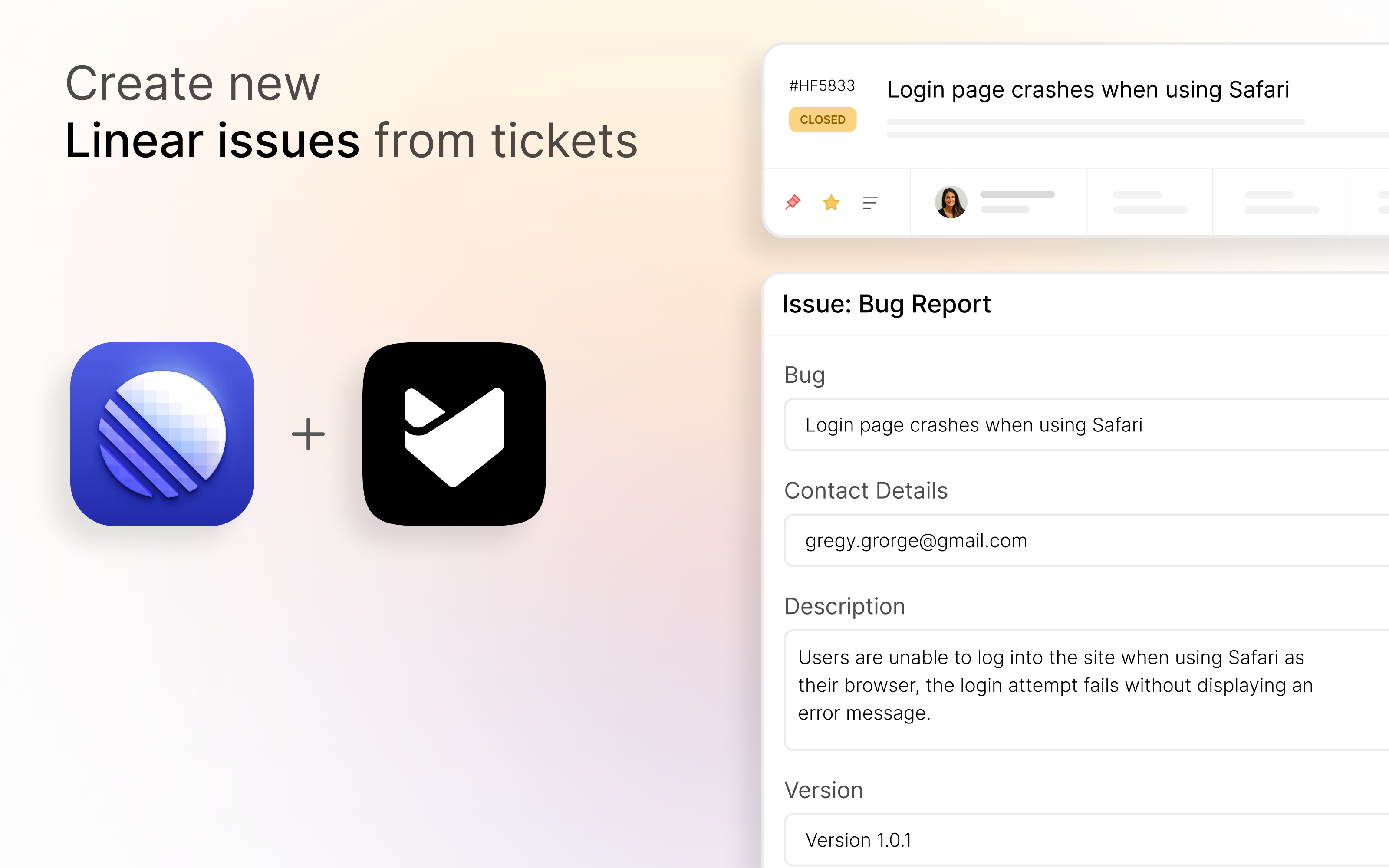
HappyFox Helpdesk’s Linear integration bridges your support and engineering workflows. Agents can create and link Linear issues directly from tickets, and two-way comment sync ensures both teams stay updated without ever switching tools.
How it works
When a support ticket reveals a bug or product issue, agents can instantly create a Linear issue without leaving HappyFox. The issue is pre-filled with the ticket’s title and description, and once created, it appears in the ticket’s right pane with a direct link to Linear. For issues already being tracked in Linear, agents can link them to a HappyFox ticket by pasting the Issue ID, and unlink them just as easily when the relationship is no longer relevant.
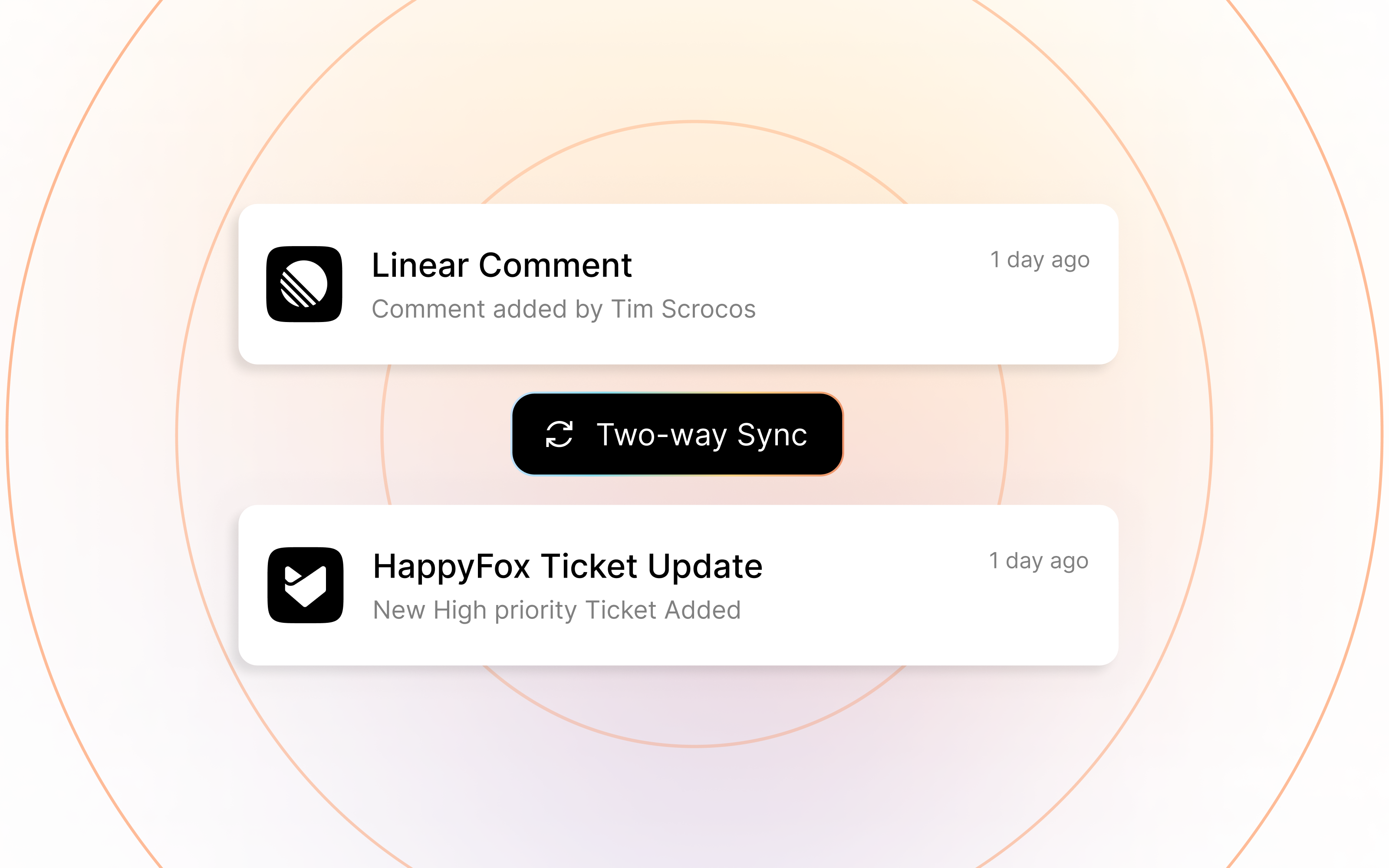
Two-way comment sync keeps both sides of the conversation current. Replies and private notes written in HappyFox are pushed as comments into the linked Linear issue, while comments added in Linear flow back into HappyFox as sync notes. Neither team has to chase down status updates or context across tools.
Sync behavior is configurable at both the global and ticket level, so teams can apply sensible defaults while still having the flexibility to adjust for individual cases. The result is a tighter feedback loop between customer-facing support and the engineers who resolve the underlying issues.
Configure
The integration is available on Pro, Enterprise Pro, and all Unlimited agent plans of HappyFox Helpdesk. An account admin with Manage Apps Settings permission can set it up by navigating to the Apps module in HappyFox Helpdesk, searching for Linear under the Project Management category, and clicking Install. From there, clicking Link Linear Account launches an OAuth flow, and once authorized, the integration is ready to use. Two-way sync preferences can be toggled from the same settings page. Full setup instructions are at support.happyfox.com.