- Integrations
- groundcover
Turn alerts in groundcover into issues
Overview
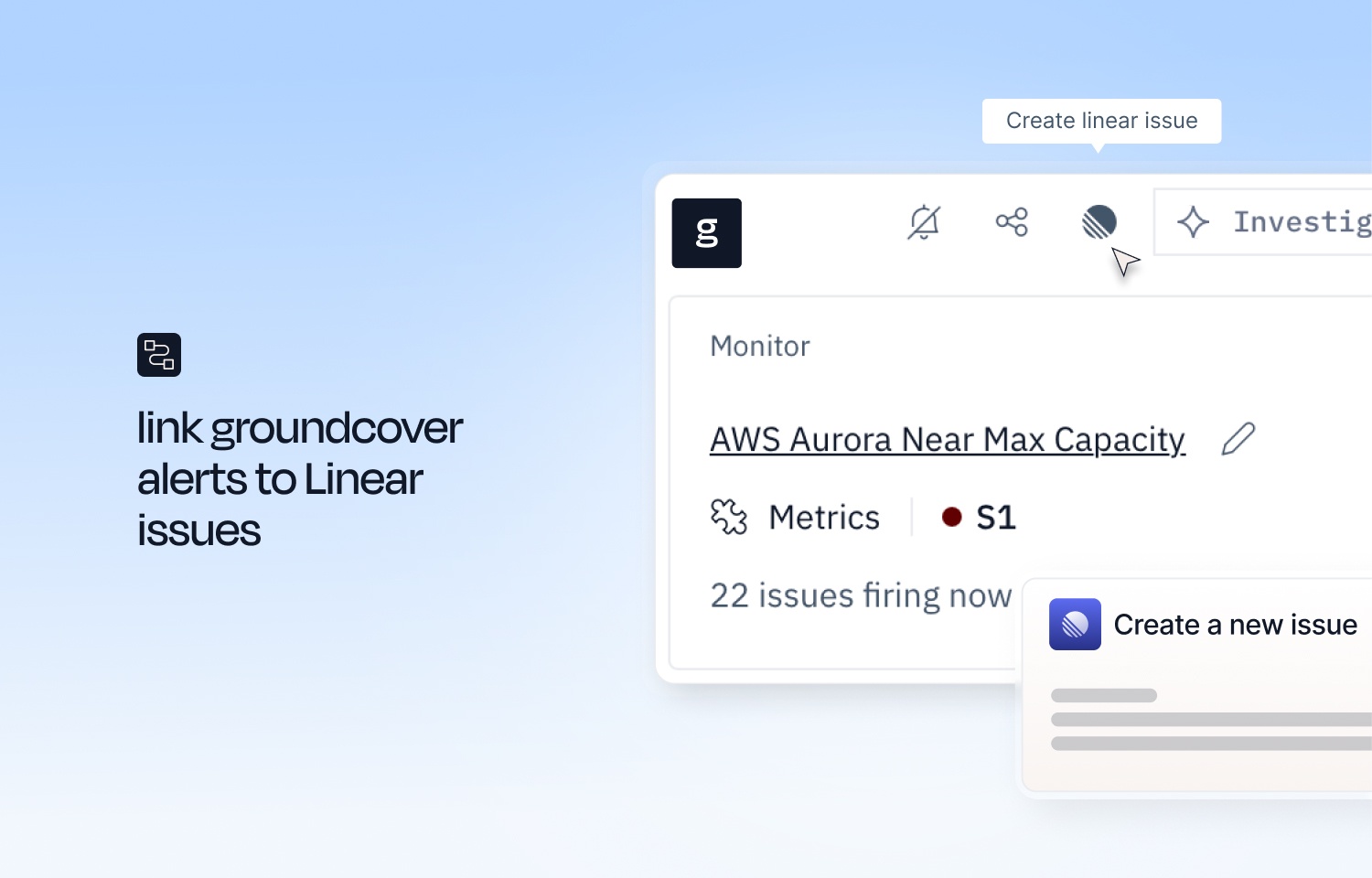
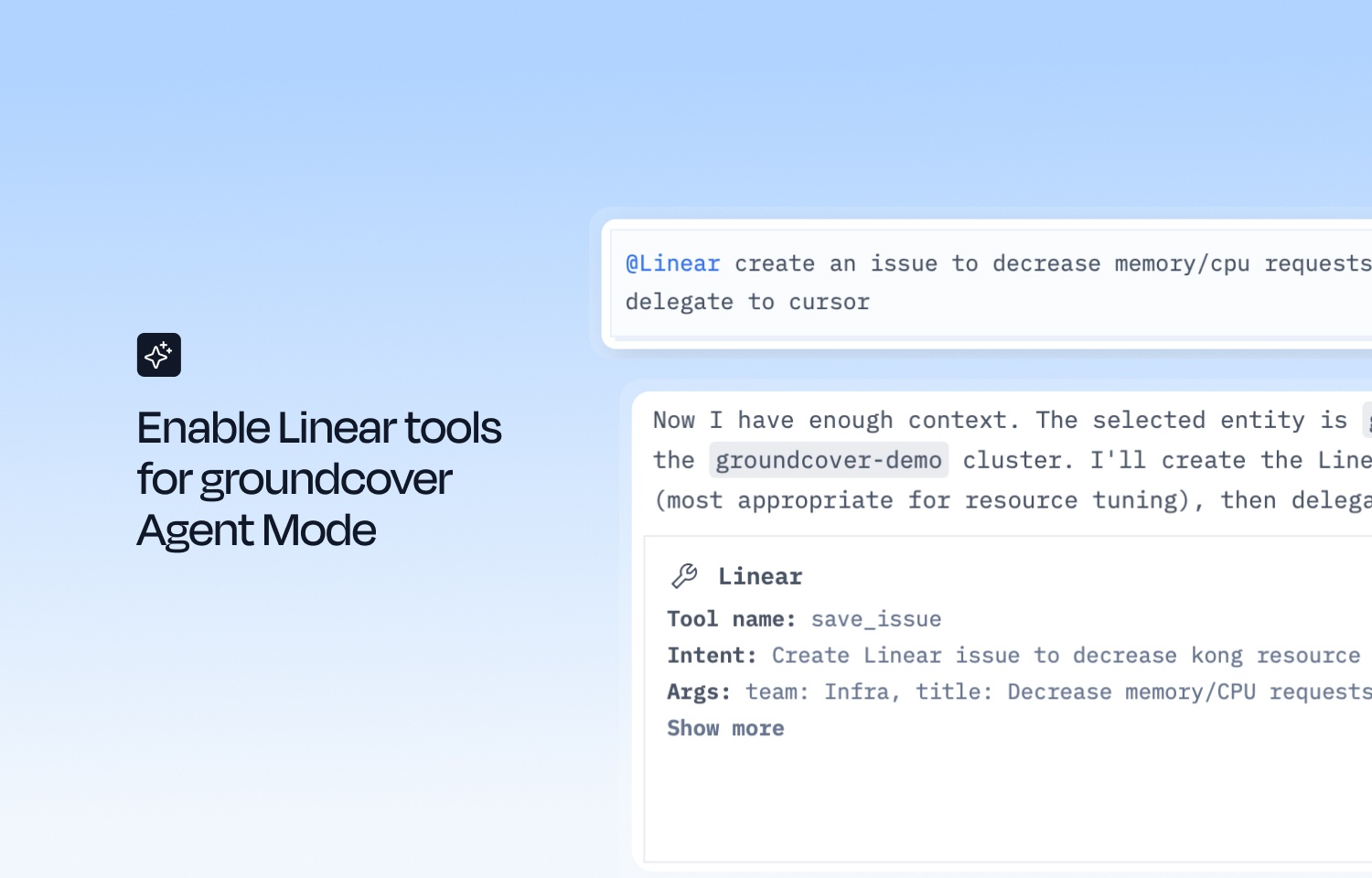
Connect Linear to create and manage issues from monitor incidents, notification routes, and groundcover Agent Mode. The Linear connector links a Linear workspace to groundcover.
How it works
The Linear connector supports three ways of working, depending on how much you want to automate:
- Manual issue creation from monitor alerts. From a monitor issue in groundcover, create a linked Linear issue with context pulled in automatically.
- Automated issue management via Notification Routes. Let groundcover open and manage Linear issues on its own as monitors fire and resolve.
- AI agent integration through Linear MCP tools. Once connected, the groundcover agent can create issues, search assignments, and update issues in Agent Mode, operating within the connected user’s own Linear permissions.
Configure
To set up the integration follow the steps listed here.