- Integrations
- Dash0
Ask @Dash0 to ask about your monitored systems
Overview
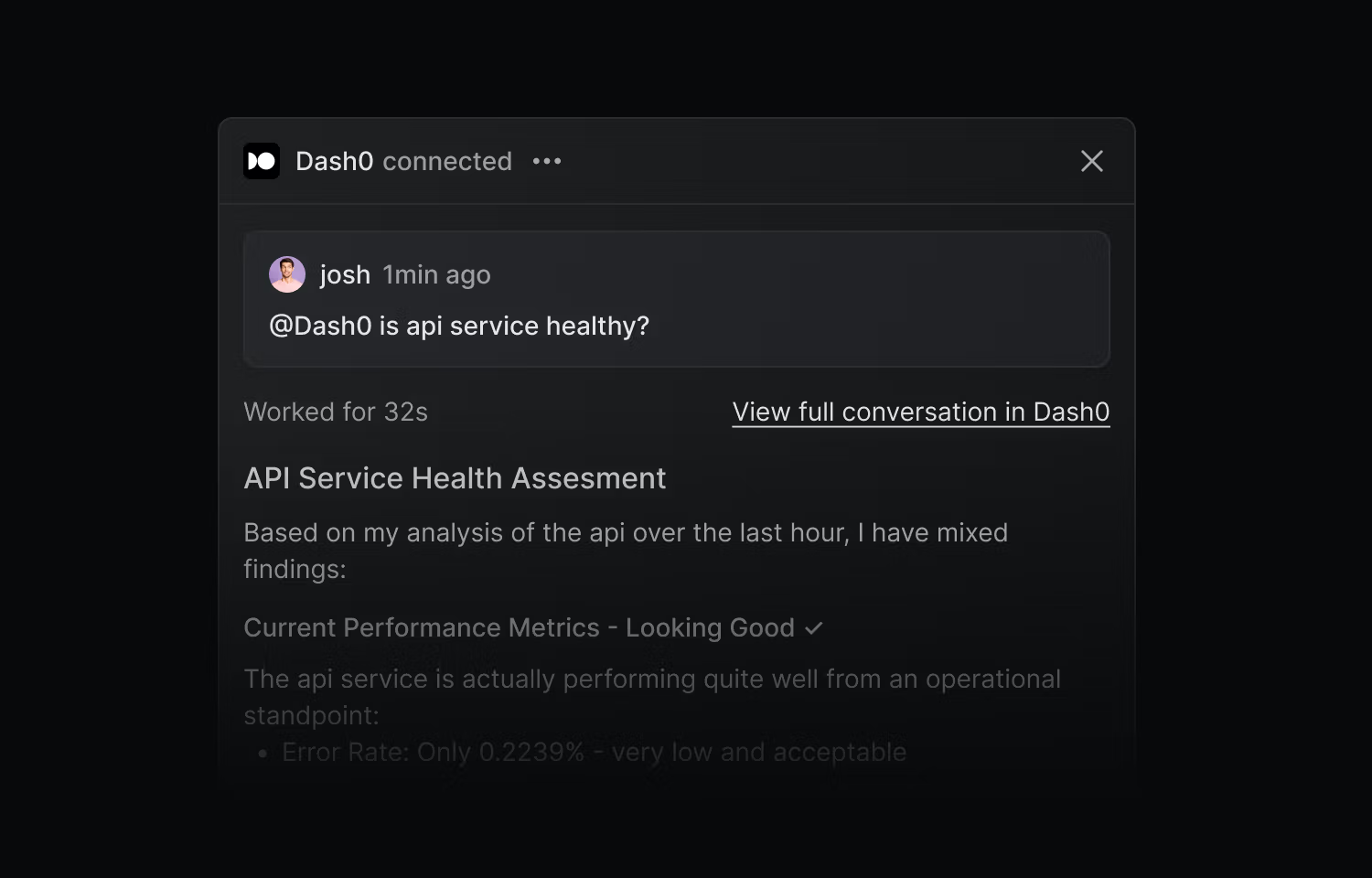
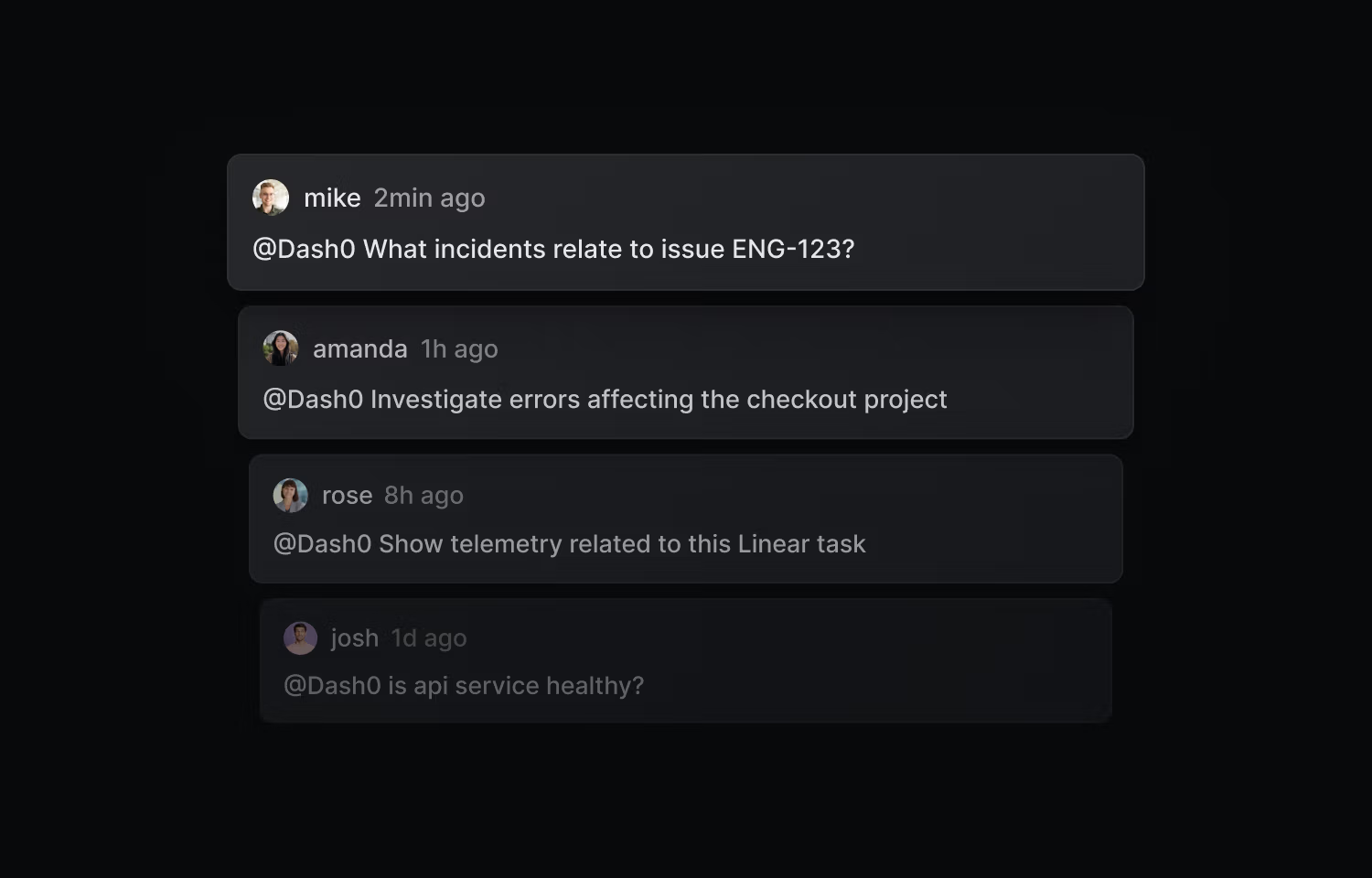
The Dash0 integration brings AI-powered observability directly into your Linear workflow. Mention @Dash0 in any issue or comment and Agent0 investigates using your telemetry data, posting results back into the same thread with a deep link to the full session in Dash0.
How it works
In Linear: Mention @Dash0 in any Linear issue or comment to trigger an investigation. Agent0 reads the issue context, queries your telemetry data in Dash0, and posts the results back into the same Linear thread. Each response includes a deep link that reopens the full Agent0 session in Dash0 with organization, dataset, and time range preserved.
In Dash0: The integration also works in the other direction. When you’re debugging inside Dash0, Agent0 can reference your Linear issues, projects, and teams to enrich ongoing investigations with the right ownership and context.
Access type: Agent0 uses read-only access to your Linear workspace. It reads issues, projects, and team structures — it cannot create issues, modify issue state, or change assignments.
Configure
Go to Organization Settings in Dash0, select Integrations, click + Add and choose Linear, then click Connect Linear and complete the OAuth authorization. Once connected, mention @Dash0 in any Linear issue to start your first investigation.
You must be an organization admin in Dash0 to set up the integration.