- Integrations
- Coco by Cotera
Coco brings the full power of Cotera's AI agent platform directly into Linear
Overview
Coco puts Cotera’s AI agents inside Linear, so your team can run research, enrich leads, trigger workflows, and generate reports without leaving their issues. It saves people from switching tools by picking the right agent for each request, running it, and returning a clean summary right where they already work.
How it works
Coco brings the full power of Cotera’s AI agent platform directly into Linear, letting your team ask questions, run research, and trigger workflows without leaving their issues. You install Coco from your Cotera workspace settings, where a one-click OAuth connection links your Linear workspace. From there, you can @mention Coco in any issue or comment, and it will pick the right tools for the job, run them, and deliver a clean summary back to you.
Coco can search the web, scrape websites, and summarize content, as well as research prospects and companies ahead of a meeting. It can find and analyze product reviews and customer sentiment, enrich leads, and query your connected data sources. Beyond gathering information, Coco can also generate charts, images, and formatted email reports, turning raw findings into something ready to share.
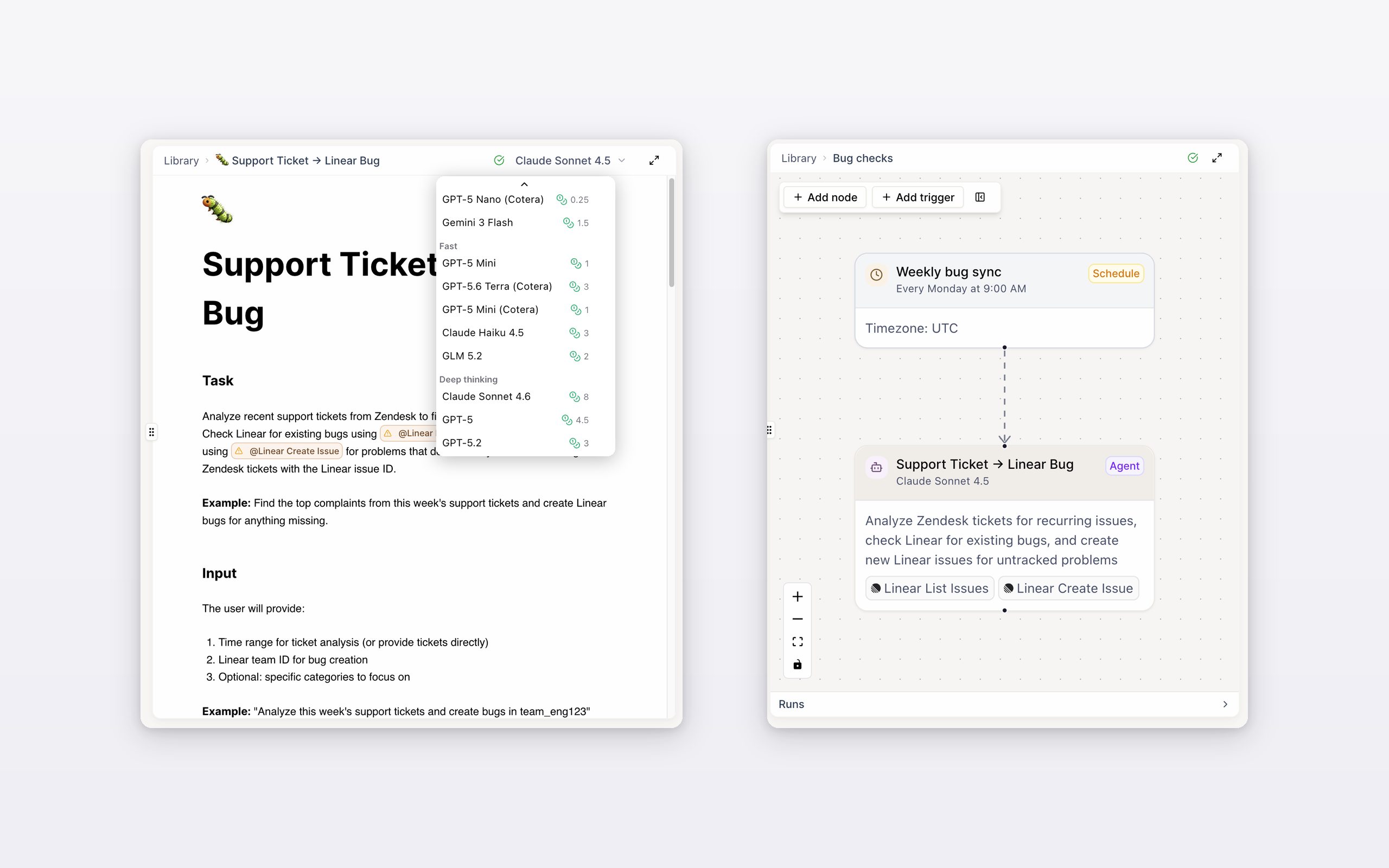
Coco’s ability to chain multiple tools together lets it handle complex, multi-step tasks — effectively running any of your Cotera agents from within Linear. Instead of switching between platforms, you describe what you need in plain language and let Coco coordinate the steps. As with any AI tool, responses may sometimes be inaccurate or incomplete, so results are worth a quick review before acting on them.
Configure
- Go to your Cotera workspace settings and install Coco. A one-click OAuth connection links your Linear workspace.
- Once connected, @mention Coco in any Linear issue or comment.
- Coco picks the right tools, runs them, and delivers a clean summary directly in the issue.