- Integrations
- Cloudback
Automated daily backups of your Linear workspace with on-demand restore
Overview
Cloudback automatically backs up your Linear workspace on a configurable schedule, capturing issues, projects, documents, cycles, comments, labels, templates, initiatives, embedded files, and more. Backups are stored as encrypted, password-protected archives in your own cloud storage or built-in Cloudback storage.
When you need to recover data, Cloudback can restore your workspace to a different Linear workspace, making it useful for disaster recovery and workspace migration.
How it works
Cloudback connects to your Linear workspace via OAuth and runs scheduled backups automatically, with the option to customize the schedule. Each backup captures a snapshot of your workspace data: issues and sub-issues, comments, projects, project updates, project milestones, cycles, documents, labels (issue and project), teams, workflow states, attachments, initiatives, initiative updates, custom views, templates (issue, project, and document), issue relations, external users, project statuses, and initiative-to-project links. Files and images hosted on Linear are downloaded with authentication and stored directly in the archive. The resulting backup is a structured set of JSON files organized by entity type.
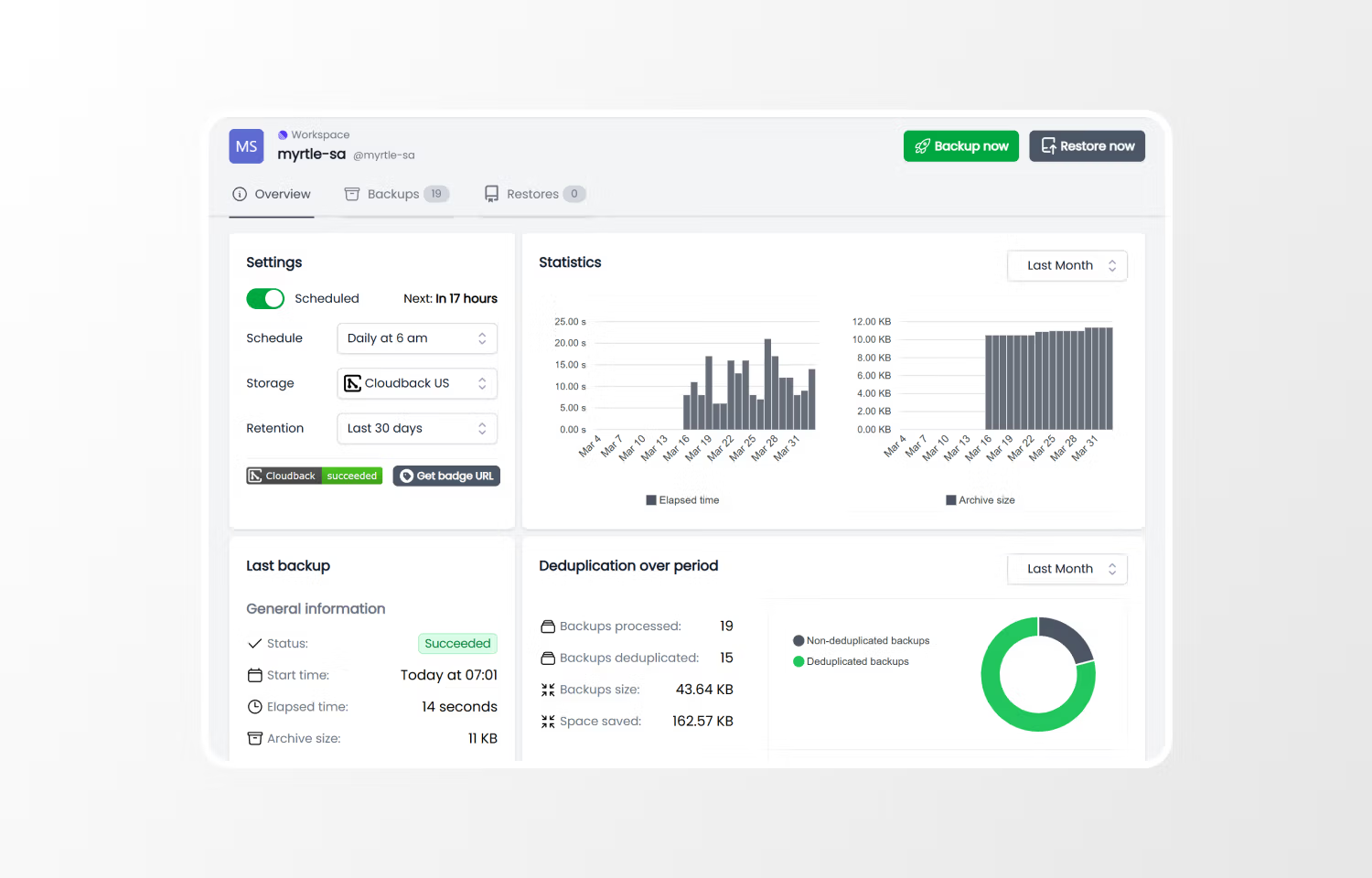
You choose where backups are stored: your own AWS S3, Google Cloud Storage, Azure Blob Storage, Alibaba Cloud, Wasabi, OneDrive (Business or Personal), OpenStack Swift containers, or built-in Cloudback regional storages. Backup schedules are fully configurable with presets and support for custom cron expressions, and you can trigger a manual backup at any time. Retention policies control how long backups are kept, and deduplication reduces storage costs when workspace data has not changed between runs. Archives can be password-protected and encrypted. Cloudback also provides an audit log for tracking all backup and restore activity, a Terraform provider for infrastructure-as-code workflows, and an official Vanta integration for compliance reporting.
Restoring from a backup recreates all entities in a target Linear workspace that must be empty. Cloudback handles the complexity of rebuilding your workspace — issues, projects, documents, and all other data types are restored with their relationships and links intact. Embedded files are re-uploaded to the destination workspace. Backup status notifications can be delivered via Slack, Microsoft Teams, or Discord. Cloudback also has official integrations with GitHub, Azure DevOps, and GitLab, so teams can manage backups for all their development platforms in one place.
Configure
1. Sign in or create an account at https://app.cloudback.it. An active Cloudback subscription is required (a free trial is available).
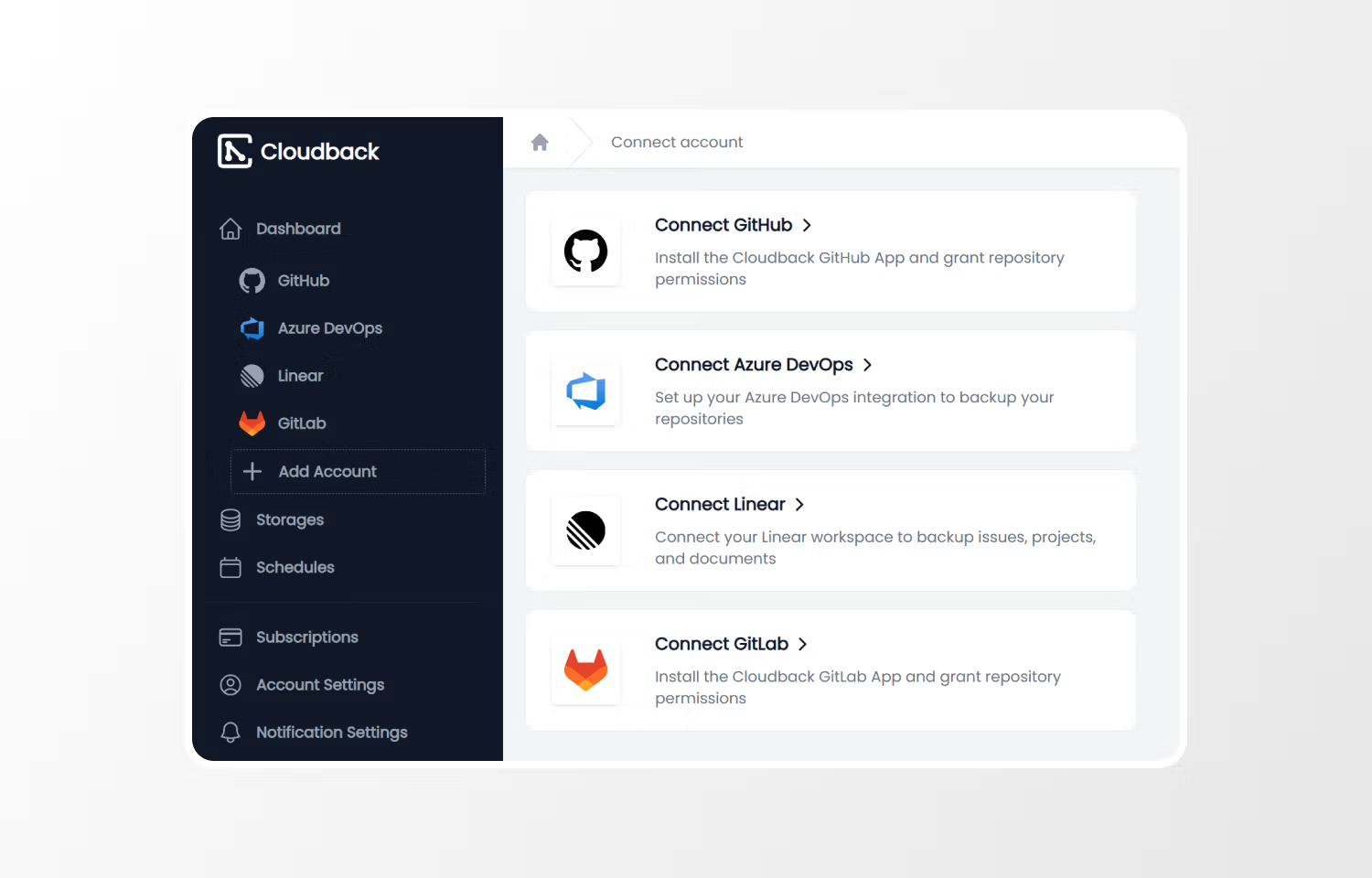
2. In the dashboard sidebar, click `Add Account` and select `Linear` as the platform.
3. You will be redirected to Linear for OAuth authorization. You must have admin or owner access to the workspace you want to back up.
4. After authorization, your workspace appears in the dashboard. Open the workspace details page to configure your storage destination, backup schedule, and retention policy.
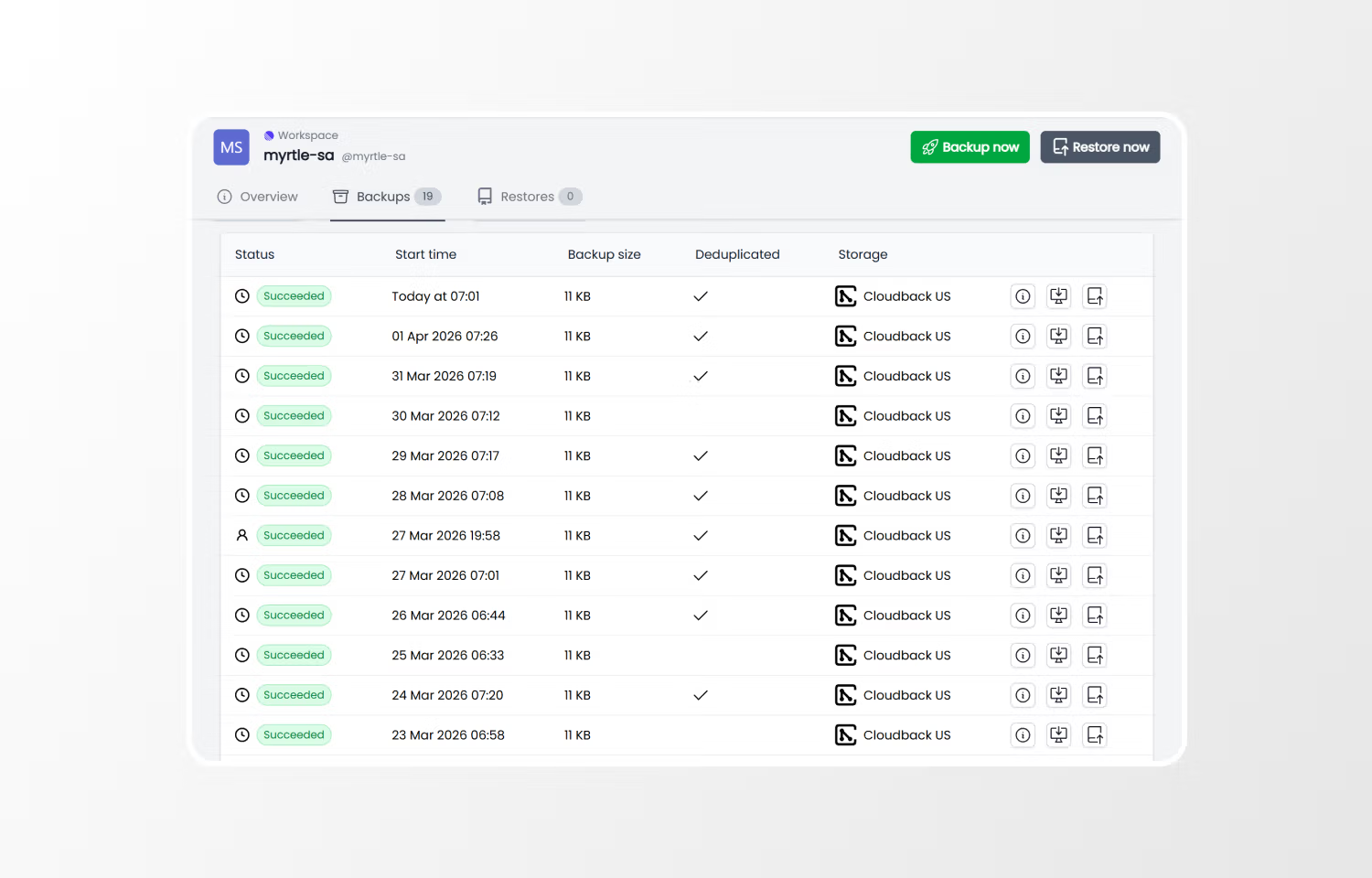
5. Backups run automatically on your configured schedule. You can also trigger a backup manually at any time from the workspace details page.
6. To restore data, click `Restore` on any backup. A separate OAuth authorization with write permissions is required, and the target workspace must be empty.

