- Integrations
- Alkemi
Get insight into product and engineering progress with Alkemi
Overview
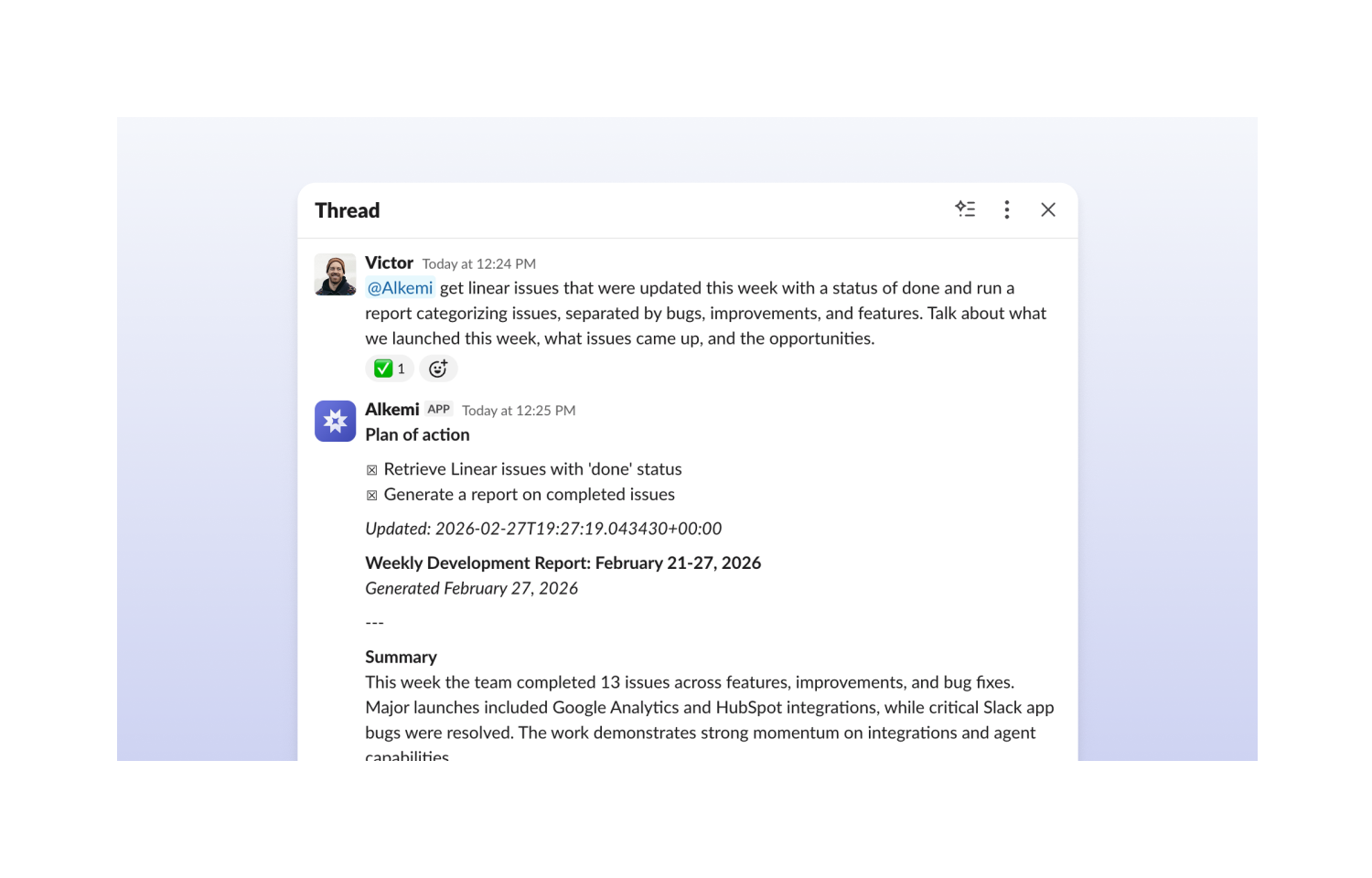
Connect Linear to Alkemi and instantly surface the product insights that matter — issue status, launch readiness, team output — just by asking in plain English. Spend less time chasing updates and more time making decisions.
How it works
Connecting Linear to Alkemi takes just a few clicks — navigate to Integrations in your Settings menu, select Linear, and authorize Alkemi to securely access your workspace. Once connected, your issues, projects, and team activity are immediately available as connection inside Alkemi DataLab and via Alkemi’s Slack app, with no manual exports or data pipelines to maintain.
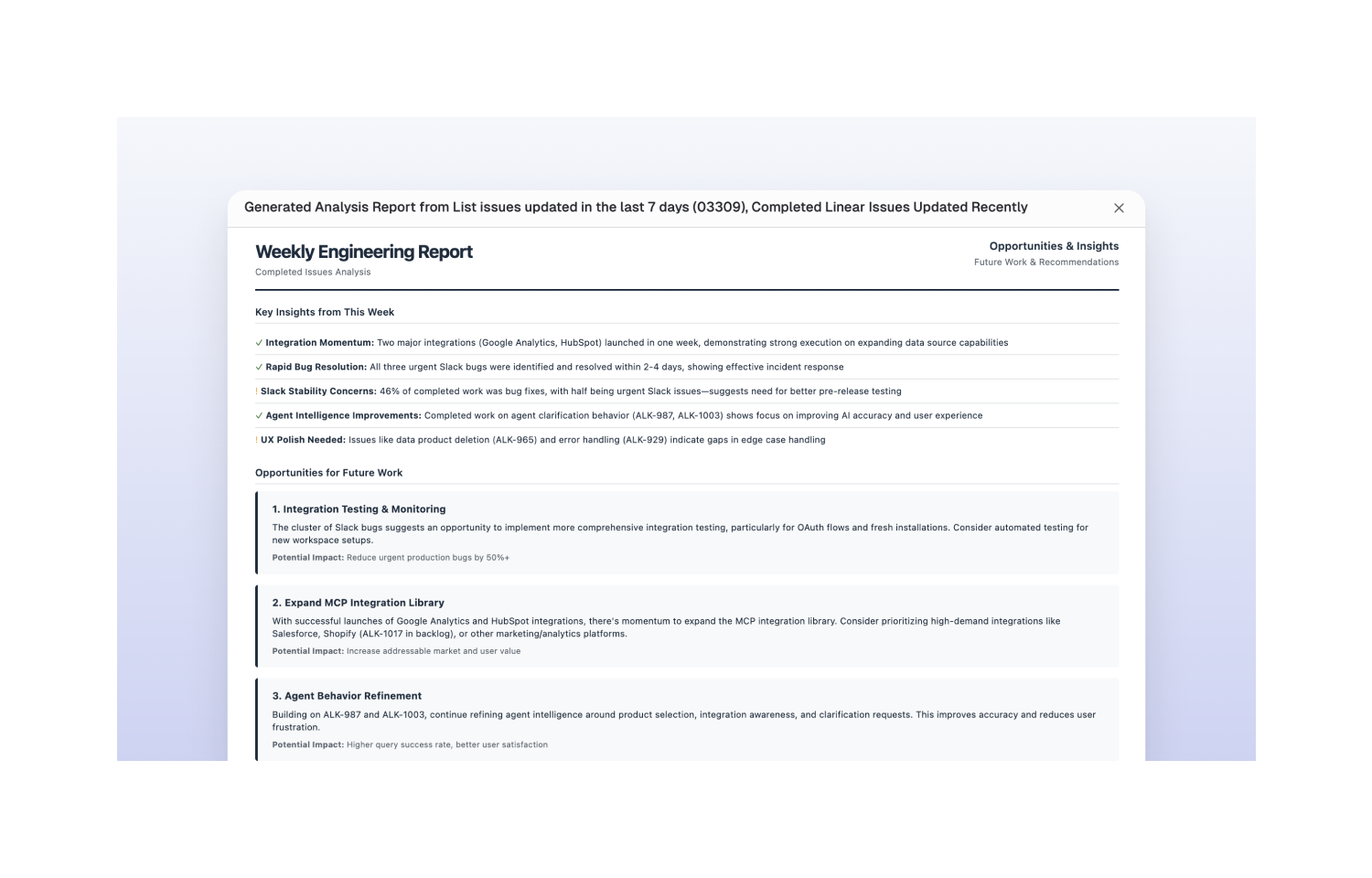
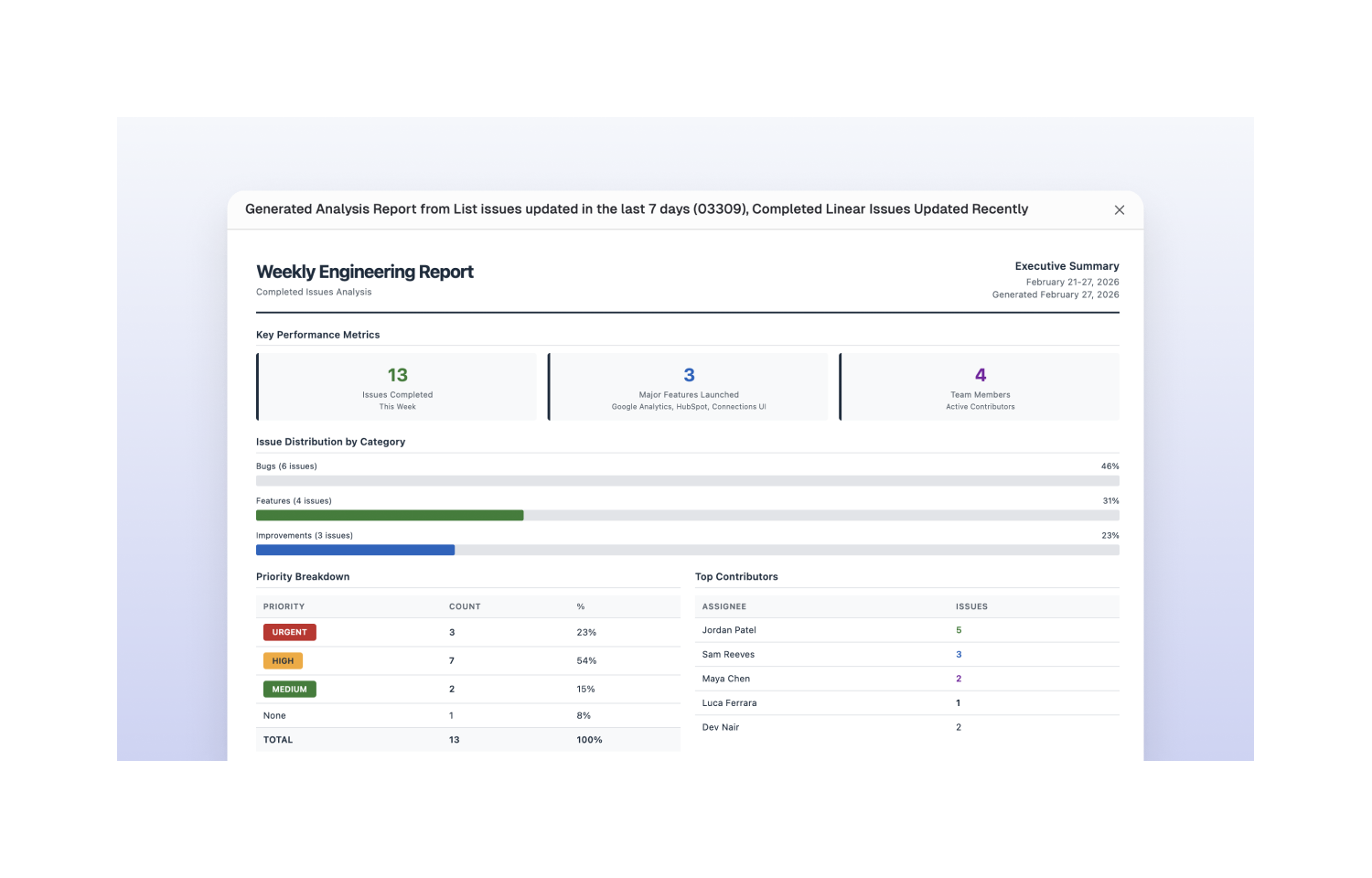
From there, you can query your Linear workspace in plain English to get answers about issue status, completed work, sprint progress, blockers, and more. Whether you want a high-level summary of what shipped this week or a detailed breakdown of open issues by team, DataLab translates your questions into structured reports without requiring any SQL or technical setup. The results are rendered in clean, expandable views that are easy to share or reference in meetings.
For engineering leads and PMs, this means less time creating status updates and more time acting on them. Instead of manually compiling reports or waiting on a data analyst, you can get a real-time picture of your team’s output directly from your Linear data — on demand, in seconds, in the format you actually need.
Configure
To connect Linear, you’ll need to be a Linear workspace admin. Head to your Integrations settings, select Linear, and click “Connect Linear” to kick off the OAuth flow or navigate directly to the Linear integration settings page here. Alkemi will prompt you to authorize access to your Linear workspace — once approved, your data is live inside DataLab with no additional setup required.