- Integrations
- Agiled
Import Linear projects, issues, and teams into Agiled with member matching
Overview
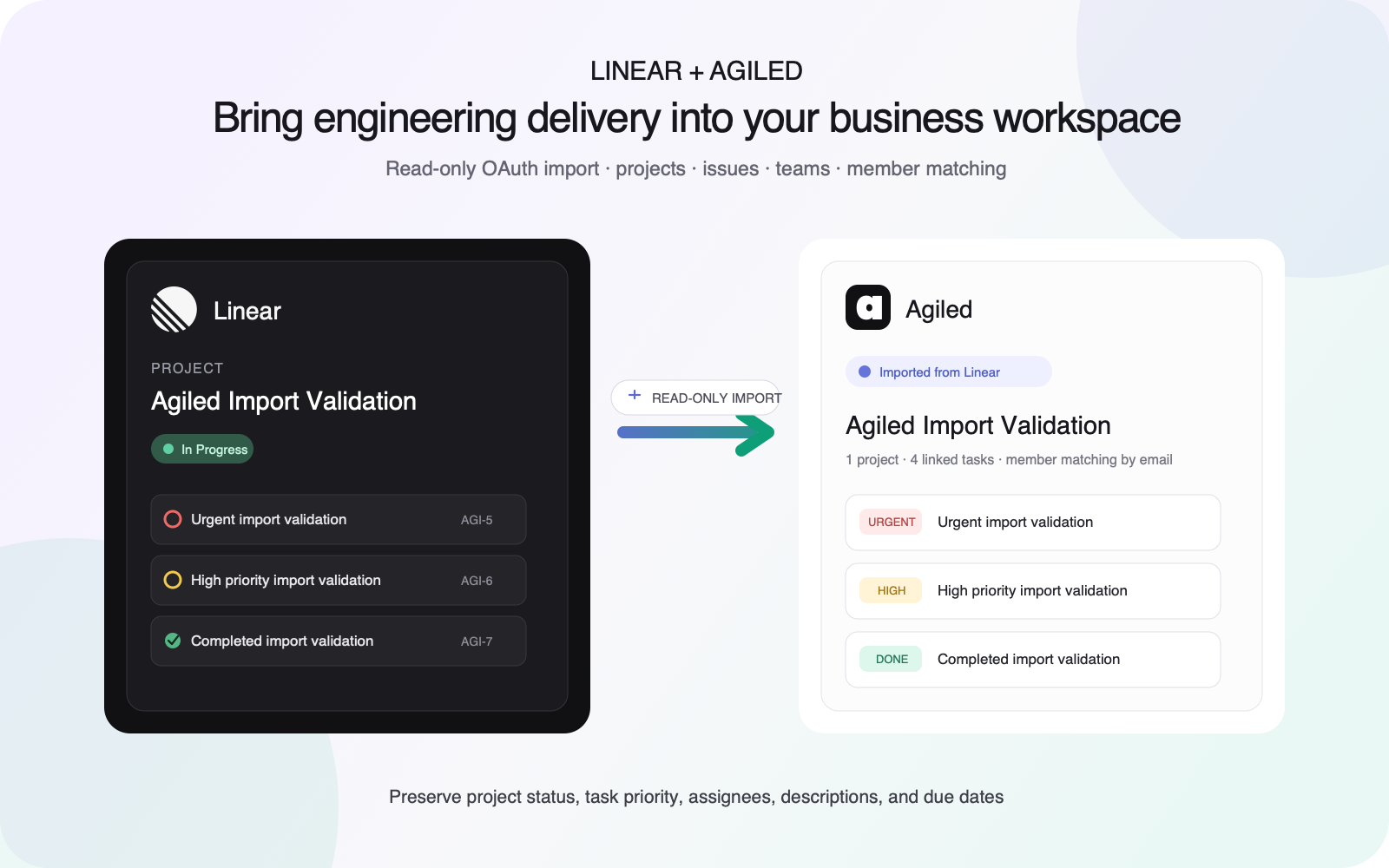
Bring product and engineering work from Linear into Agiled so delivery teams can coordinate it alongside clients, files, time, and billing. The read-only integration preserves important issue and project context without changing Linear.
How it works
Agiled connects to a Linear workspace through OAuth with read-only access. It imports visible teams, projects, and issues into Agiled and reads active workspace members for assignment matching.
Projects retain their status, description, dates, and team relationships. Issues become Agiled tasks with their status, priority, description, and due date. Linear assignees match existing Agiled teammates by email when possible.
Run the import again to refresh records linked to the same Linear objects instead of creating duplicates. The integration is import-only: updates made in Agiled are not sent back to Linear.
Configure
In Agiled, open Settings > Apps, choose Linear, and select Connect. Authorize the Linear workspace you want to import; workspace security policies may require an administrator to approve the app. Return to the installed app in Agiled and run Import, then review representative projects, tasks, owners, priorities, statuses, and dates.