- Integrations
- AgentTeams
AI employees that file, triage, and update Linear issues from Slack, Teams, and email
Overview
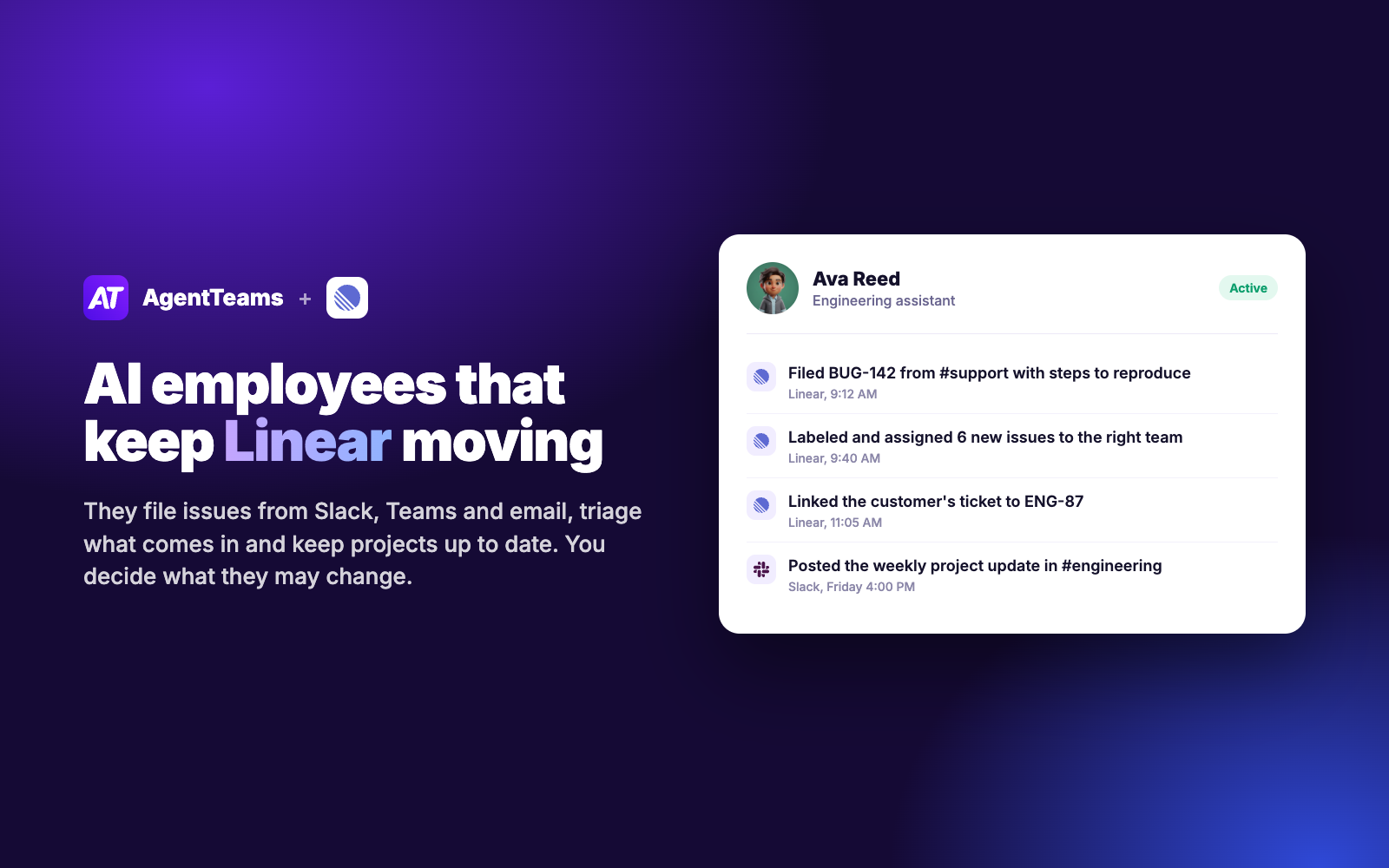
AgentTeams gives your team AI employees with a name, a role, and their own access to your tools. Connected to Linear, an AI employee turns requests from Slack, Microsoft Teams, and email into well-formed issues, keeps labels, owners, and statuses up to date, and writes project updates, so your engineers spend less time on housekeeping.
How it works
Each AI employee connects to Linear with its own sign-in and works like a teammate. It can create, update, and archive issues, add comments and attachments, apply labels, assign owners, move issues between states, create and update projects, search issues, and read cycles.
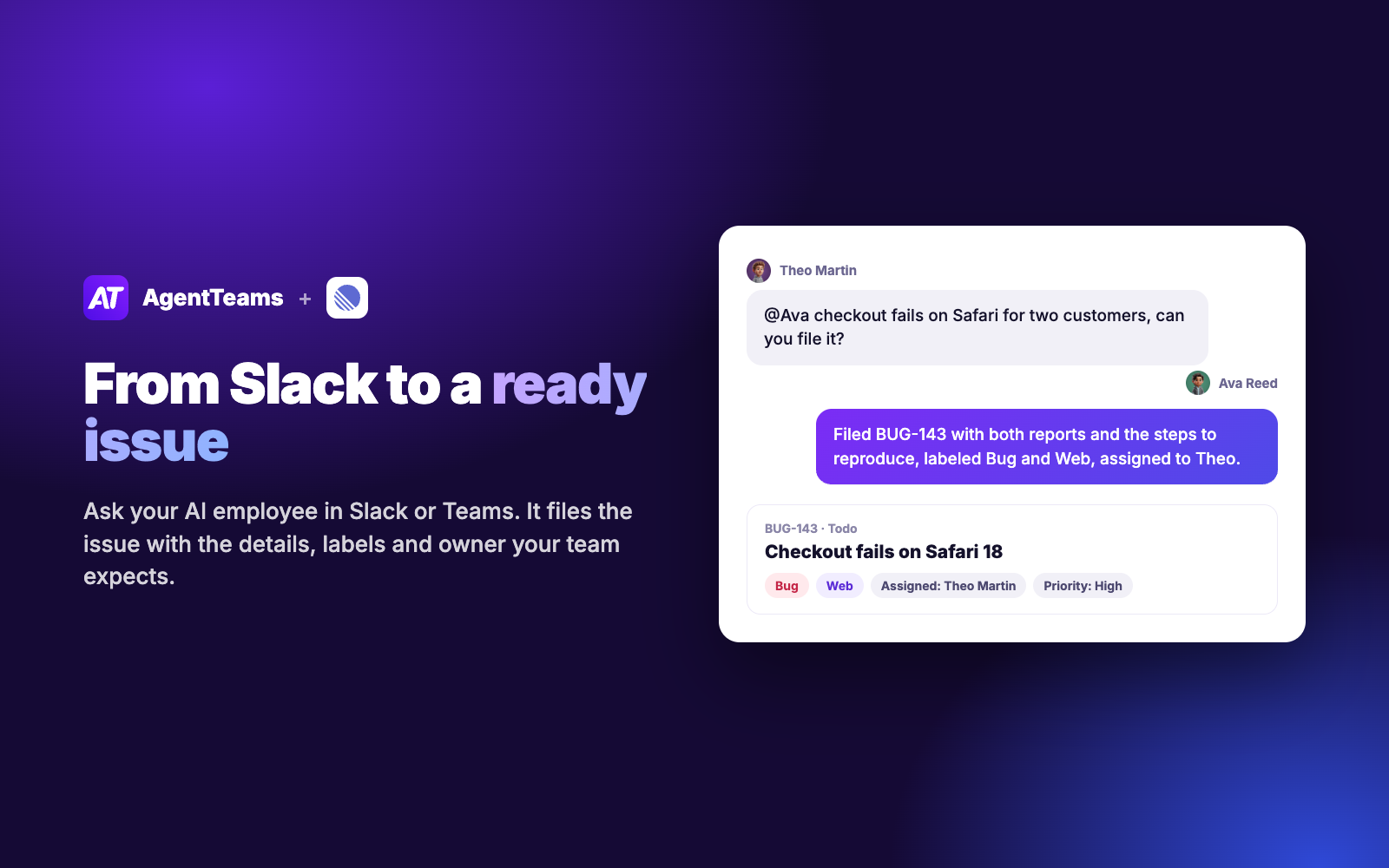
Ask it in Slack, Microsoft Teams, email, or the AgentTeams dashboard, or let it react on its own when an issue is created, assigned to it, changes status, or gets a new comment. A bug report in a support channel becomes an issue with steps to reproduce, a customer’s ticket gets linked to the right issue, and new issues are labeled and routed to the right team, following your conventions for titles, labels, and priorities.
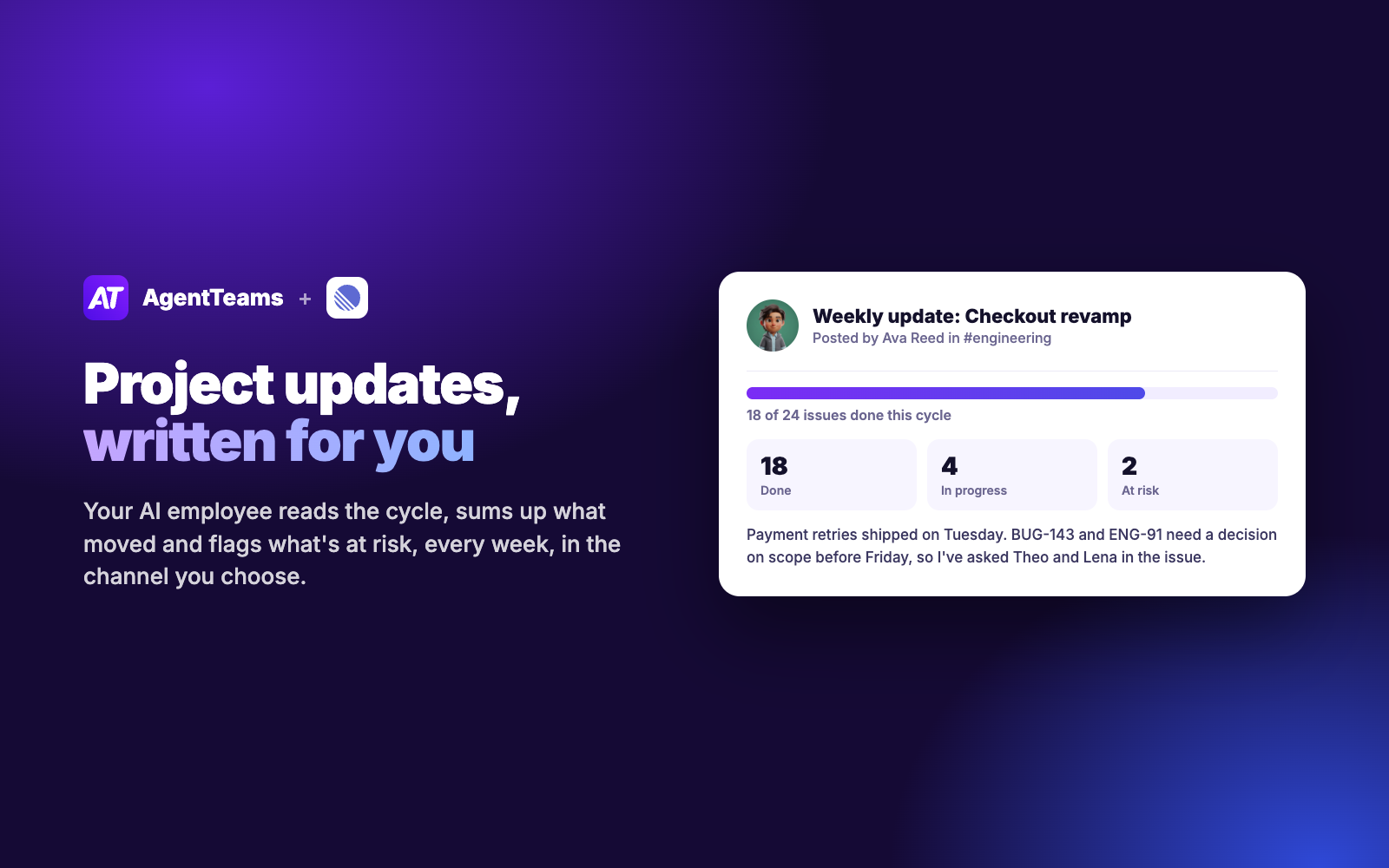
On a schedule you choose, it reviews your cycles and projects and posts a summary of what moved, what is at risk, and what needs a decision. You decide which actions need your approval first, and every action is recorded in the employee’s activity log.
Configure
Sign up at agentteams.com and hire an AI employee; your Coordinator helps you shape the role. On the employee’s profile, open Tools, choose Linear, and sign in with the Linear account the employee should use, then approve access for your workspace. If your workspace restricts third-party apps, a Linear admin approves AgentTeams first. Finally, choose which actions need your approval and message the employee in Slack, Teams, or the dashboard.