- Integrations
- Merlin
Delegate Linear issues to Claude Code and Codex running on your team's own machines
Overview
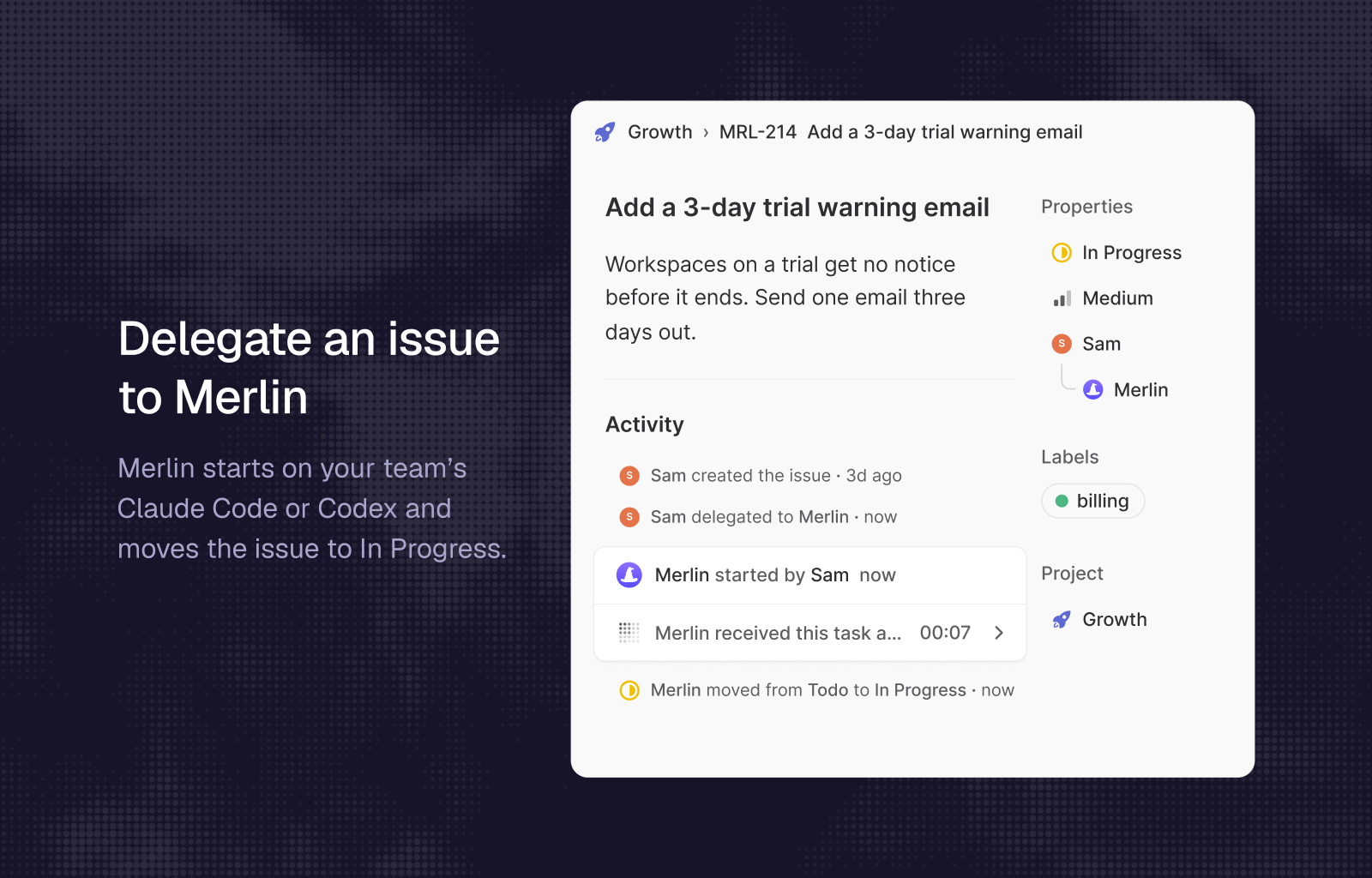
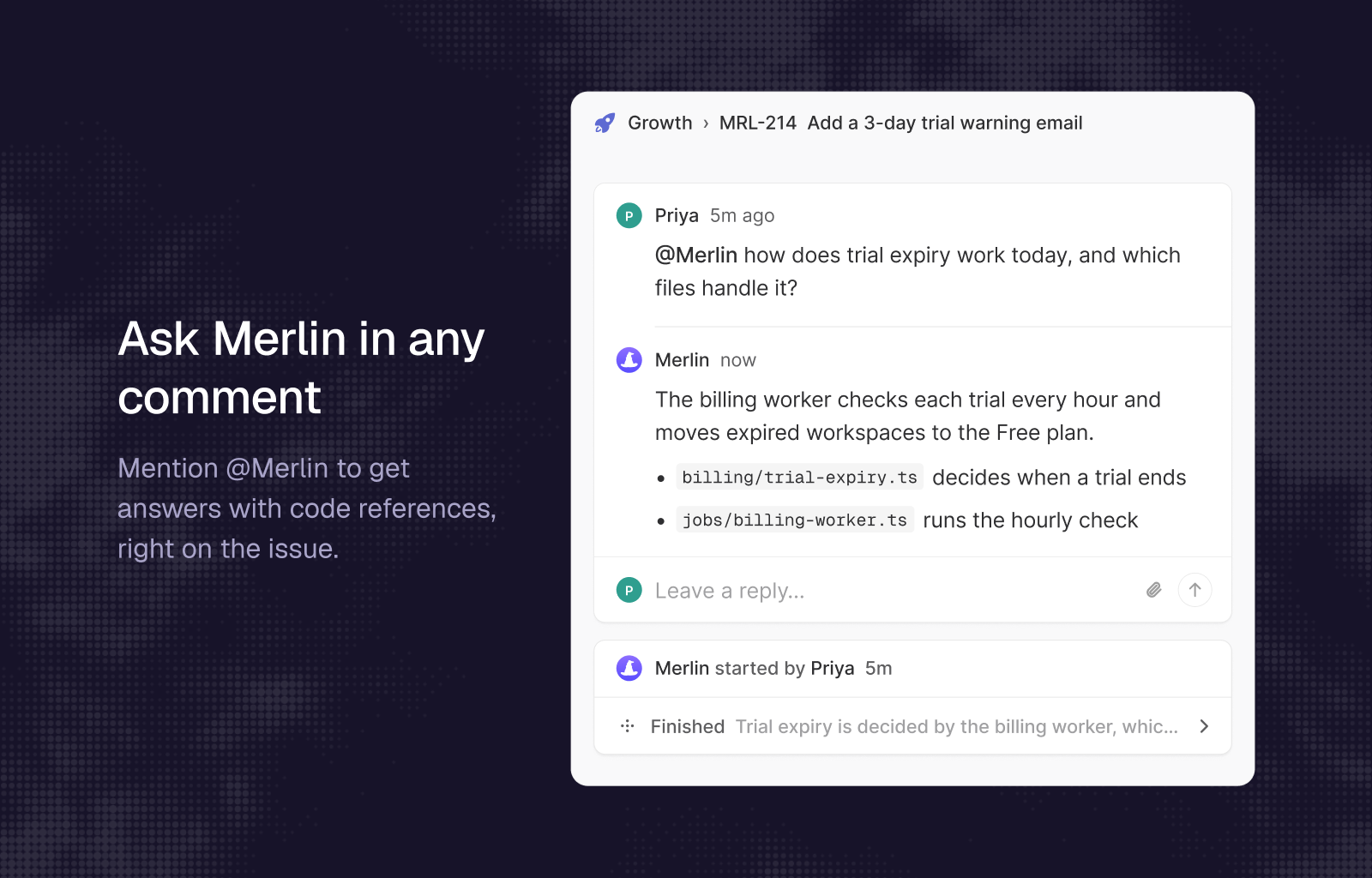
Merlin brings Claude Code and Codex into Linear as a teammate. Delegate an issue or mention @Merlin in a comment, and Merlin runs the work on an available teammate’s Claude Code or Codex, shows its progress in the agent session, and posts the result back on the issue.
How it works
- Delegate an issue to Merlin, or mention @Merlin in a comment. Linear opens an agent session.
- Merlin acknowledges right away, finds an available agent in your Merlin workspace, and moves a delegated issue to In Progress.
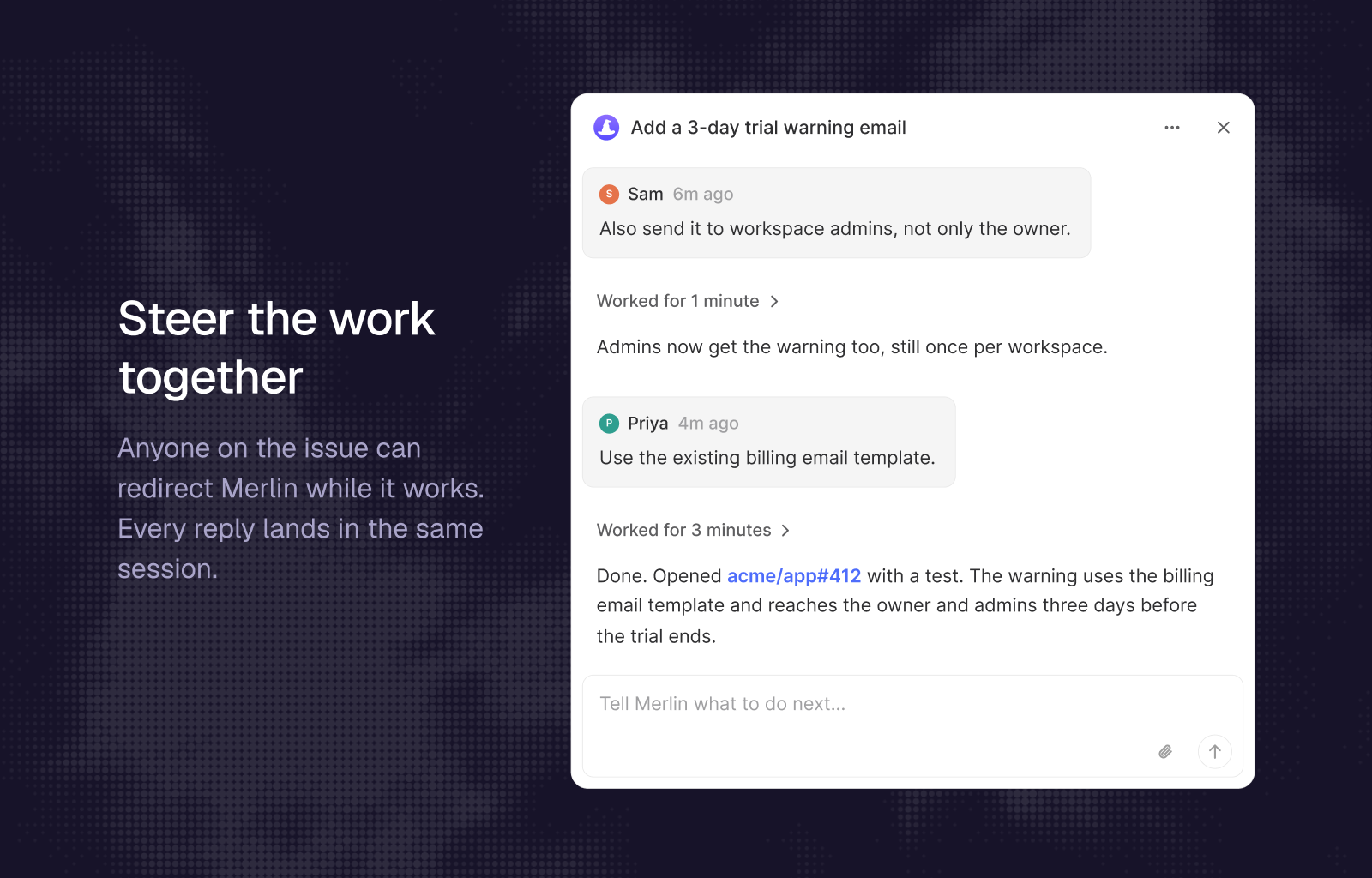
- Progress appears in the session as Merlin works: what it reads, runs, and changes.
- Anyone on the issue can steer the run with a follow-up in the session, or stop it.
- Merlin posts its answer in the session. When the work ships as a pull request, the issue can move to In Review or Done, depending on your workspace setting.
Configure
- Sign in to Merlin and open Integrations. A workspace owner or admin adds Linear and authorizes your Linear workspace. A Linear workspace admin approves the install.
- Each member links their personal Linear account in Settings, Account, so Merlin can match Linear users to Merlin members.
- Make sure at least one teammate has the Merlin desktop app or CLI running, so an agent is available.
- Optional: choose where delegated issues go when Merlin finishes (In Review, Done, or unchanged).
For full setup details, see the Merlin documentation for Linear.