Project Slack channels
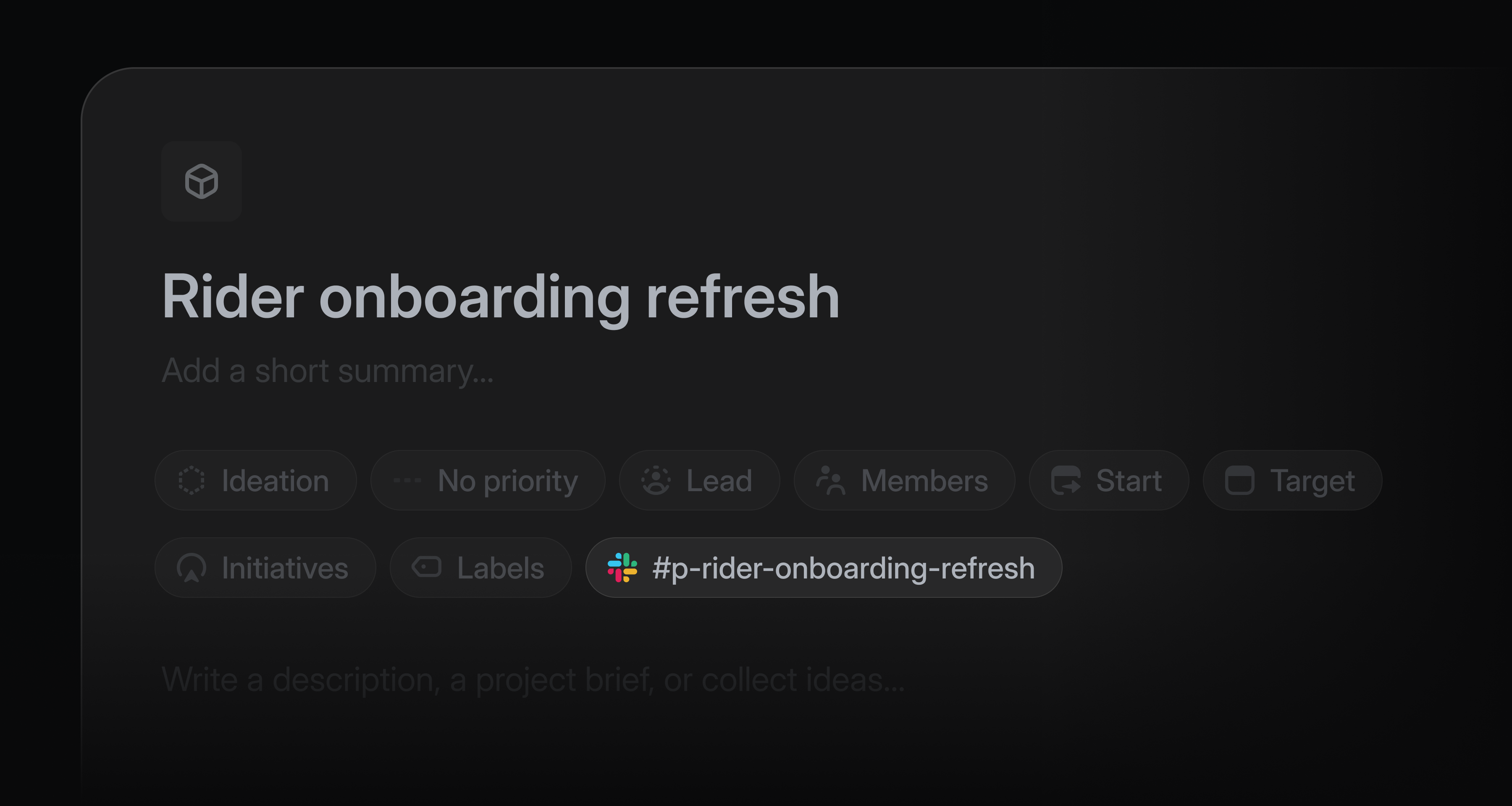
Project teams often use a Slack channel to discuss and share feedback about their project as it takes shape.
Now, Linear can spin up that Slack channel automatically every time a new project is created. All project members are automatically added to the project Slack channel, and project updates post to that channel by default.
When working in a project’s Slack channel, you can use Linear Agent to answer questions or take actions in the project. Try sending messages to the channel like “@Linear what’s our target date?” or “@Linear file this bug and assign it to me.”
Admins can enable channel creation from settings. Learn more about project Slack channels in our documentation.
Linear Asks Agent
Linear Asks brings internal requests into Linear, where the appropriate team can work on them.
Now, anyone in your Slack workspace can file a request in Linear by mentioning @Linear Asks. Linear checks the templates enabled for that channel, picks the best match, and creates an issue using the conversation as context.
When a template uses required fields, Linear follows up to collect any missing details before creating the issue.
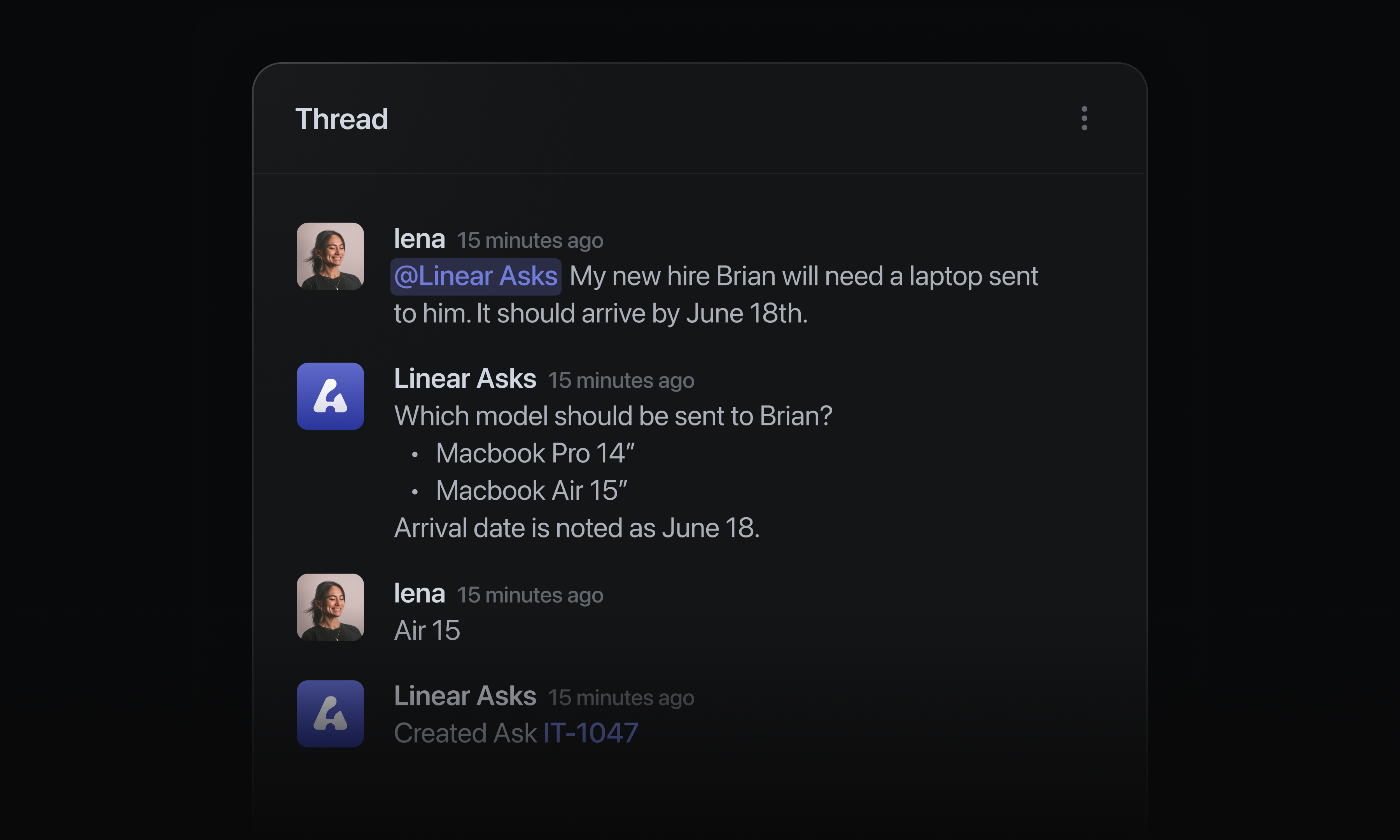
Admins can configure Linear Asks agent in settings for any connected Slack workspace. Asks is available on Business and Enterprise plans. Learn more in our documentation.
Issue duplicates
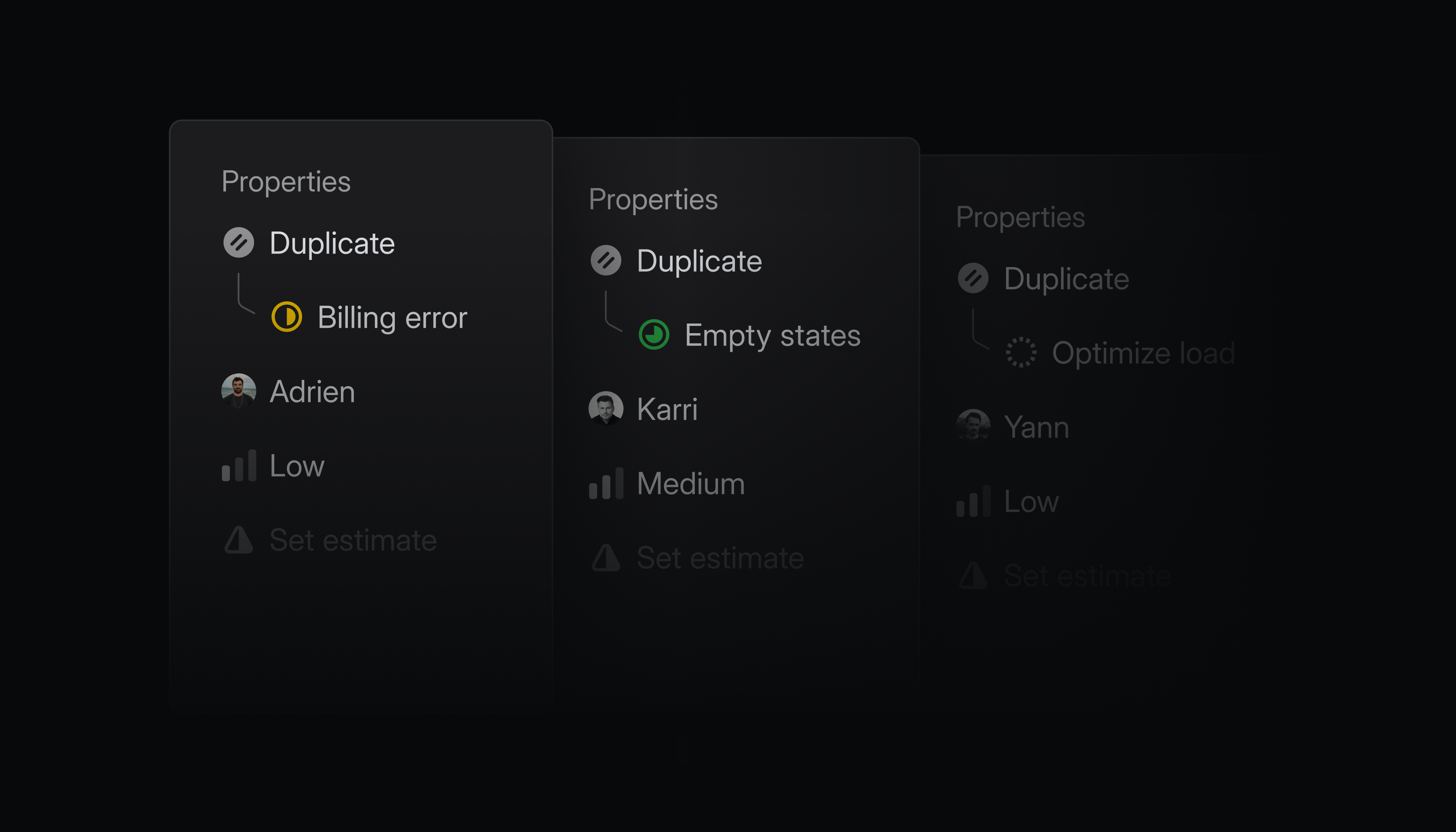
Duplicate issues now use a dedicated status type in Linear and move context to the original issue.
When an issue is marked as a duplicate, its customer requests, synced Slack threads, and attachments are moved to the original issue. Whether a teammate, agent or Triage Intelligence marks an issue as a duplicate, the issue context moves to the right place.
Because of theses changes, every issue with a duplicate status must now link to the original issue. On duplicate issues, that original issue is shown clearly in the sidebar.
When the original issue is completed, every synced Slack thread is notified. Each linked customer ticket in Zendesk or Intercom also reopens, so you can keep your customers in the loop.
Reorder groups in issue and project views
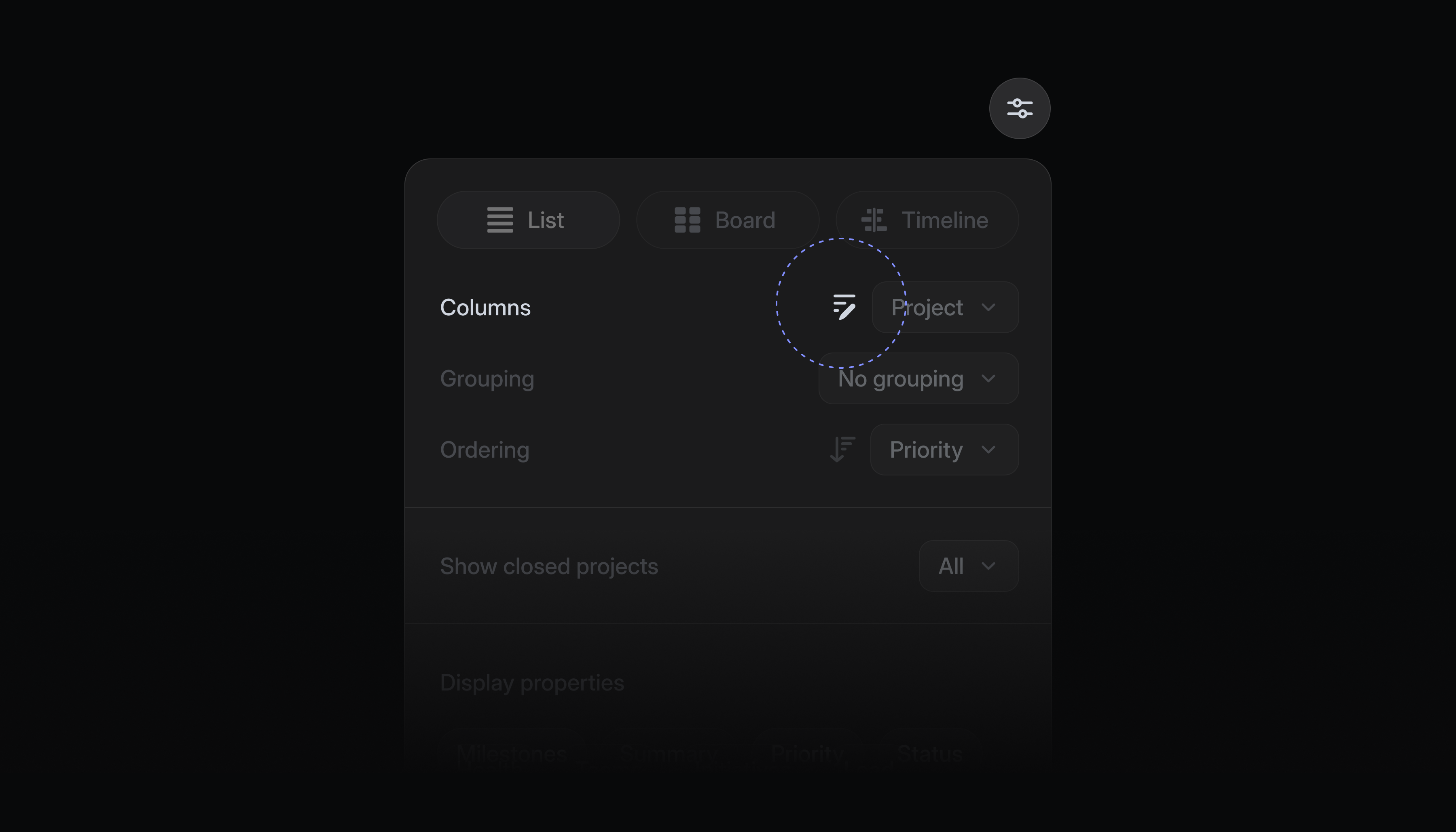
Issues and projects in views are often organized into groups like status, priority, or label. You can now reorder these groups in any list or board view to put the most important sections first.
Click the reorder groups icon in display options, then drag groups into your preferred order. You can reset the view back to the default order at any time.
GitHub Enterprise Cloud integration
Linear now supports GitHub Enterprise Cloud.
Once connected, GitHub Enterprise Cloud users have access to all the benefits of our popular GitHub integration. Linked pull requests update issue statuses automatically, GitHub Issues sync can be enabled for select repos, and you can review PRs natively with Linear Diffs.
This integration is available on Linear’s Enterprise plan. Read more in our documentation, and install the GitHub Enterprise Cloud integration to get started.
- Agent chatFixed highlights on the agent chat buttons
- AgentsIssues created from templates via the Linear agent (in-app, Slack, Microsoft Teams) now respect required form fields and serialize submitted values into the issue description
- AgentsFixed a freeze when pasting long Markdown content that included todo items into agent toolbar input
- AsksFixed Asks Web template submissions that create child issues for authenticated non-members
- CyclesFixed progress ring background blending into the row hover color in quick filter overviews
- DraftsFixed a bug where saving as draft would fail when an issue template included a sub-issue on a sub-team
- DuplicatesDuplicate issues now appear in the canceled section in focus-grouped issue lists instead of active buckets
- EditorCopying part of the text of a list item no longer copies the list structure, only the text itself
- EditorWhen pasting Markdown content that includes code blocks, the cursor now lands correctly at the end of the pasted content
- FiltersFixed missing rows on Author, Reviewers, Team owners, Customer owner, and Project milestone filters on first open
- FiltersFixed missing rows on Creator filter on search page
- FiltersFixed header filter buttons highlighted while their filter menu is open
- LabelsRestored input focus when switching between New group and New label while creating a label
- Linear AgentFixed resuming Slack threads when the user answers an agent’s follow-up question without
@Linear, even after a long delay - NotificationsFixed an issue where users could be unexpectedly subscribed to issues they never interacted with
- PerformanceFixed an issue where switching workspaces could leave the app stuck on the workspace loading screen until a restart
- ProjectsFixed public project Slack channels incorrectly appearing as private after renames
- ReleasesFixed order of releases by stage position so canceled releases are sorted after completed ones
- ReviewsShowed only the relative timestamp for opened pull requests in the review list
- SettingsFixed dropdown text overflowing on narrow viewports
- SlackFixed double-notifying on Slack when an issue is deduplicated — the duplicate-relation event is now the only user-facing event
- SidebarReduced blur and fixed positioning in animated unread count digits on non-retina displays
- TeamsFixed issue where team owners can now update the “Restrict team membership” setting without needing workspace admin permissions
- TemplatesFixed moving a project or document template to the parent team or workspace silently reverting
- UpdatesSwitching the project or initiative on an update composer no longer deletes the previously saved draft
- WorkflowShow the visible workflow-state icon for merged issue status group headers, with a generic fallback when multiple team states are visible
- Added parallel
AgentSkillGraphQL query and mutation types alongside deprecatedAiPromptroots for the skill migration - Added
Team.visibilityand deprecatedTeam.private - Returns
410 Gonefrom/oauth/migrate_old_token; old OAuth token migration is no longer supported
- InboxGrouped agent-authored inbox replies into a dedicated Agents section in focus inbox grouping
- IssuesYou can now link the same pull request to multiple selected issues from issue actions and Cmd/CtrlK
- ReviewsUnreviewed stacked PRs are now ranked below reviewed PRs in the list
- TriageImproved triage actions in the issue header now show labels at wider widths
- GitHub pull request URLs in document content saved via MCP are now converted to diff mentions