Linear for Microsoft Teams
Mention @Linear in any Microsoft Teams channel to turn your conversations into actionable work.
You can ask Linear to make changes directly in Linear, or pull information from Linear into Teams. Try it by sending a message like:
- @Linear file a bug for this and assign it to me
- @Linear what’s the latest progress on our billing API project?
- @Linear create issues for each feature request mentioned in this video
Keep everyone up to date on progress
Connect your Linear projects to Teams channels to keep everyone aligned. After connecting, project notifications like updates will automatically post to Teams.
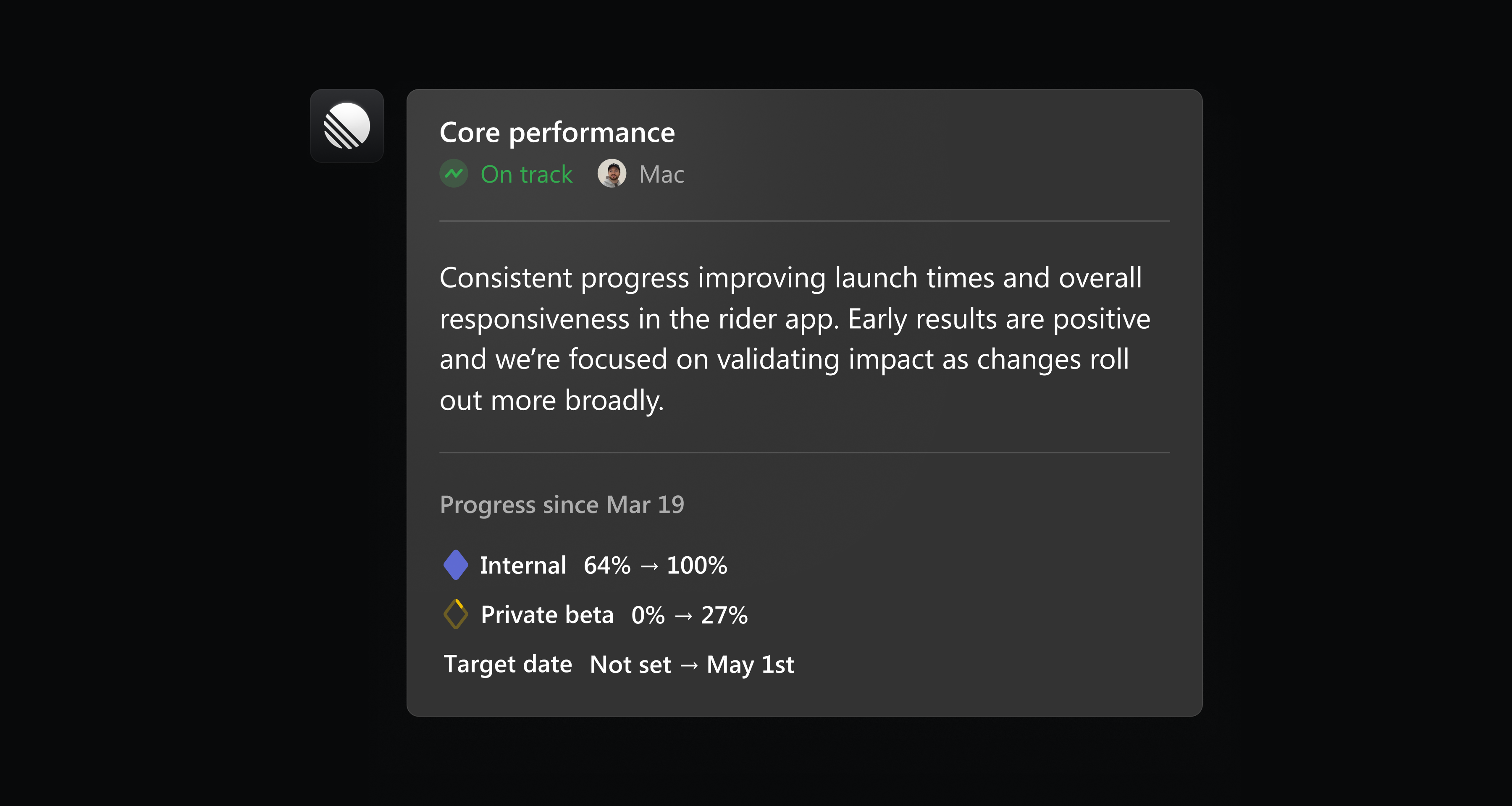
Install Linear for Microsoft Teams in settings, or learn more in our documentation.
Custom coding tool integrations
Linear already supports one-click integrations to open issues in popular tools like Claude Code, Codex and Cursor. To better support custom workflows and new tools, we’ve added support for custom coding tool integrations.
Custom coding tool integrations let you open issues in tools that aren’t supported out of the box. You can configure them in two ways:
- Launch a tool using a URL with query parameters
- Run a local command from the desktop app
Add a new custom coding tool in preferences, or learn more in our documentation.
Sync multiple Slack threads to an issue
When an issue is reported in Slack, either through Asks or the Linear Agent, a synced thread is added to that issue to enable follow-up communication.
Now you can sync an issue to multiple Slack threads when there are multiple reports or requests for the same issue. When the issue is completed, every synced thread receives an update with the outcome.
Connect a new Slack thread to an issue by mentioning @Linear or using the “Link to existing issue” option in the Slack integration.
- AgentFixed text selection escaping the agent conversation panel into the document editor when dragging upward
- AgentFixed the assignee field not showing “No assignee” when the issue is delegated to an agent
- AsksFixed a bug where “Manage team templates” could link to an inaccessible page in private teams.
- Command MenuFixed labels not appearing as suggestions when typing in Cmd/Ctrl K
- CommentsFixed a bug where inline comments in documents were not clickable
- Custom ViewsFixed an issue that prevented transferring ownership of custom views
- Customer requestsWe no longer send an Inbox notification when a customer request is moved to a new issue after the original issue is marked as a duplicate
- CustomersFixed customer status filter showing incorrect result counts on the Customers page
- DocumentsFixed a bug where document header icons could overlap with long titles on narrow screen widths
- EditorFixed an issue where images and videos could display a permanent loading spinner in the editor
- GitHubFixed silent integration connection errors for GitHub; a proper error now displays when appropriate
- GitHubFixed an issue where reconnecting a GitHub organization would fail if a different user than the original integration creator performed the reconnect
- ImporterFixed a bug in the Jira importer that caused typing in the JQL filter field to be very slow
- InboxFixed issue details sidebar flashing when switching between issue notifications
- InboxFixed a visual glitch where the “added as project member” notification showed both a highlight ring and a blue dot on the members pill
- InboxFixed keyboard focus being lost in Inbox after deleting notifications
- IntegrationsFixed Salesforce workspace selection getting stuck during setup
- Issue TemplatesFixed form templates not respecting the relevant project when creating an issue from within a project view
- LabelsFixed clicking on issue counts in team label settings occasionally not opening the list of issues with that label
- LabelsFixed labels not showing all options on the first open of the issue create and triage accept modals
- PerformanceFixed a crash for some invited users on first login
- Project UpdatesFixed an issue where the project update composer would occasionally lose focus while typing if the same update was open in multiple tabs
- ProjectsFixed project pages always returning to the Overview tab instead of preserving the last visited tab
- PulseFixed Pulse creation getting stuck when no projects are available in the workspace
- SearchFixed project search dropping matching results mid-typing if the project name contained
&or+ - SettingsFixed BAA document download being unavailable after enabling HIPAA compliance
- SettingsFixed incorrect help documentation link on Documents settings page
- SettingsFixed content shift caused by scrollbar appearing/disappearing on integration settings pages
- SettingsFixed a bug where the create issue shortcut could be triggered while adding members
- SlackFixed a bug where customer requests created from Slack threads could display No Customer instead of the channel’s linked customer
- SlackFixed agent-posted replies not appearing in synced Slack threads
- TeamsRetired teams are now correctly not counted towards team limits on Basic and Free plans
- ThemesFixed Ask Linear toolbar text being unreadable on dark sidebar backgrounds with custom themes
- ThemesFixed theme import modal not closing after saving a legacy comma-separated theme
- TimelineFixed some display options that were not responding to clicks
- TriageFixed triage issues jumping to the top of the list when moved to another team’s triage
- TriageFixed a bug where round robin assignment could skip some users
- Triage IntelligenceFixed label filters in Triage Intelligence settings not showing team-specific labels
- Triage RulesFixed triage rules incorrectly showing “Deleted label” for team-scoped labels
- UpdatesFixed update submission dialog briefly flashing an empty input before closing
- ViewsFixed some missing cycles from sub-teams when grouping an issue list by cycles
- WebhooksFixed team-scoped webhooks not delivering document events for issue and cycle documents
- Workspace menuFixed new workspaces not appearing in the workspace switcher on other clients until refresh
- AgentIt’s now easier to change your default home view on new tab from Linear Agent to other options like Inbox
- AgentAgent toolbar notification pips now use blue color to match inbox unread indicators
- EditorTitles are now automatically suggested when creating an issue from a comment
- InsightsThe Insights panel now fills the full height of the sidebar
- IntegrationsOAuth and integration popups now open centered over the current browser window instead of the primary screen
- MilestonesSimplified project milestone deletion to use a simple confirmation dialog instead of requiring typed confirmation
- PerformanceImproved performance when loading issue views in large workspaces
- Project UpdatesRemoved milestones no longer appear in project update progress menu
- PulsePulse entries now lead with a one-sentence takeaway for faster scanning
- PulseProject popovers now show the project’s teams
- Fixed an issue where MCP OAuth connections could disconnect after ~1 day
- Fixed initiative and project filtering by
healthWithAge - Fixed
documentUpdatemutation failing when called with a URL-style document identifier instead of a UUID
- Added keyboard shortcut Shift Cmd/Ctrl 6 for converting text to a collapsible section