- Integrations
- Type
Build collaborative AI automations with Claude or Codex
Overview
Type is a shared workspace where teams work with Claude or Codex together. Connect Linear once, and AI in your team’s Spaces can triage, create, and update issues and projects from any conversation, skill, or automation.
How it works
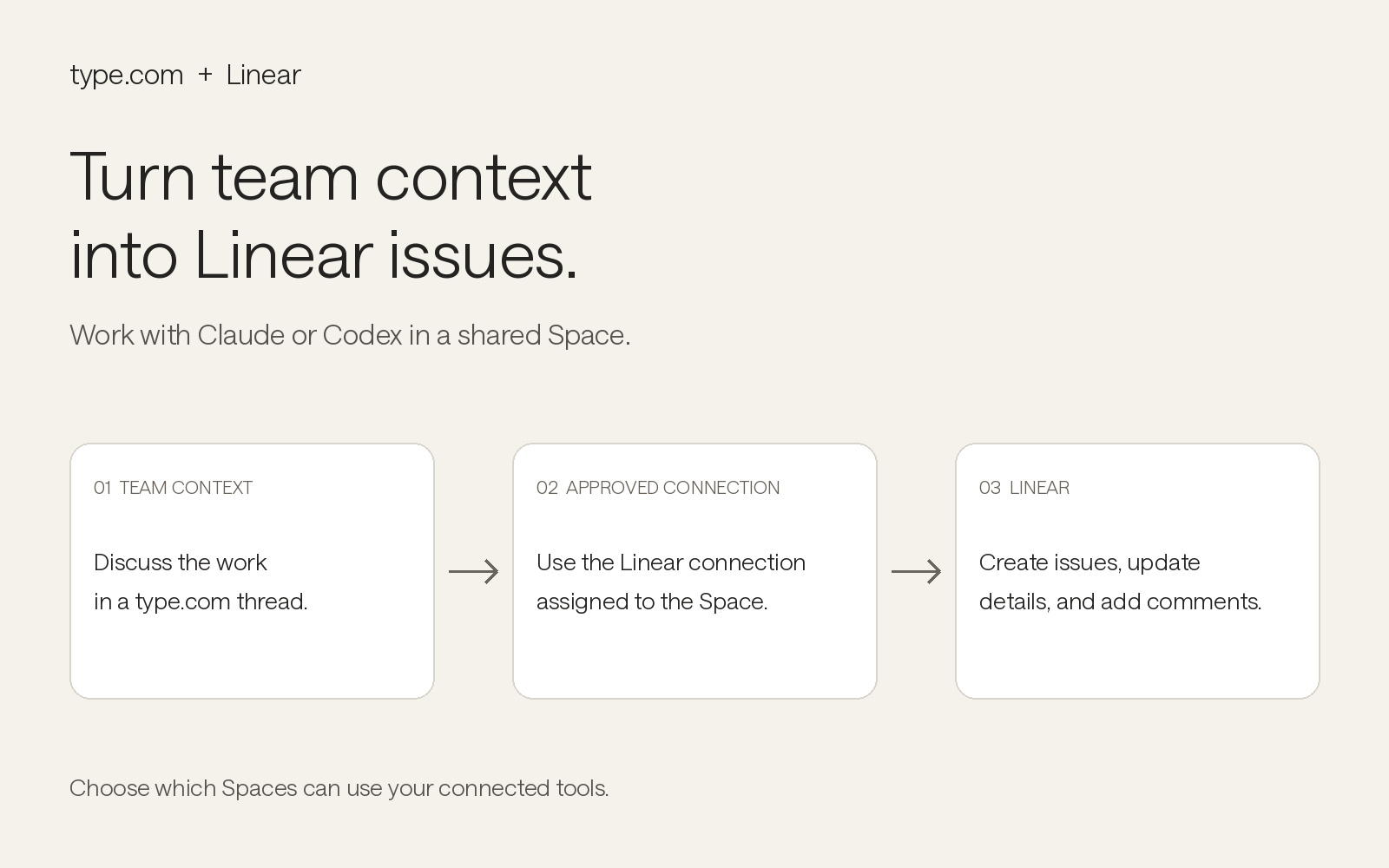
Type organizes work into Spaces, such as Engineering or Product, that share connections, skills, and memory. Once Linear is added to a Space, Claude or Codex can create issues with the right team, project, priority, assignee, and labels, move issues through workflow states, comment with status updates or QA findings, create projects with milestones, link related issues, and attach pull requests, docs, or designs.
Linear events can also start work automatically. When an issue is created or updated, or a comment is received, a Type automation can pick it up, research the context across your other connected tools like GitHub, Slack, and Google Drive, and post the result back to Linear or to your team.
Because conversations in Type are shared, everyone on the team can see what the AI did in Linear and why, pick up a thread where someone else left off, and reuse the same skills across projects.
Configure
In Type, open Space settings, go to Connections, search for Linear, and sign in with Linear to authorize the connection. Workspace admins can make the connection available to other Spaces. Once connected, ask AI in any channel of that Space to work with your Linear issues, or set up an automation triggered by Linear events.
Learn more in the Type connectors documentation.