- Integrations
- Timely
Automatically track time with AI
Overview
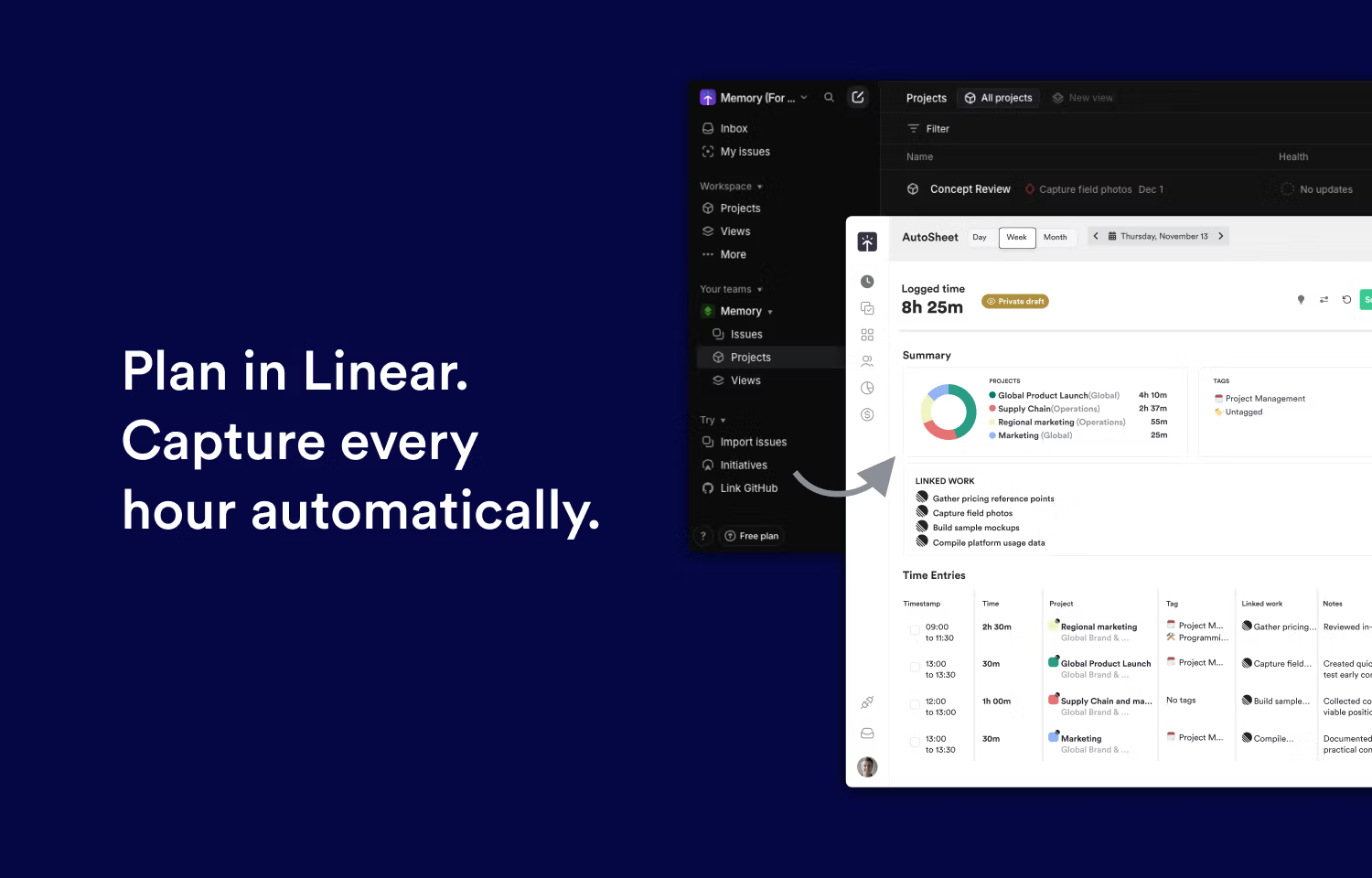
The Timely integration connects Linear with automatic, AI-powered time tracking. Work activity is captured in the background and linked to Linear issues, allowing teams to log their entire day in one click—without timers or manual entry. Get accurate visibility into time spent from sprint planning through delivery.
How it works
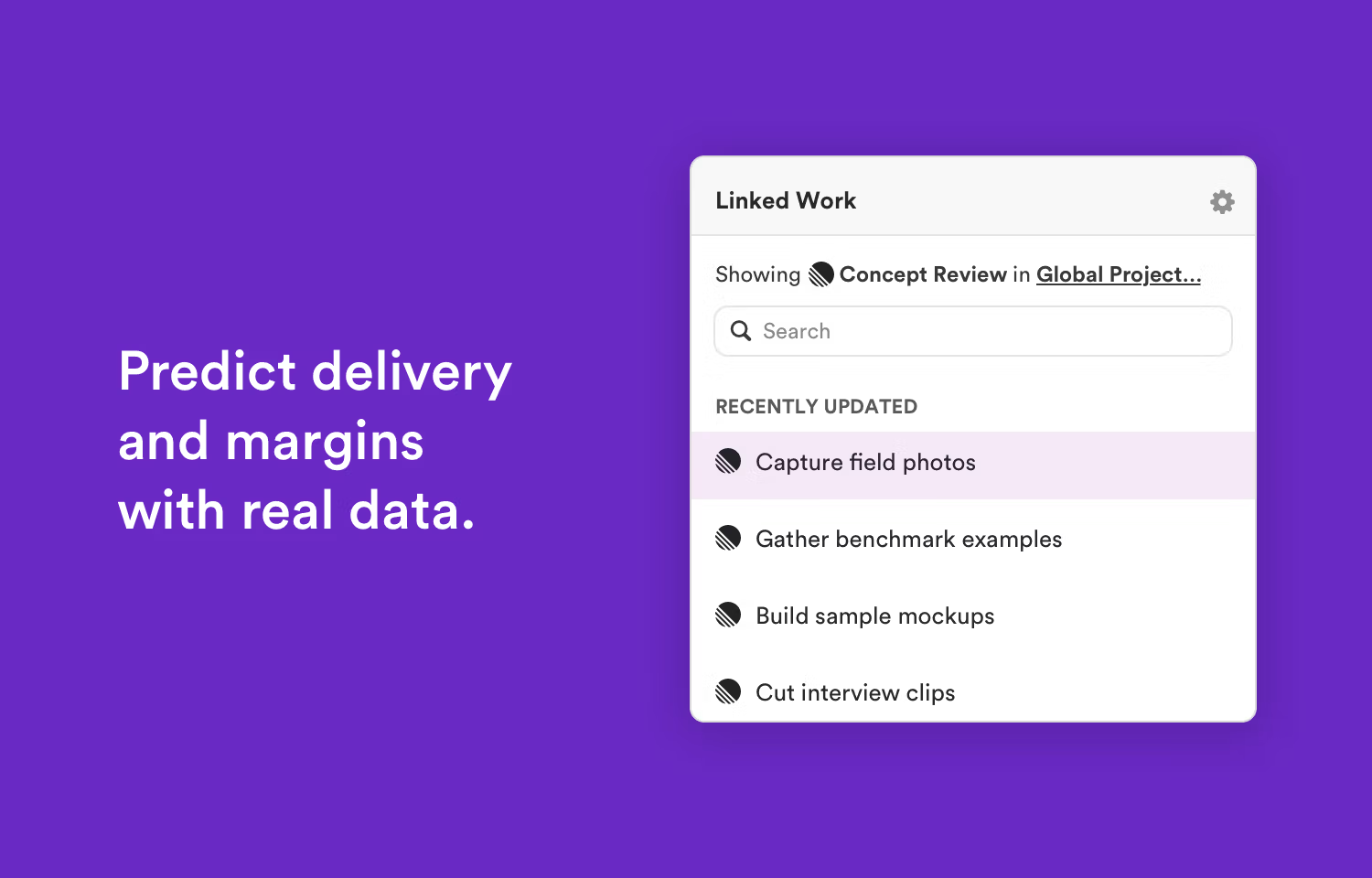
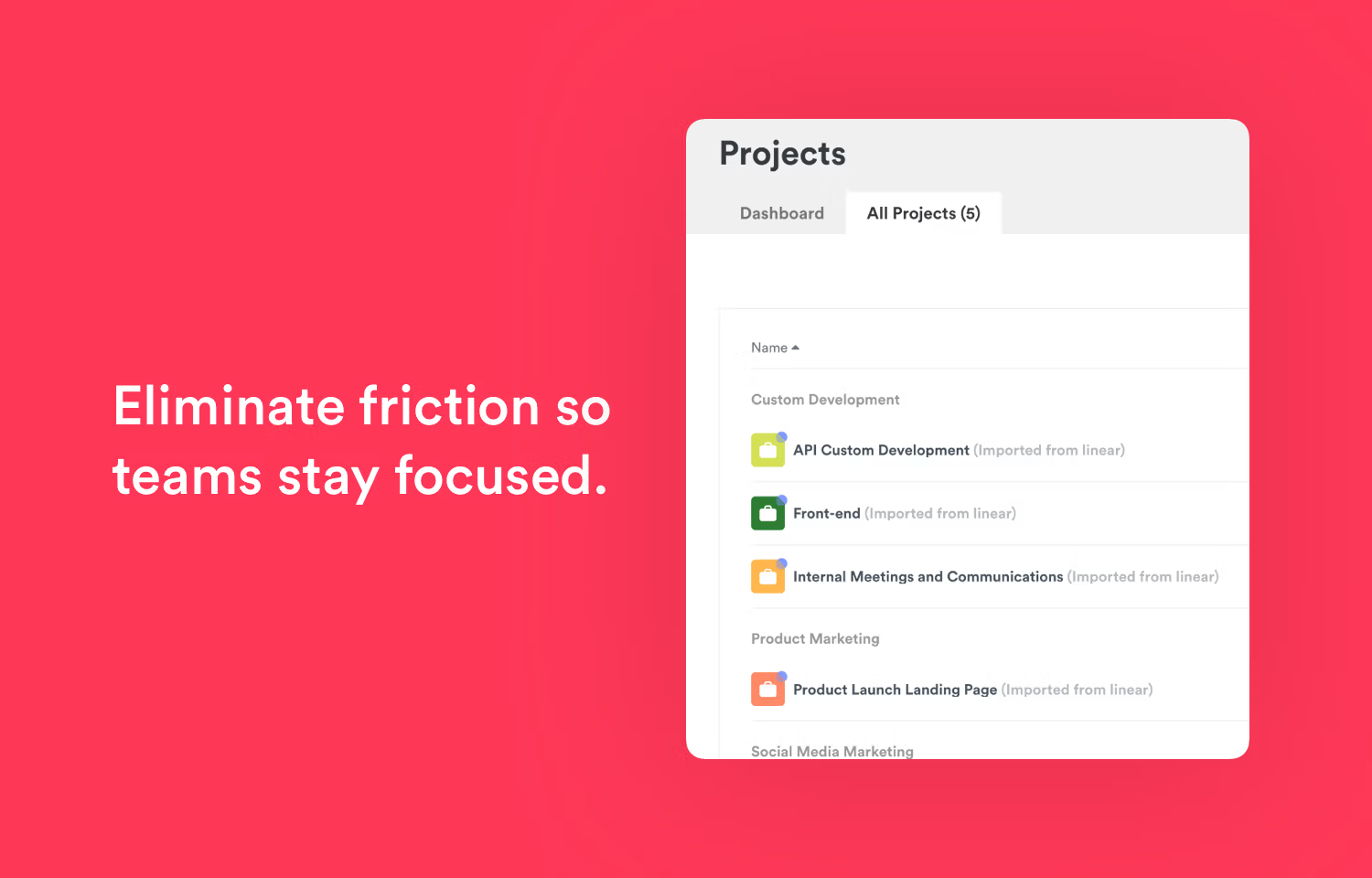
Timely connects to Linear to mirror your project structure in real time. Linear teams are created as clients, projects are imported automatically, and issue labels sync as Timely tags while preserving parent–child hierarchies. Sub-issues are also synced and searchable, and each issue includes a direct link back to Linear. Timely reads from Linear but never writes back, ensuring Linear remains the source of truth.
As users create and update issues, comment, and manage cycles in Linear, Timely captures this activity automatically. These events generate activity Memories, which provide context about what work happened throughout the day without requiring timers or manual input. This allows time to be attributed accurately to the relevant Linear issues.
Timely’s AI uses captured activity and Memories to suggest time entries linked to Linear issues. Users can review and log their time efficiently, with tracked time immediately available in Timely reports for visibility across sprints and projects. Teams can configure which Linear teams are synced to match their workflow.
Configure
A user who is admin in Linear and in Timely can connect the two accounts and map the entities for the entire team following the guide here.
Available on Premium, Unlimited and Enterprise Timely plans.
Start a free trial and connect your Linear workspace here.