- Integrations
- SpecStream
Bring live web data into issues, every value with its source

Overview
SpecStream finds live web data from a request written in plain words: companies, local businesses, people, funding rounds, filings, grants, and jobs. Mention @SpecStream on an issue and the results land in the thread, each value linked to the page it came from.
How it works
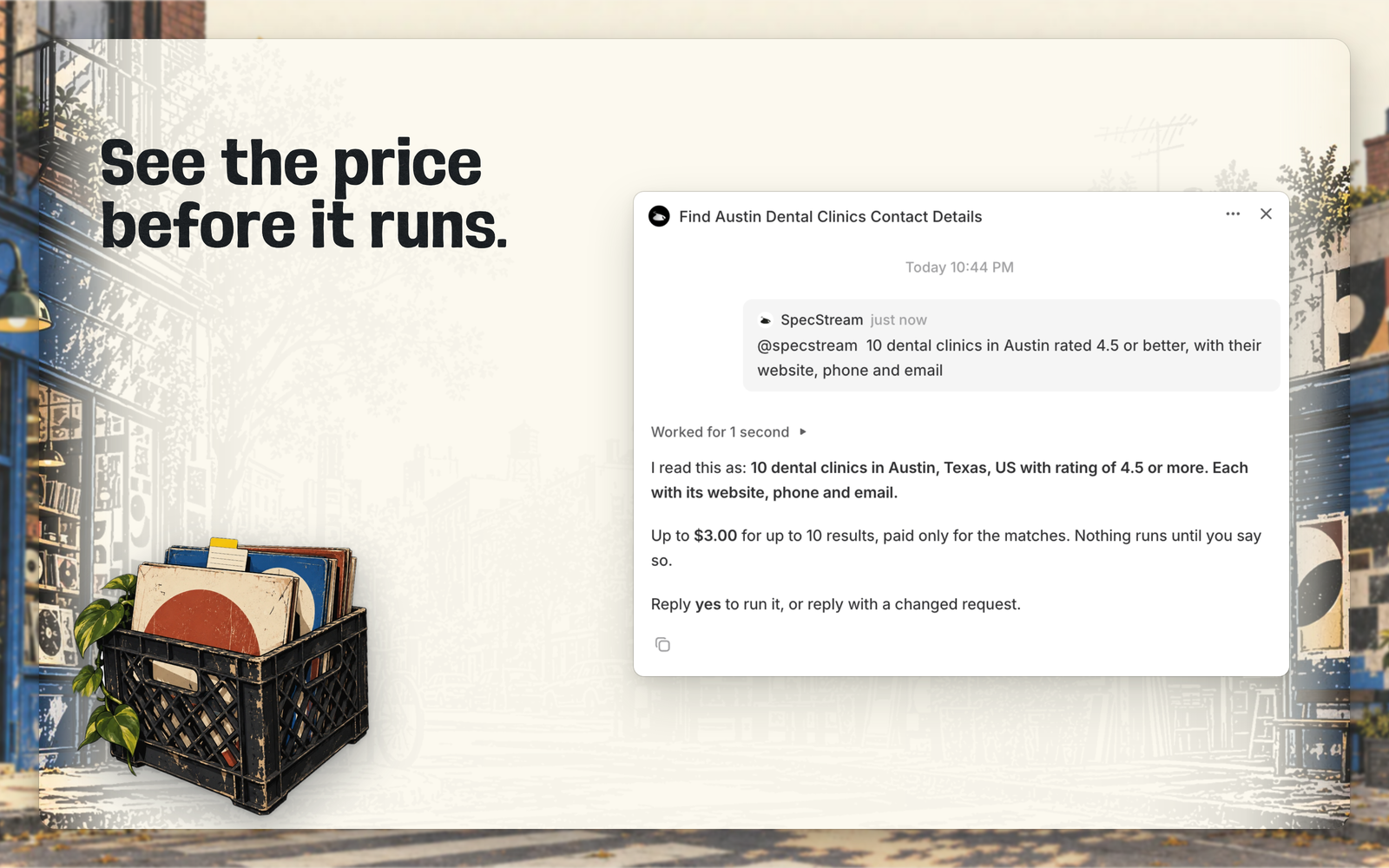
Mention @SpecStream in a comment with what to find, such as every B2B SaaS company in Austin that raised a Series A this year with its website and CEO, or assign the issue to SpecStream and it reads the title and description as the request. SpecStream answers in the agent session with how it read the request and the most it can cost.
Nothing runs until someone in the session replies yes. Any other reply is read as a changed request and priced again, and a second yes never starts a second run. While the run works, the session shows how many results SpecStream has found and links to the list in the SpecStream workspace.
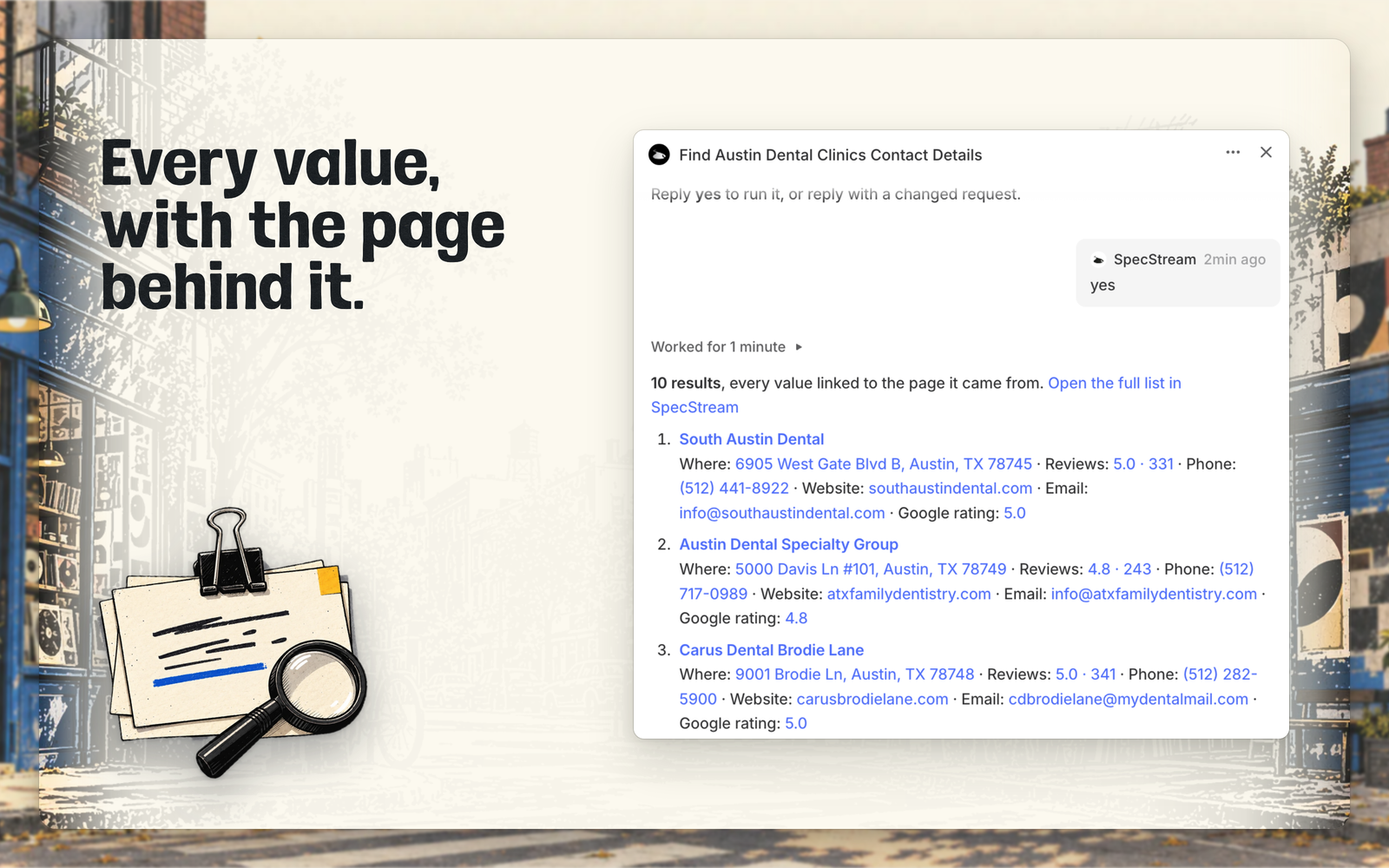
When the run finishes, SpecStream posts the results in the thread, each value linked to the page it was read on, with a link to the full list, where the team can export it or keep it current. Requests are paid from the SpecStream balance, only for the results that match, and a search that finds nothing is free.
Configure
A Linear workspace admin opens Add SpecStream to Linear and approves it, then signs in to SpecStream, or creates an account, and approves the connection. New accounts start with $10 of work and no card. SpecStream joins the workspace as its own app user, so it does not take a seat, and admins choose which teams it can see under Settings > Applications.